
Your Browsing History
- Free 15-day Returns
$193.28
Ships from Hong Kong.

Meet Your Seller

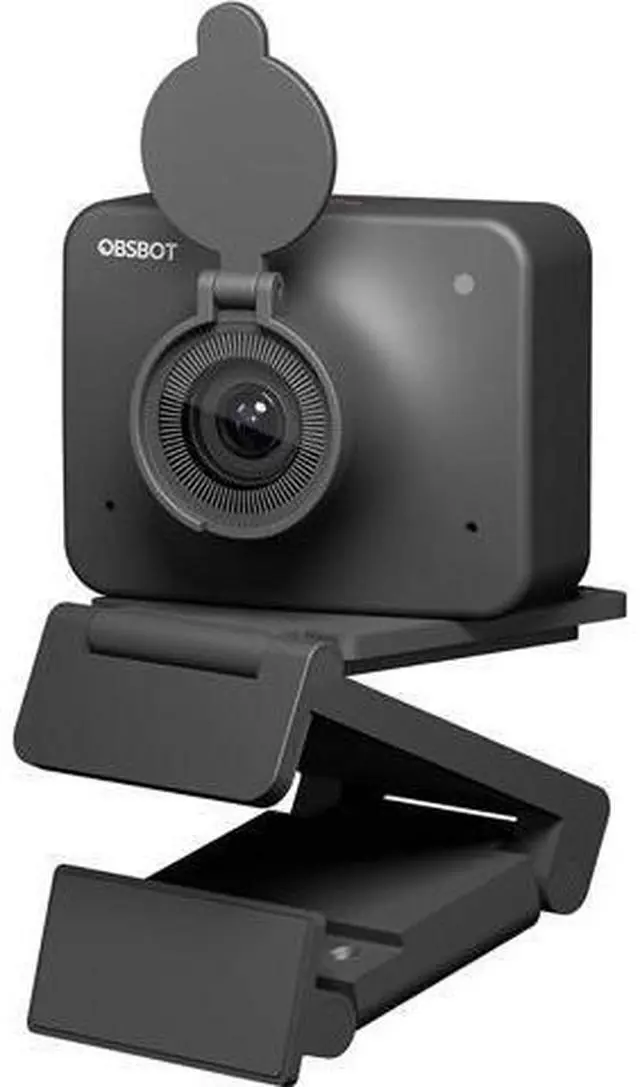
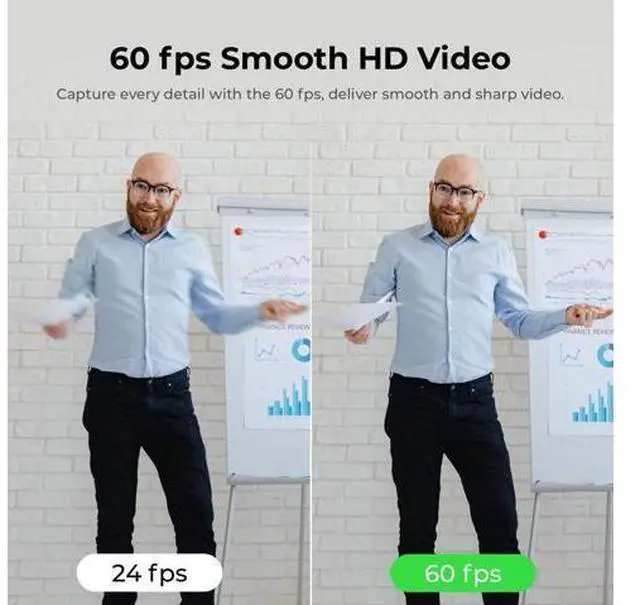


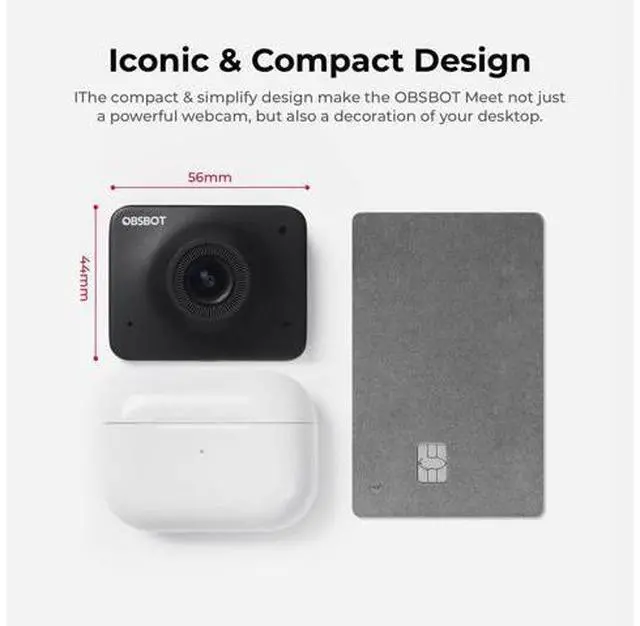


Meet 1080P 60FPS Webcam, Full HD Auto-Focus & AI-Powered Framing Computer Camera, Background Replacement, HDR, Adjustable FOV, Webcam for Conferencing, Video Calling, Live Sreaming, PC, Laptop
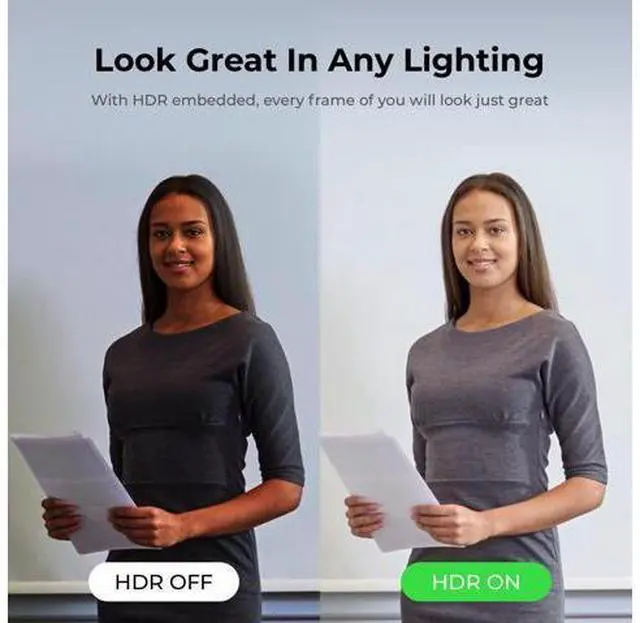
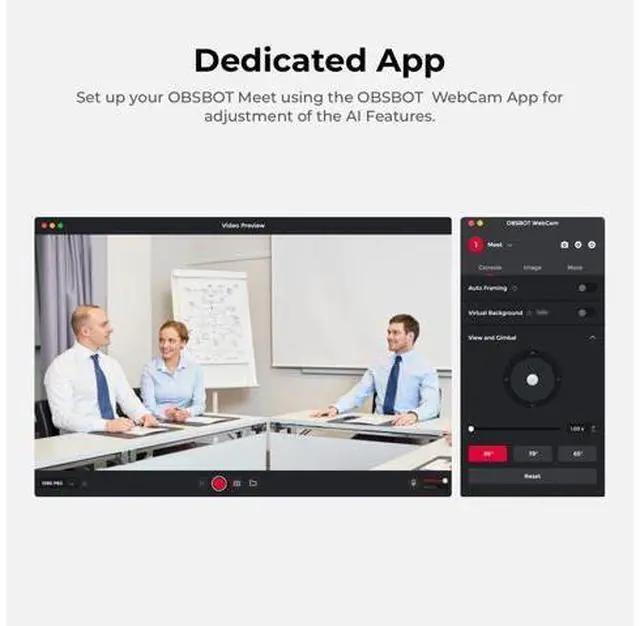
- OBSBOT Meet 1080P Webcam integrates Sony 1/2.8" CMOS sensor, significantly upgrades the video camera's sensitivity to light, capturing vivid details and clear high-quality video even in low-light conditions. With 2X digital zoom, it make you to show more expansive and detailed content in videos.; OBSBOT MEET 1080P Conference Camera integrates our advanced AI algorithm, enabling the webcam for PC automatically frame you based on your environment, keeping you centered and in focus at all times, it's also suitable for multi-person situations. With ultra-wide 86° FOV, making you present a better effect during the video call.; OBSBOT MEET 1080P Webcam is designed with a background blurring function button. Double-clicking the button will directly blur your environmental background in the video conference. With our APP, you can customize background images to protect your privacy and make your live streaming more entertaining.
+
+
Overview
Specs
Reviews
OBSBOT Meet 1080P Webcam integrates Sony 1/ 2.8" CMOS sensor, significantly upgrades the video camera's sensitivity to light, capturing vivid details and clear high-quality video even in low-light conditions. With 2X digital zoom, it make you to show more expansive and detailed content in videos.; OBSBOT MEET 1080P Conference Camera integrates our advanced AI algorithm, enabling the webcam for PC automatically frame you based on your environment, keeping you centered and in focus at all times, it's also suitable for multi-person situations. With ultra-wide 86° FOV, making you present a better effect during the video call.
; OBSBOT MEET 1080P Webcam is designed with a background blurring function button. Double-clicking the button will directly blur your environmental background in the video conference. With our APP, you can customize background images to protect your privacy and make your live streaming more entertaining.
; OBSBOT MEET 1080P Webcam is designed with a background blurring function button. Double-clicking the button will directly blur your environmental background in the video conference. With our APP, you can customize background images to protect your privacy and make your live streaming more entertaining.
Warranty & Returns
Warranty, Returns, And Additional Information
Warranty
- Please contact the Seller directly for warranty information. Warranty information may also be found on the Manufacturer's website.
- CONTACT
Return Policies
- Return for refund within: 15 days
- Return for replacement within: 30 days
- This item is covered by Tech Frontier Electronics Return Policy
Manufacturer Contact Info
- For a directory of all our manufacturers, please click below.
- Manufacturers Directory
LOADING...