• $66.86
  • Free 15-day Returns
Ships from China.

Shipped by SNUGGLESOFT LTD

Price alert
Shop it at NeweggBusiness.

Meet Your Seller

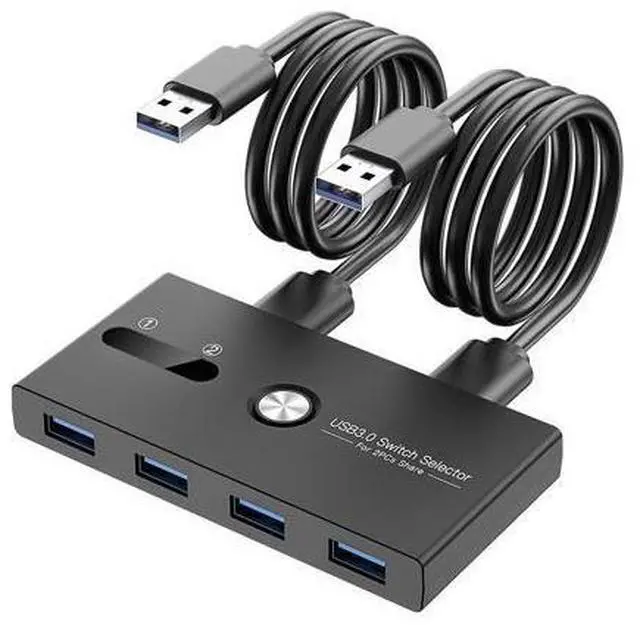
USB 3.0 Switch Selector,ZIYUETEK KVM Switcher 4 Port USB Peripheral Switcher Box Hub for Mouse, Keyboard, Scanner, Printer, PC, Laptop with One-Button Switch and 2 PCS USB3.0 Cable

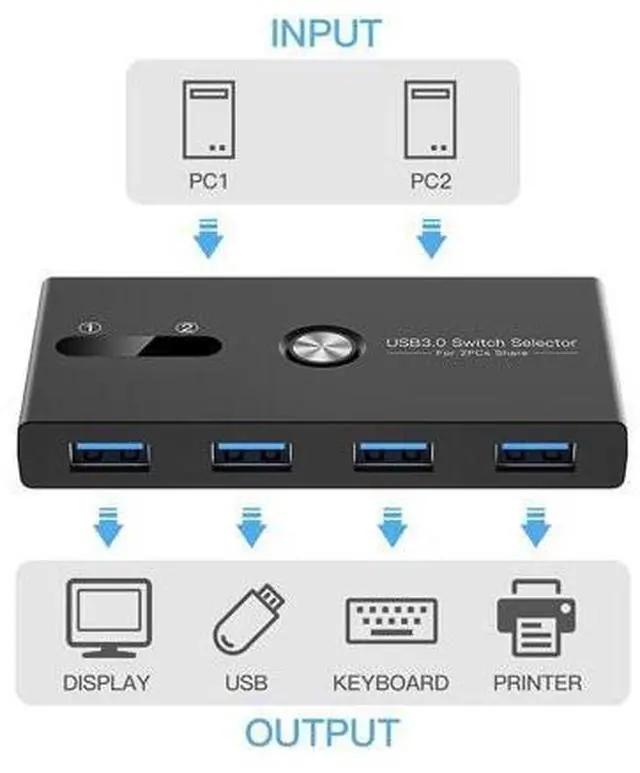
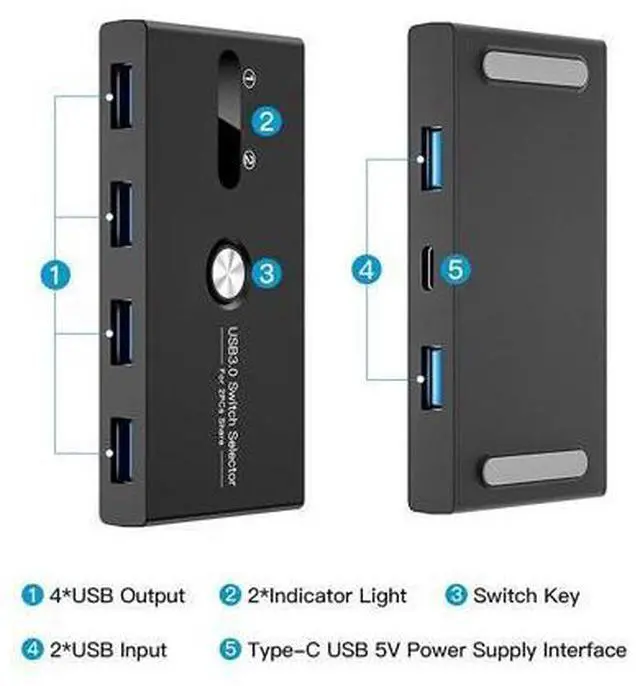
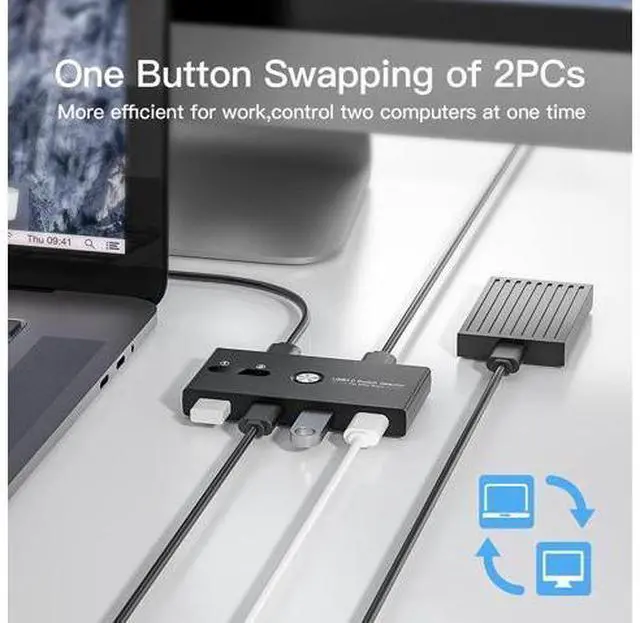
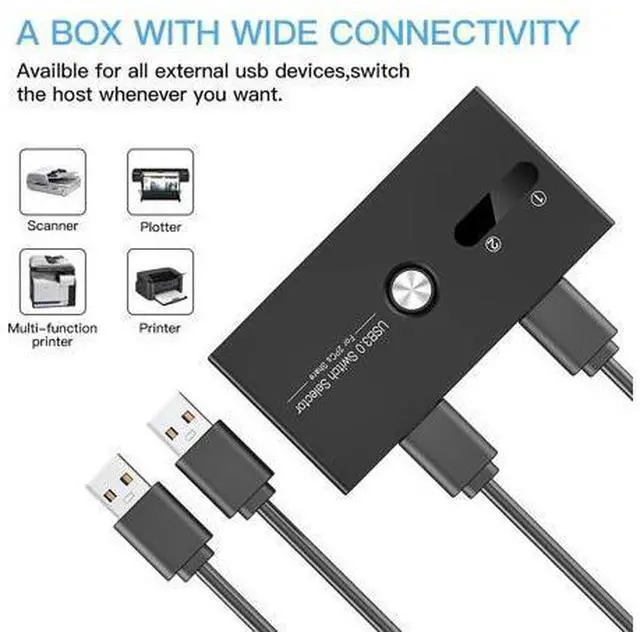
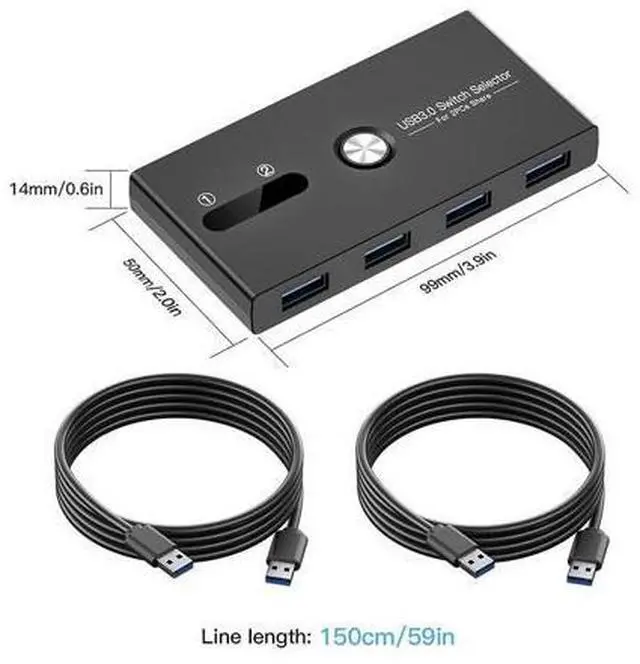
  • What is it: With the help of two independent USB 3.0 transmission circuits, The USB kvm switch can switch multiple devices between two computers at the same time with one button and without plugging or unplugging any cables. If you need to work or play on two computers but don't want to prepare two sets of input and output devices, then this KVM switch is a good choice for you.; What can it do: This USB 3.0 Sharing Swither can Share your input and output devices between two computers, not only mouse and keyboard, but also printers, mobile hard drives, USB flash drives, game controllers, bluetooth adapter and wireless adapter or other devices that require USB connection.; How it works: Simple, you only need to connect the devices that need to be shared to the 4 front USB ports, and then connect the supplied USB cables from your computers to the two USB ports on the back of the switch, and the setting is complete.

+
+
Overview
Specs
Reviews
What is it: With the help of two independent USB 3.0 transmission circuits, The USB kvm switch can switch multiple devices between two computers at the same time with one button and without plugging or unplugging any cables. If you need to work or play on two computers but don't want to prepare two sets of input and output devices, then this KVM switch is a good choice for you.;
What can it do: This USB 3.0 Sharing Swither can Share your input and output devices between two computers, not only mouse and keyboard, but also printers, mobile hard drives, USB flash drives, game controllers, bluetooth adapter and wireless adapter or other devices that require USB connection.;
How it works: Simple, you only need to connect the devices that need to be shared to the 4 front USB ports, and then connect the supplied USB cables from your computers to the two USB ports on the back of the switch, and the setting is complete.

Warranty & Returns

Warranty, Returns, And Additional Information

Warranty

  • Please contact the Seller directly for warranty information. Warranty information may also be found on the Manufacturer's website.
  • CONTACT

Return Policies

Manufacturer Contact Info

LOADING...