• $68.94
  • Free 15-day Returns
Ships from China.

Shipped by SNUGGLESOFT LTD

Price alert
Shop it at NeweggBusiness.

Meet Your Seller

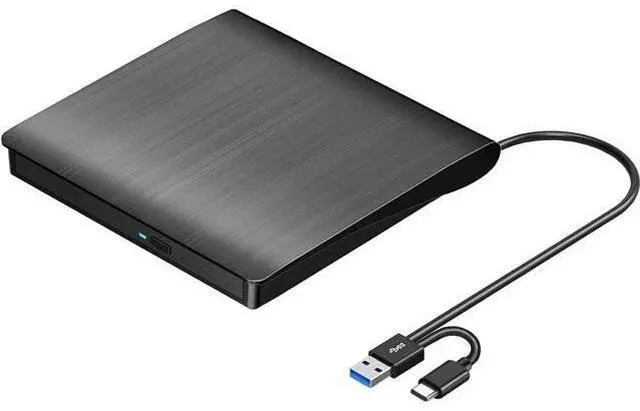
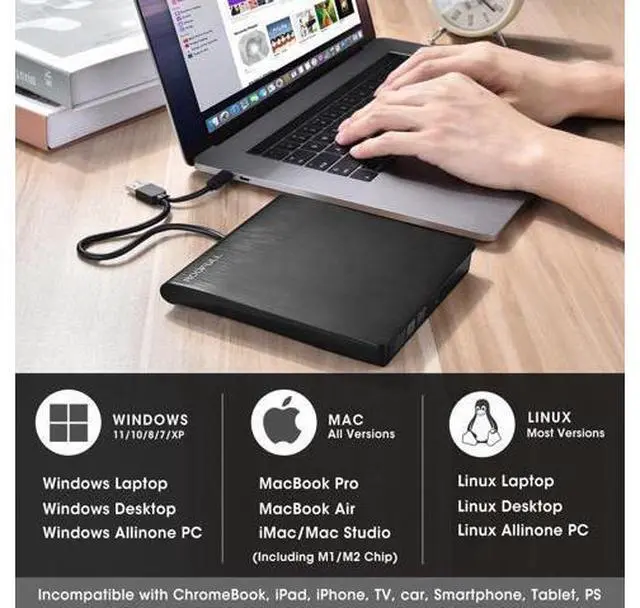
External CD DVD +/-RW Drive USB 3.0 & USB-C Portable CD/DVD ROM Player Burner Reader Writer Rewriter Optical Disc Drive for Laptop Desktop PC, Windows 11/10/8/7, Apple Mac, Linux OS

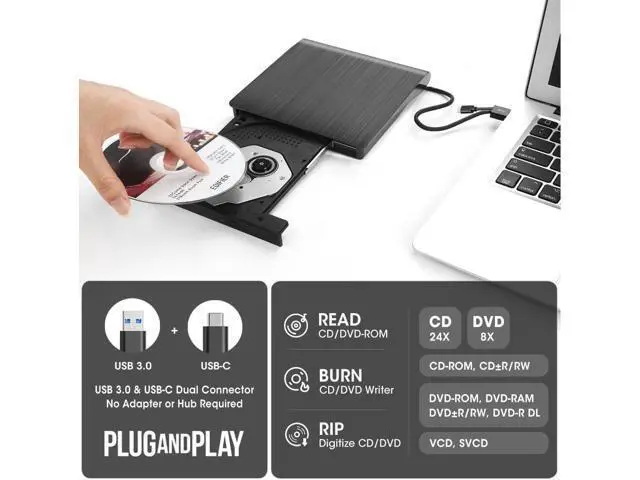
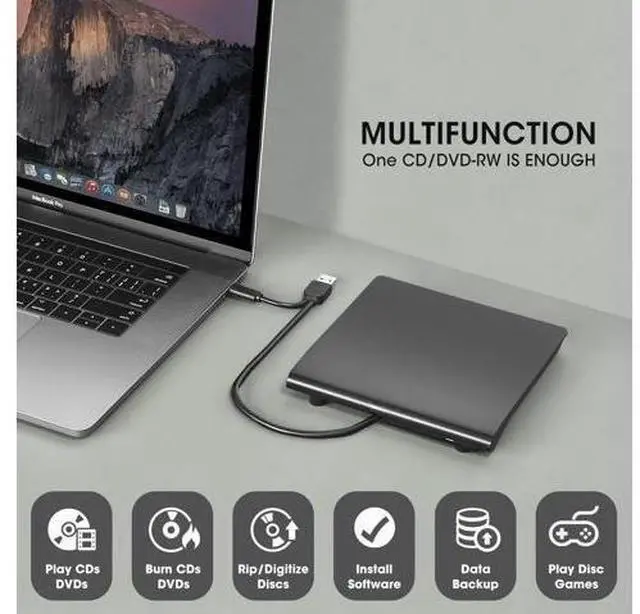
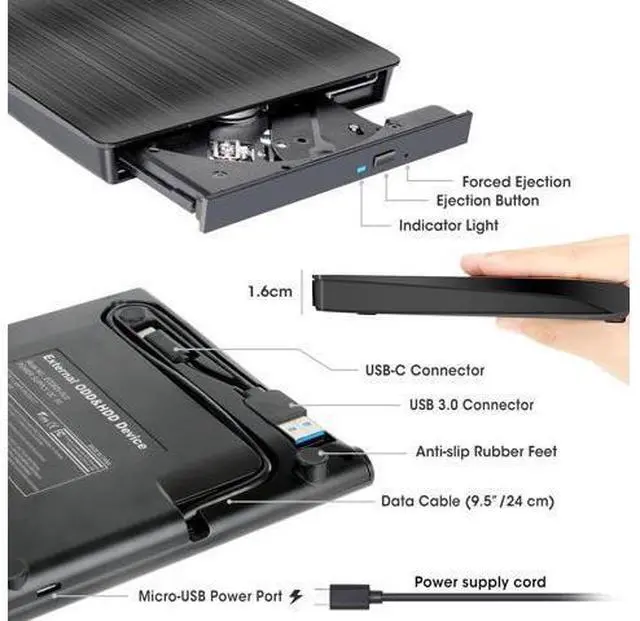
  • Best External CD/DVD Drive for Laptop PCConsidering that most of the latest laptops and desktop computers are not equipped with an internal CD/DVD drive for reading/writing CDs and DVDs. This USB 3.0 & USB-C external CD/DVD drive is a good solution for reading and burning your CDs and DVDs. Just plug this external CD/DVD RW drive into your laptop or desktop PC, and insert your CDs or DVDs, it will be recognized automatically, you can then use a media player, burning, or ripping software to read, write, and rip your CDs and DVDs. Plug and play, easy to use!; What You Can Do with ItThis USB optical disc drive is not just a DVD and CD ROM (reader) but also a burner (writer) and ripper. You can use it to read movies DVDs/ music CDs, burn music, photos, videos, and files onto blank CDs or DVDs, import music, video, photos, and data from discs to your computer, install software, system, games, and everything else related to CD/DVD.

+
+
Overview
Specs
Reviews
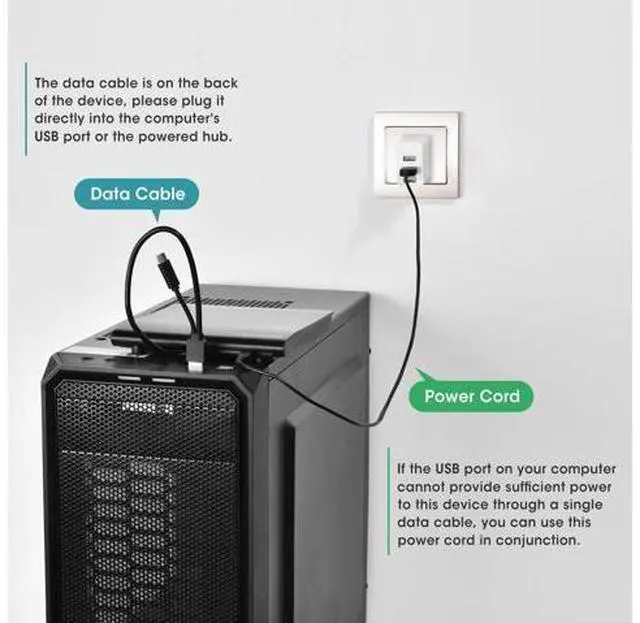
Best External CD/DVD Drive for Laptop PCConsidering that most of the latest laptops and desktop computers are not equipped with an internal CD/DVD drive for reading/writing CDs and DVDs. This USB 3.0 & USB-C external CD/DVD drive is a good solution for reading and burning your CDs and DVDs. Just plug this external CD/DVD RW drive into your laptop or desktop PC, and insert your CDs or DVDs, it will be recognized automatically, you can then use a media player, burning, or ripping software to read, write, and rip your CDs and DVDs.

Plug and play, easy to use!; What You Can Do with ItThis USB optical disc drive is not just a DVD and CD ROM (reader) but also a burner (writer) and ripper. You can use it to read movies DVDs/ music CDs, burn music, photos, videos, and files onto blank CDs or DVDs, import music, video, photos, and data from discs to your computer, install software, system, games, and everything else related to CD/DVD.

Warranty & Returns

Warranty, Returns, And Additional Information

Warranty

  • Please contact the Seller directly for warranty information. Warranty information may also be found on the Manufacturer's website.
  • CONTACT

Return Policies

Manufacturer Contact Info

LOADING...