
Your Browsing History

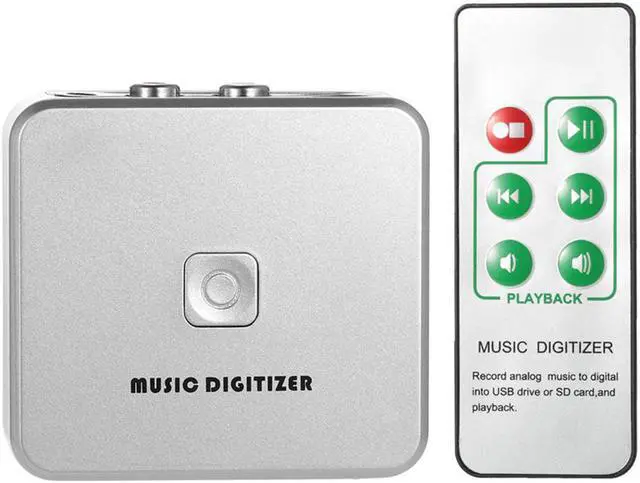
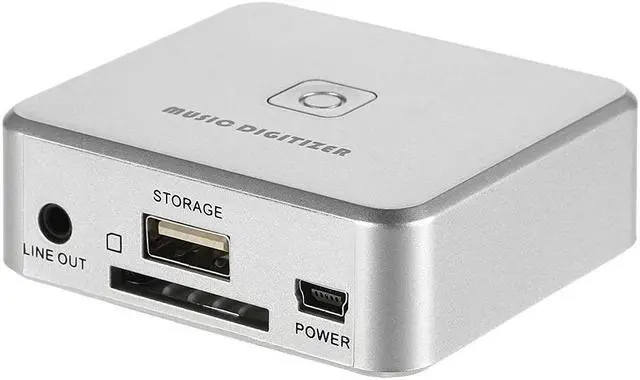
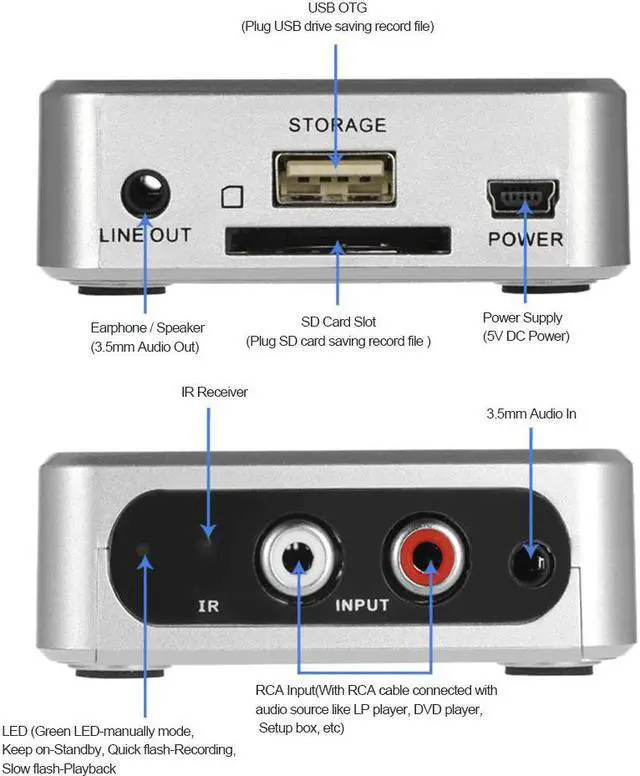
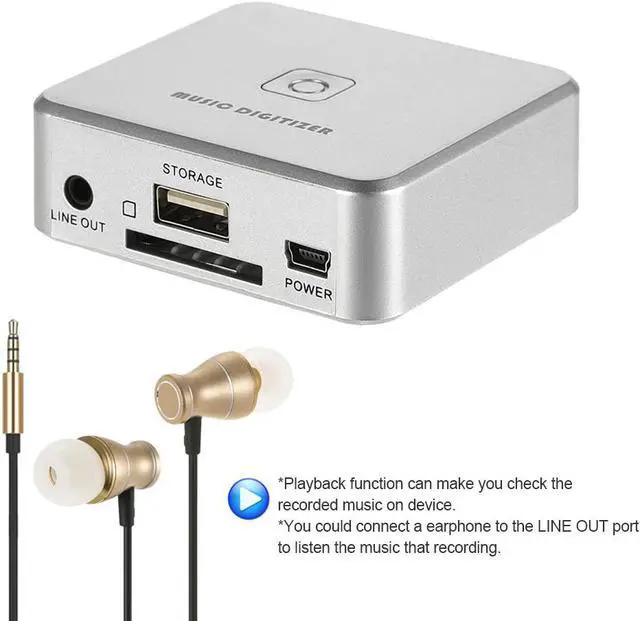
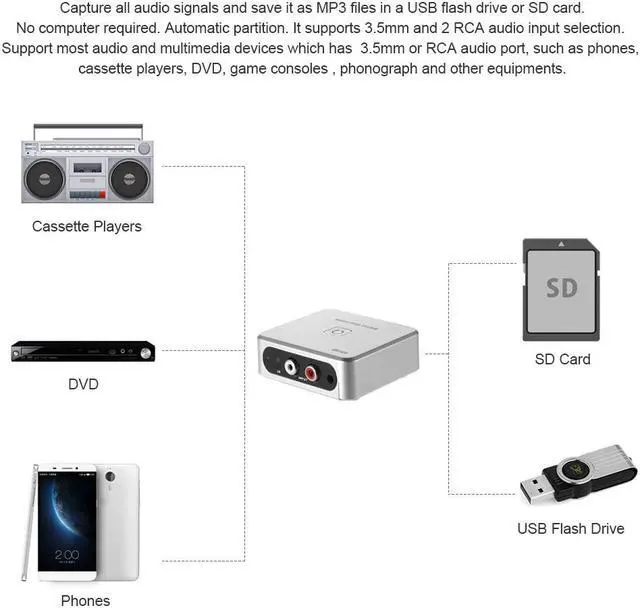



With music digitizer, you can easily convert your old analog music to MP3 and save it into USB drive or SD card without computer. It can automatic partition each songs of all the music. You just need to plug USB driver or SD card in then press Record button, the device will convert all music on your device in MP3 format automatically. You can also press playback to check files on it, or put USB drive or SD card to other place( computer, speaker, etc) to play them. Features: Capture all audio signals and save it as MP3 files in a USB flash drive or SD card. No computer required. t can automatic partition each songs of all the music. Playback function can make you check the recorded music on device. At the same time, you could connect a earphone to the LINE OUT port to listen the music that recording. Power on 241 with 5V DC(most USB port supply 5V DC). 3.5mm and 2 RCA audio input selection. Support most audio and multimedia devices which has
3.5mm or RCA audio port, such as phones, cassette players, DVD, game consoles , phonograph and other equipments. With remote controller, you can get all the functions like record, stop, playback, pause, previous, next and volume control, etc. Specification: Storage: USB drive, SD card Audio Input: 3.5mm audio, 2 RCA L/R audio Audio Output: 3.5mm audio Converter Format: MP3 Bit Rate: 128Kbps User Interface: Record button, IR remote control, LED for working status Power Supply: Mini USB port power supply( 5V DC, USB from PC) Item Size: Approx.