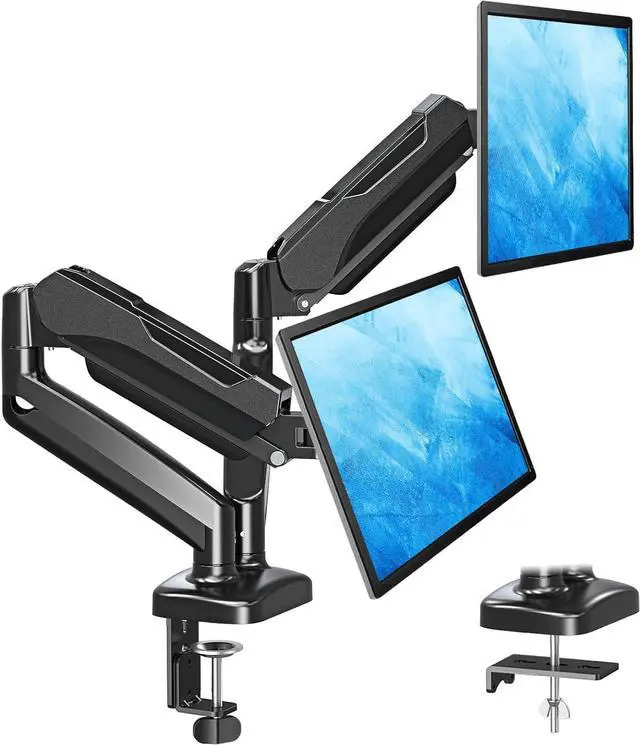
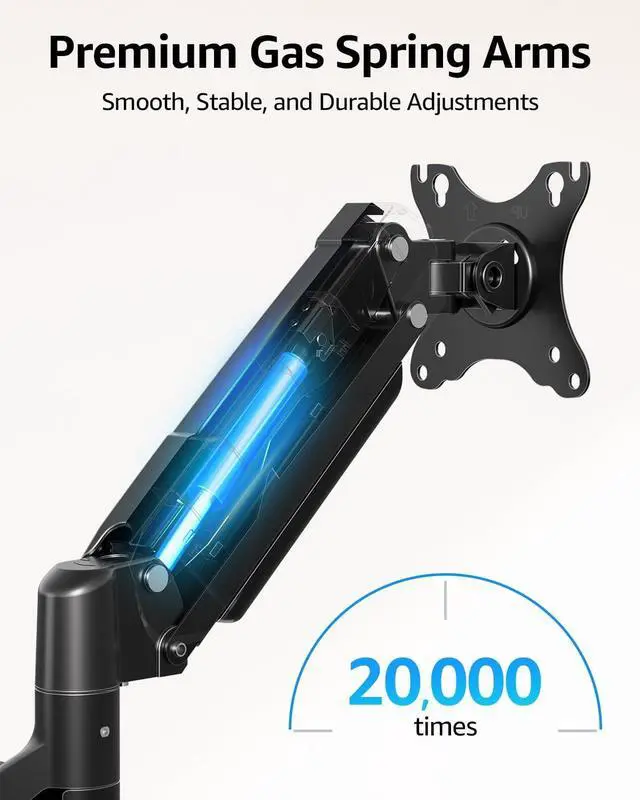
Full Motion Articulating Arms Double Working Efficiency & Viewing Enjoyment
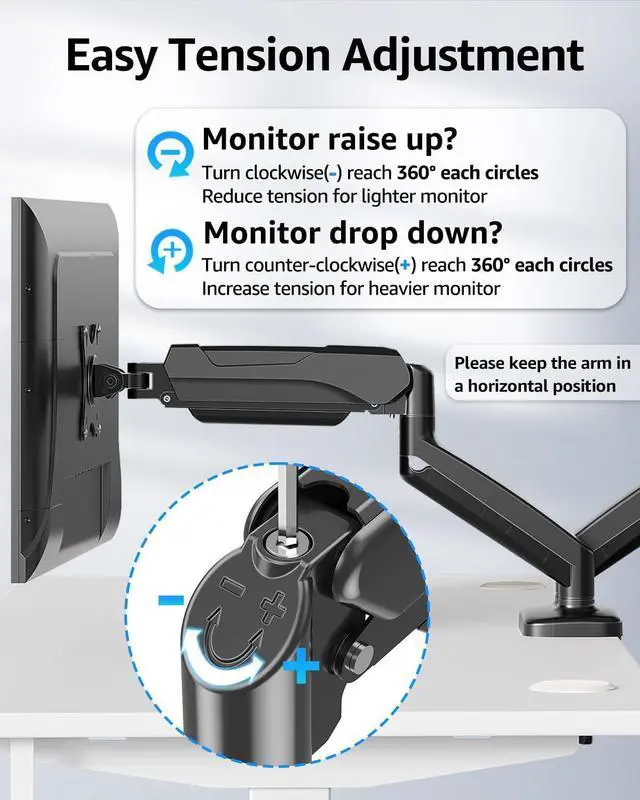
Important Note: The gas spring is pre-set to maximum tension (Not applicable to all displays). You will need to adjust the tension according to the weight of your monitor once the monitor is hung on.
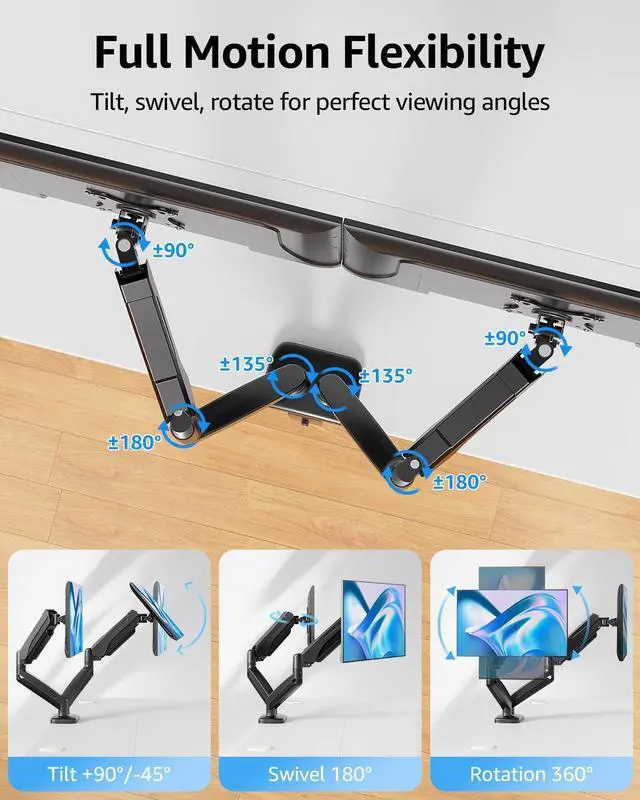
Tilt monitor 90° up and 45° down to find a more comfortable viewing.
Pivot the monitor 360° to shift between portrait and landscape with ease.
Swivel monitor 180° to show screens to clients or colleagues.
Each connection of the arm is adjustable. Pose your screen where you want it.
The VESA plate is oriented crookedly. How to solve it?
If the VESA plate is not in the right position, please hold it with both hands and rotate vigorously to make up arrows pointing up. You could refer to the third video on the detail page. Please don't worry. This is normal.
Why does not the arm stay in the position needed?
Please note that when out of the factory, the value of the gas spring is generally adjusted to the minimum value which makes the arms lean forward. You could refer to the instruction manual to adjust the value according to the weight of your monitor.
When the monitor keeps tilting down, how we can solve it?
You could adjust the tilting bolt for the monitor.
1. Loosen the bolt 1-2 turns with the Allen Key
2. Hold the monitor with both hands and adjust it to the right position
3. Tighten the bolt firmly with the Allen Key
When the tension on the arm does not work at all, how we can do?
Please tell us ASAP and we will send you the new spare parts.
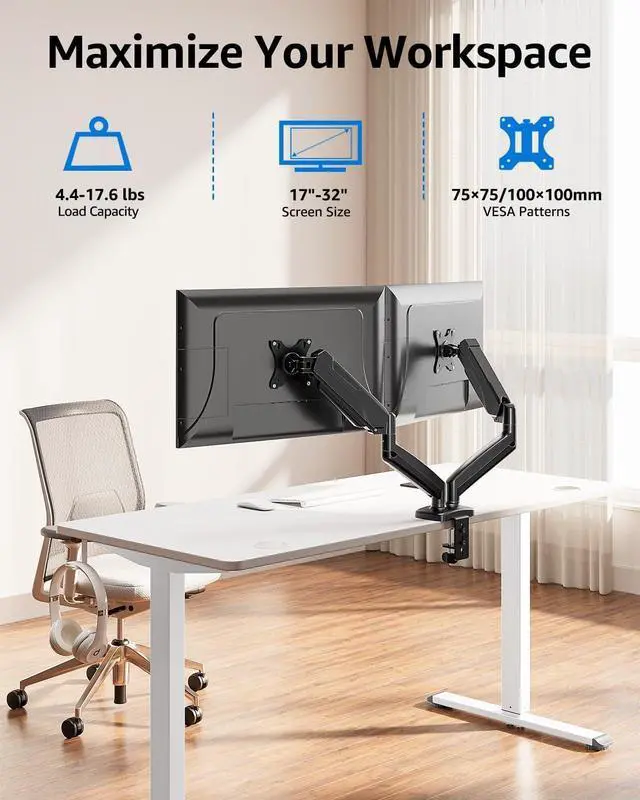
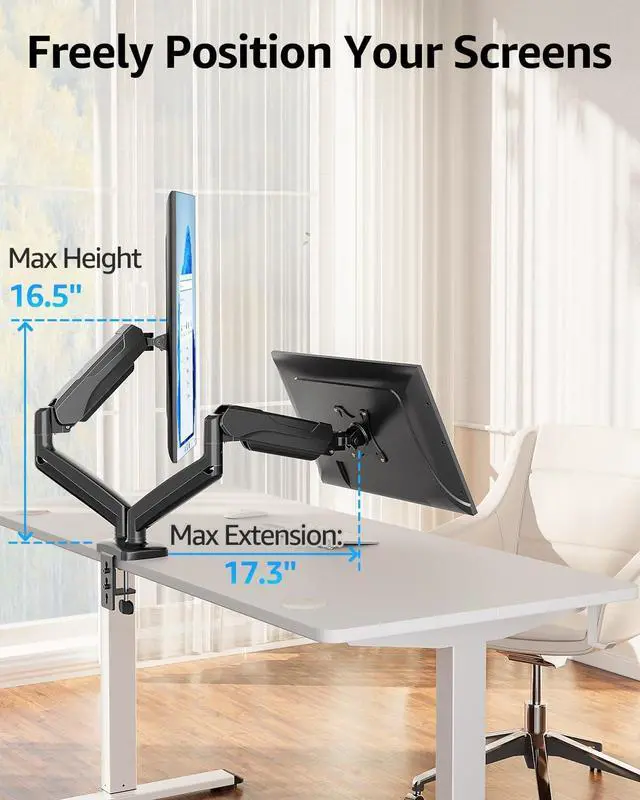
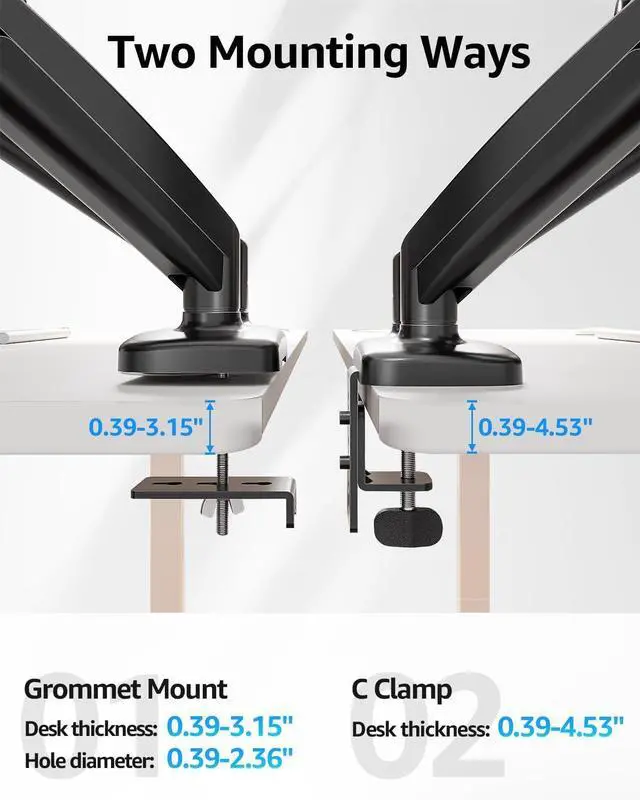
Fit Screen Size13''-32''Load Capacity4.4 lbs - 17.6 lbsVESA Pattern75mm x75mm/ 100mm x100 mmFit desk thickness (C-clamp)0.39" - 4.53" desk thicknessFit desk thickness (Grommet)0.39" - 3.15" desk thickness; 0.39" - 2.36" hole diameterHeight Adjustment Range9.4"Arm extension19.8" Various Screen Combinations Complete Range of Motion for Ergonomic Working Posture The VESA plate is oriented crookedly. How to solve it?
Why does not the arm stay in the position needed?
When the monitor keeps tilting down, how we can solve it?
When the tension on the arm does not work at all, how we can do?
Will This Mount Fit Your Monitors?