
Your Browsing History

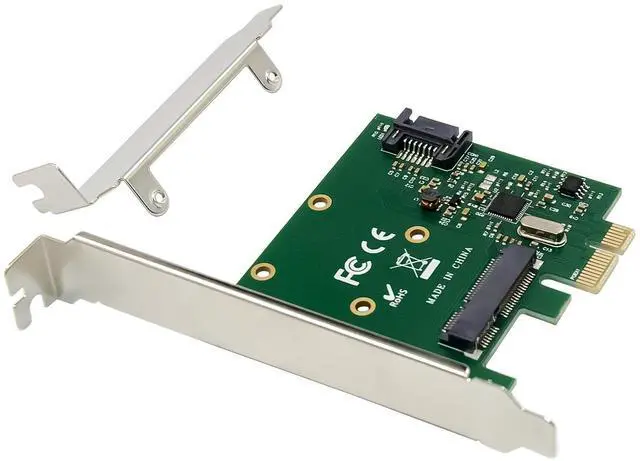
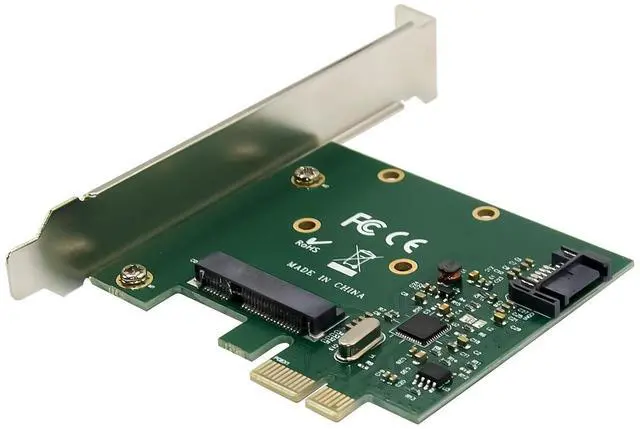
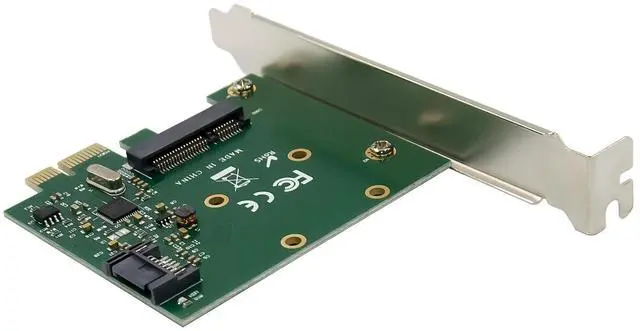
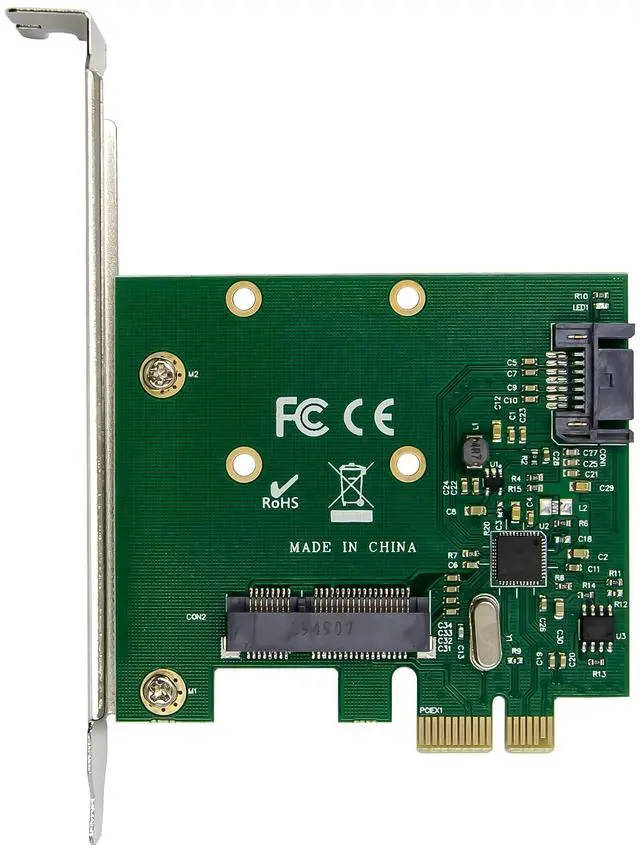



Meets PCI Express Base Specification
One lane PCI Express for 2.5 and 5Ghz signaling
Two ports Serial ATA PHY for 1.5,3.0 and 6Gbps
Drivers support for LinuxbaseOS ,MAC 10.8-10.9,WinXP/Server2003/Vista/Win7/ Server2008/Win8/ Win8.1 /win10, 32 or 64bit
PCI Express Interface:
PCI Express Base Specification Rev.2.0
One lane PCI Express for 2.5 and 5Ghz signaling
Maximum payload up to 128 bytes
SATA interface:
Serial ATA AHCI spec,Rev.1.3
Serial ATA Revision 3.0
Serial ATA Data transfer rates up to 6Gbps
Downstream SATAII.SATAI
Support Gen1m and Gen2m SATA PHY
Support Native Command Queue(NCQ)
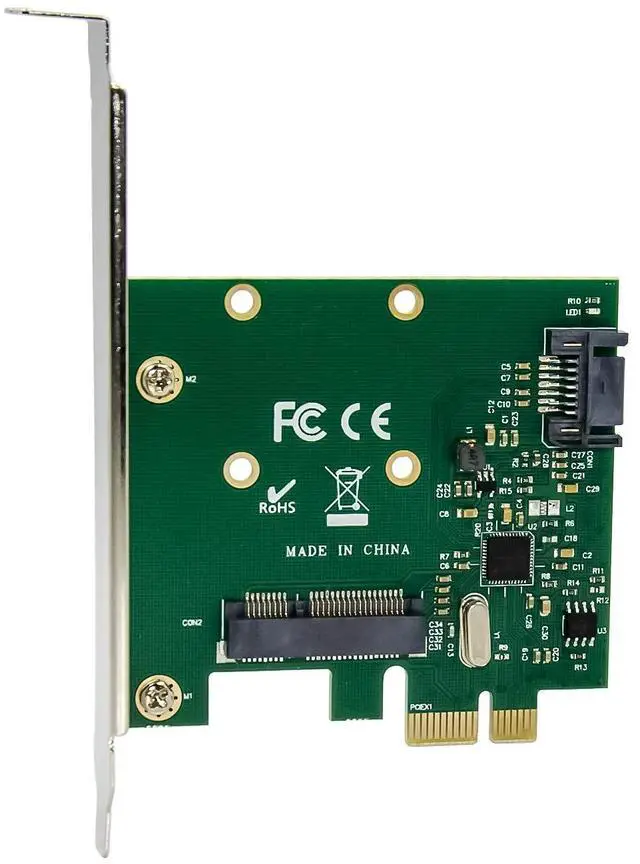
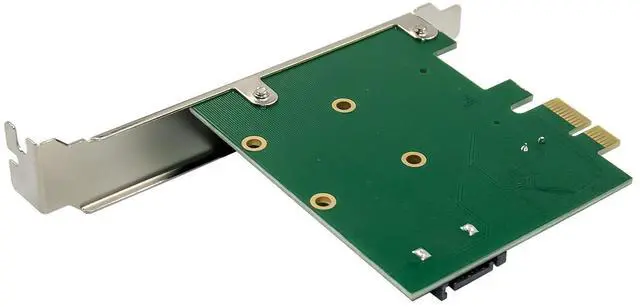
1 x7pin SATA port, 1 x mSATA half/full size port
Chipset: ASMedia/ASM1061
Package content
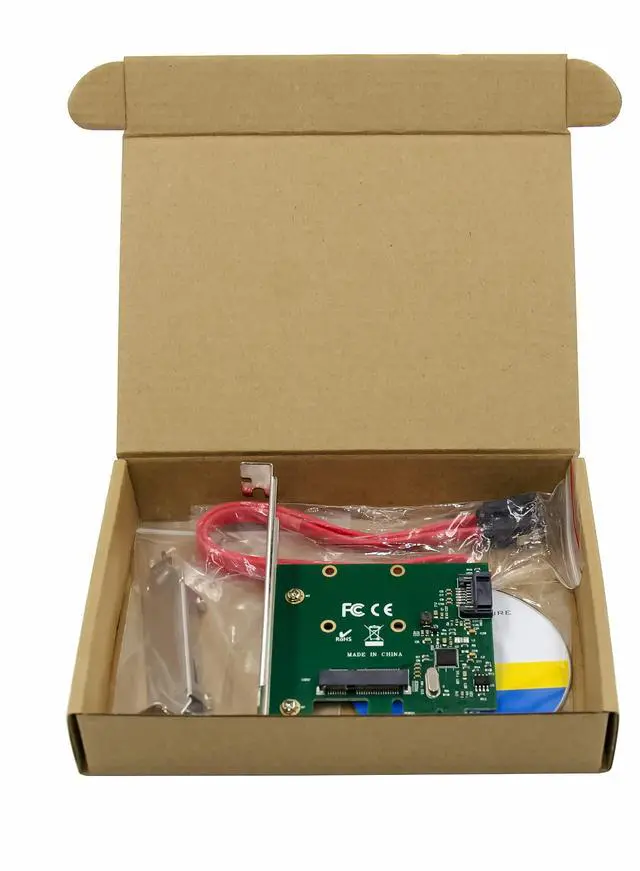
1 x PCIe ASM1061 mSATA &SATA 6Gbps Expansion card
1 x Users Manual
1 x SATA cable
1 x driver CD
System Requirements
LinuxbaseOS,MAC 10.8-10.9,WinXP/Server2003/Vista/Win7/ Server2008/Win8/ Win8.1 /win10, 32 or 64bit
One available PCI Express x1/x4/x8/x16 slot
Hardware Description:
Hardware installation
1.Turn off the power to your computer.
2.Unplug the power cord and remove your computers cover.
3.Insert the adapter edge connector into the slot and secure the bracket to the chassis.
4.To install the Msata SSD, Rotate module to 25. Insert it until the board surface reaches the ramp figure2,3
5.Rotate the board to horizontal position, see figure 4.
6.Fix the board by screw, see figure5
7.Attach your internal device to the SATAIII controller card
8.Replace the computer cover and reconnect the power cord
Install Drivers and software
Windows Operating Systems
For Windows XP,SERVER2003,Vista,SERVER2008,Win7 System Operating.
1.Install the Product into your computer.
2.Please insert the CD driver bound into your CD-ROM Drive.
3.Open WINDOWS explorer and double-click the CD drive to find the driver for the corresponding product.
4.Type D:\ ASM1061 \Setup.exe, click OK. (Change D: to match your CD-ROM drive letter)
5.Follow the on-screen instructions to complete the installation.
For Windows Win8,Win8.1,Win10 System Operating.
Just used windows box driver to auto installed, no need any other drivers