
Your Browsing History

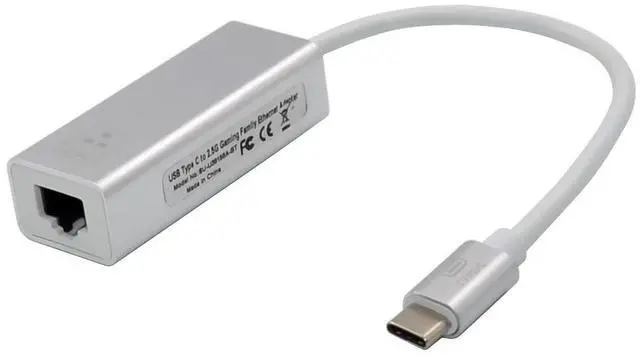
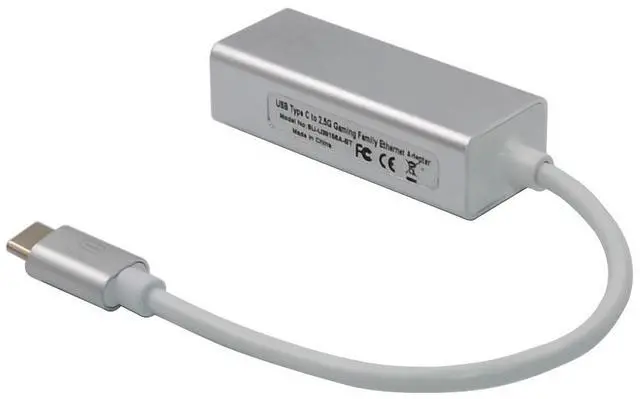
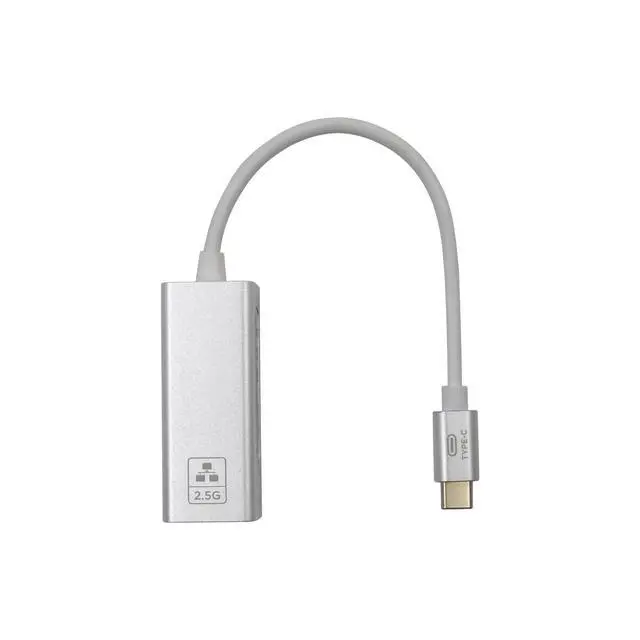
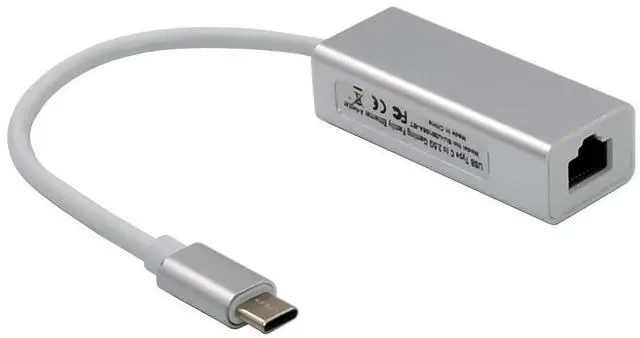
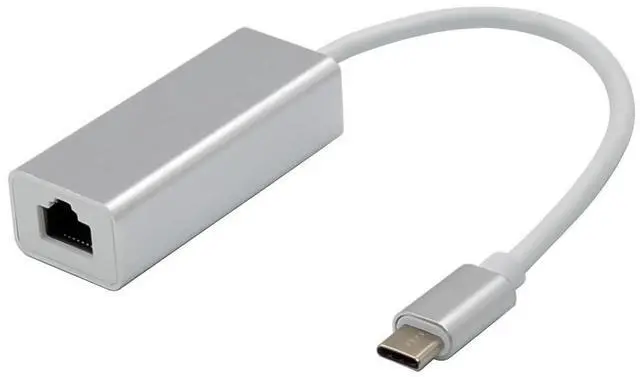



Integrated 10/100/1000M/2.5G transceiver
Supports 2.5G and 1G Lite mode
Auto-Negotiation with Extended Next Page capability
Compatible with NBASE-TTM Alliance PHY Specification
Supports USB3.0, USB2.0
Supports CDC-ECM
Supports LPM(Link Power Management)
Supports Pair swap/polarity/skew correction
Crossover Detection &Auto-Correction
Transmit/Receive on-chip buffer support
Supports hardware CRC(Cyclic Redundancy Check) function
Supports jumbo frame to 16K bytes
Supports Full Duplex flow control(IEEE802.3x)
Fully compliant with IEEE802.3 ,IEEE802.3u, IEEE802.3ab
Supports IEEE802.1P Layer 2Priority Encoding
Supports IEEE802.1Q VLAN tagging
Supports IEEE802.3az (Energy Efficient Ethernet)
Supports IEEE802.3bz(2.5GBASE-T)
Supports power down/link down power saving
Upstream port: USB3.1 TYPE-C
Chipset: Realtek RTL8156B
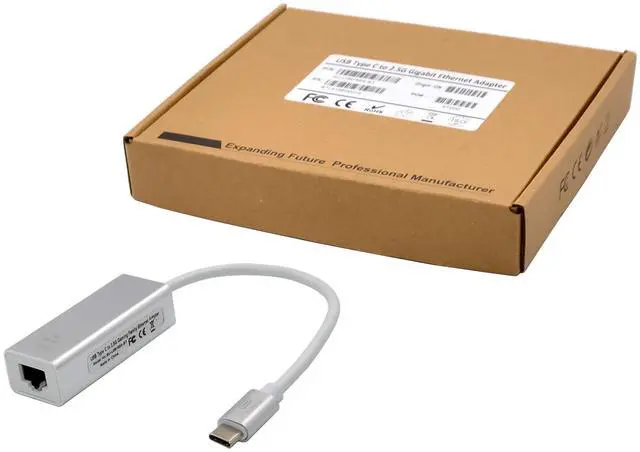
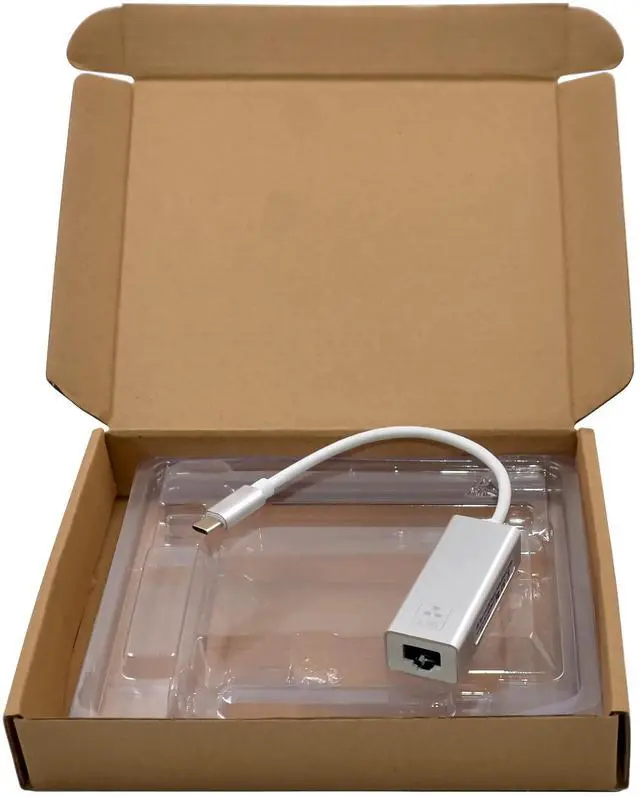
Package content
1 x TYPE-C 2.5G Network Adapter
1 x Users Manual
1 x CD
System Requirements
Linux, MAC OS10.6~10.15, Win7/Server2008 R2 /Win8/Win8.1/Server2012/Win10 32bit or 64 bit
One available USB3.0 port
Hardware installation
1.Turn on the computer and get it into the system
2.Plug the USB3.0 adapter into your computers USB port
3.Insert the network cable into the RJ45 port
Install Drivers
Windows Operating Systems
For Windows Win7/Win8/Win8.1/Win10
Please plug the USB3.0 2.5G network adapter into your computers USB port, at the same time the computer system will recognize a new drive disk, Double-click the drive disk, and the system will start and finish the driver installation automatically(if the driver does not installed, please right-click open to Brower drive disk file, and double-click RTK_NIC_DRIVER_ INSTALLER,sfx.exe). The drive disk will disappear after the driver is installed successfully.
Note:*If the driver still installed failure, please follow below process to complete install:
1.Please place the product CD drivers into the drive
2.Find the driver files corresponding to the system
3.Double click Setup.exe to begin installing
4.Follow the steps prompted by the program until the installation is complete
To Verify Windows® Driver Installation
Click on the Device Manager tab in System Properties, which you access from the Windows Control Panel. If you has installed successfully, you should see Realtek USB 2.5GbE Family Controllerinstalled under Network Adapter item.