
Your Browsing History

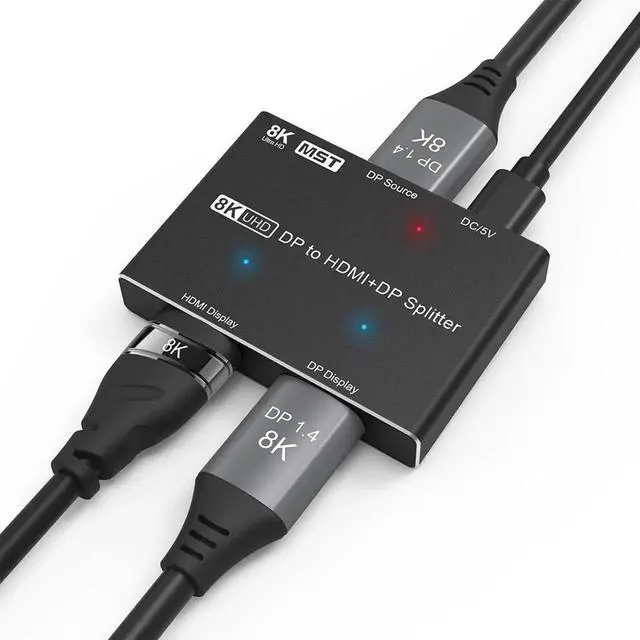
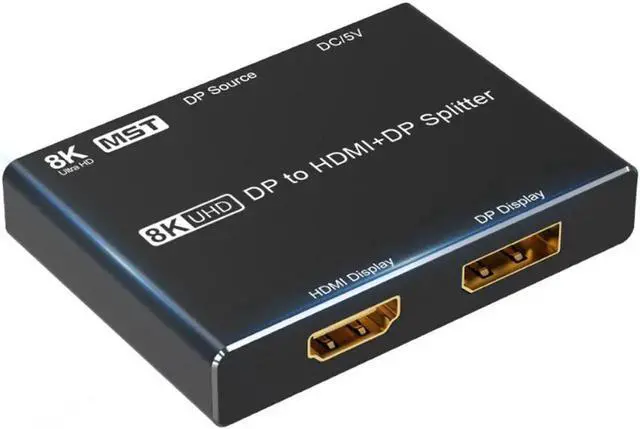
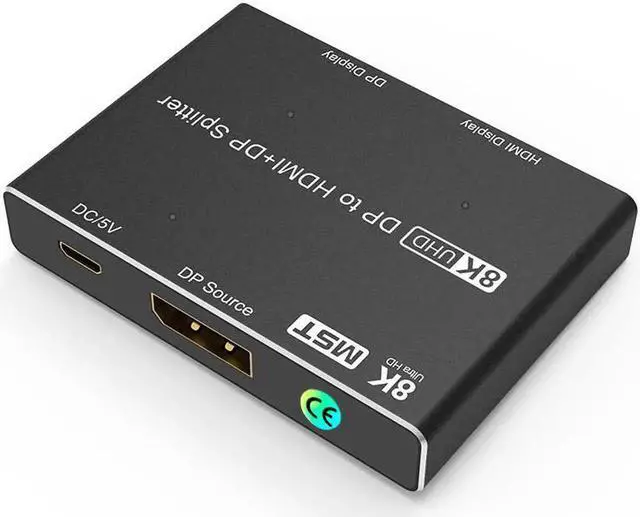
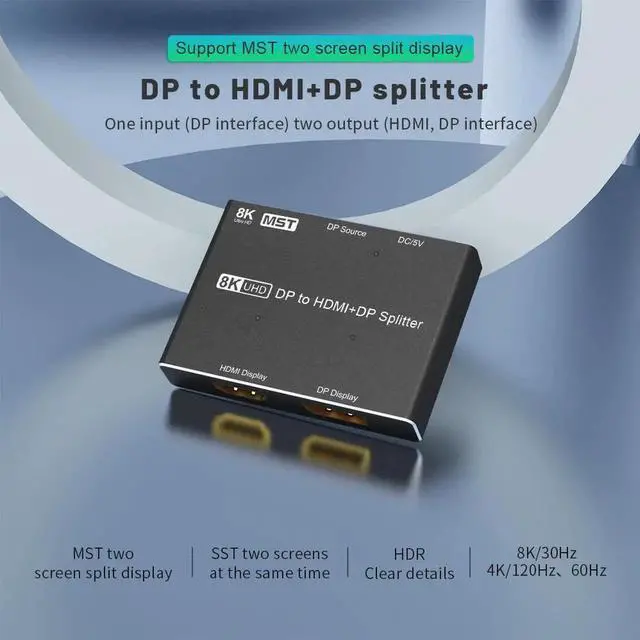
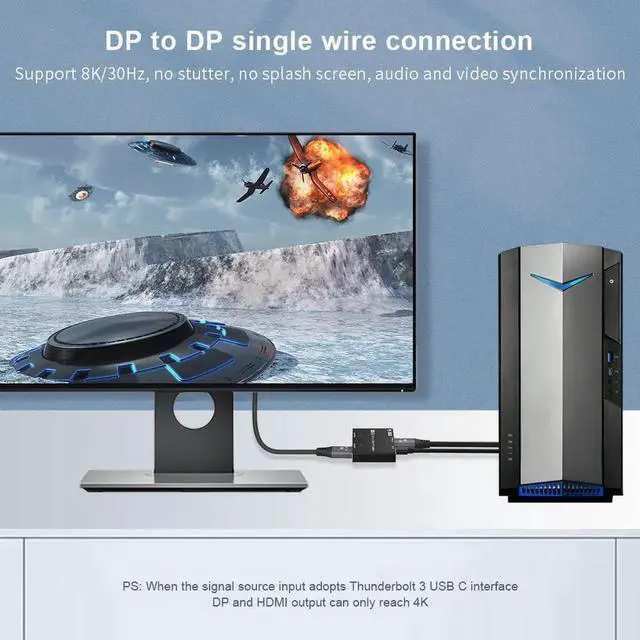
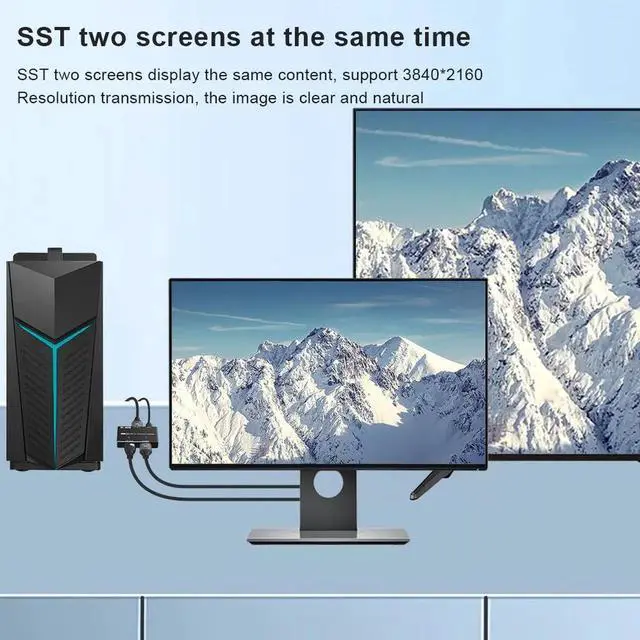
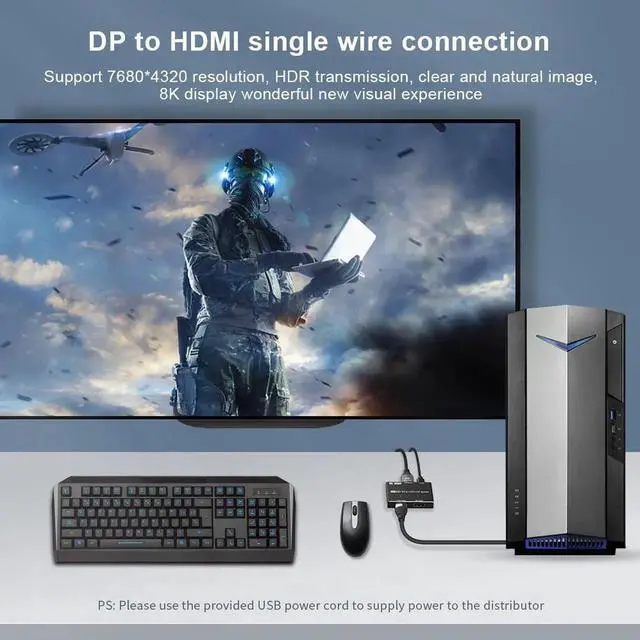



This 8K DP Splitter supports Simultaneously Screen Transfer(SST) and Multi-Screen-Transfer(MST),Using
This new 8K DP to HDMI+DP splitter, compared with other 8K DP splitters on the market, this splitter supports two screens connected to display at the same time (no need to switch), when you connect two (HDMI+ DP)Monitors, It supports two working modes.
1:Simultaneously Screen Transfer(SST):
In this mode, your HDMI+DP monitor displays the same picture. This mode is mainly used for teaching, home theater viewing, and other occasions.
2:Multi-Screen-Transfer(MST):
In this mode, your HDMI+DP monitor displays different images, which are mainly used for work, meetings, and entertainment.
Notes while using:
1:Please remember to choose copy or expand mode on the host or laptop
2:If you use MST mode, please create a task window on the main screen, and then drag it to the screen you want to expand.
3:If you connect with Mac OS Devices,it can only support SST.
8K@30Hz 4K@120Hz in Single Connection Output in your HDMI orDP Displays
With this DP 8K splitter, you can output 8K@30Hz 4K@120Hz through your external monitor or TV
Connection Guidance:
1:Connect from DP Source's DP Port to your DisplayPort PC or Laptop's DP Port via a DP 8K Cable
2:Connect from HDMI Display and DP Display in the Splitter to your HDMI Display and DisplayPort Monitor's relatively ports.
3:Connect USB DC Power Cable to your USB Device for power.
Please note that if you only connect 1 monitor, you can output up to 8K@30Hz or 4K@120Hz, but if you connect two monitors at the same time, you can only output up to 4K@60Hz
FEATURES