
Your Browsing History

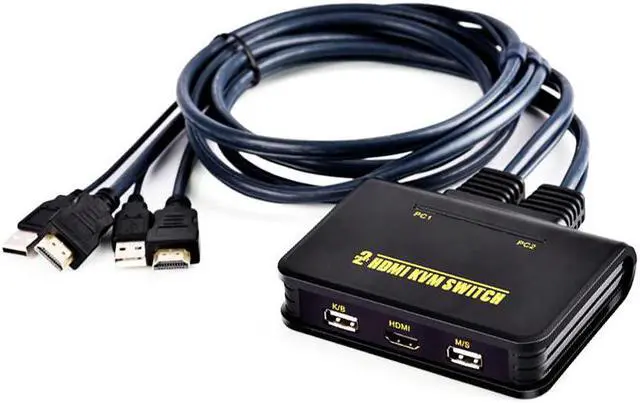
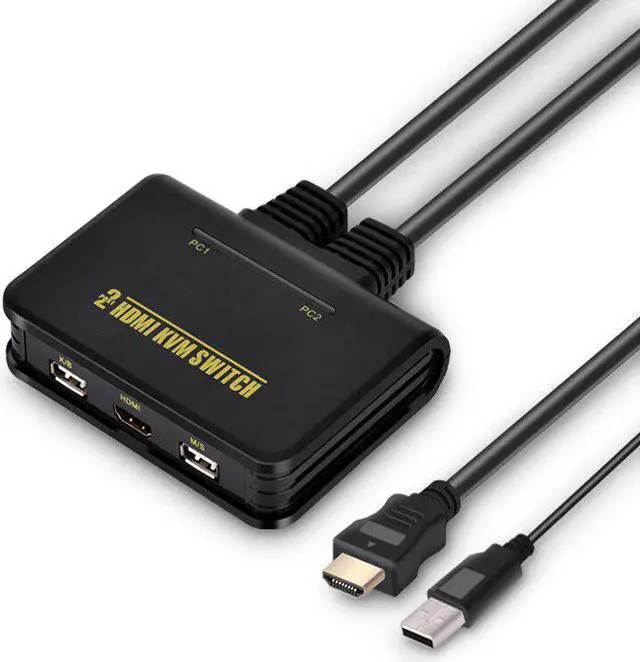




2-port USB KVM Switcher selector USB2.0+ 1080P with mouse&keyboard supported
Note:
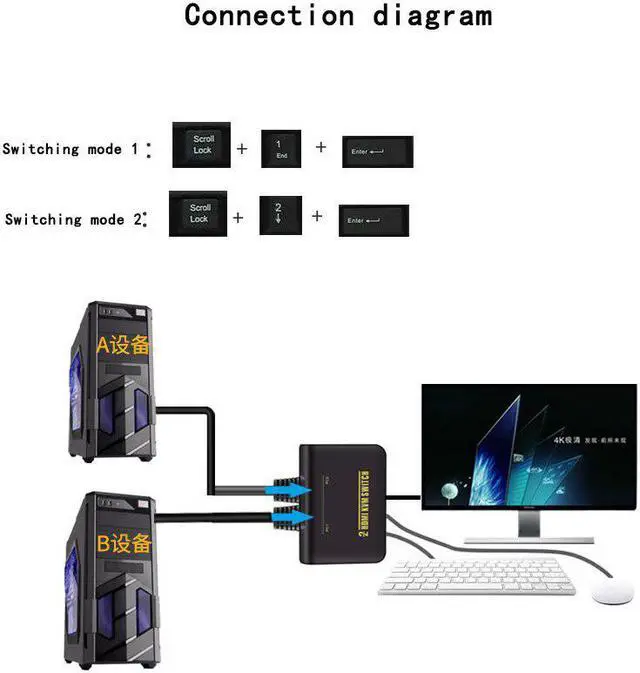
1)you can switch the between input 1 and input 2 by clicking:Scroll lock>1(2)>enter
2)wirelss mouse&keyboard wont work this switcher.Pls uses 2-button normal USB mouse and 101-key USB keyboard.
Descriptions:
Dual port built-in cable KVM switch, people can control two PCs via one set of mouse, keyboard, monitor.Widely used in the office, school, entertainment, military, information and some other platform. It will save your time, money, device and energy.Improve your working efficiency, a good assistant of your business.
Product features:
1. Built-in cable KVM switch, great appearance, easy installation.
2. Cable built into the KVM switch, portable and easy use.
3. Support Microsoft Intellimouse, Logitech Net mouse, and so on.
4. Support win98/ME/2KP4/XP/2003, Linux, , MAC operating systems and so on.
5. USB built-in cable KVM switch support plug and play. No need to shut down the computer when add or remove the PCs.
6. Computer side connecter:USB built-in cable KVM switch:USB-A-M*1,-F*1
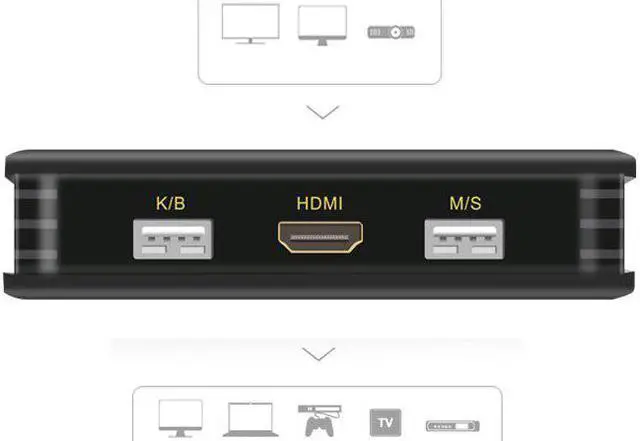
7. Console side connector:USB built-in cable KVM switch:USB-A-F*2, -F*1
8. Support resolution 1920*108060HZ
9. No need for external software.
10. Switch mode: Hotkeys on the keyboard: USB built-in cable KVM switch:SCROLL,SCROLL,12 or
11. LED indicates the current status.
Installation steps:
1. Connect the KVM switch cables on to the computer mouse, keyboard, monitor connectors.
2. Connect the mouse, keyboard, monitor to the console side of the KVM switch.
4. Turn on the computer.