• $19.14
  • Free 15-day Returns
Ships from China.
Price alert
Sold by PENGRAN
Top Rated
4.1 (9 seller ratings)

Shipped by PENGRAN

Shop it at NeweggBusiness.

Meet Your Seller

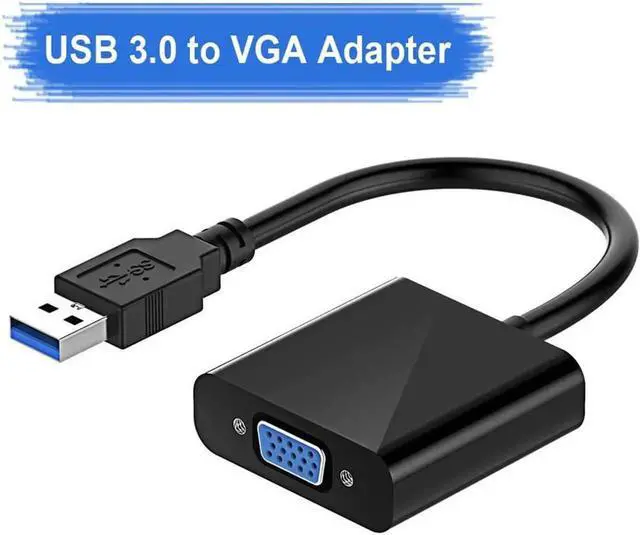
USB to VGA Adapter, USB 3.0/2.0 to VGA Adapter 1080P HD Multi-Display Video Converter, Compatible with Windows 7/8 / 8.1/10 for Computer, Desktop, Laptop, PC, Monitor, Projector,HDTV

Limited time offer, ends 01/30 By PENGRAN

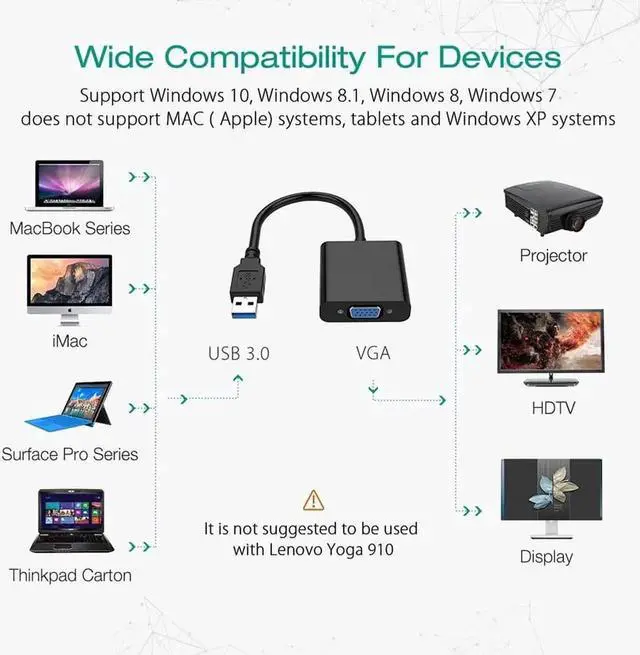
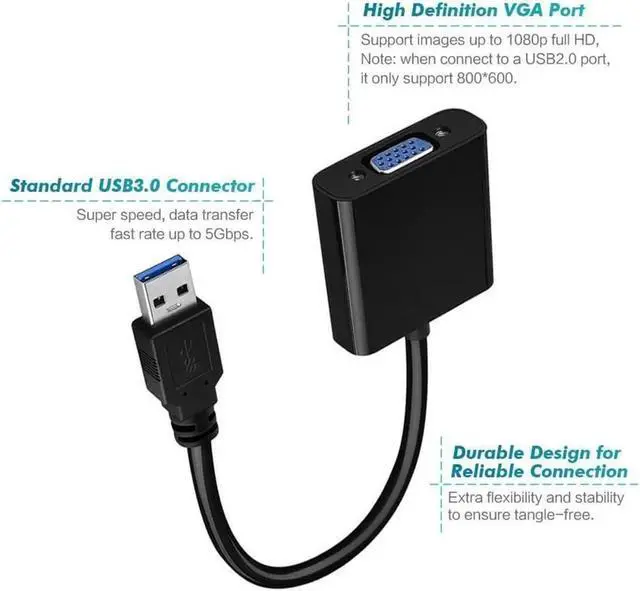
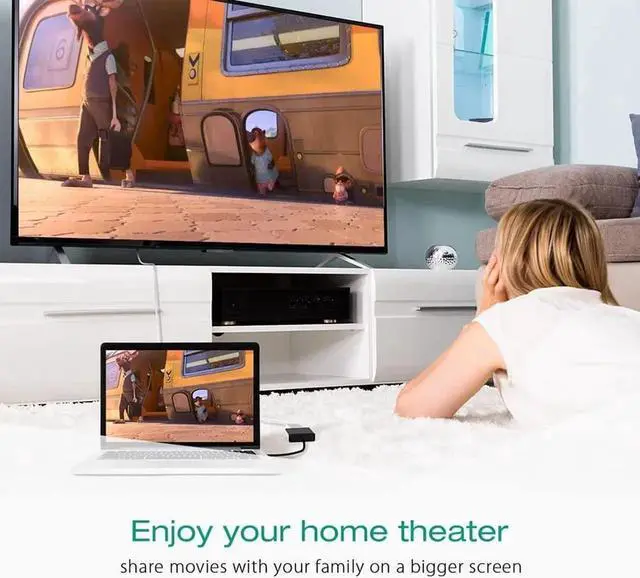
  • [Extend Your Display] This USB3.0 to VGA Adapter is used to connected a USB-enabled devices( such as laptop, desktop) with a VGA-enabled devices( such as monitor, projector, TV) for multi-monitor solution, extending working space with split-screen, mirroring display, etc.
  • [High Speed Rate] The USB 2.0/3.0 to VGA adapter , providing fast and smooth signal transmission
  • [High Resolution] If connected to USB3.0 devices, resolution is adjustable and the maximum resolution can be up to 1920x1080; if connected to USB2.0 devices, resolution is 800x600.
  • [Easy Hassle-Free Installation] If you don't have a cd drive, please contact with us for help.
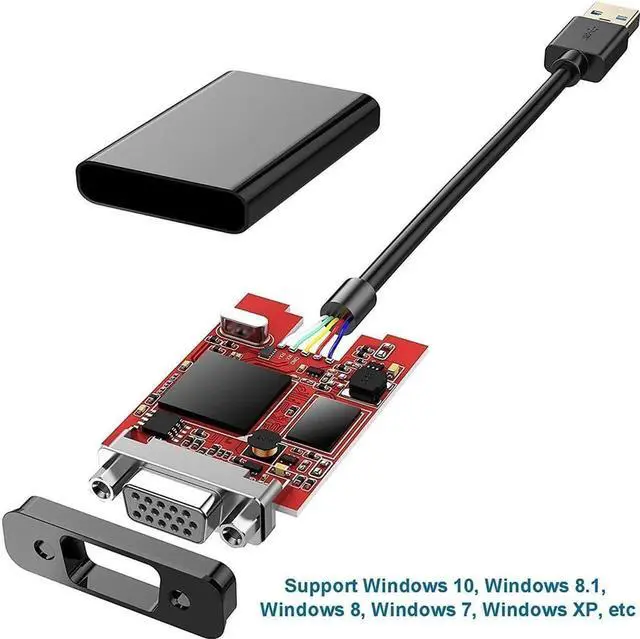
  • [BROAD COMPATIBLE] The USB-VGA cord supports Windows 10/8.1/8/7/Vista/XP; and other USB-enabled computer.
+
+
Overview
Specs
Reviews

This USB3.0 to VGA adapter provides you a great solution. It can be used to mirror your primary desktop, showing the same image on each display, or to extend your desktop to double your workspace and increase your productivity.


Specification:

Color:Black

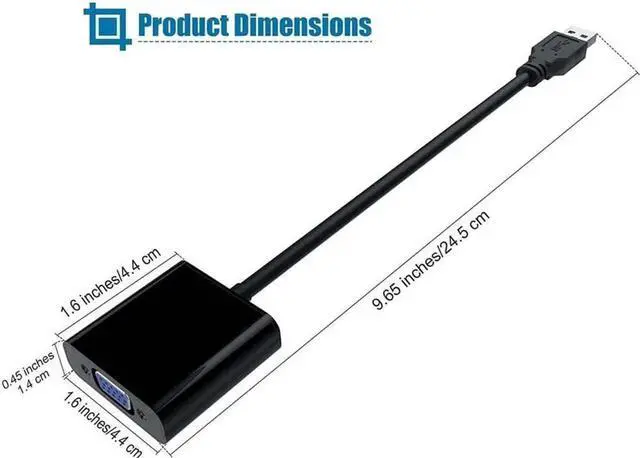
Length: 9.65 inches/24.5cm

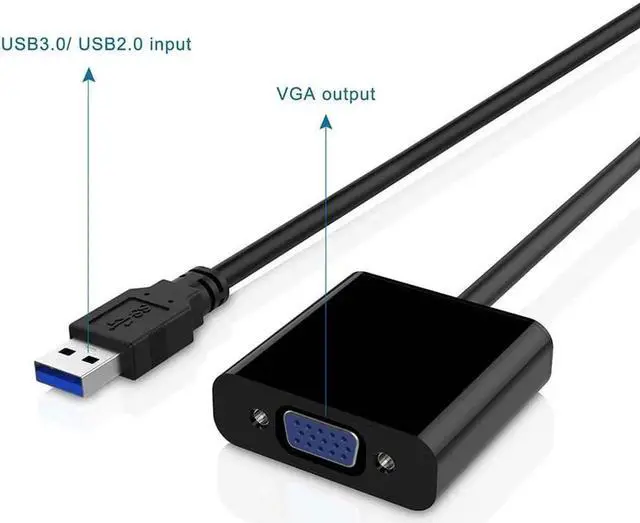
Input Interface: USB 3.0

Output Interface: VGA

Material: ABS+PVC

Support Operation System: Windows 10, 8.1, 8, 7, Vista (32-bit and 64-bit), Windows XP (32-bit only), Windows Server 2008 (32-bit and 64-bit)


How to Use:

1. It connect a USB 3.0 device to VGA enabled televisions, monitors or projectors to display video and audio.

2. As for audio, go into 'System Preferences'?'Sound'?'Output'. There should be an option to change the audio output from your laptop to other devices.

3. As for Mirror and Extend Modes, Select 'Extension' or 'Duplicate' mode in 'Control Panel' > 'Display' to set up the secondary display.


Note:

1.Make sure your devices have USB3.0 port.USB3.0 supports: 1920*1080@60Hz (1080p max), USB2.0 ONLY supports: 800*600.

2.Support System: Windows 10, Windows 8.1, Windows 8, Windows 7, Windows XP. DO NOT Support Mac, Linux, Vista, Chromebook.

3.DO NOT support Surface Pro with ARM(Windows) processor.

4.Please the built-in driver has been installed successfully into your computer at the first time.

5. This product is NOT a bi-directional adapter. It ONLY converts USB 3.0/2.0 to VGA.


Package included:

1 x USB 3.0 to VGA Adapter

Warranty & Returns

Warranty, Returns, And Additional Information

Warranty

  • Please contact the Seller directly for warranty information. Warranty information may also be found on the Manufacturer's website.
  • CONTACT

Return Policies

  • Return for refund within: 15 days
  • Return for replacement within: 30 days
  • This item is covered by PENGRAN Return Policy

Manufacturer Contact Info

LOADING...