



Meet Your Seller
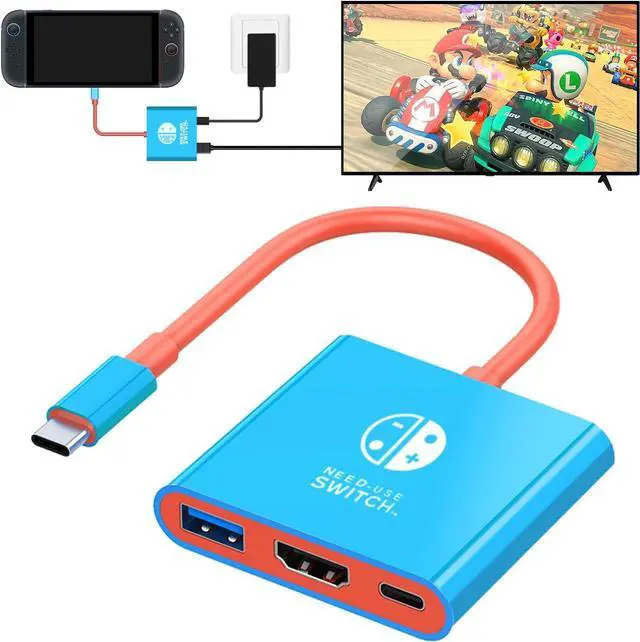
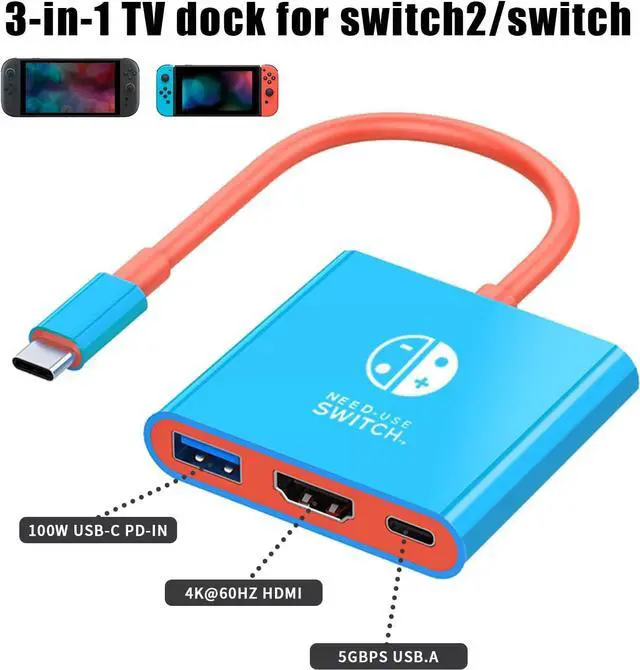


WERLEO USB C to HDMI Adapter for Switch 2, Dock 3 in 1 TV Switch Adapter with 4K HDMI Cable, 100W Type C Charging, Compatible with Switch 2, N Switch, Steam Deck, Smartphones, PC
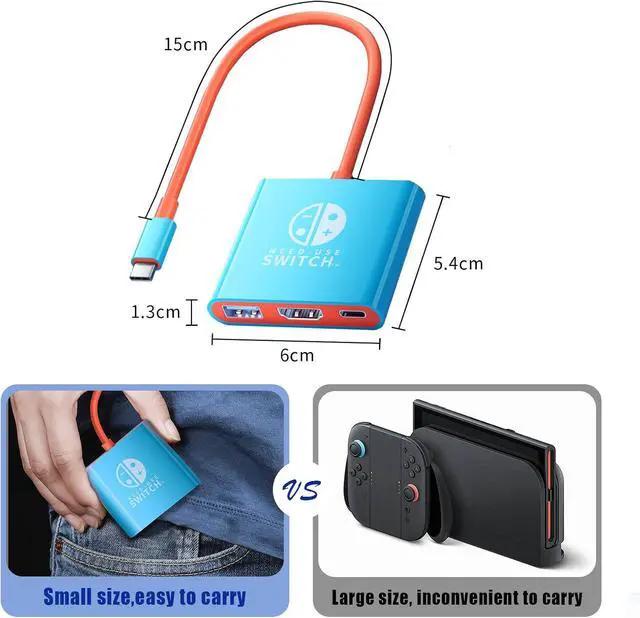
- Official Switch 2 Dock Replacement --- This dock weighs only 72g (2.5oz). With its small, lightweight design, you can put it in your pocket and attach it anywhere as you like and enjoy the Switch games.
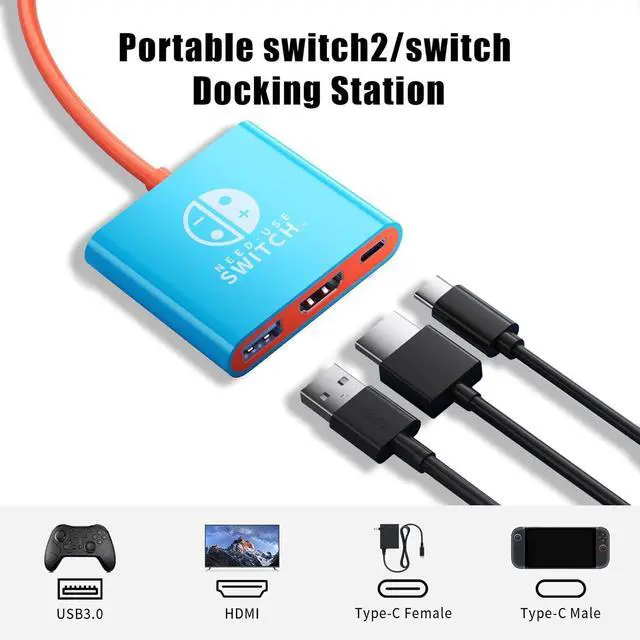
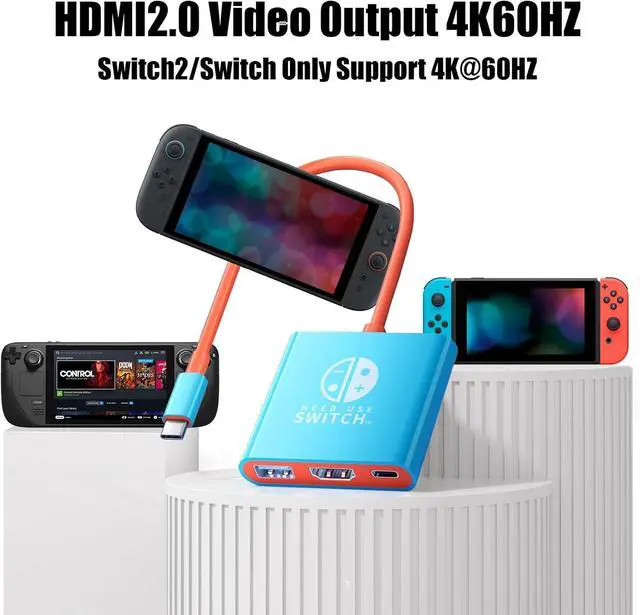
- High Resolution & Compatible --- This Switch 2 TV Adapter is equipped with a Type-C port, USB 3.0 port, and HDMI 2.0A output port, making it compatible with a wide range of devices and peripherals such as Switch 2/Switch/OLED
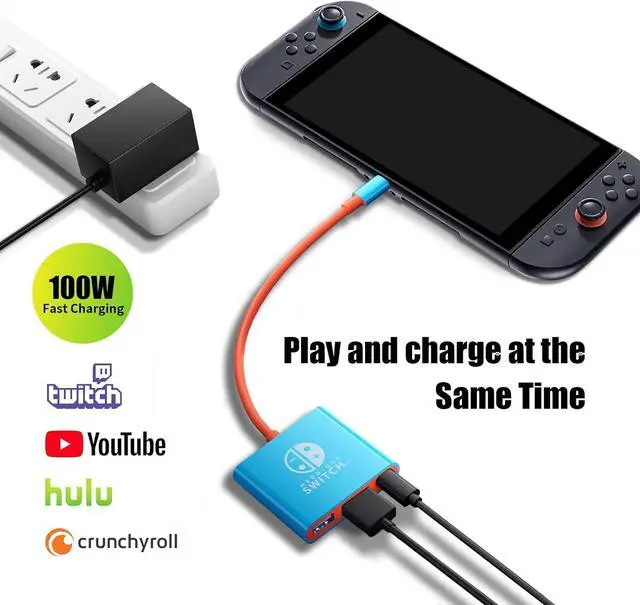
- Multi-Function & Multi-Port --- With 4K HDMI, USB 3.0, 100W Power Delivery charging port, the three ports can be expanded at the same time to meet your various needs. The transfer speed of USB3.0 can be up to 5 Gbps
- Easy Setup
- Intelligent security protection
+
+
Overview
Specs
Reviews
Features:
- Official Switch 2 Dock Replacement --- This dock weighs only 72g (2.5oz). With its small, lightweight design, you can put it in your pocket and attach it anywhere as you like and enjoy the Switch games.
- High Resolution & Compatible --- This Switch 2 TV Adapter is equipped with a Type-C port, USB 3.0 port, and HDMI 2.0A output port, making it compatible with a wide range of devices and peripherals such as Switch 2/Switch/OLED
- Multi-Function & Multi-Port --- With 4K HDMI, USB 3.0, 100W Power Delivery charging port, the three ports can be expanded at the same time to meet your various needs. The transfer speed of USB3.0 can be up to 5 Gbps
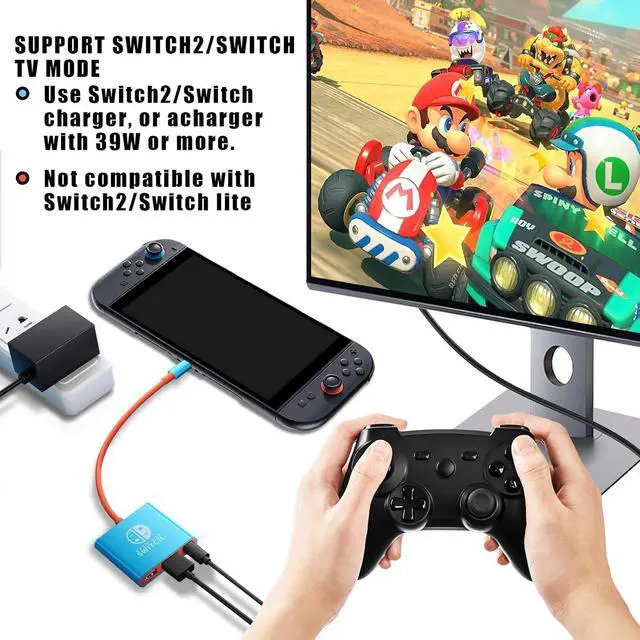
- Easy Setup --- Setting up the Switch 2 HDMI Adapter is easy. 1). Plug the Switch 2 TV adapter into the power supply 2). Plug HDMI 2.0A Cable into HDMI out and TV HDMI input port. 3).Please use the official Type-C cable contact Switch 2 TV Dock and Switch 2 console Just plug in the TV adapter, connect to the TV, and enjoy your favorite games in no time.
- Intelligent security protection --- With advanced voltage and current control technology, the Switch 2 Dock provides safe charging while playing. Simply plug in the official charger and HDMI cable for a seamless gaming experience.Note:Please use the official Type-C cable, other cables may cause some functions to fail.
Warranty & Returns
Warranty, Returns, And Additional Information
Warranty
- Please contact the Seller directly for warranty information. Warranty information may also be found on the Manufacturer's website.
- CONTACT
Return Policies
- Return for refund within: 15 days
- Return for replacement within: 30 days
- This item is covered by Menintellig Return Policy
Manufacturer Contact Info
- For a directory of all our manufacturers, please click below.
- Manufacturers Directory
LOADING...