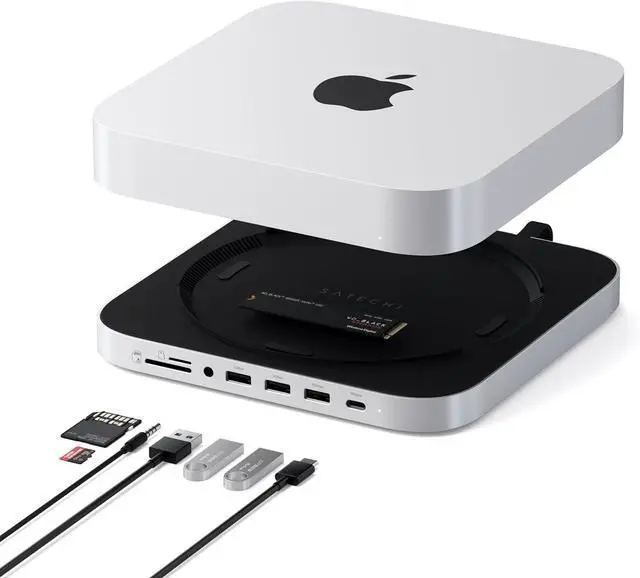
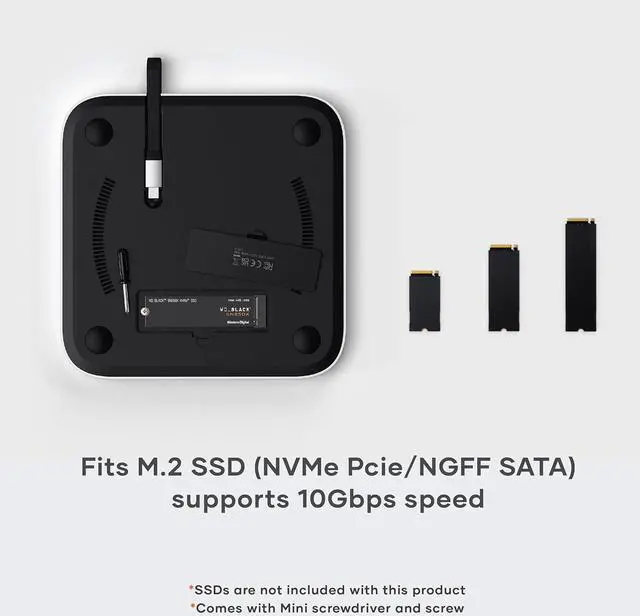
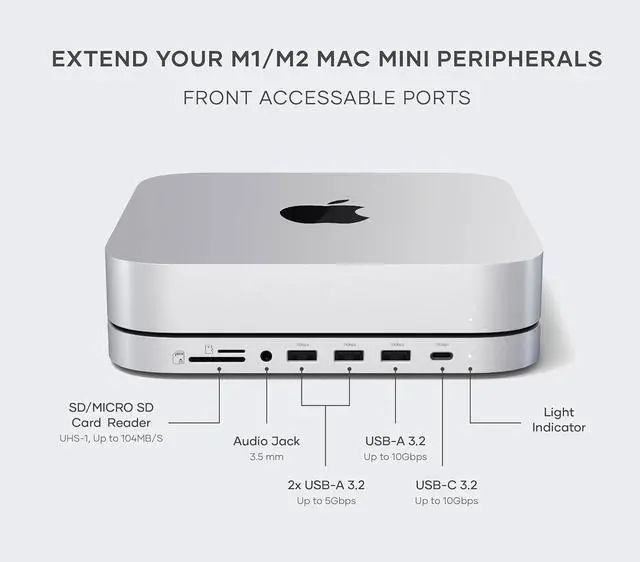
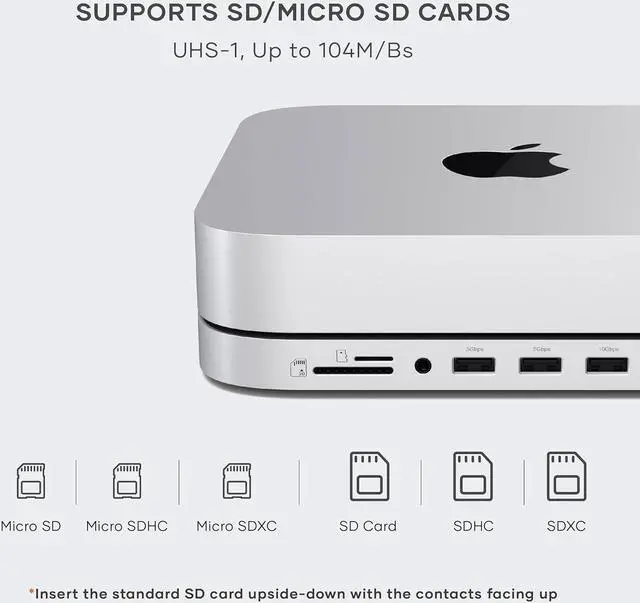
1SATA and NVMe2 SD / Micro SD1For Mac Studio2For Mac Mini What type of SSDs does the hub support?
The Stand & Hub For Mac Mini / Studio With NVMe SSD Enclosure supports NVMe M.2 SSDs in multiple sizes (M.2 2230, 2242, 2260, 2280) with transfer speeds of up to 10Gbps using USB-C Gen 2 technology.
With which models is the Stand & Hub for Mac Mini / Studio with NVMe SSD enclosure compatible?
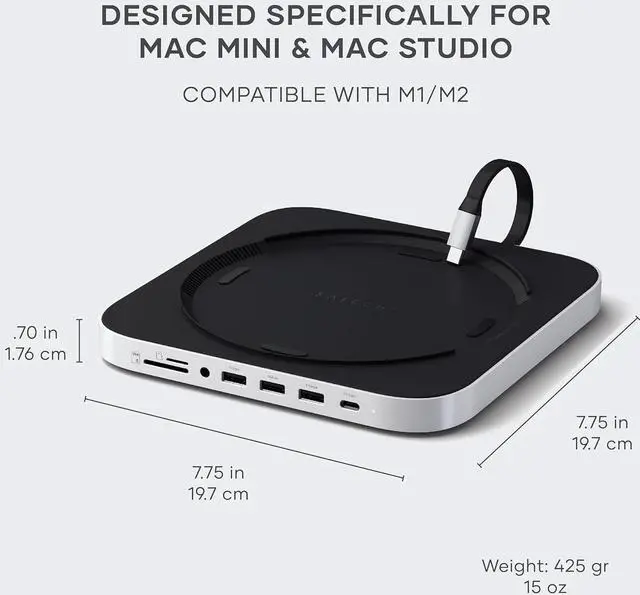
Mac Mini M1 - M2 (2020 - 2023)
Mac Studio M1 - M4 (2022 - 2025)
Why is my computer not recognizing my newly installed Solid-State Drive (SSD)?
Your SSD may not be recognized because it needs to be formatted before use. Follow these steps based on your operating system
Why am I not getting the advertised speeds of my NVMe on my Mac Studio/Mini Stand & Hub?
Ensure your NVMe drive is properly formatted (APFS or ExFAT).
Plug the enclosure into a USB-C port on your computer that supports 10Gbps speeds or more (look for USB 3.2 Gen 2 or a Thunderbolt/USB4 port).
Can I run macOS from an external drive installed in the enclosure of the Mac mini Stand & Hub with NVMe?
We suggest not using the enclosure to run macOS or any other operating systems externally. The transfer speed is capped at 10Gbps, which might cause some challenges if you try to run an operating system.
What type of SSDs does the hub support?
With which models is the Stand & Hub for Mac Mini / Studio with NVMe SSD enclosure compatible?
Why is my computer not recognizing my newly installed Solid-State Drive (SSD)?
Why am I not getting the advertised speeds of my NVMe on my Mac Studio/Mini Stand & Hub?
Can I run macOS from an external drive installed in the enclosure of the Mac mini Stand & Hub with NVMe?