


- Free 30-day Returns
$181.99
Ships from United States.
Sold by Zhanfu Technology Co., Limited
Shipped by Zhanfu Technology Co., Limited

Meet Your Seller

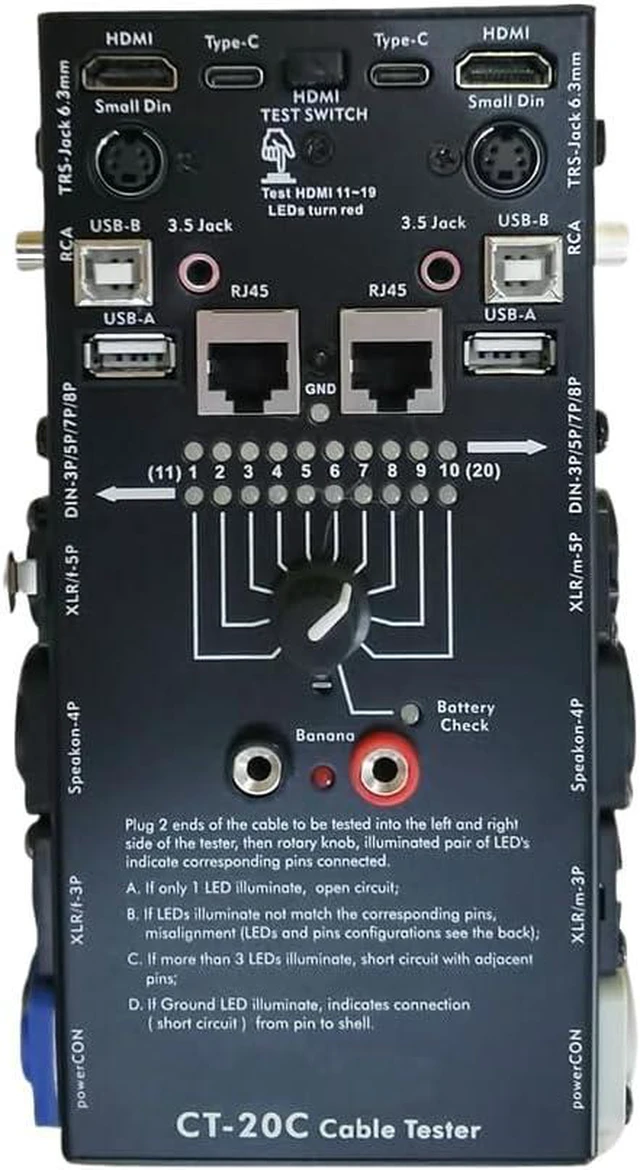
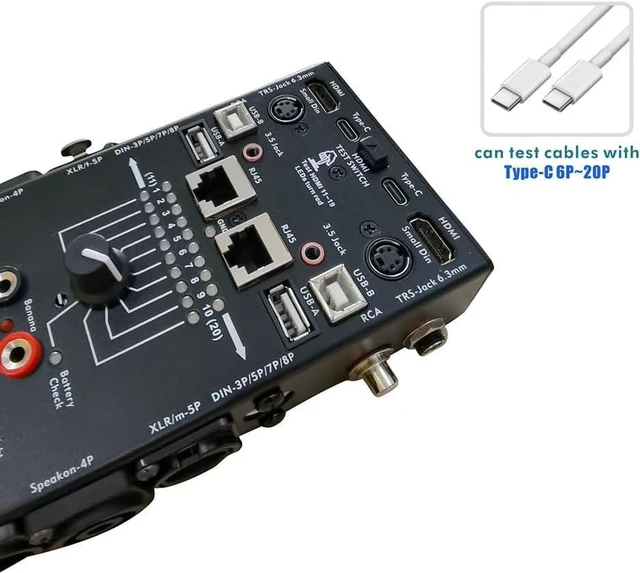
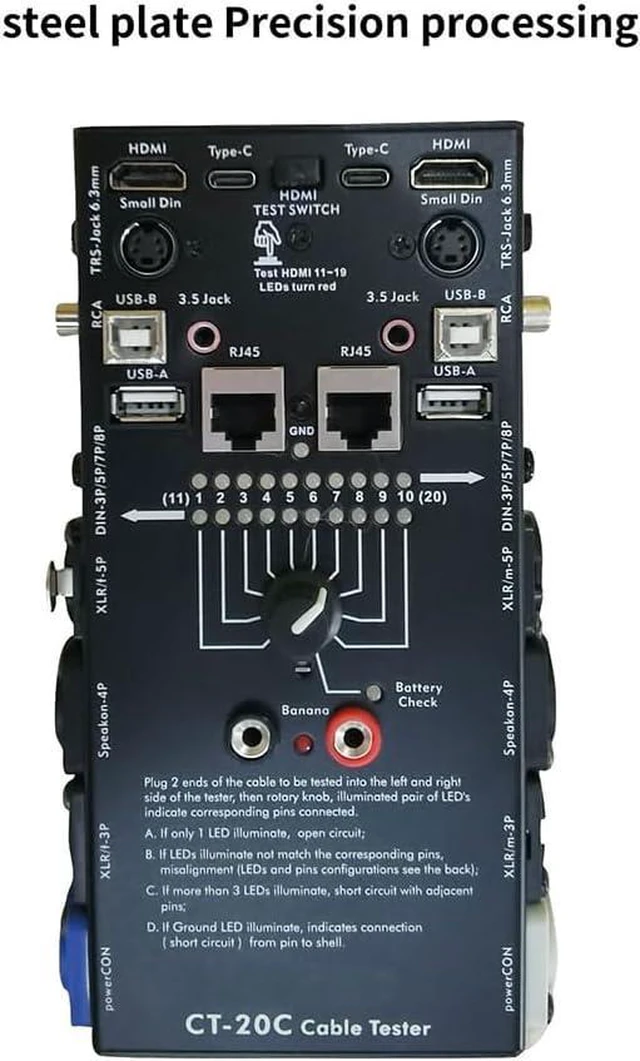
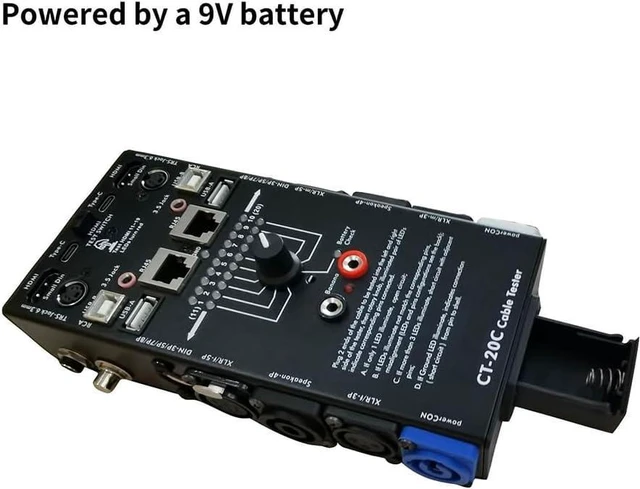
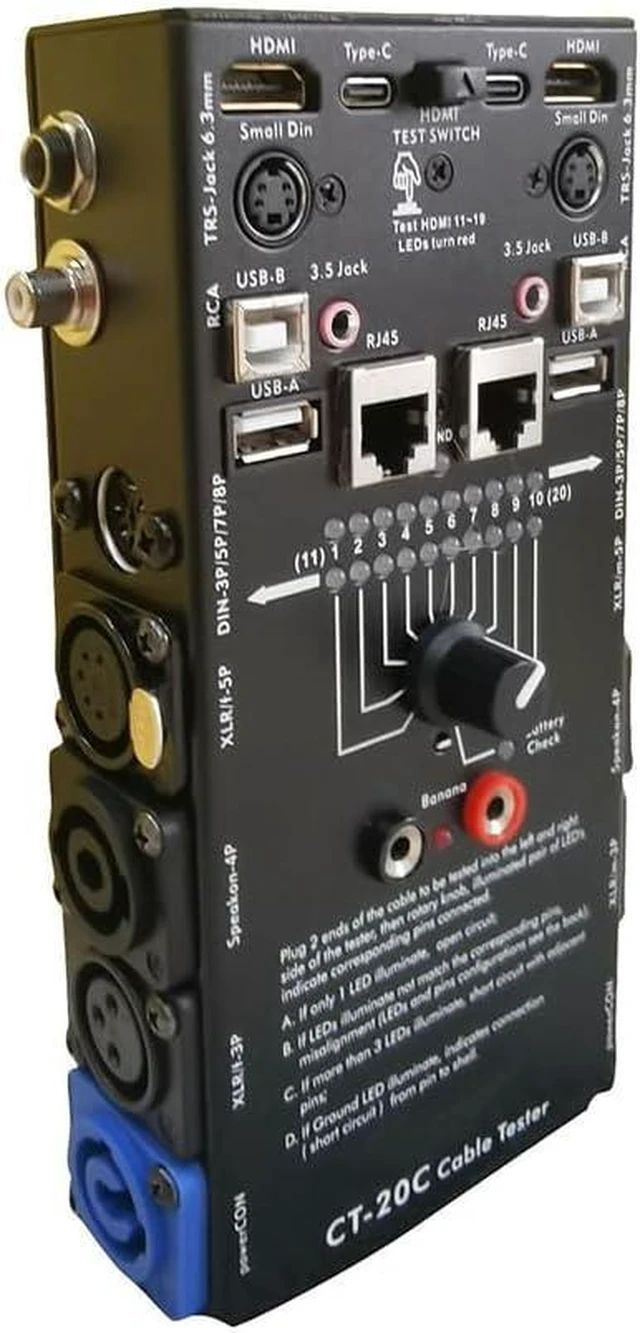
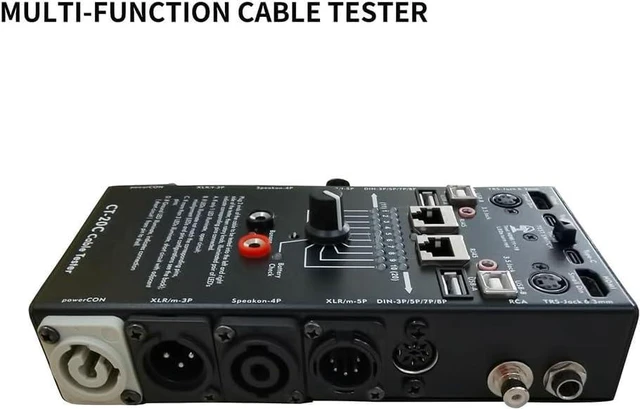
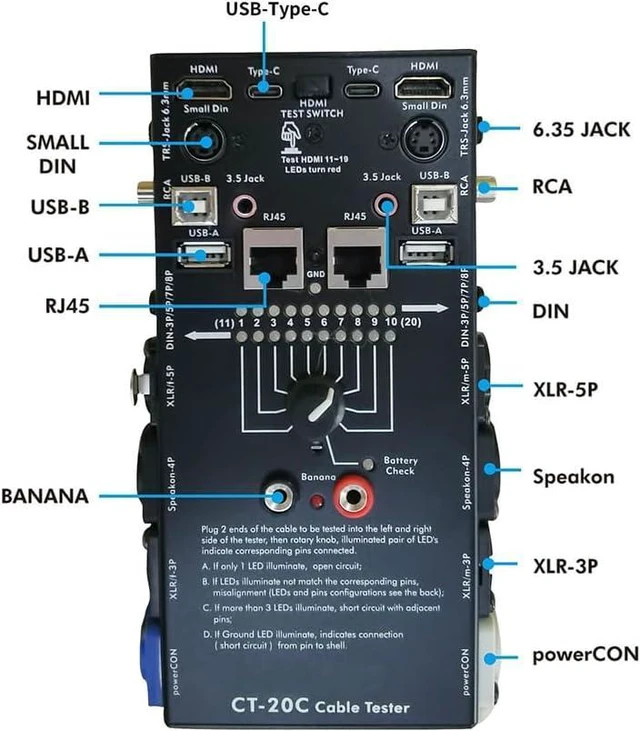


CT-20C 16-in-1 Multi-Function Audio Cable Tester XLR Signal Line for Special Electronic Cable Testing Tool
- 2. Then plug one end of the cable into the appropriate jack on the left side panel of the cable tester, Plug the other end of the cable into the appropriate jack on the right side panel. Set the rotary switch to "1" to test the connection of contact 1 on the plug inserted into the left side panel.
- 3. lf there is a connection, the Green LED light below "1" and a Yellow LED light above each contact on the right side plug connected to "1" on the left side plug. Use the charts below to verify proper cable connections.
- Cable Testing: 1. At first, turn the rotary switch fully clockwise to test the battery strength. The battery LED light bright green if the internal battery is fully .
- 4. If no LED lights than there is no connection and the left side contact "1"is "floating" due to design or an "open" in the cable. Set the rotary switch to "2" to test contact 2, and so on, until all contact shave been checked.
- 5. If the Ground LED lights than there is a connection between the corresponding contacts and the chassis. To test the cable with a banana plug, just plug each end of the cable into the banana jacks. The LED light and the unit beep a tone if there is a connection between the plugs. These banana jacks can also be used for continuity tests using two probe leads.
+
+
Overview
Specs
Reviews
2. Then plug one end of the cable into the appropriate jack on the left side panel of the cable tester, Plug the other end of the cable into the appropriate jack on the right side panel. Set the rotary switch to "1" to test the connection of contact 1 on the plug inserted into the left side panel.
3. lf there is a connection, the Green LED light below "1" and a Yellow LED light above each contact on the right side plug connected to "1" on the left side plug. Use the charts below to verify proper cable connections.
Cable Testing: 1. At first, turn the rotary switch fully clockwise to test the battery strength. The battery LED light bright green if the internal battery is fully .
4. If no LED lights than there is no connection and the left side contact "1"is "floating" due to design or an "open" in the cable. Set the rotary switch to "2" to test contact 2, and so on, until all contact shave been checked.
5. If the Ground LED lights than there is a connection between the corresponding contacts and the chassis. To test the cable with a banana plug, just plug each end of the cable into the banana jacks. The LED light and the unit beep a tone if there is a connection between the plugs. These banana jacks can also be used for continuity tests using two probe leads.
3. lf there is a connection, the Green LED light below "1" and a Yellow LED light above each contact on the right side plug connected to "1" on the left side plug. Use the charts below to verify proper cable connections.
Cable Testing: 1. At first, turn the rotary switch fully clockwise to test the battery strength. The battery LED light bright green if the internal battery is fully .
4. If no LED lights than there is no connection and the left side contact "1"is "floating" due to design or an "open" in the cable. Set the rotary switch to "2" to test contact 2, and so on, until all contact shave been checked.
5. If the Ground LED lights than there is a connection between the corresponding contacts and the chassis. To test the cable with a banana plug, just plug each end of the cable into the banana jacks. The LED light and the unit beep a tone if there is a connection between the plugs. These banana jacks can also be used for continuity tests using two probe leads.
Warranty & Returns
Warranty, Returns, And Additional Information
Warranty
- Please contact the Seller directly for warranty information. Warranty information may also be found on the Manufacturer's website.
- CONTACT
Return Policies
- Return for refund within: 30 days
- Return for replacement within: 90 days
- This item is covered by Zhanfu Technology Co., Limited Return Policy
Manufacturer Contact Info
- For a directory of all our manufacturers, please click below.
- Manufacturers Directory
LOADING...