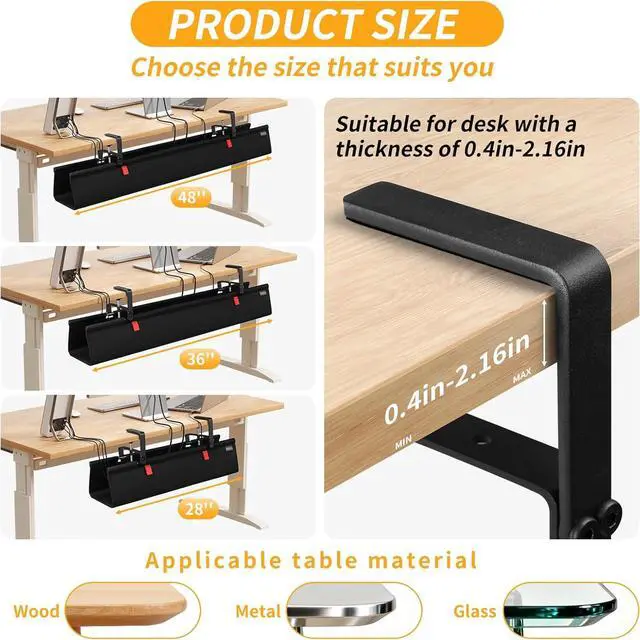
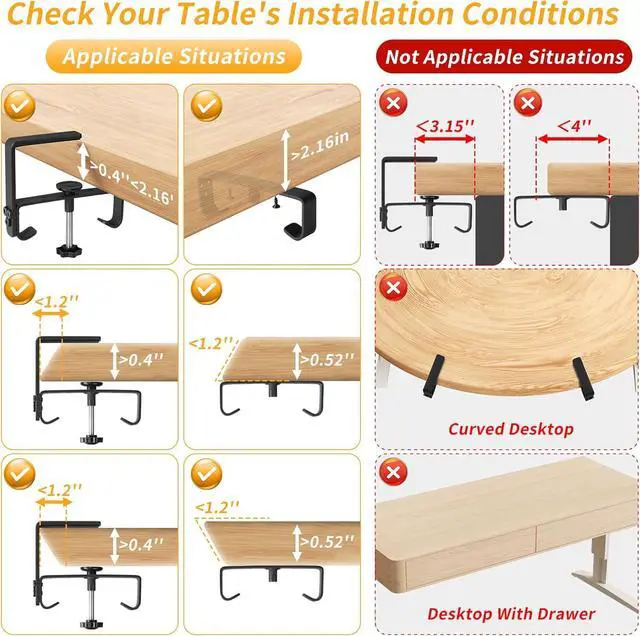
Can it be installed on a glass table or an ultra-thin tabletop?
Drill-free clamp mounting is suitable for decks thicker than 0.4 inches, while screw mounting is suitable for desks thicker than 0.52 inches.
Will the table be damaged during installation?
High-quality trays come with anti-slip/protective pads, and the clamps will not damage the desk; if screws are used for fixing, it is recommended to drill guide holes first to avoid cracking of the wood.
How many cables or power strips can this tray hold?
Wide trays can accommodate multiple cables, adapters, and even small power strips, but it is recommended to distribute them reasonably according to the size and weight limitations of the tray to avoid over-stacking and causing the tray to deform.
Is a tray suitable for a standing table? Will it affect the table's height adjustment?
Most drill-free trays are lightweight and do not significantly obstruct lifting; however, it is recommended to avoid them from desk legs or lifting mechanisms to prevent interference.
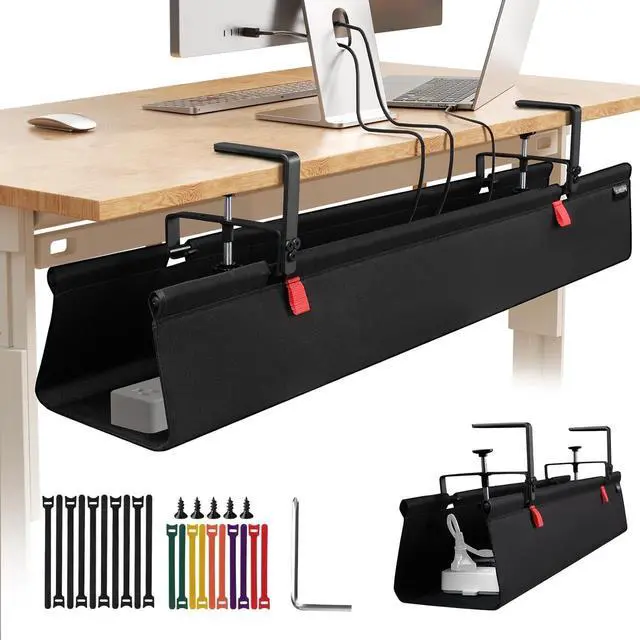
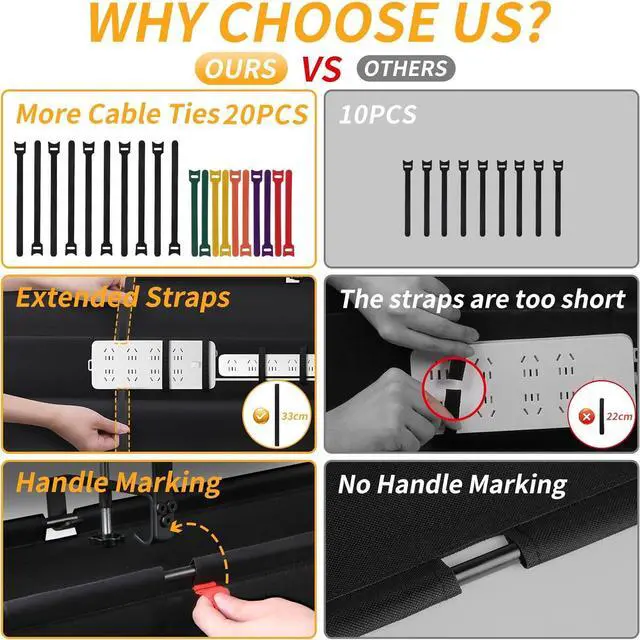
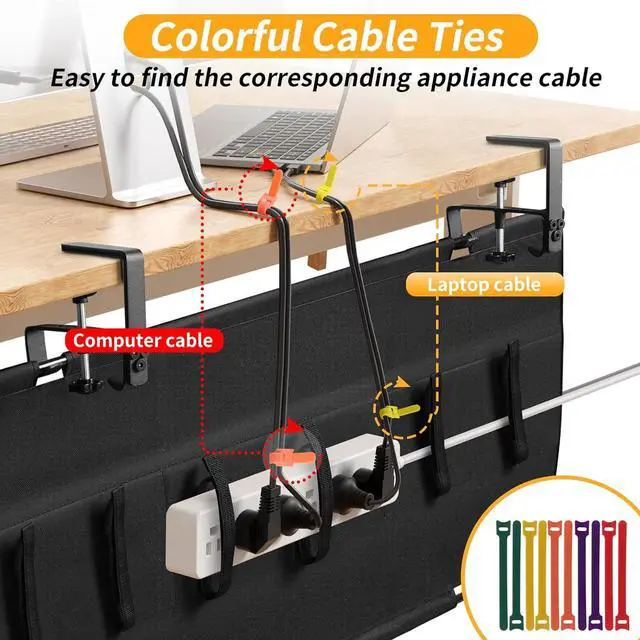
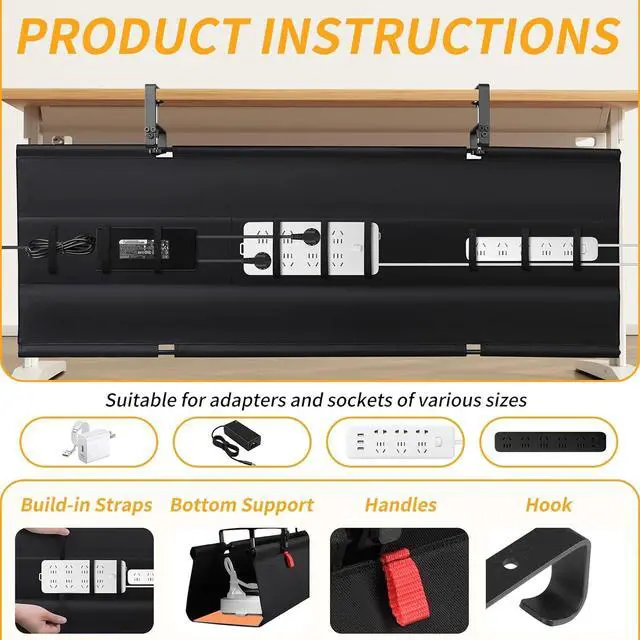
Under Desk Cable Management Tray-Swipe Left to View the Packing List Applicable Scenarios & Before and After Comparison Effects Two Installation Methods: Using Clamps & Using Screws Product Detail Display Hands Thickened Oxford Fabric Protection pad Is this cable tray difficult to install? Does it require drilling?
Can it be installed on a glass table or an ultra-thin tabletop?
Will the table be damaged during installation?
How many cables or power strips can this tray hold?
Is a tray suitable for a standing table? Will it affect the table's height adjustment?