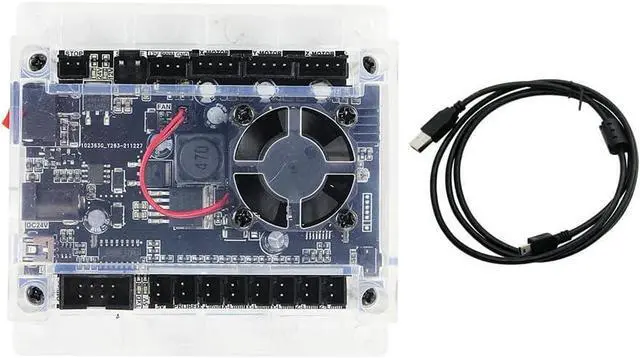
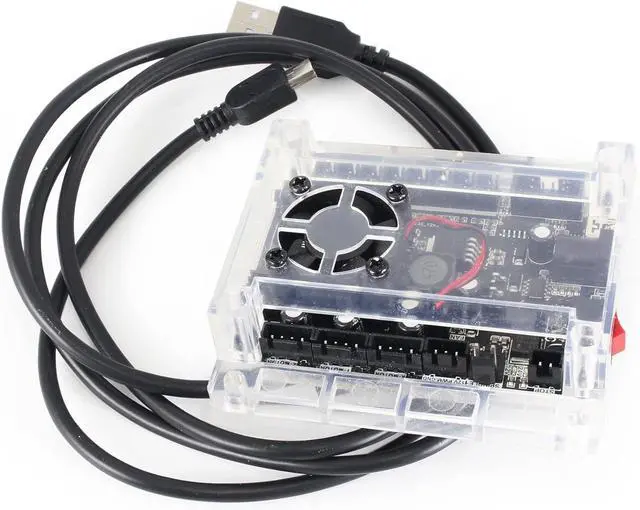
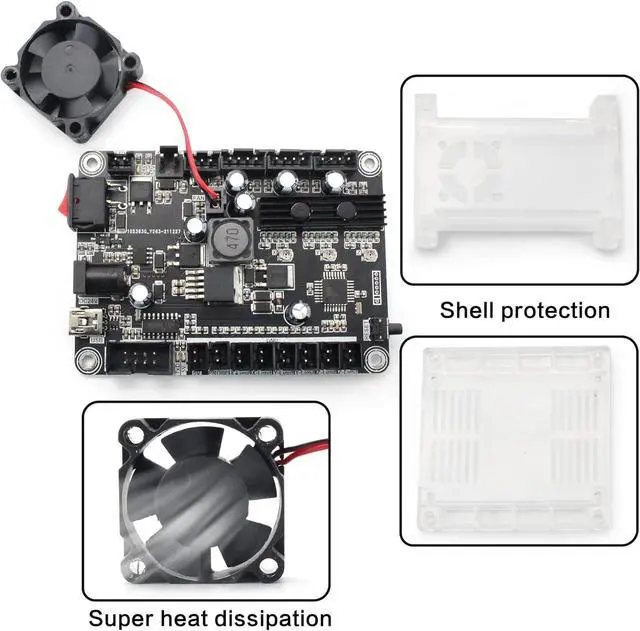
Model: Upgraded 3 Axis GRBL 1.1F USB Port GRBL Control Board; Input voltage: 24VDC
Support software: GRBL Contol/Candle(3 axis)/Universal Gcode Sender; Support System: Windows XP/7/8/10
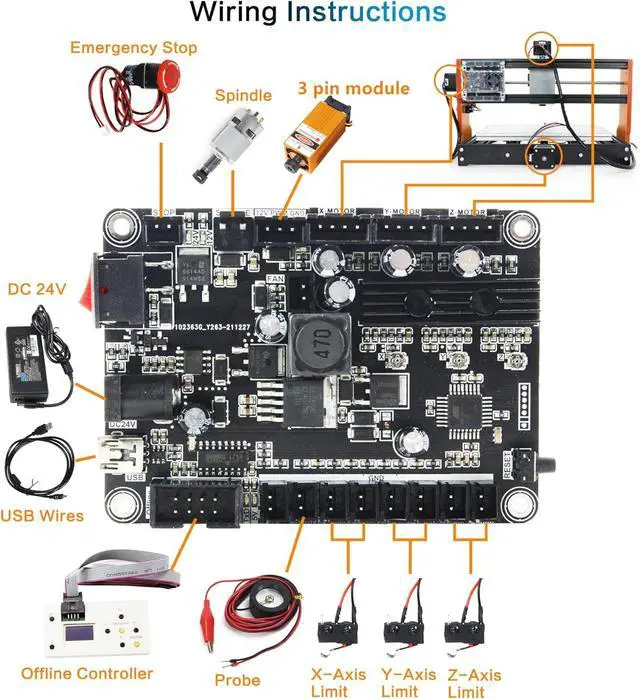
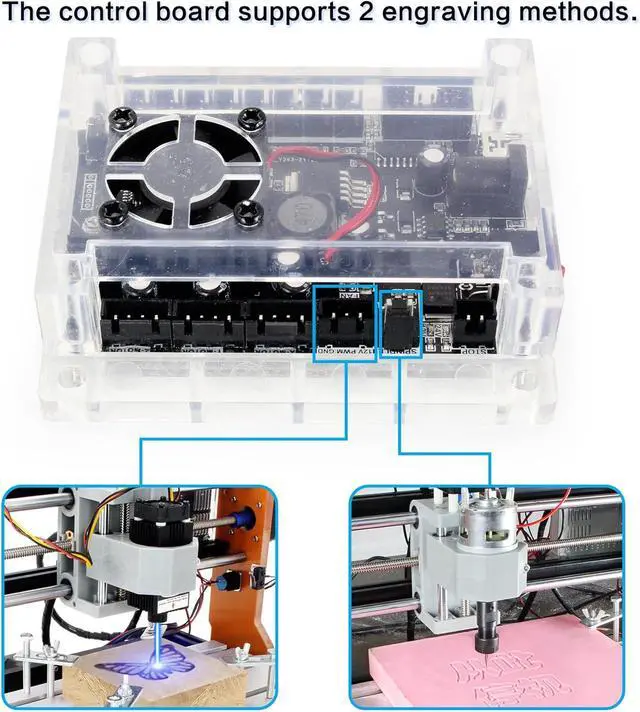
Support Motor: Support XYZ three-axis control, spindle.Support stepper motor: 12V, maximum current of 2A or less is recommended within 1.5A and additional heat. (Any stepper motor Nema17,Nema23);Support spindle: Support 24VDC Spindle PWM speed 0%-100%,also support 3-pin PWM/TTL signal control module
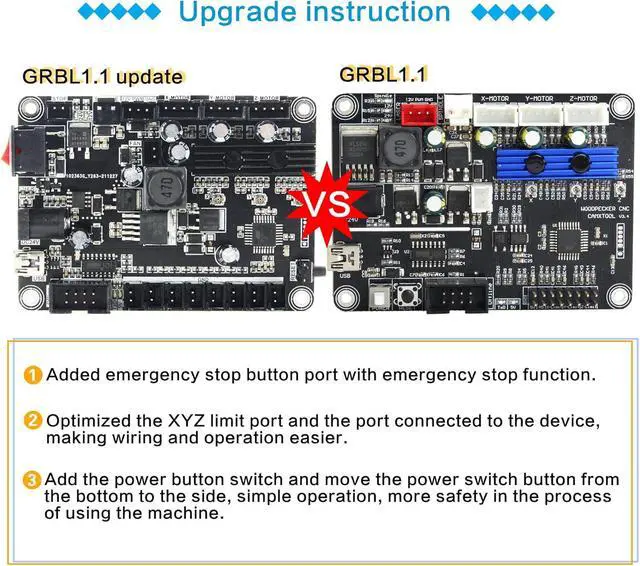
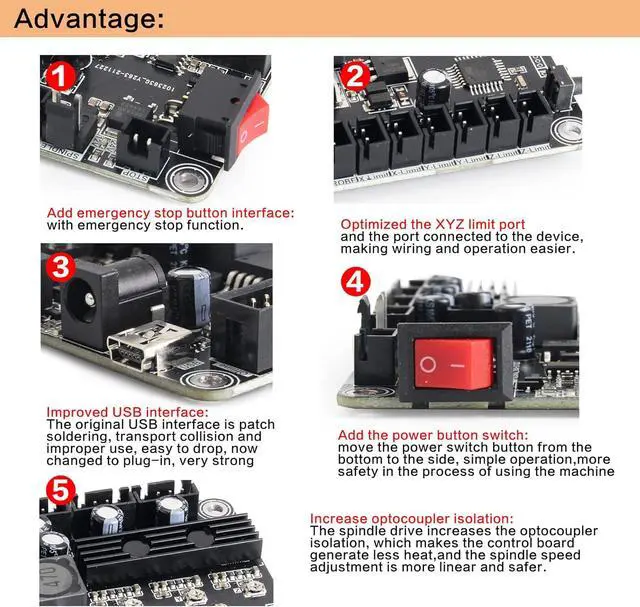
New functions: Add 2-pin emergency stop button port,probe port,XYZ limit port and add the power button switch;Applications: The control board can be used with the 1310,1610-PRO, 3018,3018-PRO and 3018-PRO MAX etc engraving machines
IMPORTANT: This is a control board, NOT plug-and-play. Pls Connect 24VDC to board, then connect USB to PC. Driver: Install your CH340 driver. In Device Manager > "Ports", verify "USB-SERIAL CH340 (COMx)" appears. Software: Use GrblControl/Candle. Select same COM port, set baud rate to 115200, click "Connect".Unlock: After connect, click "Unlock" or send $X command Final Check: If connected but no movement, release emergency stop, ensure limit switches off, then click "Reset" & "Unlock"