Welcome to my shop!
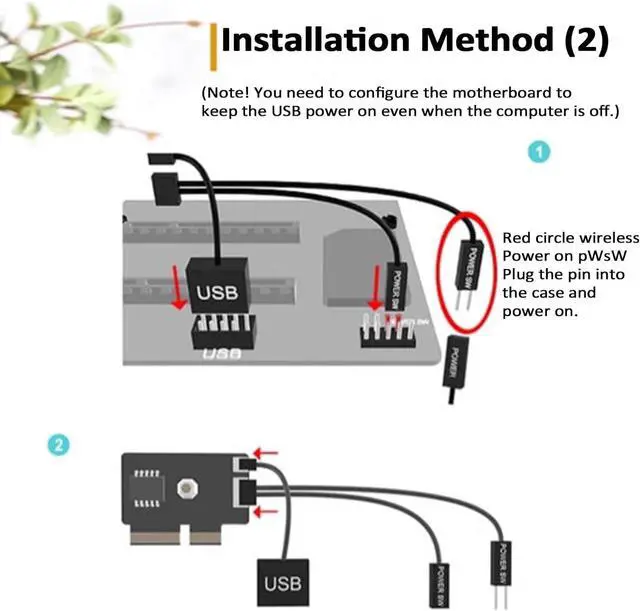
* Can only shut down after installation, not power on? You need to configure the motherboard power supply. Press the power button on the case > immediately press the Delete key repeatedly > enter the motherboard BIOS > click Advanced > click Advanced Power Management > select ERP or EPU to disable > save and exit.
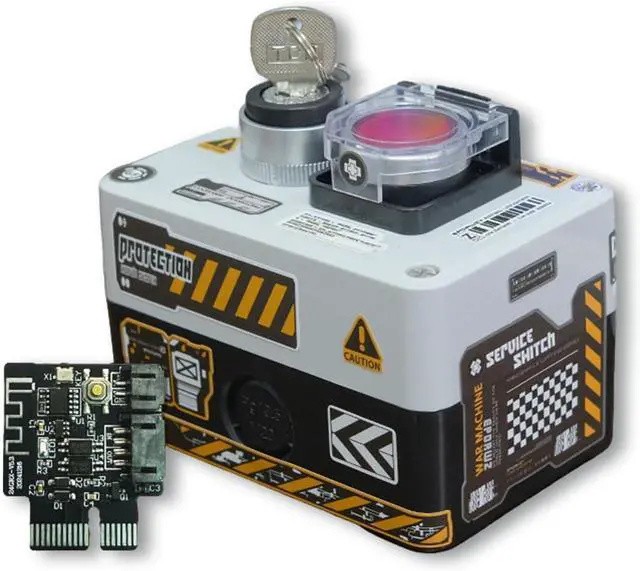
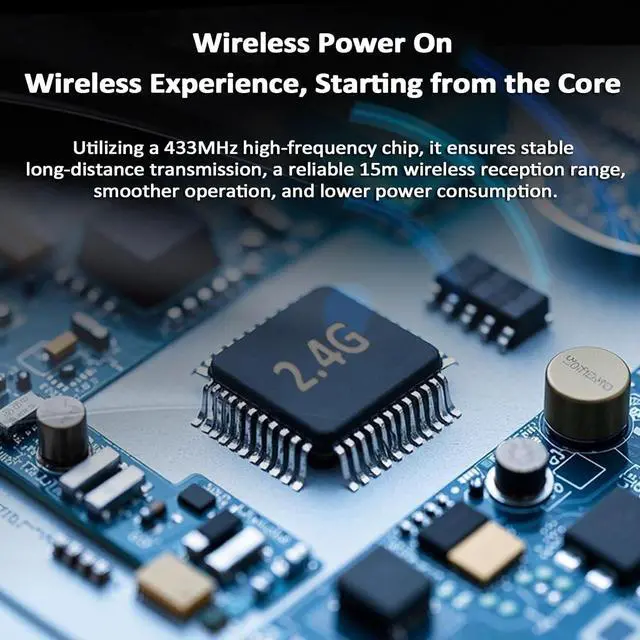
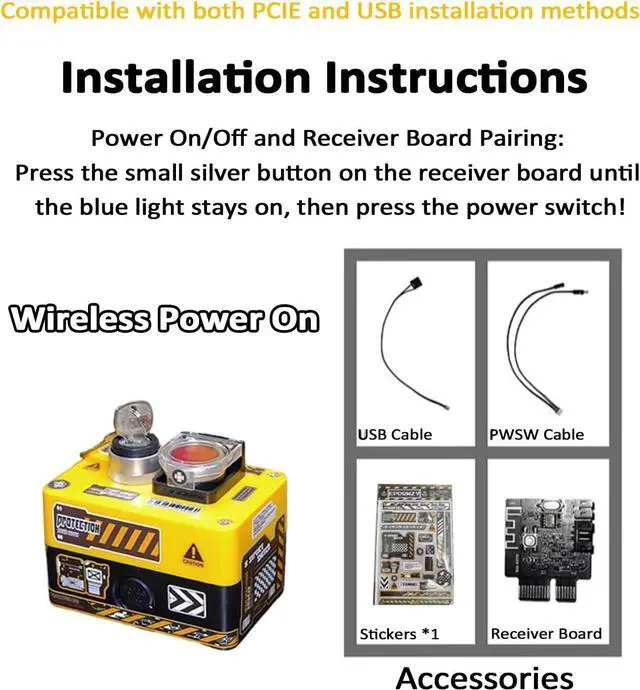
Product Parameters: Product Name: Wireless External PC Power Button
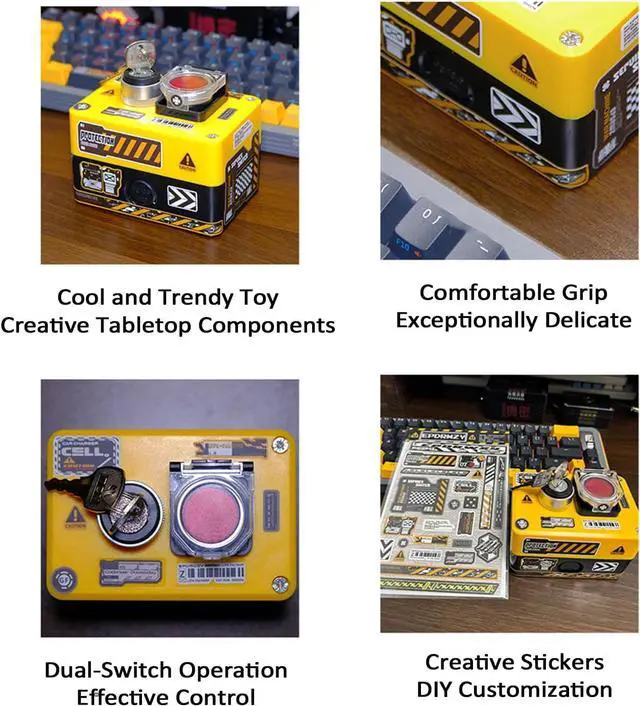
Color Classification: Yellow, White
Instructions for Use: Simply insert the power-on card to use
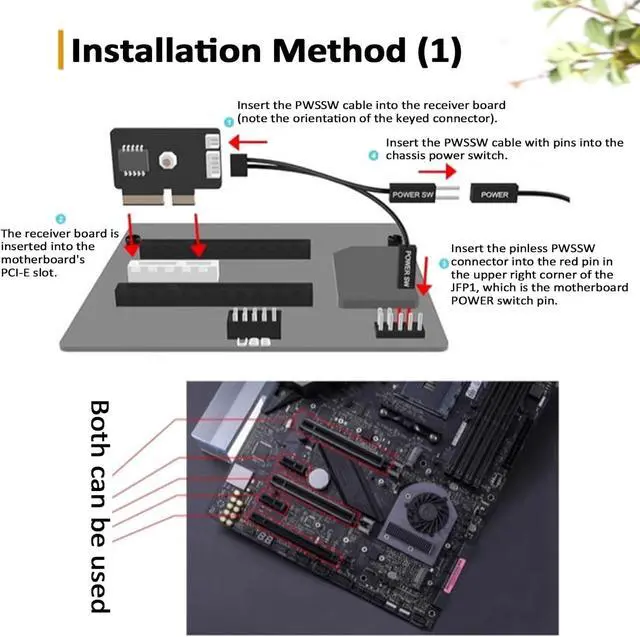
Interface Support: PCIe interface and USB 9-pin interface
Two Installation Methods: PCIe and USB
Product Function: Power on and power off
Compatible Models: Desktop PCs (not compatible with laptops and all-in-ones)
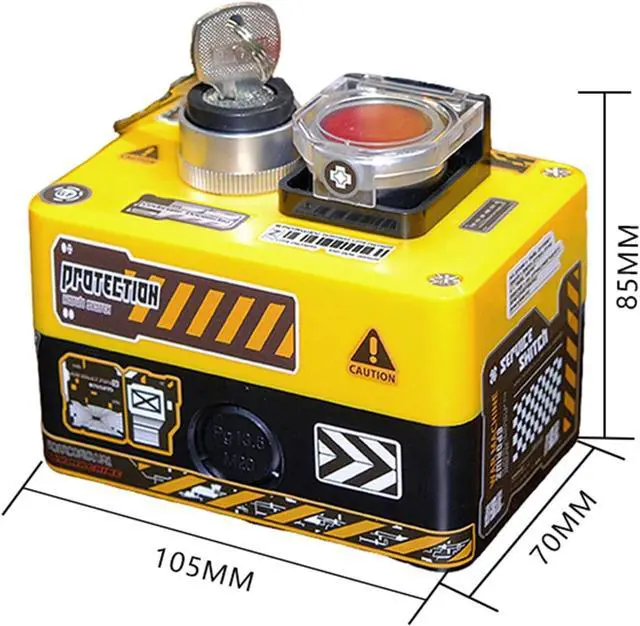
Product Dimensions: 105*70*85MM
Product Includes:
External PC Power Button *1
USB/PWSW Cable *1
Sticker *1
Receiver Board *1