shippingWe‘re shipping as usual! The Canada Post strike only affects certain remote deliveries and PO Boxes. Details
shipping Holiday Shipping Details & Extended Holiday Returns
  • $126.99
  • Free 15-day Returns
  • Ships from United States.
    Price alert
    Shop it at NeweggBusiness.

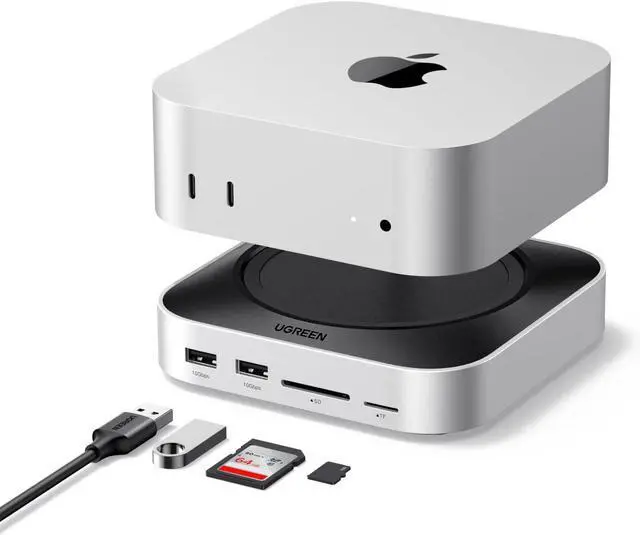
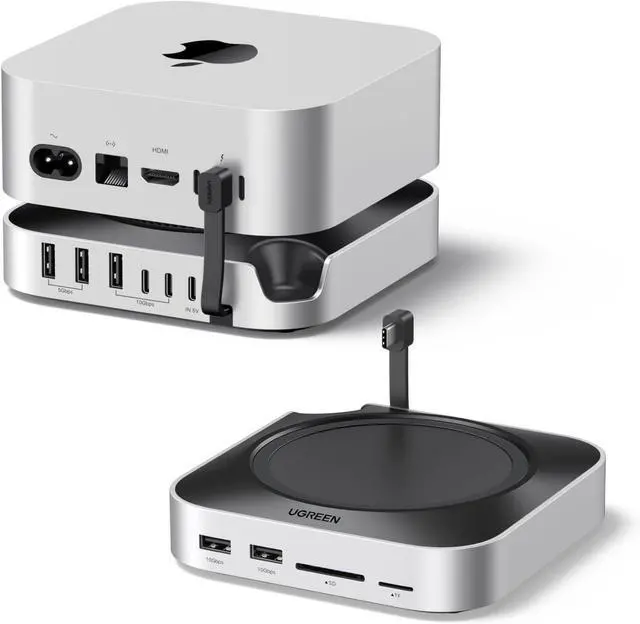
    UGREEN Mac mini M4 Dock & Stand with NVMe SSD Enclosure, Docking Station with 3*USB A 3.2, 2*USB A 3.0, 2*USB C 3.2 10Gbps, SD/TF 170MB/s, USB C Hub Compatible with Mac mini M4 Pro

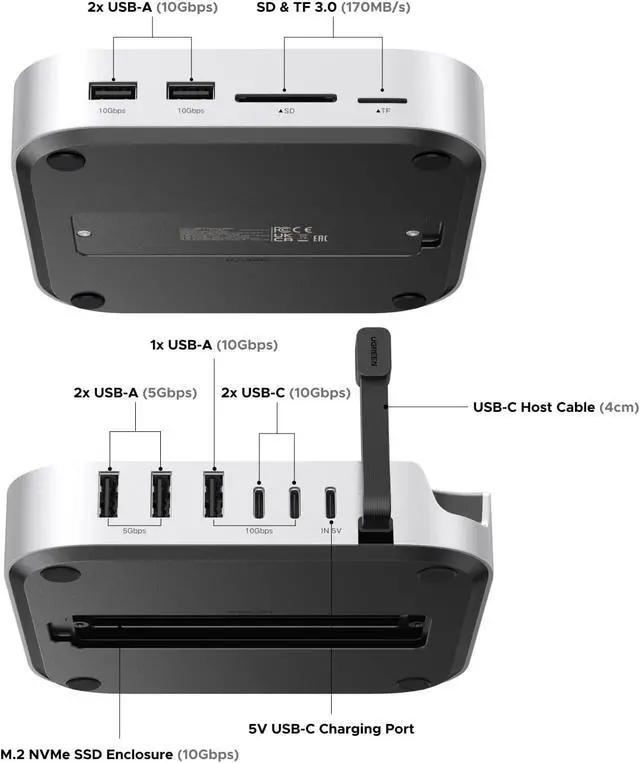
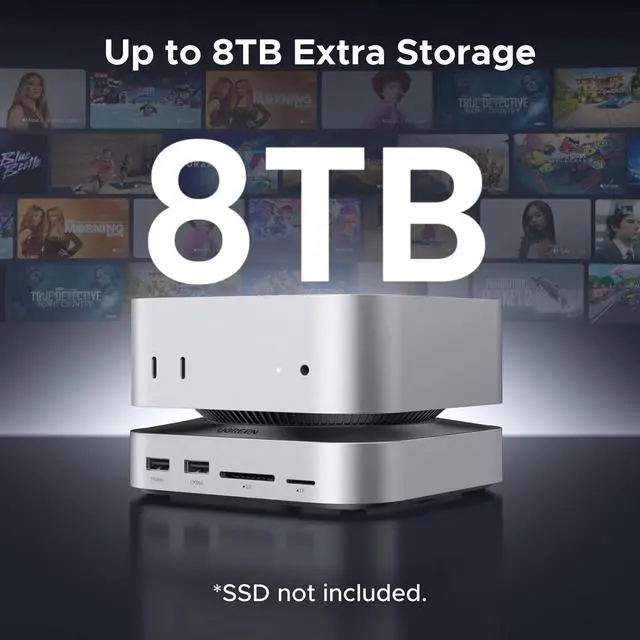
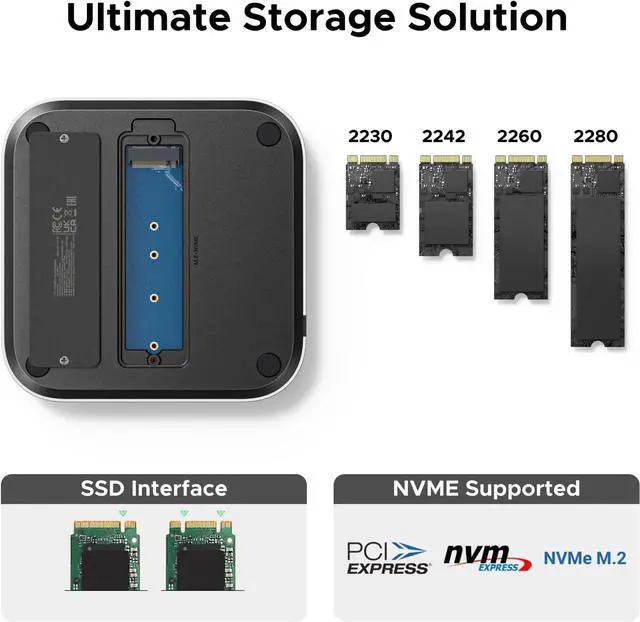
    • Up to 8TB of Expandable Massive Storage: Unleash the potential of your Mac Mini M4 with up to 8TB of ultra-fast internal storage. The Mac mini M4 Pro docking station supports M.2 NVMe SSDs (2230/2242/2260/2280). Enjoy 10Gbps transfer speeds to easily handle large files, 4K editing, or backups while keeping your devices neat and organized. (SSD not included.)
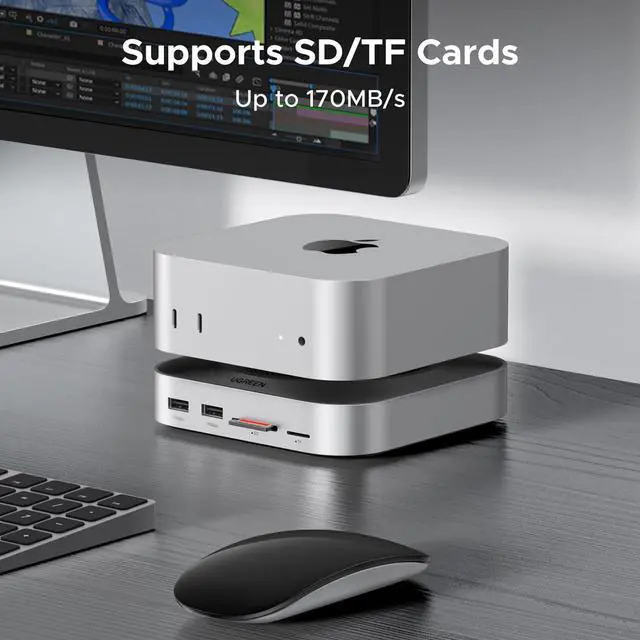
    • High-Speed Connectivity Hub: Transform your Mac Mini into a workstation with 11 versatile ports, including 3 USB-A 3.2 ports (10Gbps), 2 USB-A 3.0 ports (5Gbps), 2 USB-C 3.2 ports (10Gbps), and a UHS-II SD/TF card reader (170MB/s). Flexible power options: Power from your Mac Mini or use an external adapter (recommended for multi-device configurations)
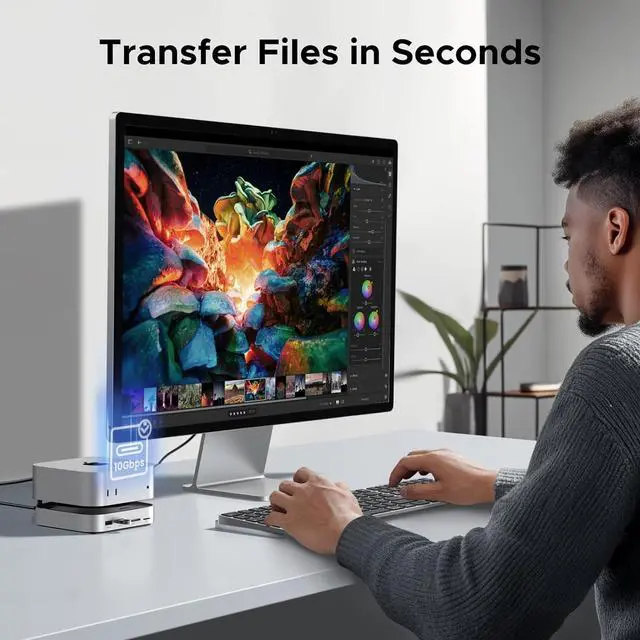
    • Ultra-Fast 10gbps Data Transfer For Maximum Efficiency: With 10Gbps USB-A and USB-C 3.2 ports, you can experience lightning-fast transfer speeds of up to 10Gbps. Dominate productivity with 10Gbps USB-A/C ports moving files 20x faster than USB 2.0 and 2x faster than standard 5Gbps p
    +
    +
    Overview
    Specs
    Reviews
    18TB Storage2Supports NVMe SSDs 3High-speed Transmission4SD/TF 170MB/s Can the product charge mobile devices such as phones and tablets?
    No. The downstream USB port on the product is current-limited, providing a low charging current. It does not advertise support for mobile device charging.

    Why does wireless mouse become slow or unusable when connected to the dock?
    The receiver frequency band of the mouse is close to the USB 3.0 frequency band of the docking station, which may cause interference. Therefore, it is recommended to use the mouses receiver separately from the 3.0 devices on the product.

    Can the dock be powered by a power adapter that supports the PD protocol?
    Yes, power adapters that support PD are generally compatible with 5V and can be used.

    Can the USB-C male port on the product be connected to other devices using an extension cable?
    No. Using an extension cable will cause unstable data transmission or slow data transfer speeds and is not recommended.

    1. If multiple peripherals are connected to the product, it is recommended to use an external power adapter.2. Downstream USB ports share the bandwidth of the upstream port. Using both ports simultaneously will result in data transfer speed drops.3.Always power off the M.2 drive before installing it. Never power on the drive or the hub to avoid damaging the drive or the hub.4.Before removing a storage device, safely eject it. Direct removal may damage files or the disk. Why does the dock gets hot?
    Can the product charge mobile devices such as phones and tablets?
    Why does wireless mouse become slow or unusable when connected to the dock?
    Can the dock be powered by a power adapter that supports the PD protocol?
    Can the USB-C male port on the product be connected to other devices using an extension cable?
    Notes:

    Warranty & Returns

    Warranty, Returns, And Additional Information

    Warranty

    • Please contact the Seller directly for warranty information. Warranty information may also be found on the Manufacturer's website.
    • CONTACT

    Return Policies

    Manufacturer Contact Info

    LOADING...