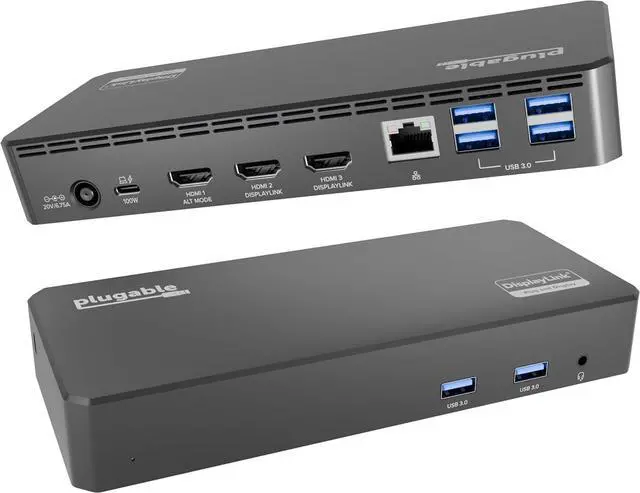
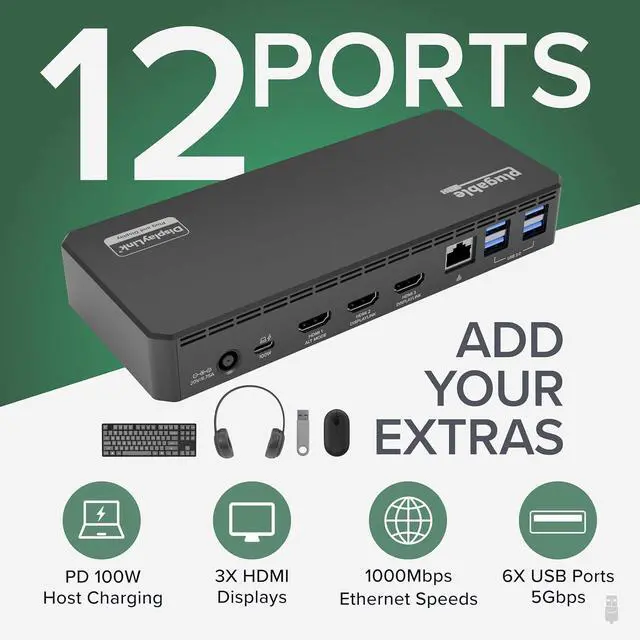
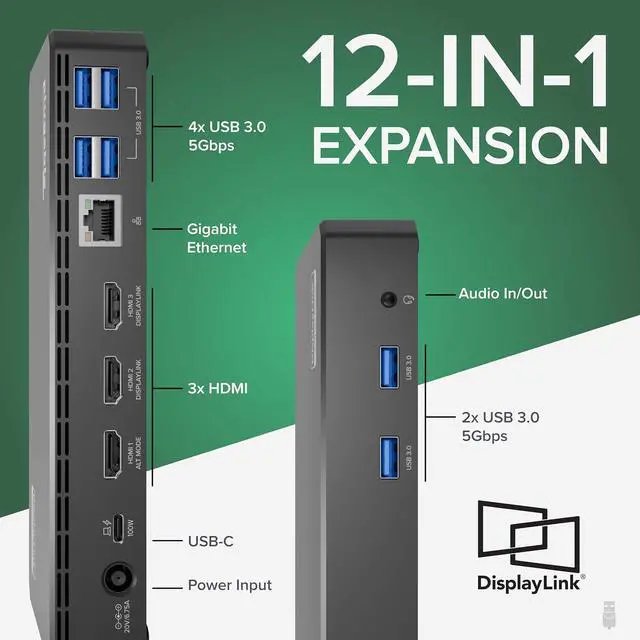
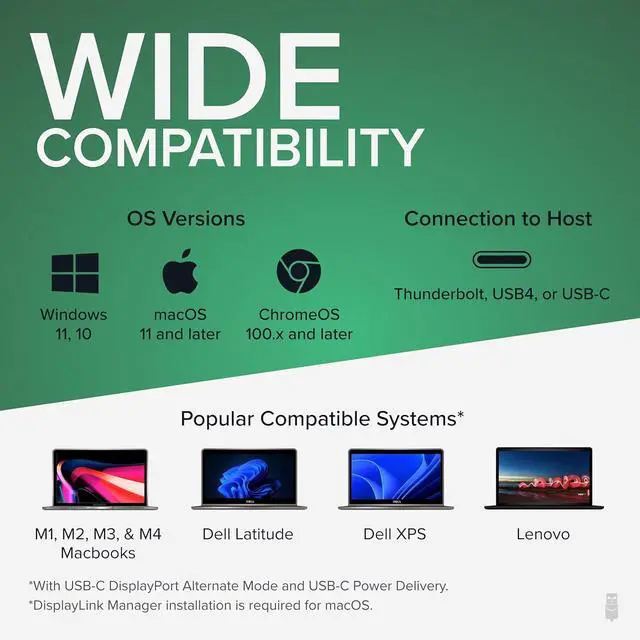
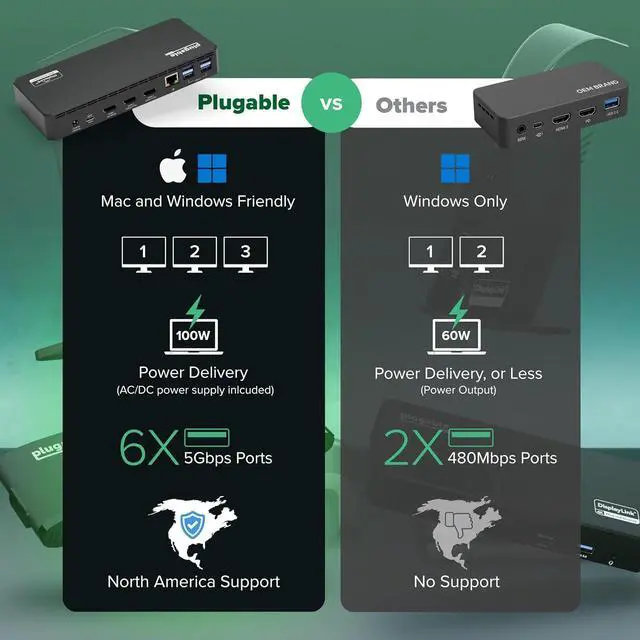
USB-C To HostUSB 5Gbps Type-C, DisplayPort Alternate Mode 1.2, USB Power DeliveryHDMI 1Up to 4K UHD (3840x2160) at 30Hz refresh rate, lower resolutions up to 60Hz refresh rateHDMI 2 & HDMI 3Up to 1080P (1920x1080) at 60Hz refresh rate with DisplayLink USB graphics technology6x USB 5Gbps USB Standard-A 5Gbps ports1x 3.5mm AudioTRRS Headset port, supports stereo audio and mono microphone, or stereo speakers/headphones Do I need to install software in order to use the device?
Yes, DisplayLink software is required for the UD-3900PDZ for full functionality. Manual installation is required for macOS, Windows installation is typically automatic. We recommend installing the latest DisplayLink software for the best performance.
When installing DisplayLink software on my Mac, why is it necessary to grant Screen Recording permission?
macOS requires "Screen Recording" for the DisplayLink driver to work properly. Approving it enables the driver to send data over USB from your computer to the DisplayLink-powered display. No data, images, or pixels are being stored or recorded.
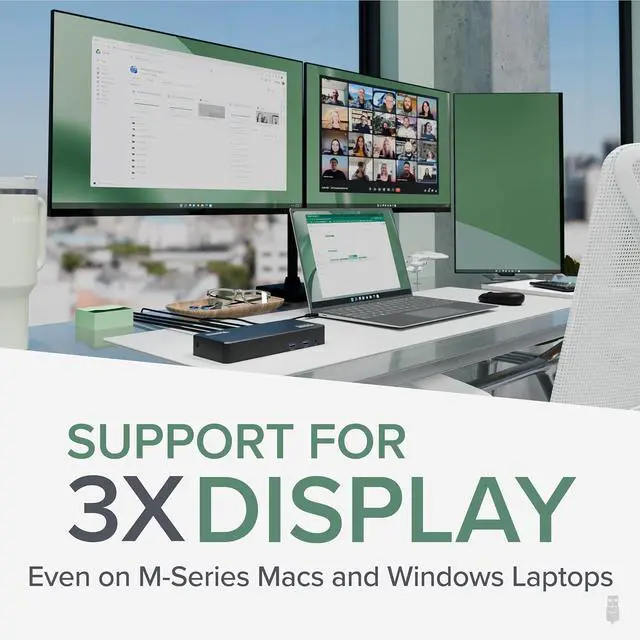
Does this dock allow for three displays even on base Apple M-Series Macs?
Yes. Enabled by DisplayLink technology, UD-3900PDZ can connect three displays even if the computer supports only one display output on its own. DisplayLink Manager installation required on Mac.
Which USB-C port on the dock can be used to connect my computer?
The USB-C port on the rear of the dock is dedicated for connecting your laptop. The front port is a hub port only, so it doesnt work to connect a computer to the dock.
Why arent all three displays connecting to my dock?
Please confirm your laptops USB-C port supports video output (Alt mode), that the docking station is connected to the computer with the USB-C data cable provided with this dock, and that you have the DisplayLink driver/software installed.
Tech Specs Do I need to install software in order to use the device?
When installing DisplayLink software on my Mac, why is it necessary to grant Screen Recording permission?
Does this dock allow for three displays even on base Apple M-Series Macs?
Which USB-C port on the dock can be used to connect my computer?
Why arent all three displays connecting to my dock?