





WAVLINK USB 3.0/USB C Dual 4K 60hz Display Adapter-Enjoy Crystal-clear Visual Feast!
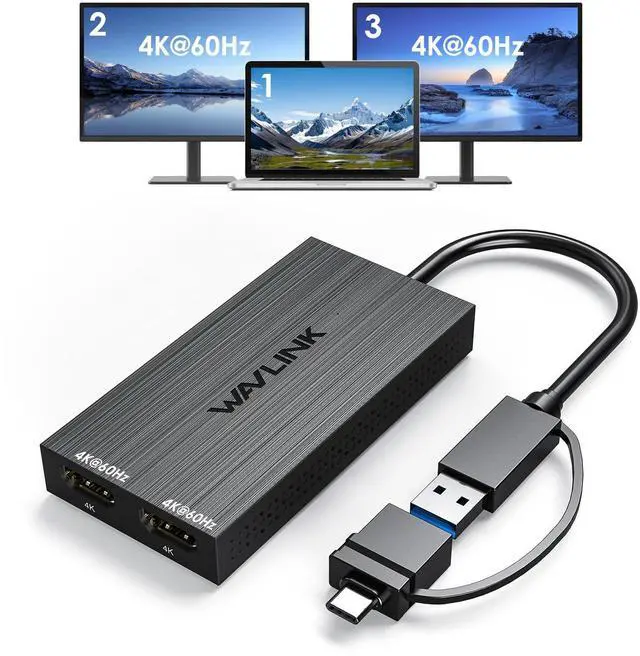
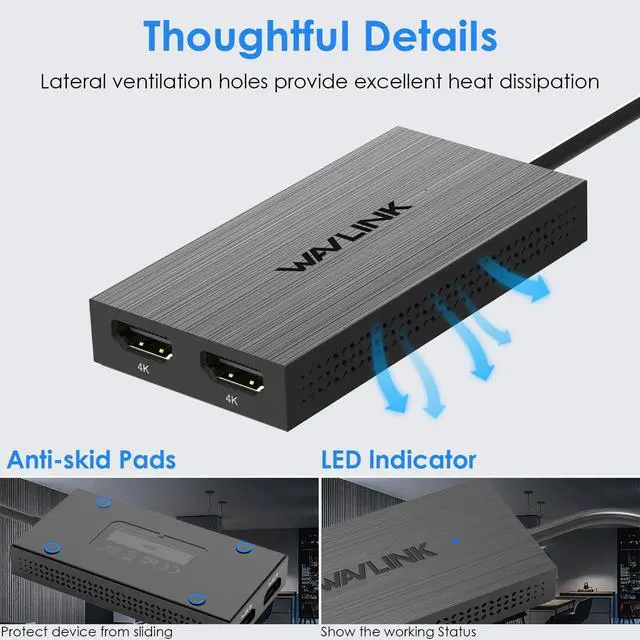
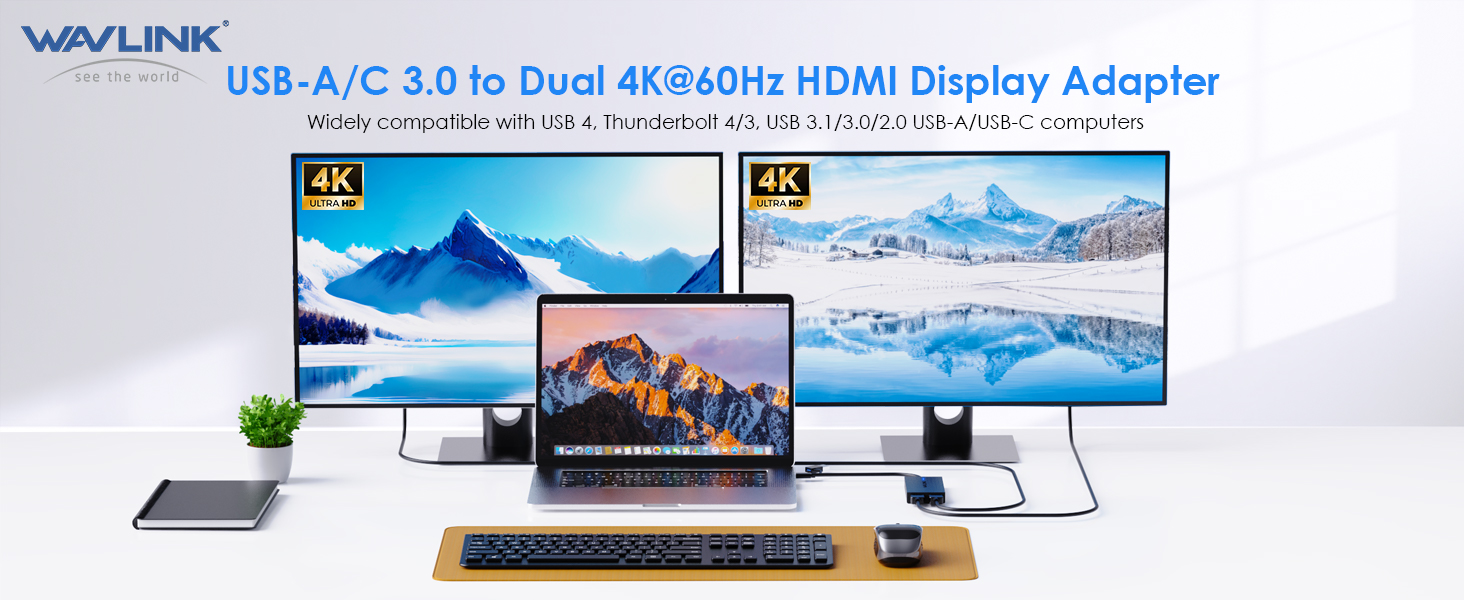
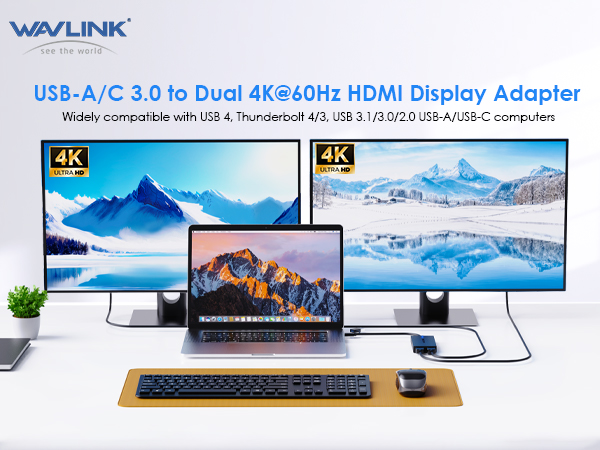
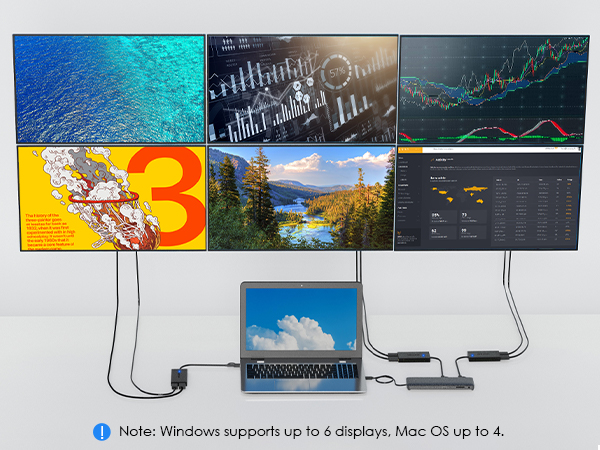
The UG6902H display adapter incorporates the advanced DisplayLink technology, allowing you to output video through dual HDMI ports. This hub features two HDMI ports, enabling dual display functionality with a maximum resolution of 4K@60Hz. With this setup, you can enjoy high-quality visuals and enhanced productivity across multiple monitors. Comes with USB A port and USB A to C convertor, this adapter is compatible with Thunderbolt 4/3 ports, and USB 4 ports found on compatible computers. This broad compatibility ensures that you can utilize the adapter with a wide range of devices, making it versatile and adaptable to different setups.
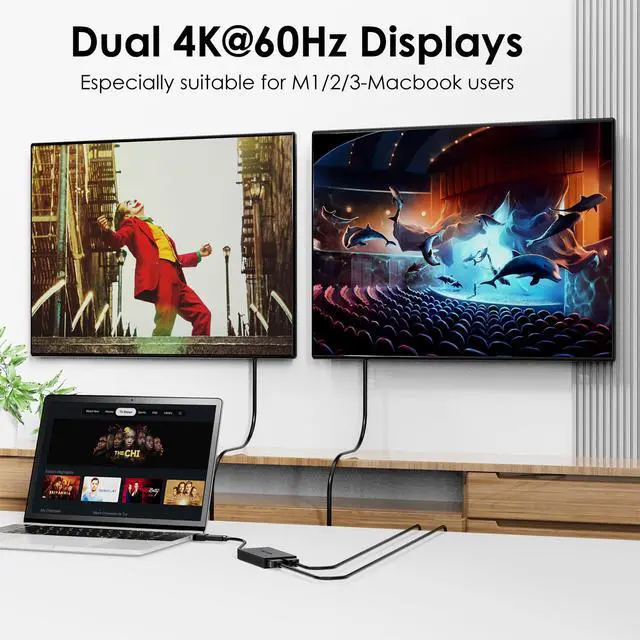
Across Two Monitors
Add 2x 4K60hz HDMI ports to a single Thunderbolt, USB 4, or USB-C or USB 3.0 port
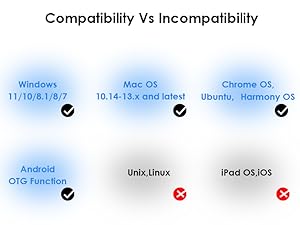
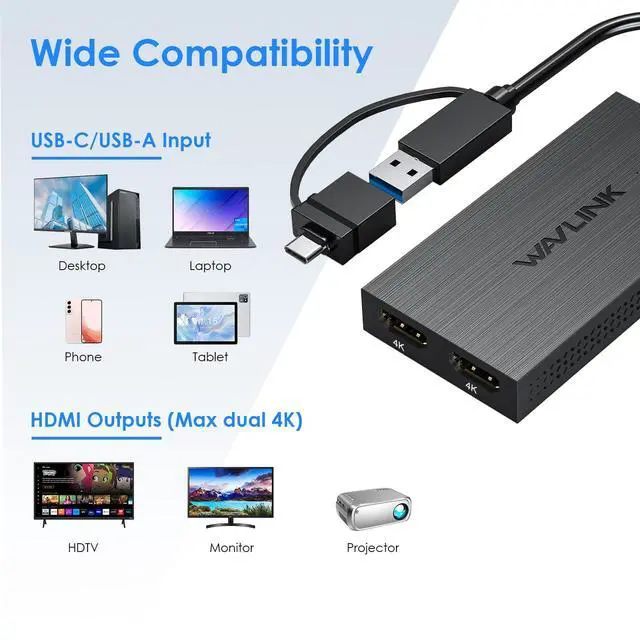
Wide Compalibity
Compatible with MacBook Pro, MacBook Air, Mac Mini, with M1 / M2 / M3 /M4 silicon. macOS 11 or higher and Windows 10 or newer, and ChromeOS.
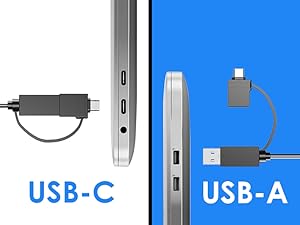
Inputs for Choose
Comes with a hybrid 2-in-1 cable, it is easy to connect a USB-enabled device such as laptop, desktop, tablet, phone for a multi-monitor solution.
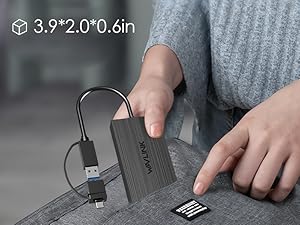
Portable Design
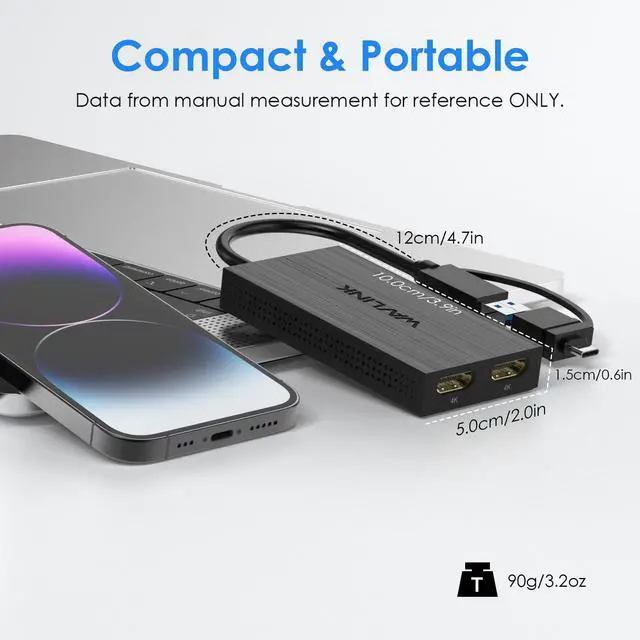
Lightweight of 90g/3.2oz, compact and portable size has it get handy for you in business trip, meeting, switching work at home or office etc.
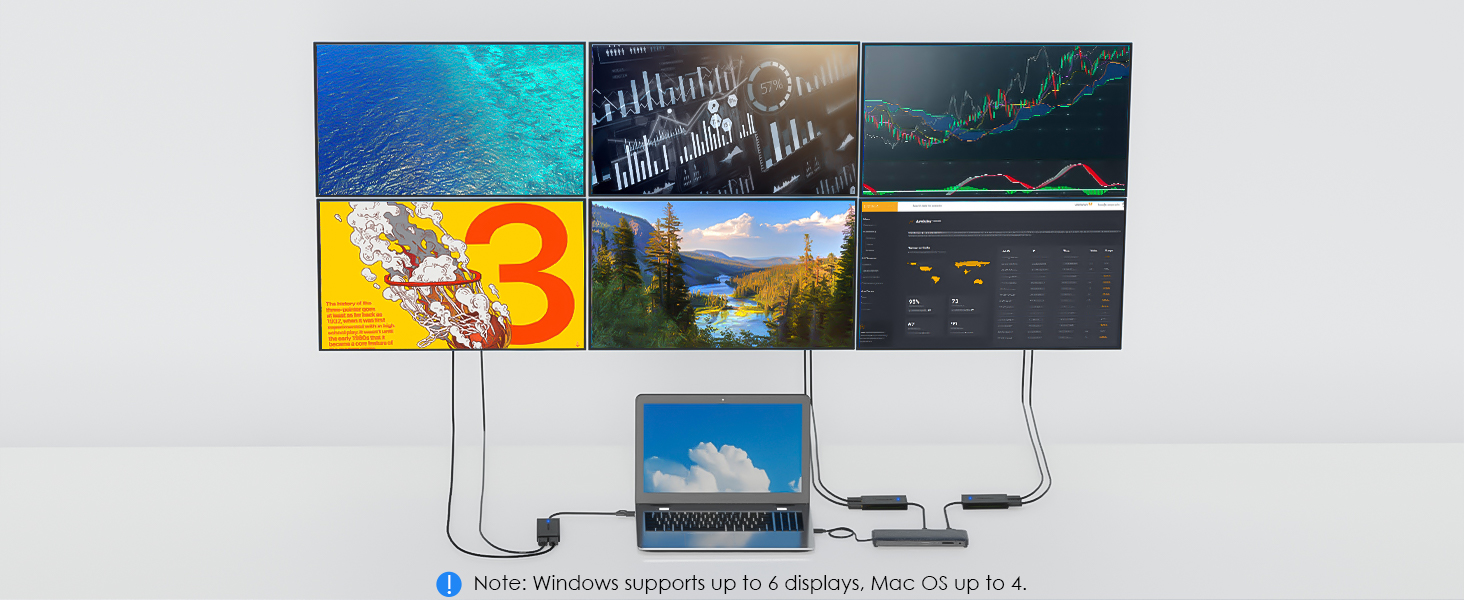

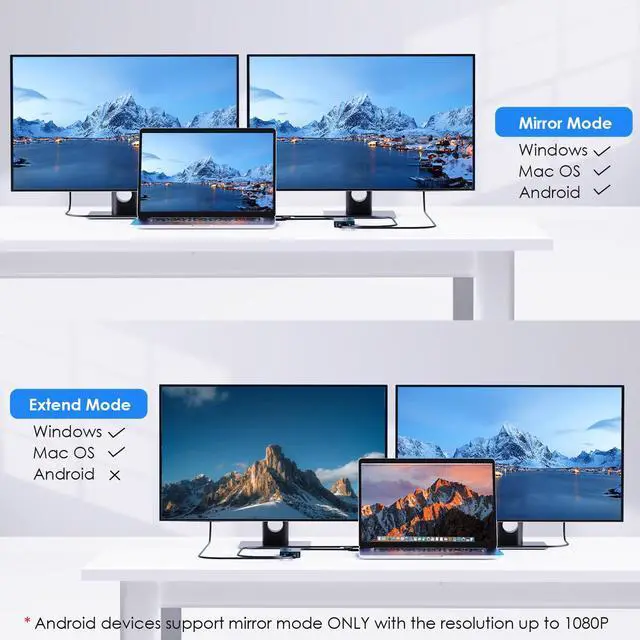
Will this work with my macbook on 2 monitors showing different screens?
Yes, it supports extending two different screens for Mac OS.
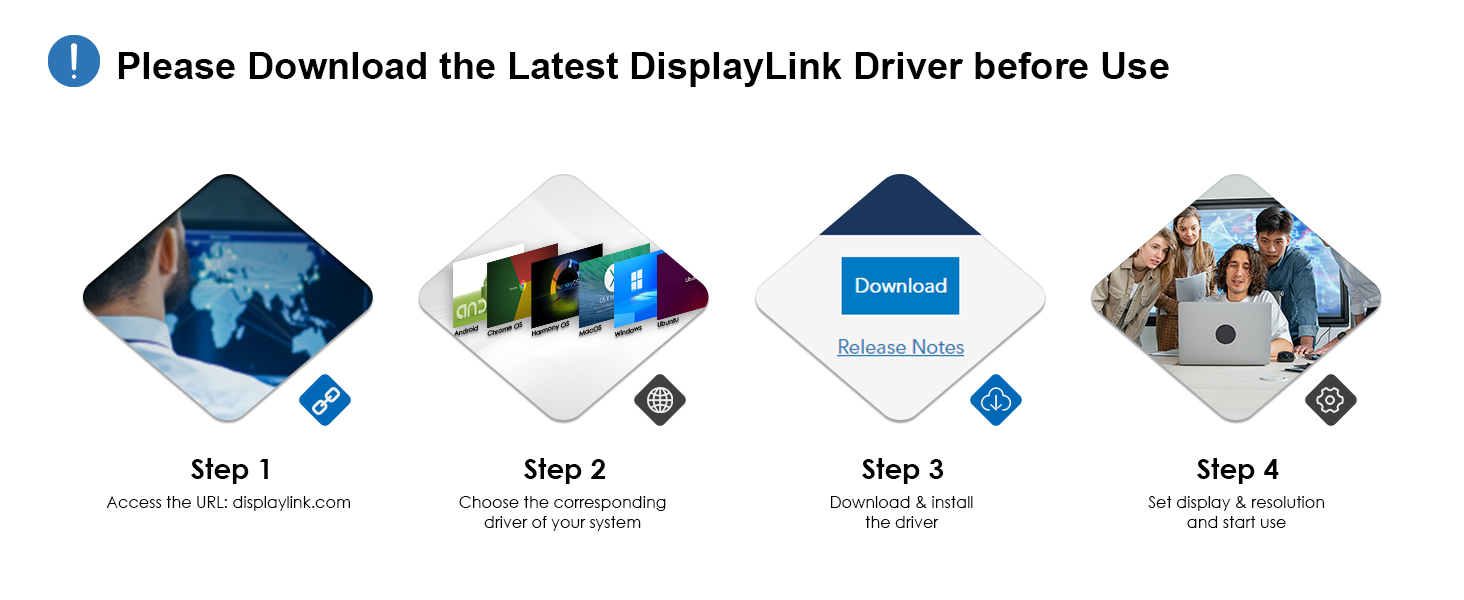
Do I need to install driver in order to use the adapter?
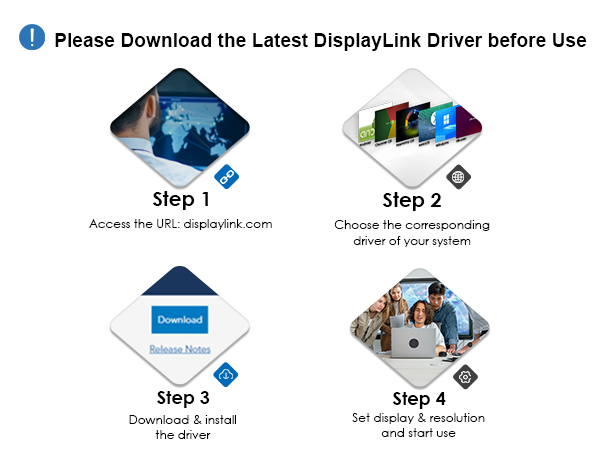
Yes, DisplayLink driver is required. Manual installation required on Mac; typically automatic on Windows We recommend installing the latest recommended DisplayLink Manager Application software to ensure best performance.
Does this support higher refresh rates like 144Hz?
Sorry no, this adapter supports monitor refresh rates up to 60Hz.
Can the device support HDCP (copy-protected) content playback from Bluray/Netflix/Prime Video/iTunes/Hulu/etc?
No,this adapter can't support HDCP like content playback from Bluray/Netflix/Prime Video/iTunes/Hulu/etc.
When installing DisplayLink software on my Mac, why is it necessary to grant ‘Screen Recording’ permission?
macOS requires "Screen Recording" for the DisplayLink driver to work properly. Approving it enables the driver to send data over USB from your computer to the DisplayLink-powered display. No data, images, or pixels are being stored or recorded.
Compare More Products from WAVLINK
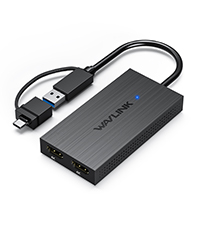 USB HDMI Splitter 4K@60hz | 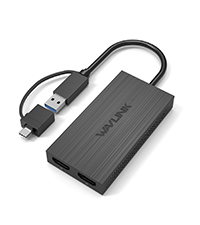 USB HDMI Splitter 2K | 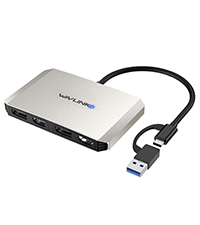 USB to Dual HDMI/DP 4K | 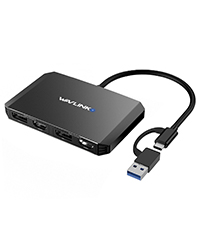 USB to Dual HDMI/DP 4K | 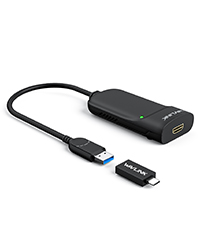 USB HDMI Adpater | 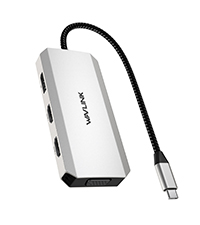 USB C Dual HDMI Adapter | 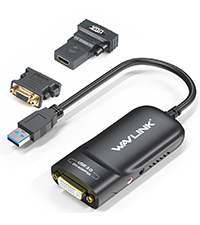 USB DVI VGA HDMI Adpater | |
|---|---|---|---|---|---|---|---|
Customer Reviews | — | — | — | — | — | — | — |
Price | — | — | — | — | — | — | — |
Connection to host | USB-C/A, Thunderbolt, USB4 | USB-C/A, Thunderbolt, USB4 | USB-C/A, Thunderbolt, USB4 | USB-C/A, Thunderbolt, USB4 | USB-C/A, Thunderbolt, USB4 | USB-C, Thunderbolt, USB4 | USB 3.0 |
Supported Operate System | macOS, Windows, ChromeOS | macOS, Windows, ChromeOS | macOS, Windows, ChromeOS | macOS, Windows, ChromeOS | macOS, Windows, ChromeOS | macOS, Windows, ChromeOS | macOS, Windows, ChromeOS |
Number of displays supported | 2 | 2 | 2 | 2 | 1 | 4 | 1 |
Driver Requirement | Displaylink | SiliconMotion | Displaylink | Displaylink | Displaylink | No | Displaylink |
Max Resolution | Dual 4K@60Hz | 4K@30Hz+1080P | Dual 4K@60Hz | Dual 4K@60Hz | 1920*1080P | 4K@60hz+4K@30hz+1080P | 1920*1080P |
Video port(s) included | 2x HDMI | 2x HDMI | 2x HDMI, 2x DisplayPort | 2x HDMI, 2x DisplayPort | 1x HDMI | 2x HDMI, 1x DisplayPort,1x VGA | 1x DVI, 1x HDMI,1x VGA |
Total port count | 2 | 2 | 4 | 4 | 1 | 7 | 1 |
WAVLINK USB 3.0/USB C Dual 4K 60hz Display Adapter-Enjoy Crystal-clear Visual Feast!
The UG6902H display adapter incorporates the advanced DisplayLink technology, allowing you to output video through dual HDMI ports. This hub features two HDMI ports, enabling dual display functionality with a maximum resolution of 4K@60Hz. With this setup, you can enjoy high-quality visuals and enhanced productivity across multiple monitors. Comes with USB A port and USB A to C convertor, this adapter is compatible with Thunderbolt 4/3 ports, and USB 4 ports found on compatible computers. This broad compatibility ensures that you can utilize the adapter with a wide range of devices, making it versatile and adaptable to different setups.
Across Two Monitors
Add 2x 4K60hz HDMI ports to a single Thunderbolt, USB 4, or USB-C or USB 3.0 port
Wide Compalibity
Compatible with MacBook Pro, MacBook Air, Mac Mini, with M1 / M2 / M3 /M4 silicon. macOS 11 or higher and Windows 10 or newer, and ChromeOS.
Inputs for Choose
Comes with a hybrid 2-in-1 cable, it is easy to connect a USB-enabled device such as laptop, desktop, tablet, phone for a multi-monitor solution.
Portable Design
Lightweight of 90g/3.2oz, compact and portable size has it get handy for you in business trip, meeting, switching work at home or office etc.

Will this work with my macbook on 2 monitors showing different screens?
Yes, it supports extending two different screens for Mac OS.
Do I need to install driver in order to use the adapter?
Yes, DisplayLink driver is required. Manual installation required on Mac; typically automatic on Windows We recommend installing the latest recommended DisplayLink Manager Application software to ensure best performance.
Does this support higher refresh rates like 144Hz?
Sorry no, this adapter supports monitor refresh rates up to 60Hz.
Can the device support HDCP (copy-protected) content playback from Bluray/Netflix/Prime Video/iTunes/Hulu/etc?
No,this adapter can't support HDCP like content playback from Bluray/Netflix/Prime Video/iTunes/Hulu/etc.
When installing DisplayLink software on my Mac, why is it necessary to grant ‘Screen Recording’ permission?
macOS requires "Screen Recording" for the DisplayLink driver to work properly. Approving it enables the driver to send data over USB from your computer to the DisplayLink-powered display. No data, images, or pixels are being stored or recorded.
Compare More Products from WAVLINK
USB HDMI Splitter 4K@60hz | USB HDMI Splitter 2K | USB to Dual HDMI/DP 4K | USB to Dual HDMI/DP 4K | USB HDMI Adpater | USB C Dual HDMI Adapter | USB DVI VGA HDMI Adpater |
|---|---|---|---|---|---|---|
| Customer Reviews | ||||||
| — | — | — | — | — | — | — |
| Price | ||||||
| — | — | — | — | — | — | — |
| Connection to host | ||||||
| USB-C/A, Thunderbolt, USB4 | USB-C/A, Thunderbolt, USB4 | USB-C/A, Thunderbolt, USB4 | USB-C/A, Thunderbolt, USB4 | USB-C/A, Thunderbolt, USB4 | USB-C, Thunderbolt, USB4 | USB 3.0 |
| Supported Operate System | ||||||
| macOS, Windows, ChromeOS | macOS, Windows, ChromeOS | macOS, Windows, ChromeOS | macOS, Windows, ChromeOS | macOS, Windows, ChromeOS | macOS, Windows, ChromeOS | macOS, Windows, ChromeOS |
| Number of displays supported | ||||||
| 2 | 2 | 2 | 2 | 1 | 4 | 1 |
| Driver Requirement | ||||||
| Displaylink | SiliconMotion | Displaylink | Displaylink | Displaylink | No | Displaylink |
| Max Resolution | ||||||
| Dual 4K@60Hz | 4K@30Hz+1080P | Dual 4K@60Hz | Dual 4K@60Hz | 1920*1080P | 4K@60hz+4K@30hz+1080P | 1920*1080P |
| Video port(s) included | ||||||
| 2x HDMI | 2x HDMI | 2x HDMI, 2x DisplayPort | 2x HDMI, 2x DisplayPort | 1x HDMI | 2x HDMI, 1x DisplayPort,1x VGA | 1x DVI, 1x HDMI,1x VGA |
| Total port count | ||||||
| 2 | 2 | 4 | 4 | 1 | 7 | 1 |