


- Free 30-day Returns
$188.49

Meet Your Seller



Visit OWC Canada Store
FOLLOW
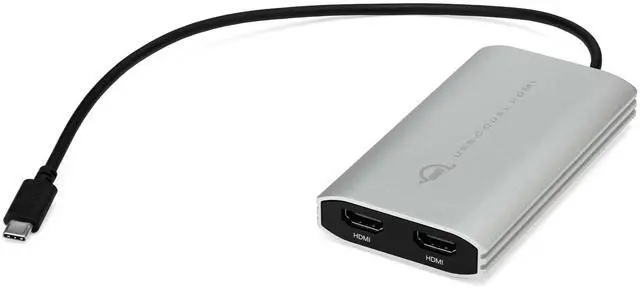
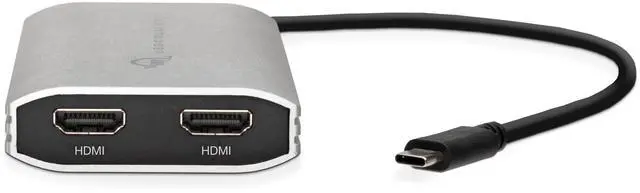
OWC USB-C to Dual HDMI 4K Display Adapter with DISPLAYLINK for Apple M1 Mac or Any Mac or PC with USB-C or Thunderbolt
- Solution: easily solves the one external display limitation of Apple silicon M1, M2, M3, and M4 Macs
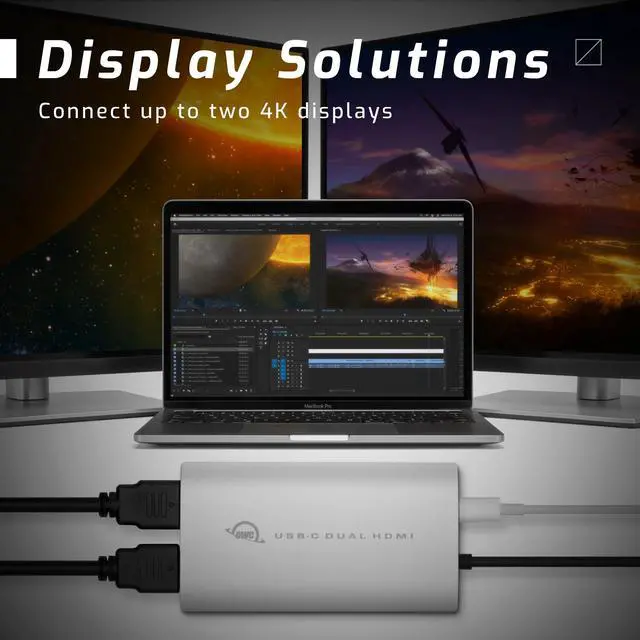
- Expansive: connect up to two 4K displays via a single Thunderbolt or USB-C port on any Mac or Windows PC computer, or add a second adapter for up to four displays
- Flexible: choose either Extended or Mirror display modes
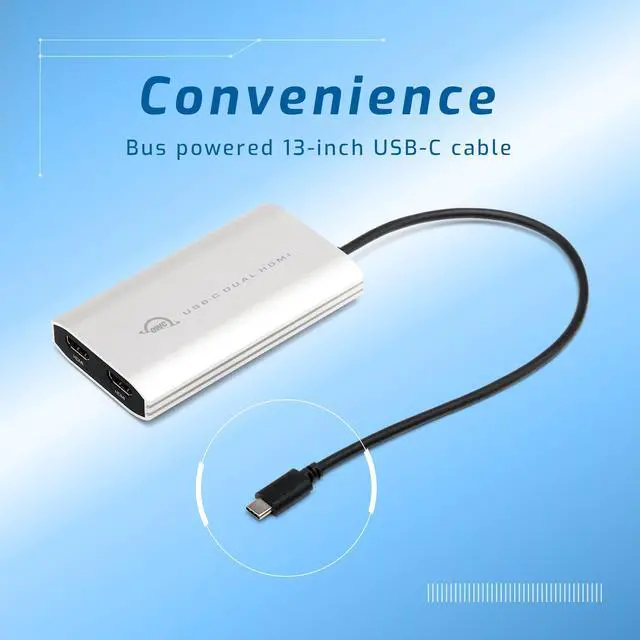
- Convenient: bus powered via integrated 13-inch USB-C cable for use anywhere
- Maximize: Transform one USB-C port on your Mac, PC, or Chromebook into power and two HDMI displays
- HDMI Pass Through Support: Allows audio signals to pass through the adapter to the connected displays
- 1 Year OWC Limited Warranty
+
+
Overview
Specs
Reviews

















Hello Dual-Displays.
Now on your M1, M2, M3 & M4 Mac.
Oh and BTW it works with USB-C and Thunderbolt Macs & PCs too.
When the first generation of Apple silicon Macs were introduced, we immediately fell in love with the M1s ability to rival and even go faster and run cooler than - higher-end, more expensive machines. The launch of the M2 and M3 with their performance and power efficiency improvements made us as giddy as any geek unboxing a new gadget. However, our excitement and praise about Apples latest innovation once again waned considerably when we discovered the base M3 model (meaning not M3 Pro or M3 Max) shares the same single external display limitation as the previous M1 and M2.
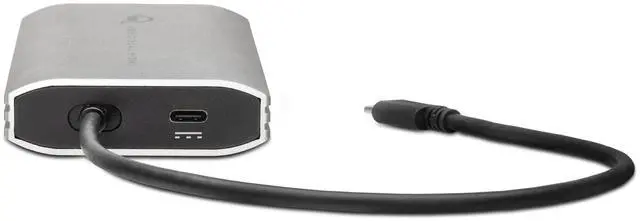
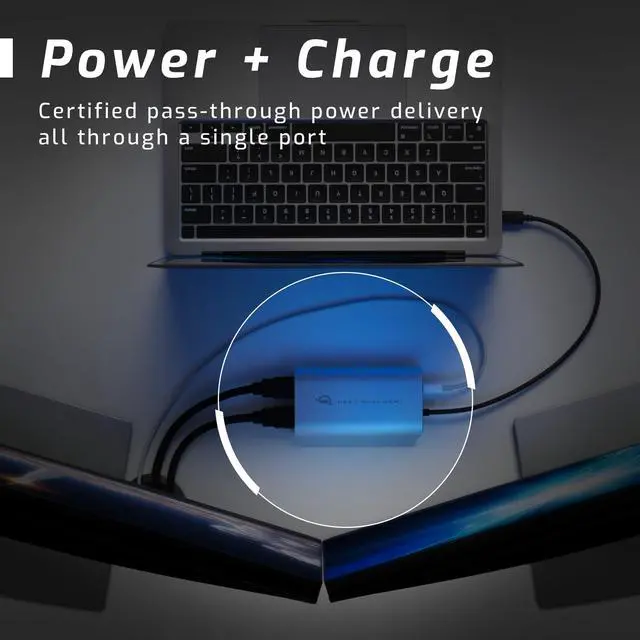
Say hello to the OWC USB-C Dual HDMI 4K Adapter. Its the DisplayLink powered solution for expanding your M1, M2, M3, and M4 machines digital window for easier video editing, seeing more of your workflow simultaneously, or even creating eye-catching digital signage. For the ultimate in convenience, we gave this compact, bus-powered adapter a USB-C power pass-thru port so you can charge/power your laptop. 2 Being the leading dock innovator for Macs, we know you love having ports freed up on your machine!
Wondrous Dual-Displays for All
Besides creating delightful dual-display nirvana with Apple M1, M2, M3, and M4 Apple silicon Macs, you can easily use this nifty, pixel multiplying adapter with your USB-C or Thunderbolt equipped Mac or PC. Just connect the built-in USB-C cable to your machine, download the DisplayLink Manager application (Mac) or driver (Windows), and bam, dual 4K "Plug and Display" magnificence is yours to revel in.
Display-It-All + Power-It-Up
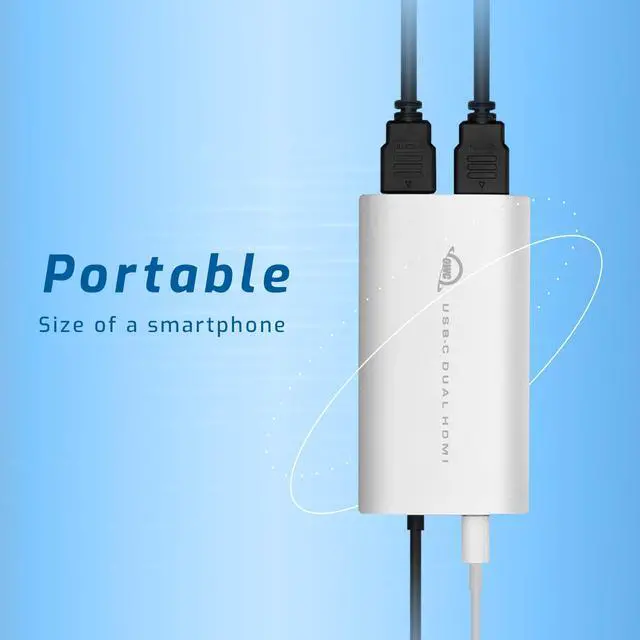
With its compact travel-friendly size and bus-powered convenience, youll always be ready to wow an audience or a team with your newfound multi-display capability. No longer will you have to choose between power and dual displays, or take up a second USB-C port to charge your laptop this handy little adapter features a power pass-thru port. Simply plug in your laptops USB-C power adapter to keep the electrons flowing.
Warranty & Returns
Warranty, Returns, And Additional Information
Warranty
- Please contact the Seller directly for warranty information. Warranty information may also be found on the Manufacturer's website.
- Read full details
- CONTACT
Return Policies
- Return for refund within: 30 days
- Return for replacement within: 90 days
- This item is covered by OWC Canada Return Policy
Manufacturer Contact Info
- For a directory of all our manufacturers, please click below.
- Manufacturers Directory
LOADING...
The OWC USB-C to Dual HDMI 4K Display Adapter uses DisplayLink to connect up to two 4K displays through one USB-C or Thunderbolt port, making it suitable for Mac, Windows PC, and Chromebook users who want an expanded workspace, including users of M1–M4 Macs.
Recommended For
- Owners of base M1, M2, M3, or M4 Macs who need two external HDMI displays for side-by-side work, such as keeping documents, spreadsheets, and communication apps visible at once.
- Hybrid or mobile workers who carry a compact display adapter between home, office, and shared desks, and want to connect two HDMI monitors through one USB-C port.
- Presenters and trainers who bring a laptop to BYOD meeting rooms or classrooms and need to connect to HDMI displays or projectors for presentations.
- PC and Chromebook users with a USB-C or Thunderbolt port who want two HDMI screens for an expanded desktop, without relying on a Mac-specific display solution.
Real-World Use Scenarios
- At a home or office desk, an M1 Mac user connects two external monitors to work around the Mac’s single-display limit, keeping documents or email on one screen and a browser or spreadsheet on the other; DisplayLink software must be installed.
- For routine office multitasking, a user can spread documents, email, browser tabs, and messaging apps across two displays instead of repeatedly switching windows; community reports describe this kind of setup as useful for everyday work.
- A worker who moves between home, office, or shared workspaces can carry the compact adapter and connect to two available HDMI monitors from one USB-C port, without needing a separate powered adapter.
- For a meeting or classroom presentation, a presenter can connect to an HDMI display and choose mirrored output to show the same content to an audience, or extended output when using the extra screen as workspace.
- On a compatible Windows PC or Chromebook, a user can add two HDMI screens for a larger everyday work area; the adapter’s DisplayLink software or driver needs to be installed for operation.