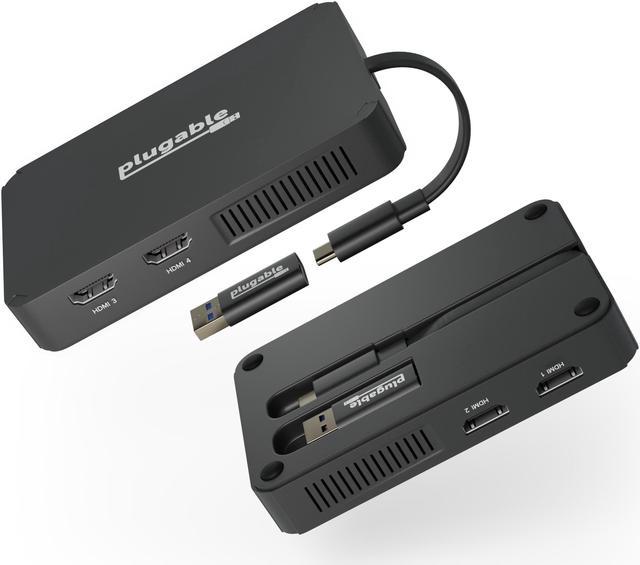
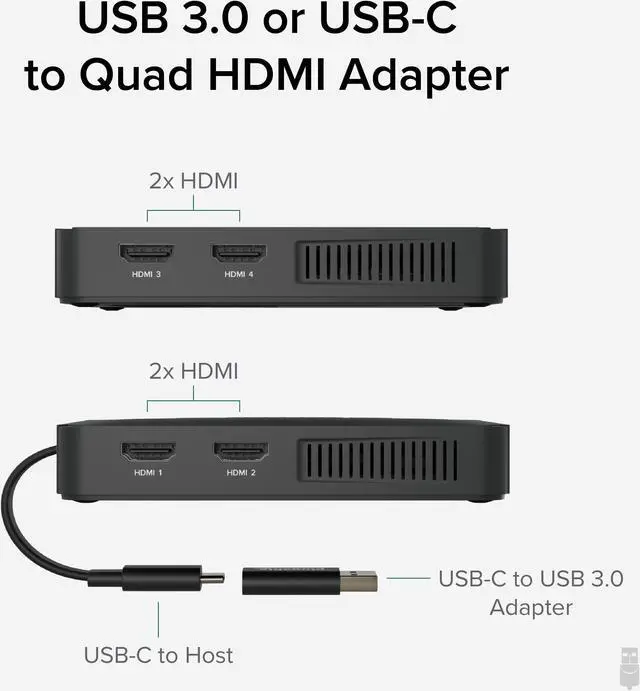
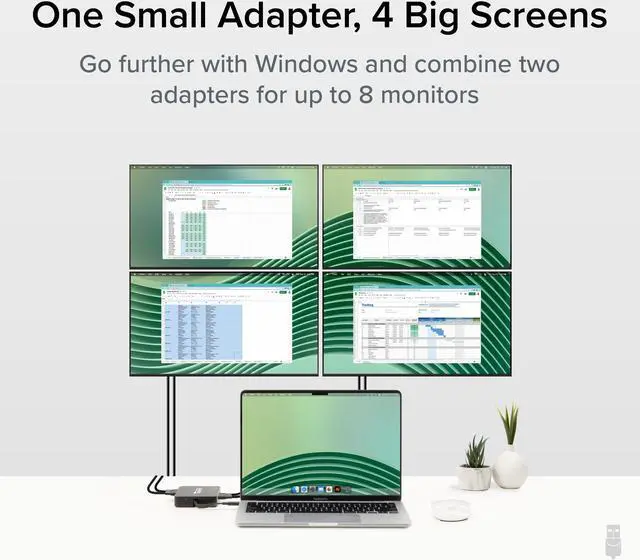
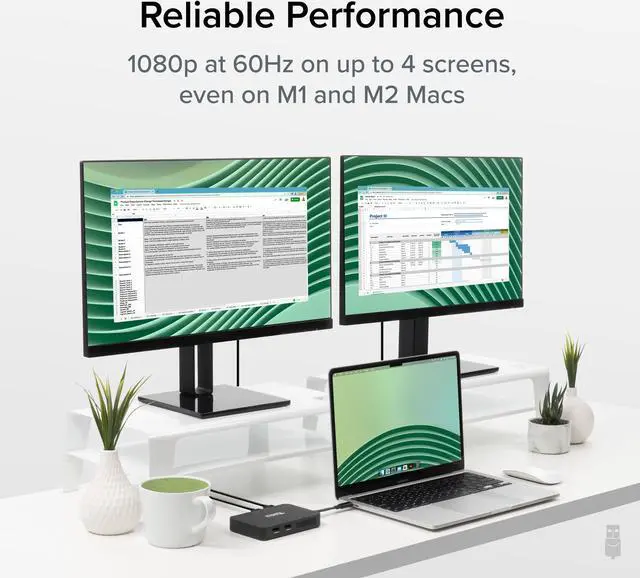
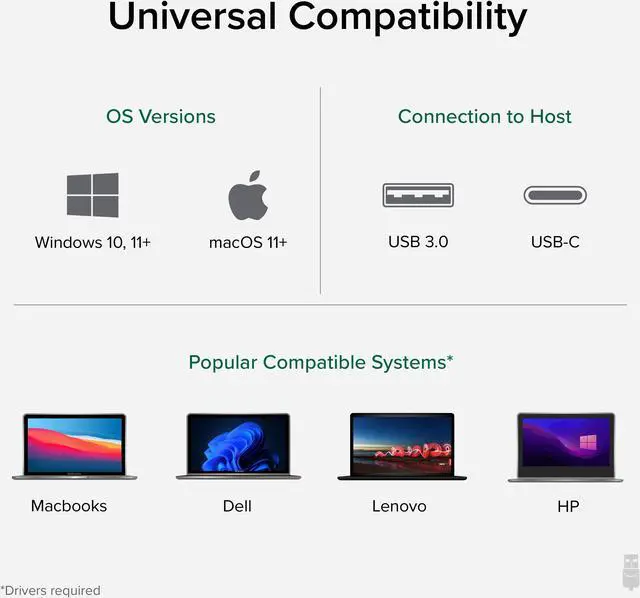
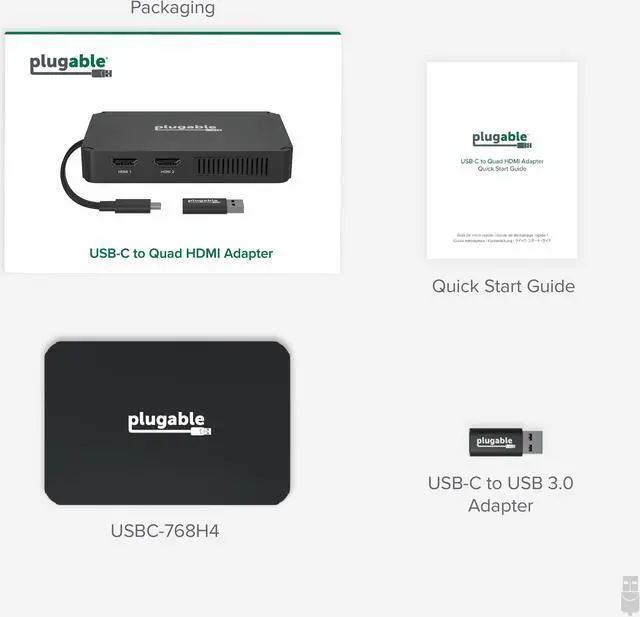
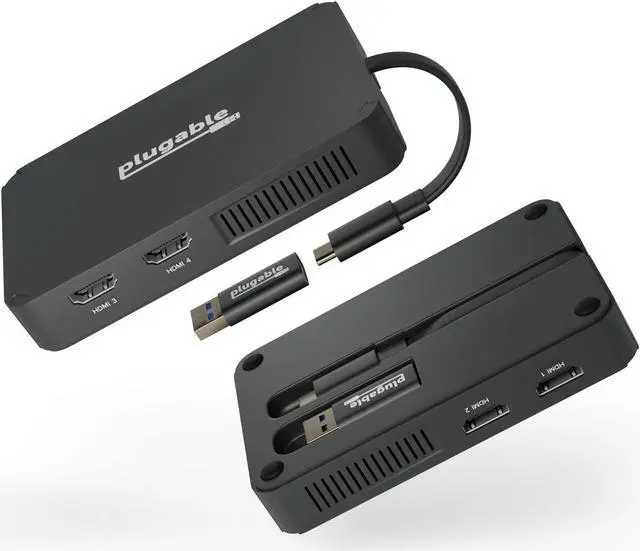
The USB-C or USB 3.0 to Quad HDMI Adapter (USBC-768H4) changes that. Now you can add four HDMI screens through a single USB-C or USB 3.0 portall with a sharp 1920x1080@60Hz image, even on M1 and M2 Macs.
This multiple monitor adapter still manages all of the heavy lifting involved with delivering your video signal across four monitors. But its how the adapter handles the task of parceling the pixels across your screens thats interesting.
A lot of adapters rely on USB-C features not available on all systems. The USBC-768H4 uses a Silicon Motion chipset and a software driver to accomplish the task. From a user perspective, there isnt much of a difference. Unless, of course, you happen to be on an M1 or M2 Mac. Those particular computers dont support more than 1 Alt Mode display so the standard approach wouldnt work.
A driver download is required. On Windows machines, the update is automatic though we do recommend installing the driver manually. On a Mac, this is accomplished through the InstantView App. And remember, though they offer similar functionality, the DisplayLink driver wont work with this adapter.
A USB to HDMI adapter for monitor expansion opens up new levels of productivity.
Dedicate an entire screen to spreadsheets, email, stocks, or anything else youre working on.
The USBC-768H4 adapts to your style of multitasking. Use it to expand to one, two, or three screens. It works just as well if you arent tapping into all four ports.
It doesnt have an external power source or an unwieldy cord to manage. What it does have is a flat cable that tucks into the bottom of the unit when not in use.