




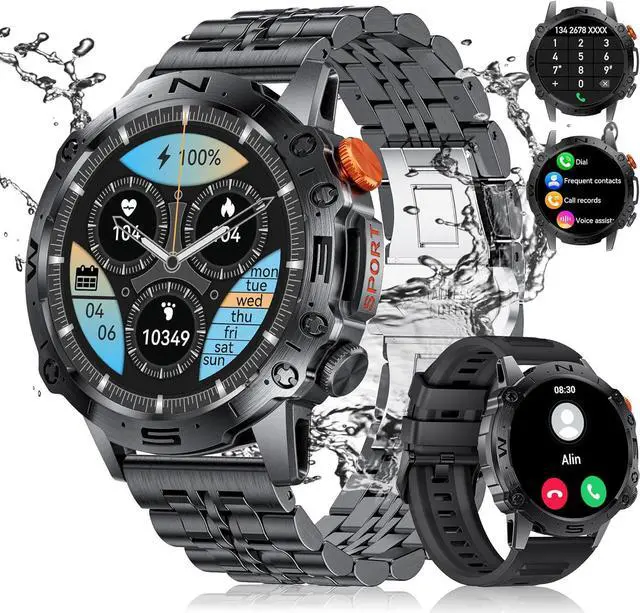
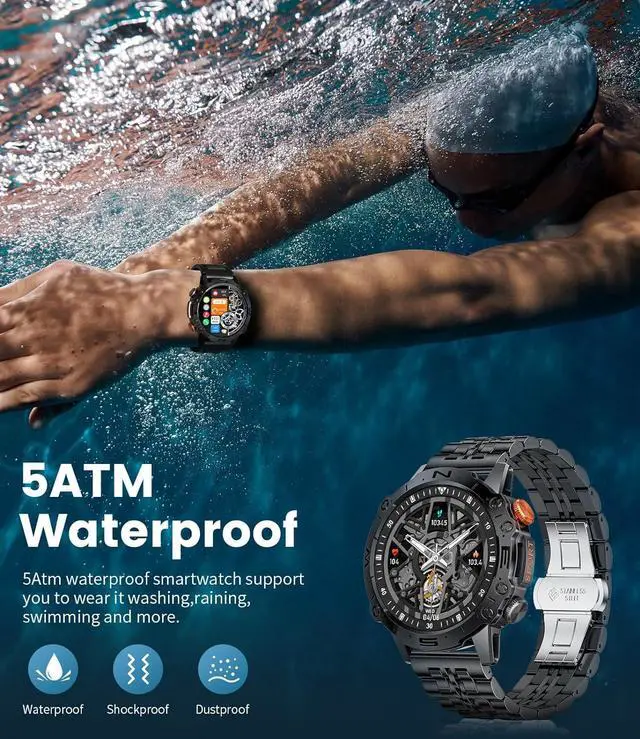


1.43" AMOLED Always-on Display Smartwatch
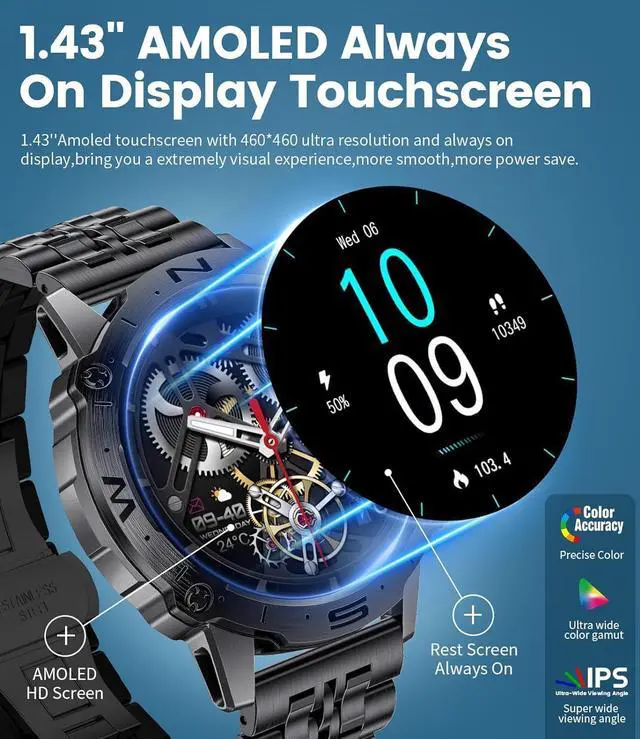
Seamless Glanceability with a 1.43" AMOLED Always On Display: Stay informed at a glance without needing to wake your watch, all on a stunning, energy-efficient AMOLED screen.

Stainless Steel Smartwatch with Bluetooth Calls & Notification
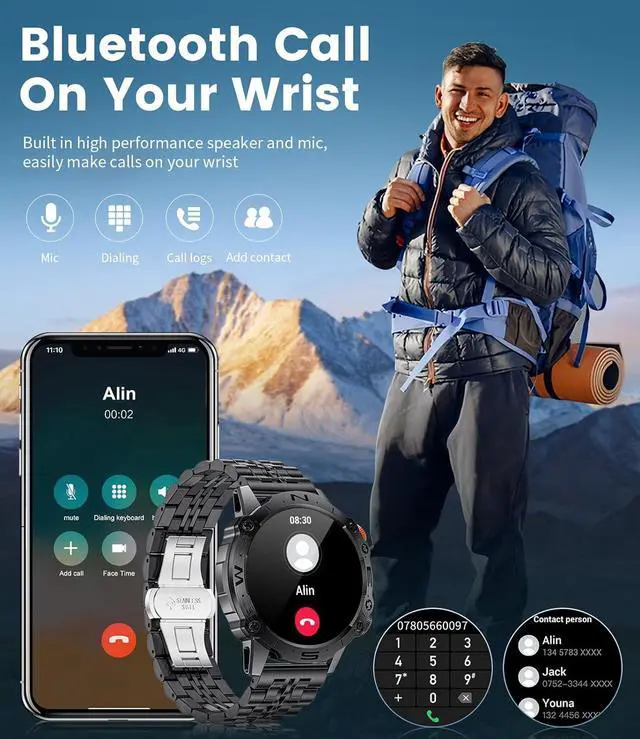
- You can dial/answer calls and speak via the Smartwatch. The Smartwatch also supports fast communication (contacts can be added) and call records stored on the Smartwatch. Much more accessible and convenient to dial, answer and hang up calls.
- One-button Bluetooth-connected smartwatch for men. Turn off (call audio) if you do not want to use the watch for calls, and turn off (media audio) if you do not want the watch to emit sounds from an app such as Tik Talk.
- Please note that the watch does not support reply messages.
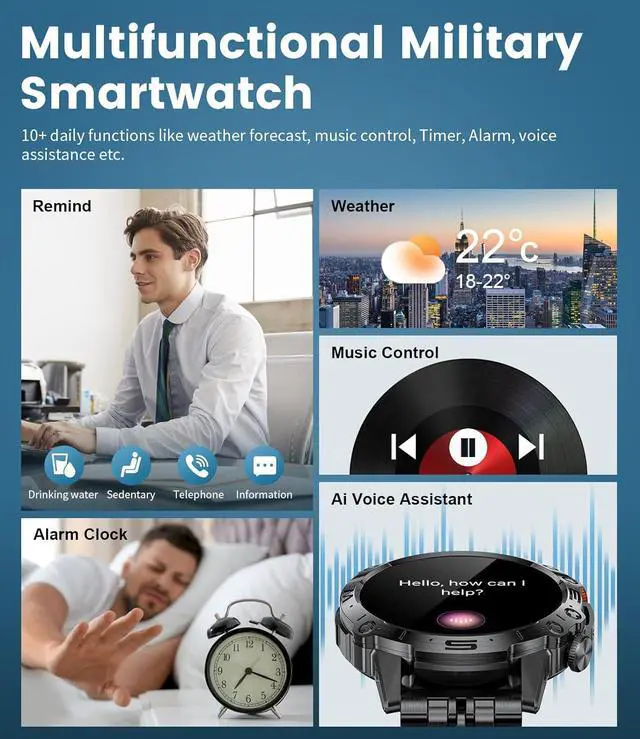
- Built-in voice assistant that taps the smart screen in AI VOICE mode to control your phone through the smartwatch.
Mens smart watch can remind you of incoming calls, reject incoming calls and notify you of SMS and SNS messages, including Facebook, Twitter, LinkedIn, WhatsApp, LINE, Instagram, Snapchat, Skype, Gmail and other apps with notification permissions.


How to connect with the smart watch?
- Search [FitCloudPro]on Google Play or APP Store or scan the QR code to download.
- Open the [FitCloudPro] APP,click the [+ Bind Device] button on the [Devices] screen.
- Tap [ST19(ID-****)] to pair.
- How to use Bluetooth voice call?
- Make sure that your watch has a Bluetooth connection with your mobile phone.
- Slide the watch screen to the right and click the [Call] icon.
- Check whether the smart watch turns on [Call audio].
- How to open [Media audio] ?
- Swipe the screen to the right and click on the [phone icon] in the bottom left corner
- Open [Media audio]