






Q & A:
Q: How to connect the smart watch with phone?
A: Downlaod the App "FitCloudPro" and search for the "NX6" to pair.
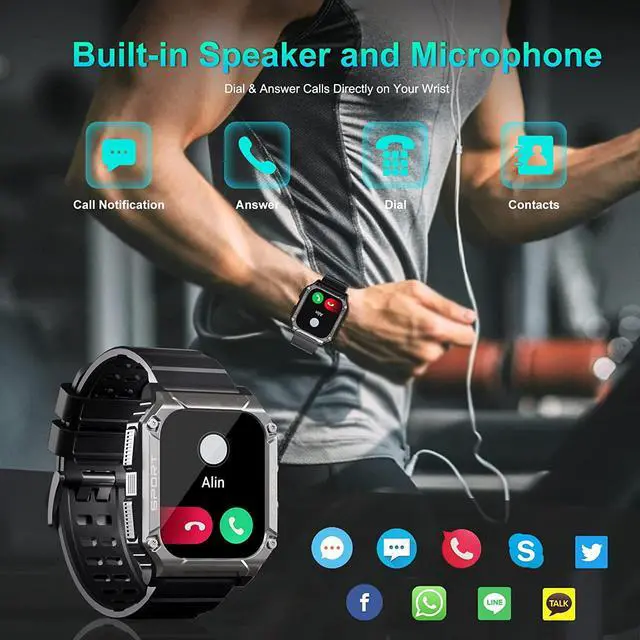
Q: How to make/anwser bluetooth phone call through the smartwatch?
A: Open the bluetooth on phone and search for the bluetooth name"NX6 TH" to connect.
Q: How to change the display of the smartwatches?
A: 1. Long press the main screen and swip left or right to chose the picture from the system.
2. Go to the FitCloudPro and upload the picture to the app, then set the pricture as the display.
Q: How to receive message on watch?
A: 1. Open bluetooth on phone.
2. Go to the phone setting and open the permission to message.
Q: How to charge the smart watch?
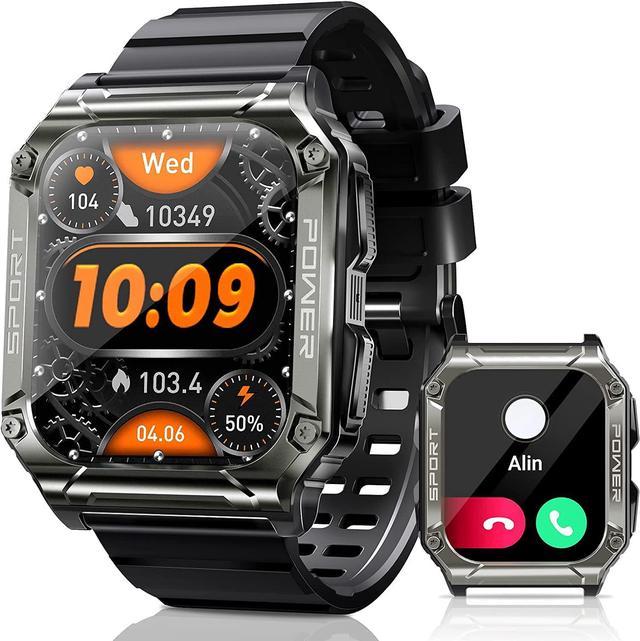
A: The smart watch is magnetic charging. The package include a charging cabel and the charging port on the back of the watch.