




How to get message notifications on the watch?
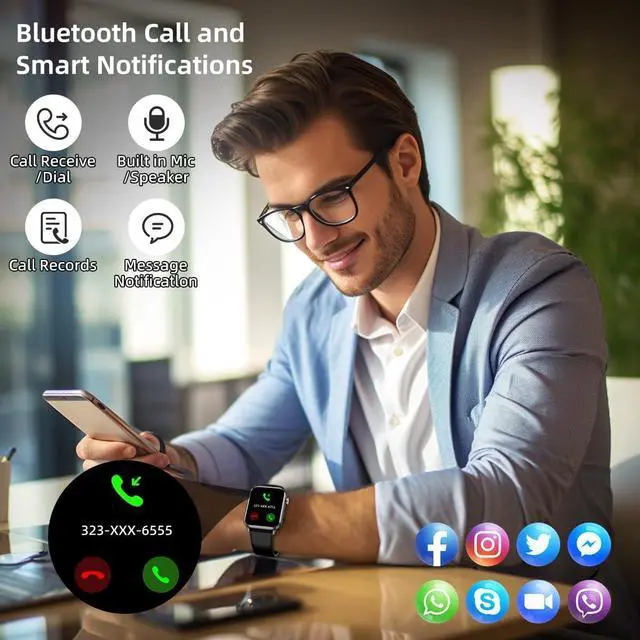
1.Connect the watch to [CO FIT] App and turn to Watch Notification
2. On your smartphone, go to the settings menu and locate the notifications or apps section. Look for the settings to your smartwatch's [CO FIT] app. Choose the App you want to receive messages. For example, if you want to receive Facebook notification, turn on 'Facebook' option and allow notification. Then go to 'Homepage' and pull down screen to sync.
3.Grant necessary permissions: Make sure that the necessary permissions are granted to the smartwatch companion app and messaging apps. This include permissions for accessing notifications, contacts, or other relevant settings.
4. Please confirm whether the message can be displayed in the notification bar of the phone. The watch receives messages by reading the notification bar of the phone. If the message notification on the phone is not working, the watch cannot receive the message.


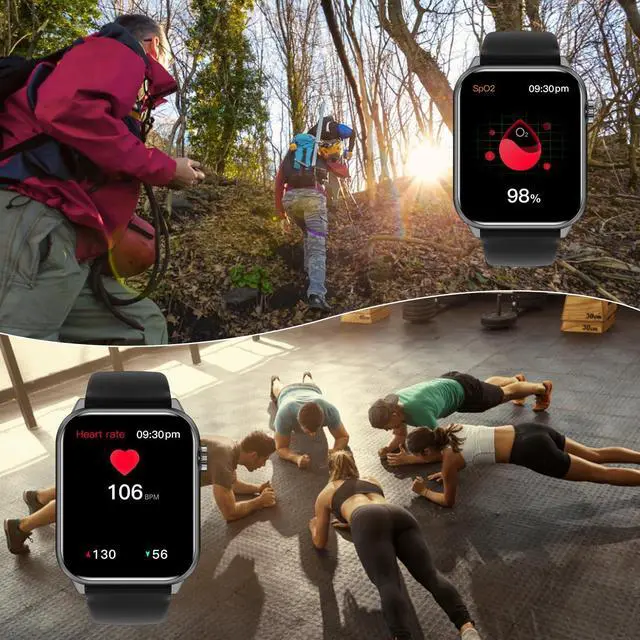
37 Sport Modes Record of Your Health
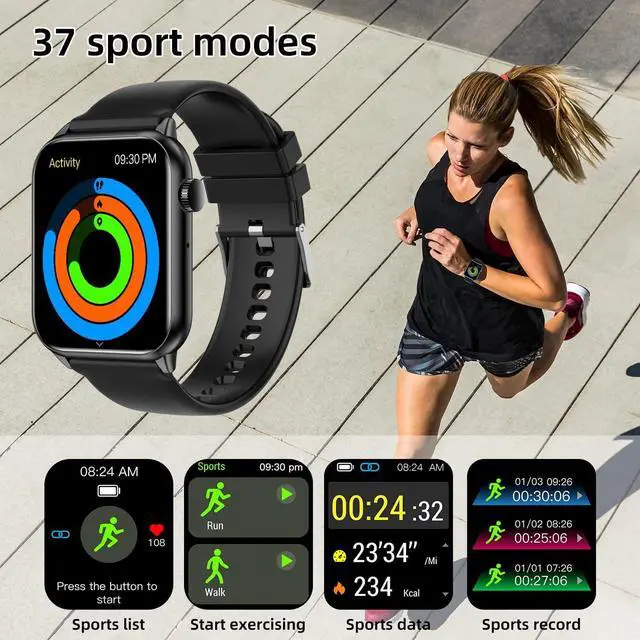
37 Sports Modes Real-time Data: Fitness watches has a variety of professional sports modes, both indoors andoutdoors, including running, yoga, basketball, cycling, and more, and has IP68 waterproof watch. Users can select the sports mode to obtain personalized sports data.
How to View Smartwatch Data and Set Goals
Sport: Enter the sports mode selection interface, and click again to start the corresponding sports mode data detection: sports time, distance, calories, heart rate and other data.
Activity: Count the activity data of the day. The number of steps per day can be set in the APP to reach the standard value, and the watch also has a prompt of reaching the standard.

How to track your sleep?
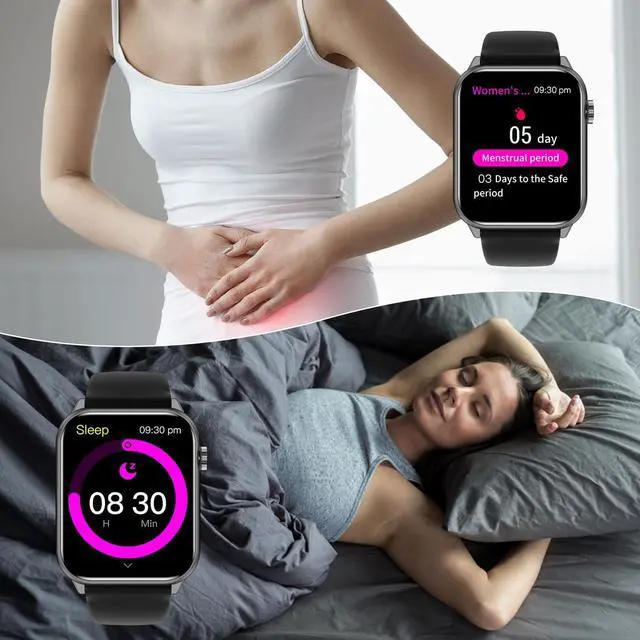
1. Make sure you wear your watch: Wear the watch 1.5-2.5 cm below the wrist bone and adjust the strap not too tightly or too loosely when you sleep.
2. It will automatically monitor your sleep state from 8 pm to 10 am. You can check your sleep trends in the app.
3. Track sleep data: Once in sleep, the smart watch will start recording your sleep data. It monitors metrics like your movement, heart rate, and possibly breathing rate. Sleep data will be automatically stored on the watch.
4. View sleep report: After waking up, you can view your sleep report through the watch or [CO FIT] APP. Reports typically include your sleep time, sleep cycles (light sleep, deep sleep, and REM sleep).
5.Maintain sleep health: By tracking your sleep with a smartwatch, can better understand your sleep habits and make adjustments based on the data.
Note: the data cannot be used as a medical-grade test.

Music Control function
The smartwatch can also play music through the watch, giving you a better entertainment experience, It can control the playback of music in the phone, switch the previous and next music, and adjust the volume. (To turn off the music, just press the pause button on the watch)

Phone Finder
1. Swipe down on the watch interface to enter the menu, click Find Phone
2. The screen displays the search phone, if the device and the phone are within the Bluetooth connection range, the phone will play media music to remind you whether the phone is in ring, vibration or silent mode during the search process
3. In the process of looking for the phone, click the watch screen or unlock the phone screen to stop looking for the phone.

Shake to take pictures
After the android smart watch turns on Bluetooth to connect to the mobile phone, you can swing your arm to take photos by turning on the mobile phone APP, so that you can take photos anytime, anywhere, without looking for auxiliary tools such as remote controls or timers. Bring you more fun and interactive experience

How to set up and check the weather forecast
1. Make sure the watch is connected to your phone and the phone is connected to the Internet.
2. Find and click the "Weather" app, enter the weather forecast page, and click the "Settings" button in the upper right corner.
3. On the weather setting page, set the city you want to display and the temperature unit (Celsius or Fahrenheit), and click the "Save" button.
4. Once you have finished setting up the weather forecast, you can use it very conveniently. The weather forecast function of the watch will automatically update the weather information at regular intervals, and you only need to open the "Weather" app to view the latest weather forecast.

How to pair your smartwatch with your phone and make calls
How to pair your smartwatch with your phone
You need to download and install the "CO-FIT" application on your phone. "CO-FIT" APP supports iOS 11.0 and Android 5.0.
1. Open the mobile phone Bluetooth, open the app registration login to enter the home page.
2. Pair the watch with the APP. When pairing, please ensure that the watch and the APP can communicate with each other (synchronize data); Open APP>Device>Add new device>Select HK40
3. In the search binding list, select the HK40 with the strongest signal and click Pair. At this time, the Bluetooth icon on the watch is blue, indicating that you have connected Bluetooth 5.0
How to pair your smartwatch and make calls
4. Bluetooth 3.0 connection mode: 1Phone users support Bluetooth 5.0+3.0 dual Bluetooth one-button link (The Android user system will pop up Bluetooth pairing request, check the prompt permission, and click "pairing" to complete Bluetooth 5.0+3.0 pairing)
5. After binding, you can enable the "Call" function icon from the menu of your Android smartwatch. Once connected, you can conveniently receive and make calls from your smartwatch without needing to take out your phone.