




arVin Wireless Controller for iPad/iPhone/Tablet/Android Phone/PC/Switch 1/PS4
hero-video
Merchant Video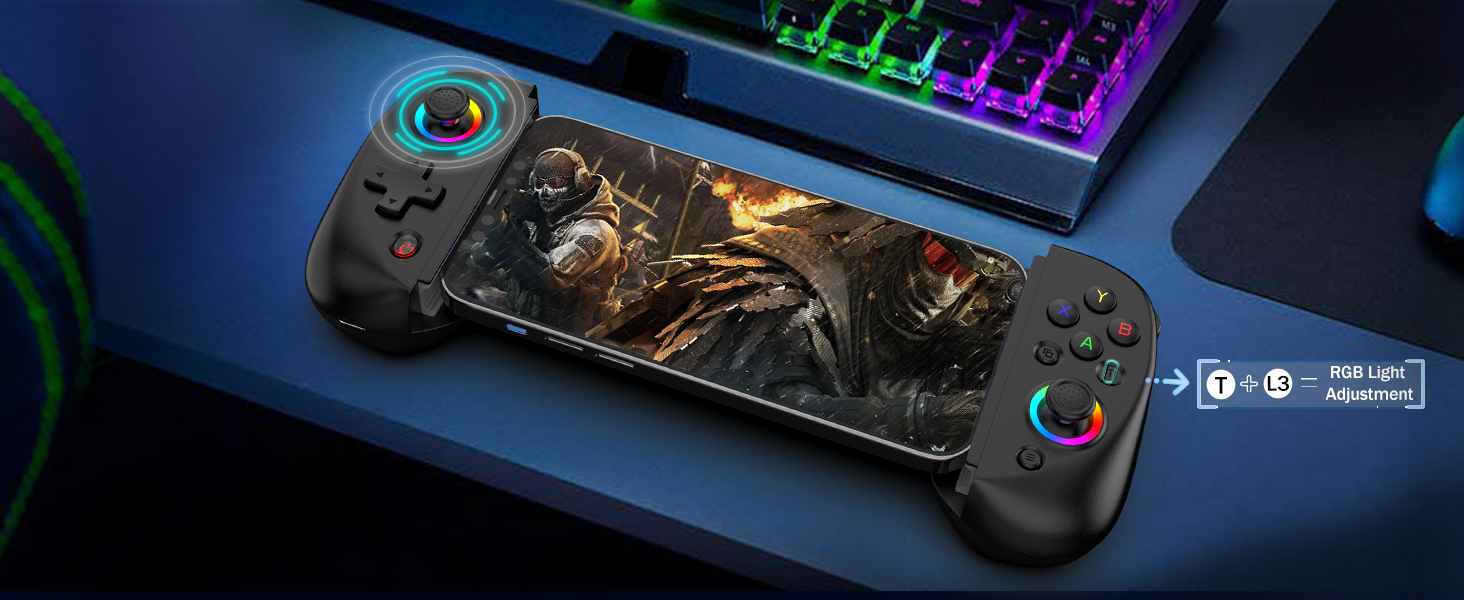
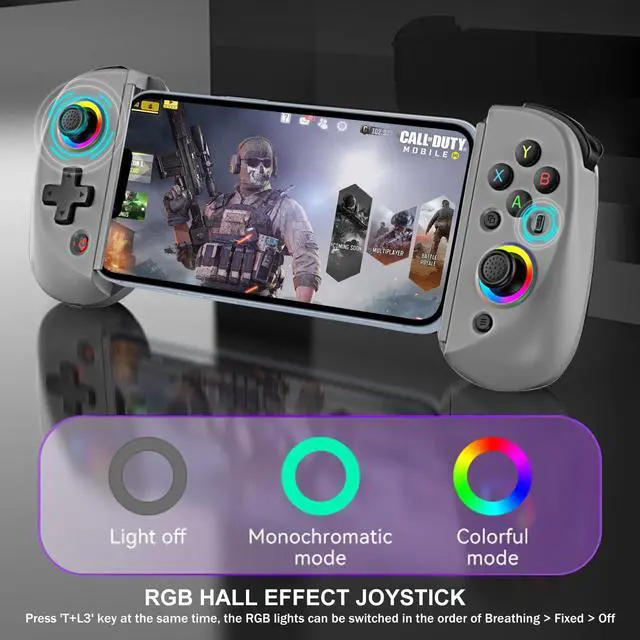
Adjustable RGB Lights
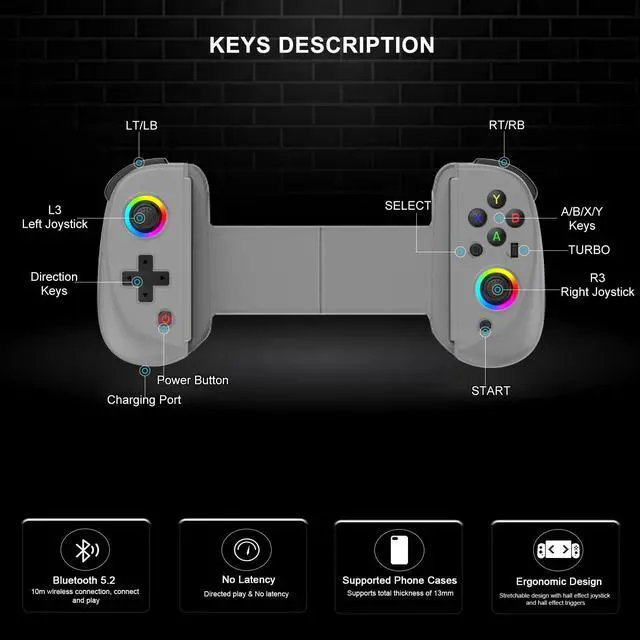
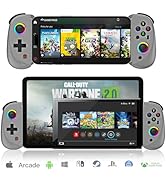
- The arVin gamepad comes with 7-color RGB lights on the left and right joysticks, you can adjust your favorite colors with the "left joystick" and "T" button to create your own gaming atmosphere.
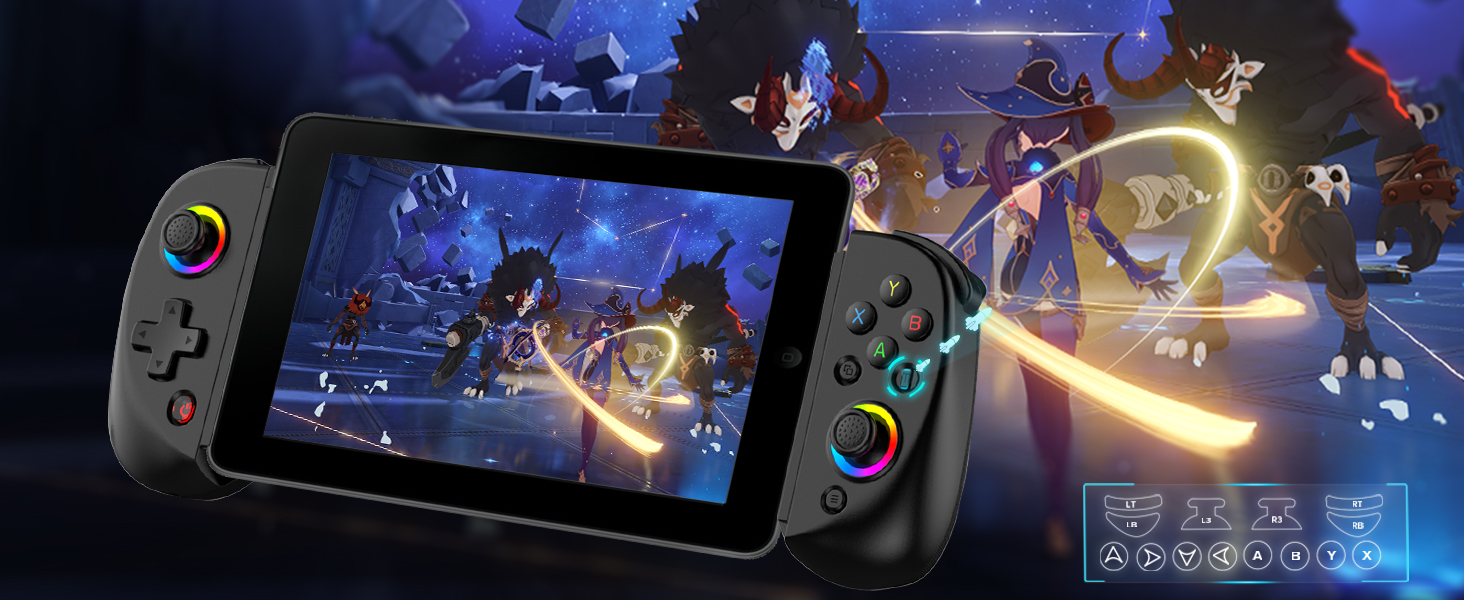
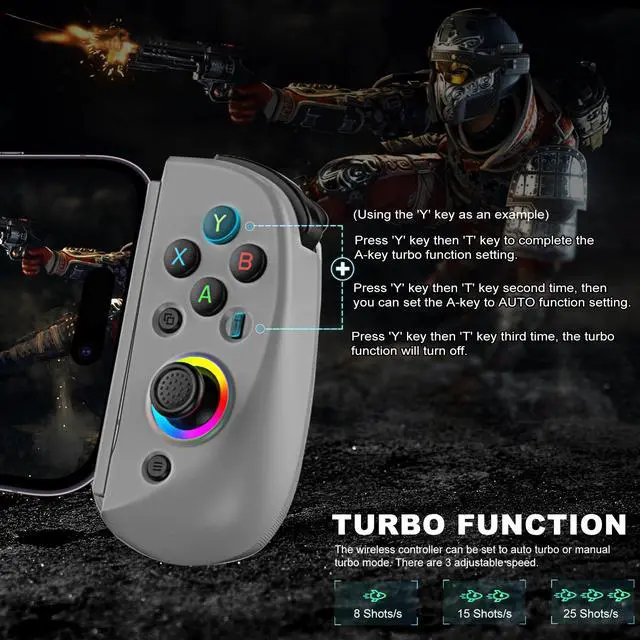
Adjustable Turbo Function
- 3-speed turbo speed: 8 shoots/s, 15 shoots/s, and 25 shoots/s
- You can set A/ B/ X/ Y/ LT/LB/RT/RB/cross key for Turbo function, make it easier for you to win the game!
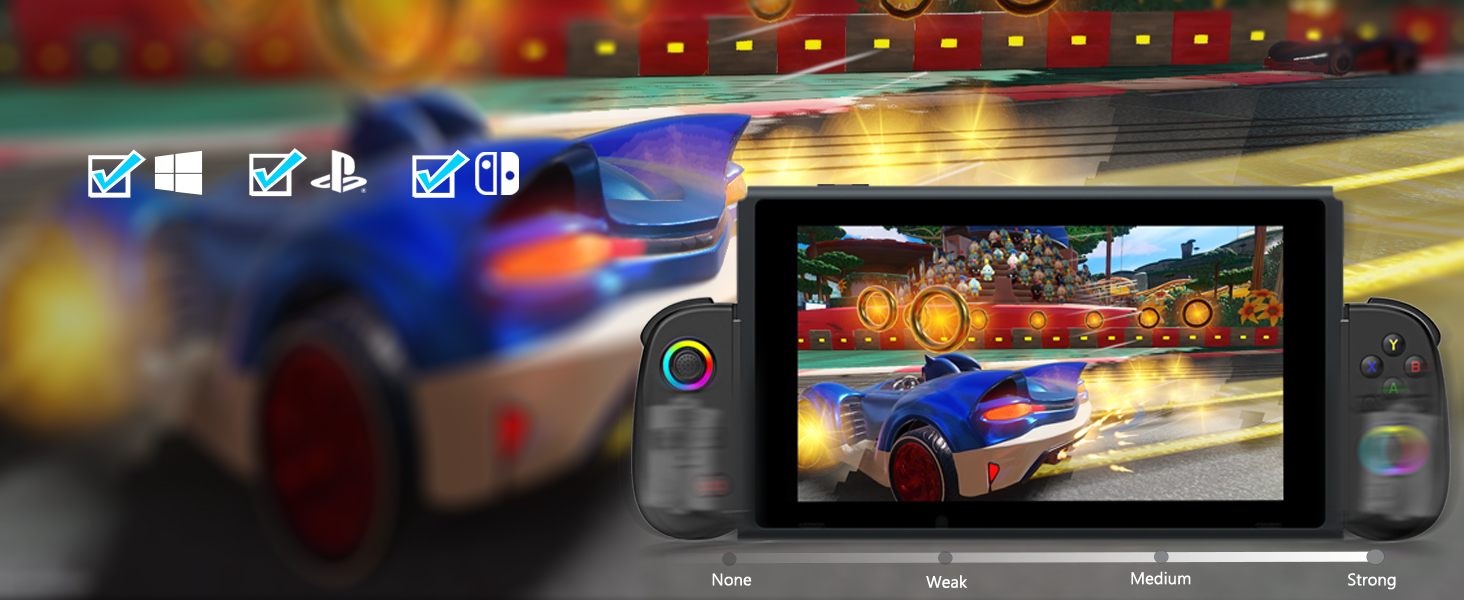
Dual Vibration for Switch/PS4/PC
- This Pro controller built-in dual vibration motors provides you with excellent vibration feedback to enhance game immersion.
- (iOS/Android devices do not support this feature)
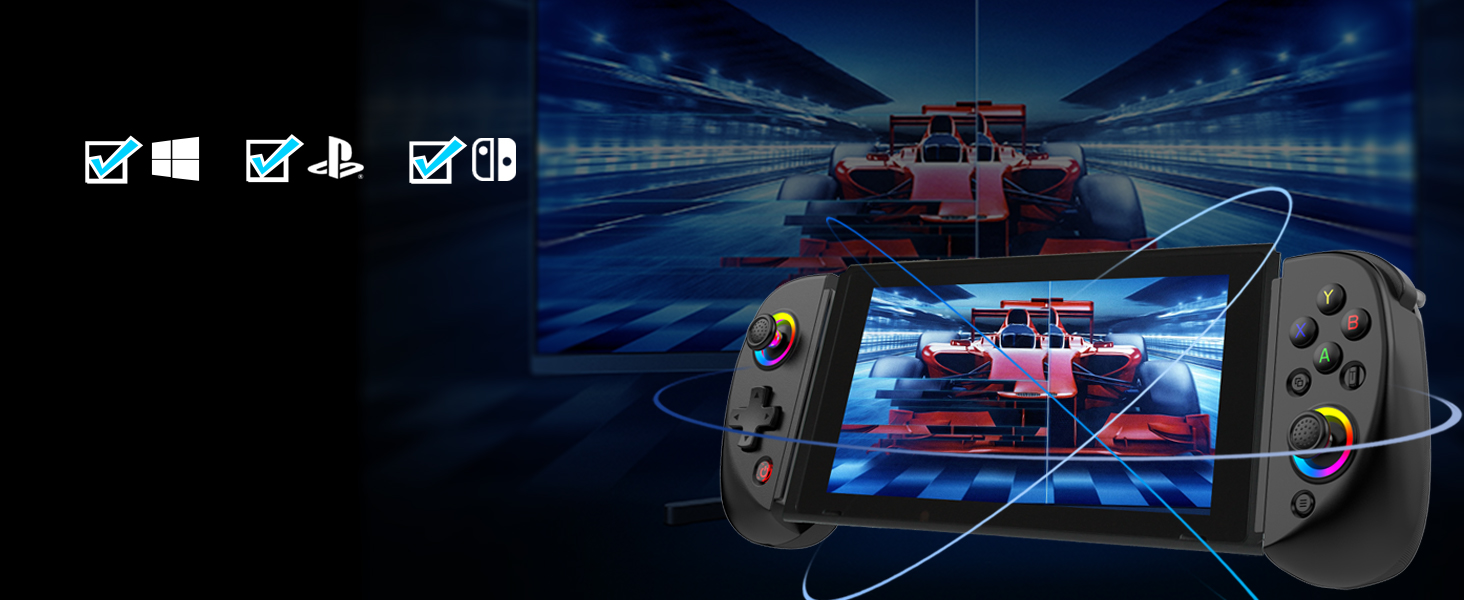
Six-Axis Gyroscope for Switch/PS4/PC
- This switch controllers built-in sensitive 6-axis gyroscope can realize high-precision directional control, help you react quickly in the game, enhance the gaming experience
- iOS/Android do not support
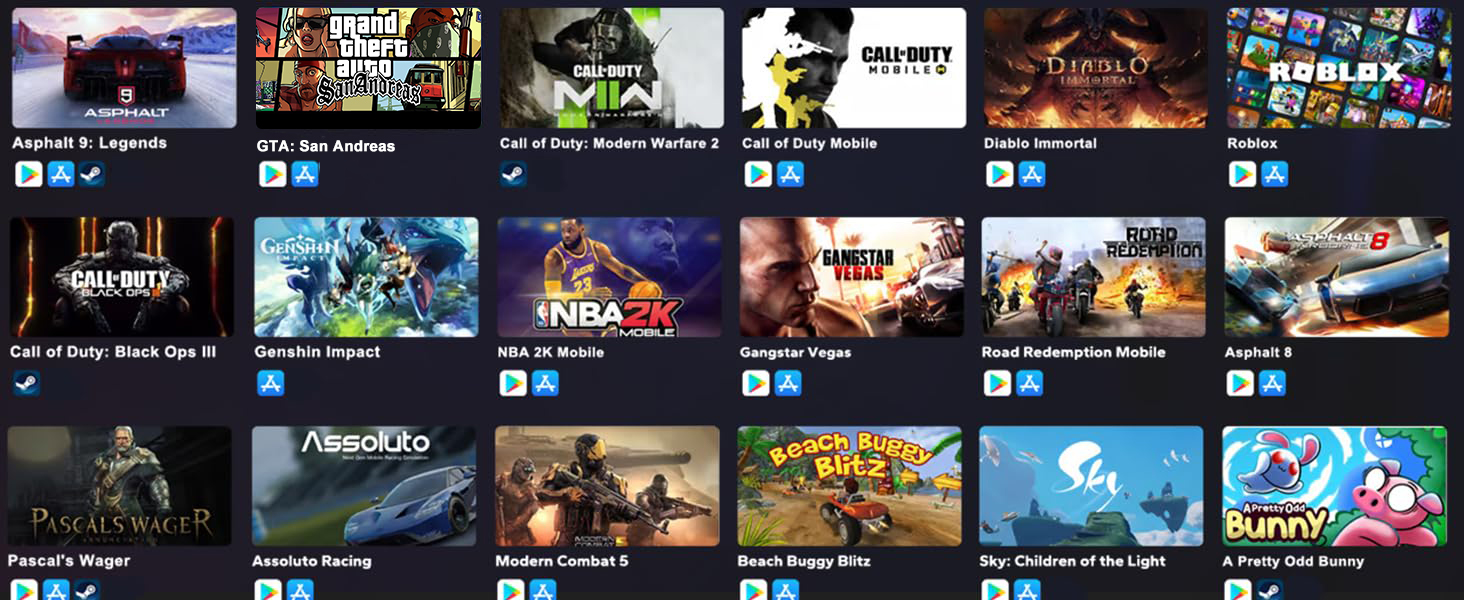
Play Controller Supported Games
- iOS not for PUBG Mobile
- Android not for PUBG Mobile & Genshin Impact
- In COD gaming interface, if you’ve received a notice to choose a controller model within "PS4,PS5 and XBOX". Please select "XBOX"
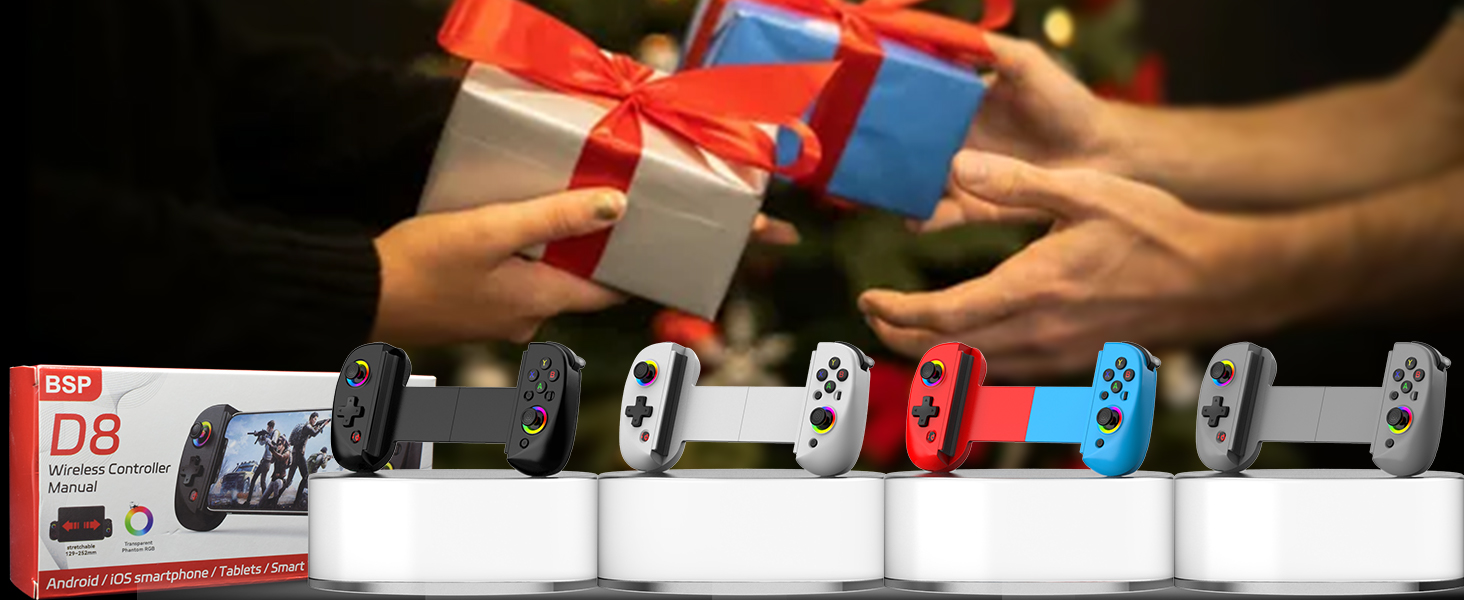
The Best Gift
- What will you get?
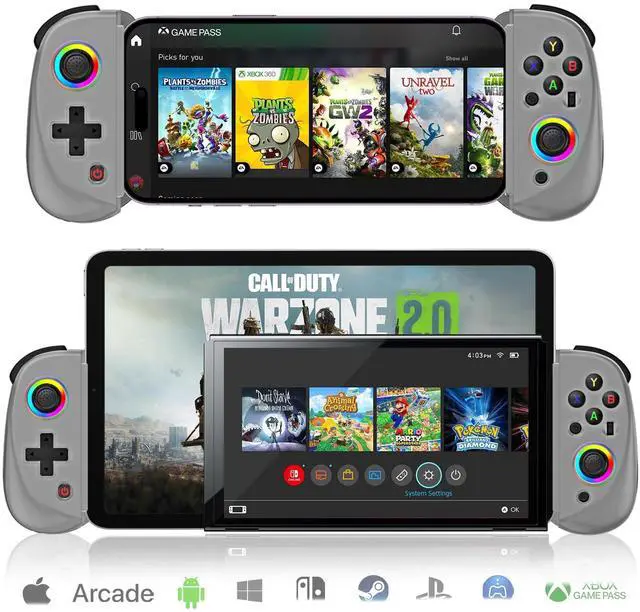
- 1x Wireless Gamepad for iOS/Android/PC/Switch/PS4
- 1x Type C charging cable
- 1x User manual

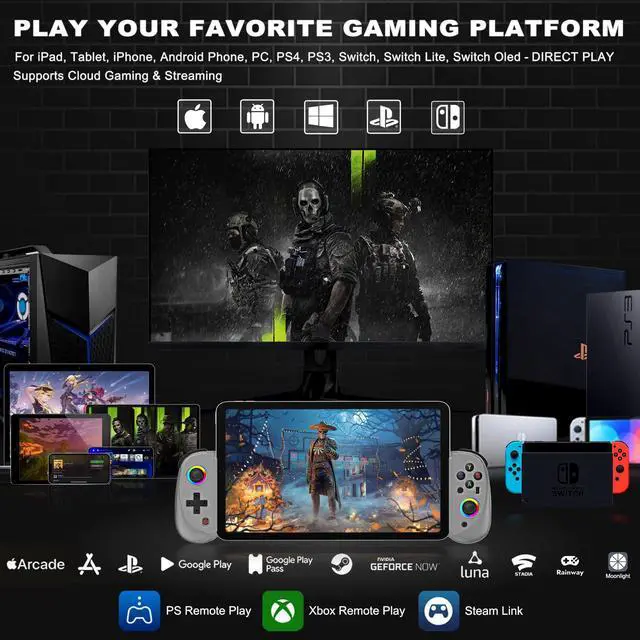
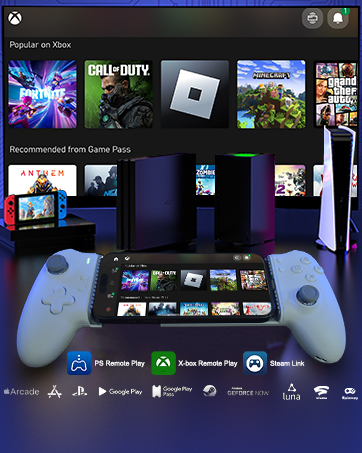
Play Your Favorite Gaming Platform
- Support streaming on PS, Xbox and PC console: PS remote play, Xbox remote play, Steam Link.(The LAN connecting the phone and console must be the same)
- Support cloud gaming on iOS/Android mobile or tablet: Nvidia GeForce Now, Xbox Cloud Gaming, Luna, Google Stadia, Rainway, Moonlight, Arcade
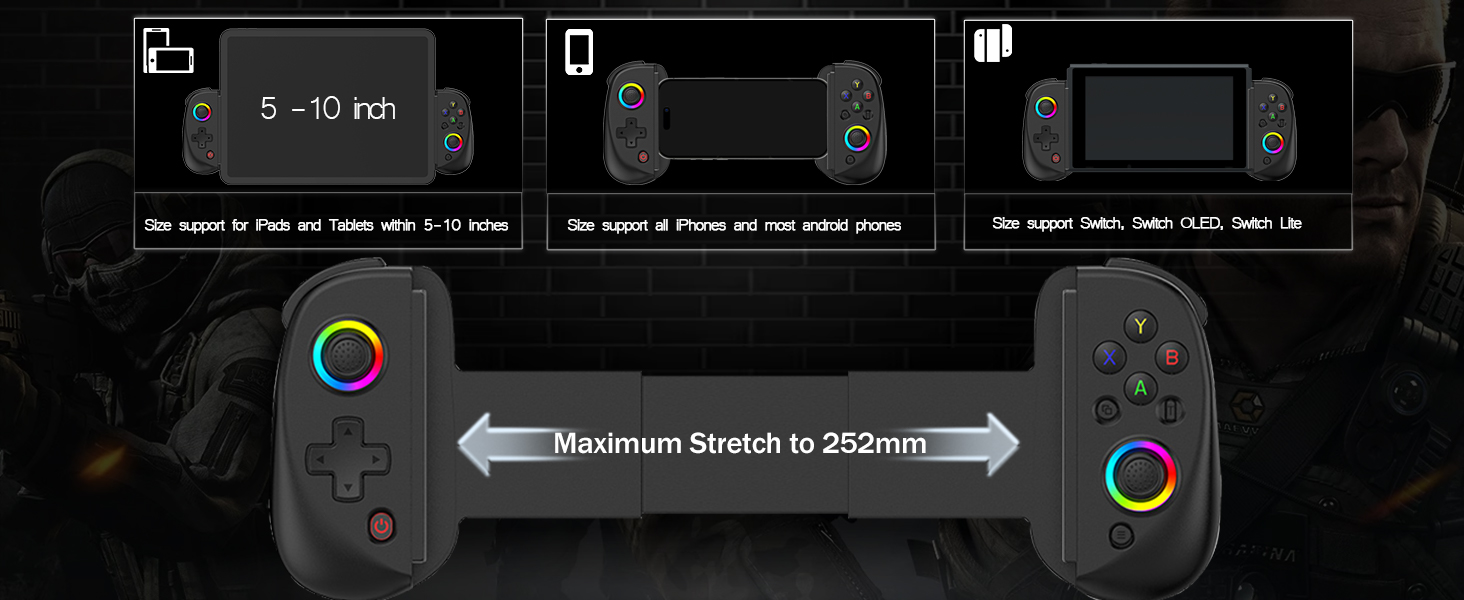
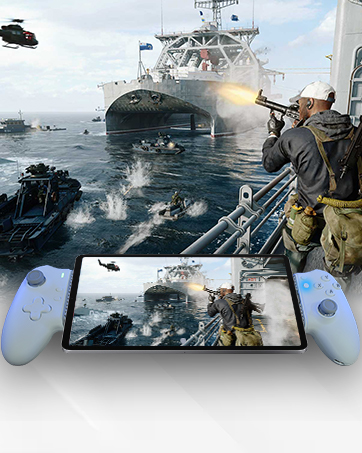
Retractable Gaming Controller
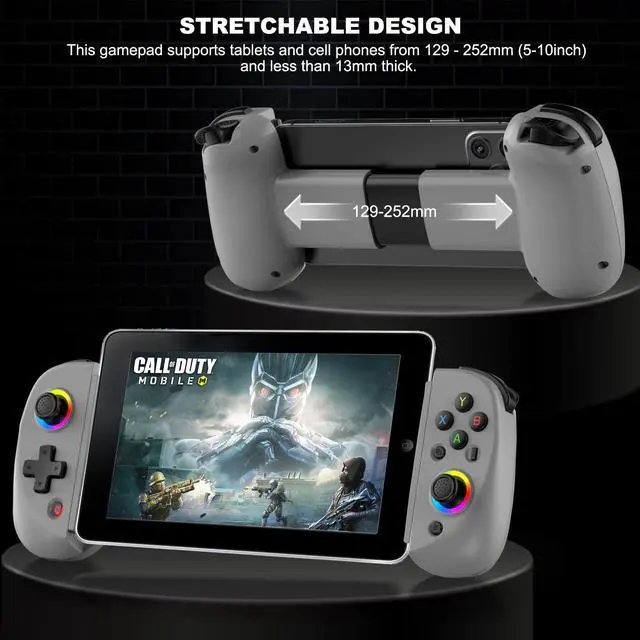
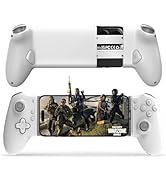
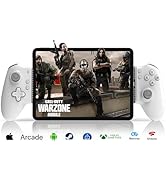
- This wireless controller with stretch design supports ipad/tablet/mobile phone that is 129-252mm long and 13mm thick. (Size supports devices within 5-10inch)
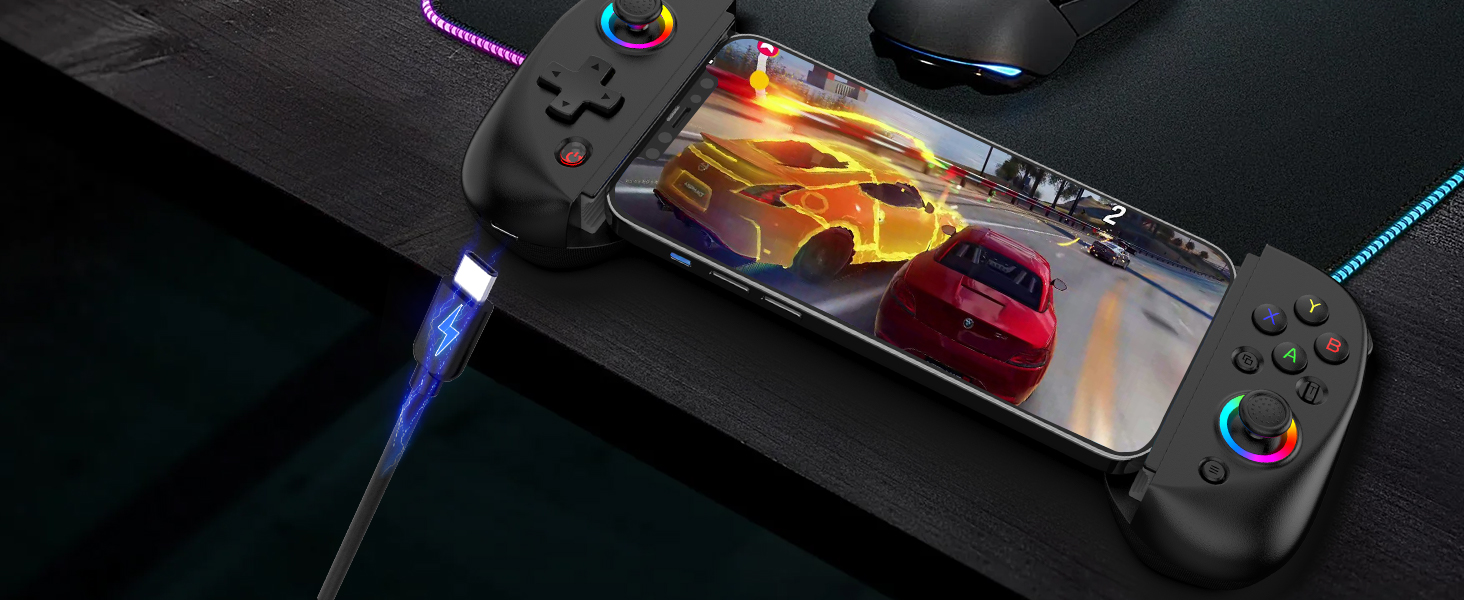
600mAh Rechargeable Battery
- This game controller for iPad built in 600mAh battery, long battery life, no gaming time pressure
- Please charge the gamepad before using it again for the first time or after a long period of use.
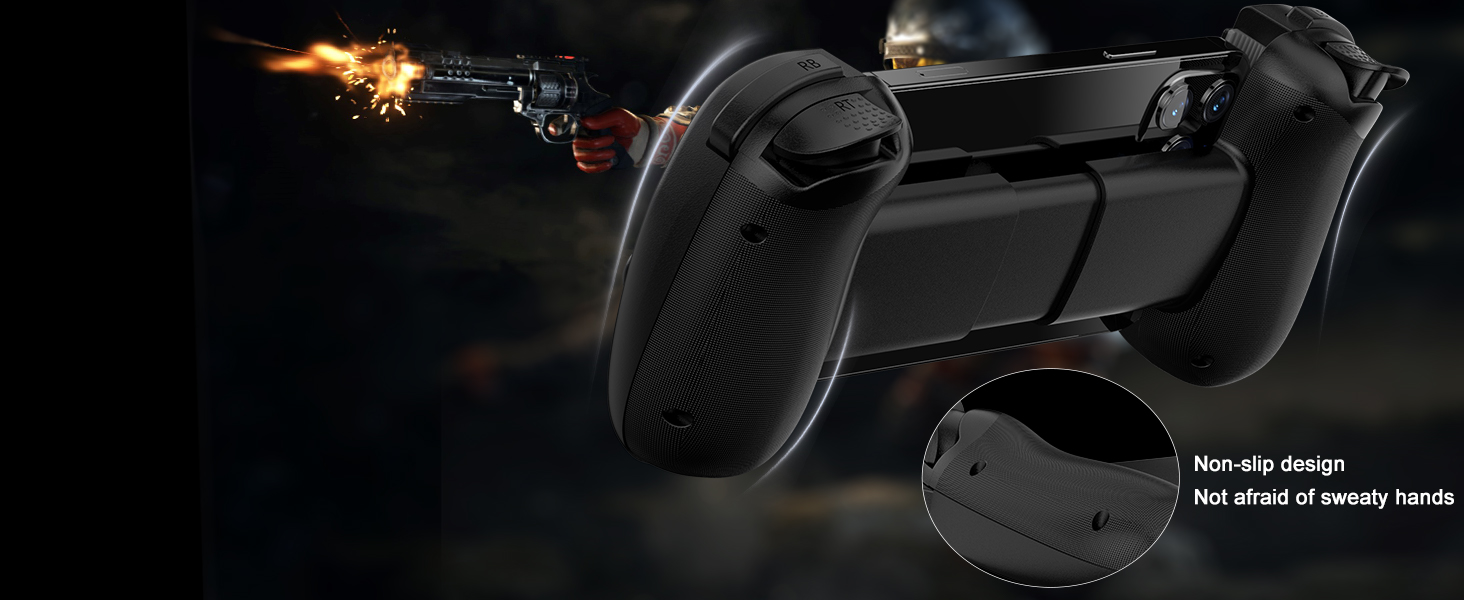
Non-Slip Design
- This iOS/Android mobile gamepad adopts non-slip design, not afraid of long time game hand sweat caused by hand slip, ergonomic design
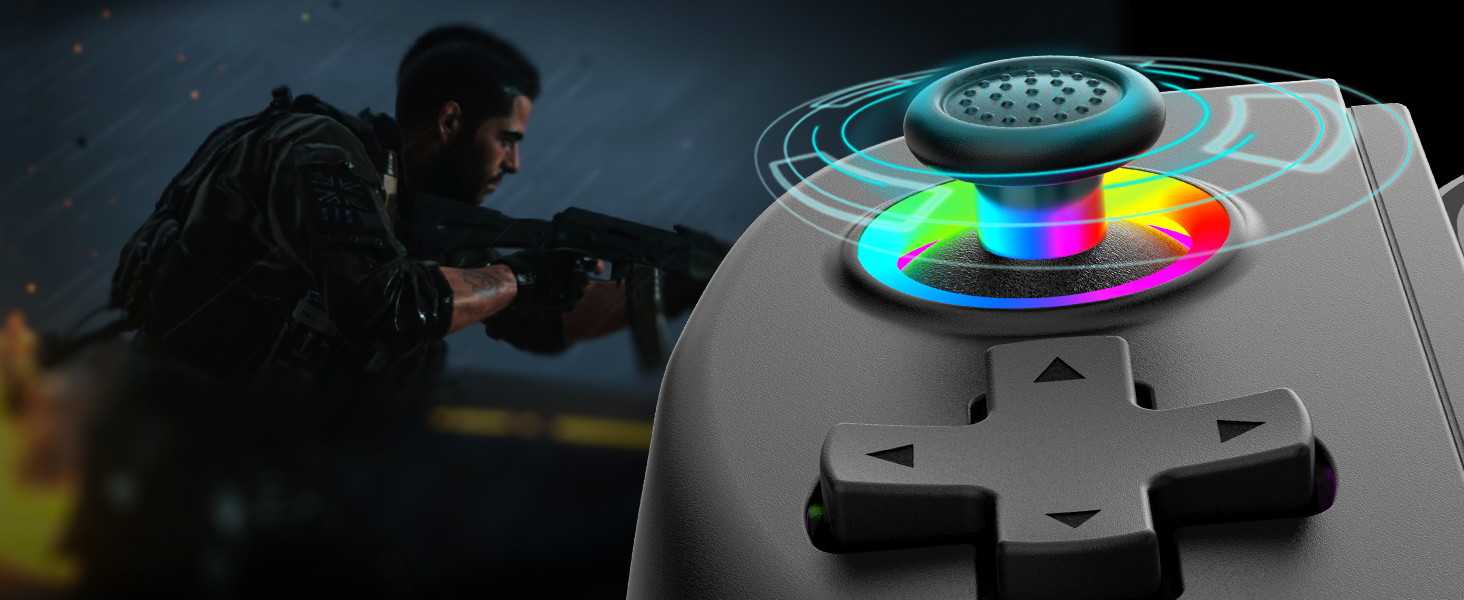
Hall Rocker
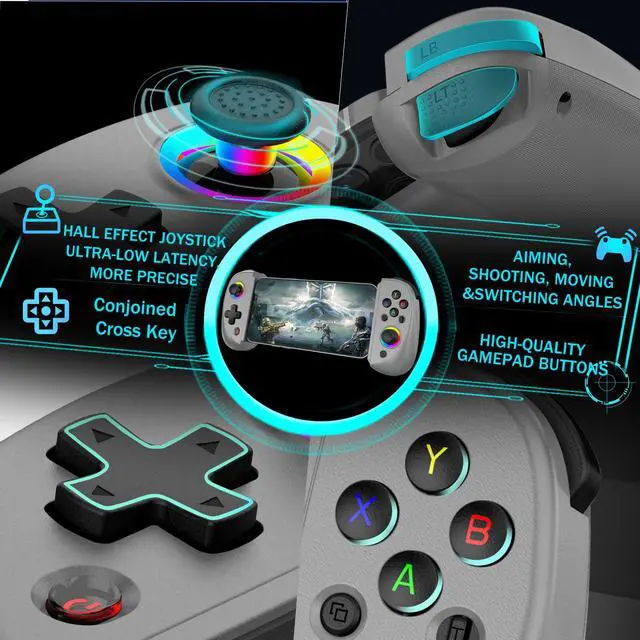
- The tablet controller with precise hall effect rocker, No longer worried about drift issues, maintaining a stable trajectory, precise positioning, and a silky and smooth feel without stuttering
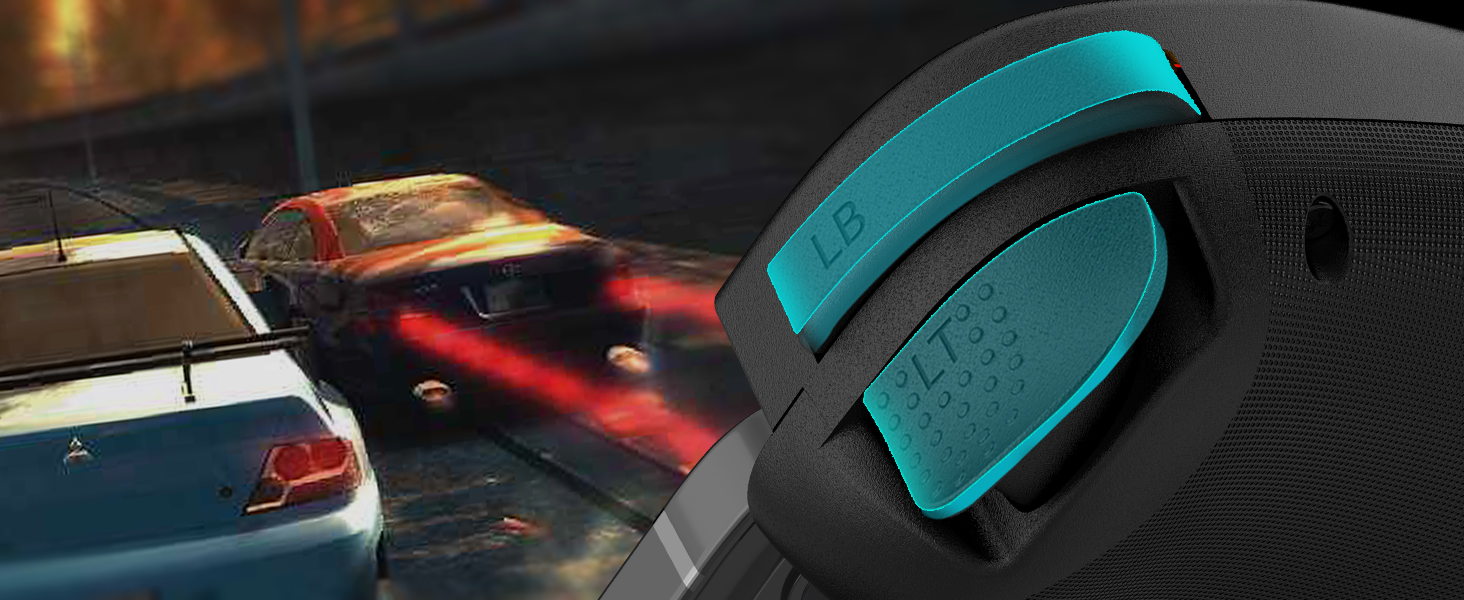
Hall Effect Triggers
- arVin phone controller for iPhone with hall effect triggers, playing various competitive/gunfight games, with subtle changes that can reach your fingertips and be easily retracted.

Low Latency - Direct Play
- The Android phone controller with wireless Bluetooth 5.2 connection, ultra-low latency. No need to jailbreak your phone, just play!
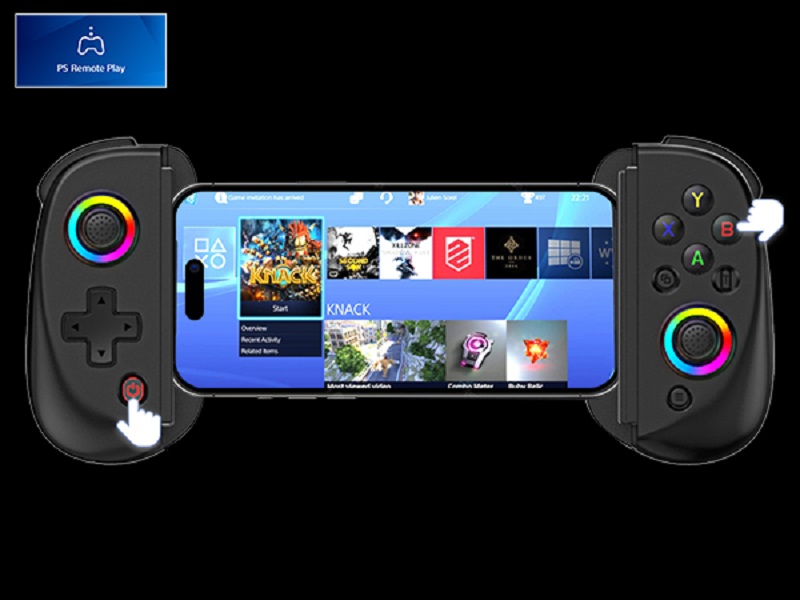
PS remote play APP only for PS4 or PS5 console
How to use PS4 Remote Play from ANYWHERE in the World!
- Step 1: Make sure your Sony login account on the PS remote play APP is the same as on your PS4/PS5 console.
- Step 2: Make sure controller is off, hold down ‘B’ key, then press ‘HOME’ key for 2 sec to boot controller
- Step 3: iOS devices search and connection Bluetooth name "DUALSHOCK 4 Wireless Controller". Android device search and connection Bluetooth name: "Wireless Controller"
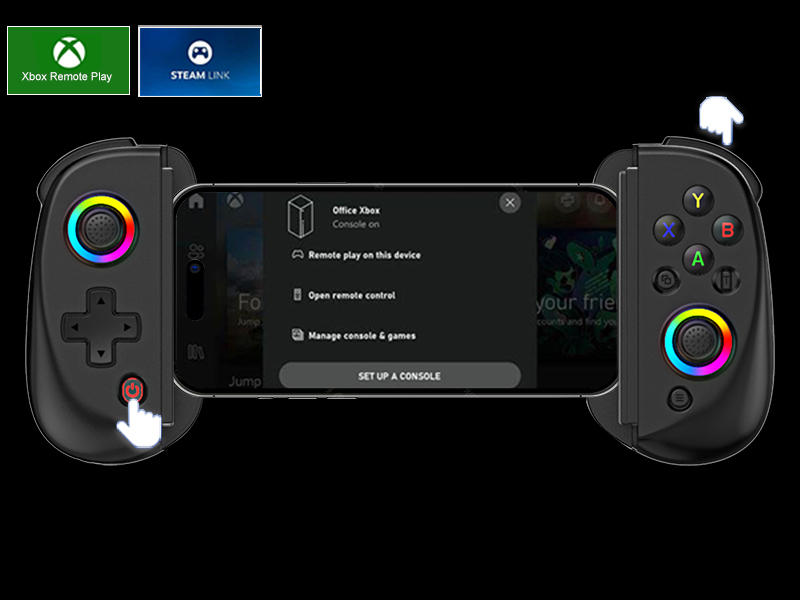
Xbox Remote Play & PC Streaming
PS Remote Play APP only for Xbox One or Xbox Series console
- Make sure your Microsoft login account on the PS remote play APP is the same as on your Xbox console.
- Make sure controller is off, hold down ‘RB’ key, then press ‘HOME’ key for 2 sec to boot controller
- Search and connection Bluetooth name:”Xbox Wireless Controller”
- On Xbox go to ‘Settings – Devices & Connections – Remote Features – Turn on: Enable remote features’; In ‘Power options – ACTIVE Sleep mode’;Step 5: Open Xbox APP, press on top right corner. Sing in your Xbox login account and choose.
Compatible Devices/Features/Precautions
arVin Mobile Game Controller for iOS Android PC
 Controller for iPad Mini |  Controller for IPad mini |  Controller for iPhone 16 |  Gamepad for iPhone 16 Pro |  Gamepad for iPhone 16 Pro |  USB C Game Controller |  Android Gamepad | |
|---|---|---|---|---|---|---|---|
Customer Reviews | — | — | — | — | — | — | — |
Price | — | — | — | — | — | — | — |
Compatible Devices | IOS/Android/PC/PS4/Switch | USB-C iPad & Tablet | USB-C iPhone & Android Phone | IOS/Android/PC/PS4/Switch | USB-C iPhone & Android Phone | USB-C iPhone & Android Phone | IOS/Android/PC |
Connection Method | Bluetooth | USB-C Port | USB-C Port | Bluetooth | USB-C Port | USB-C Port | Bluetooth |
Support Streaming | ? | ? | ? | ? | ? | ? | ? |
Support Cloud Gaming | ? | ? | ? | ? | ? | ? | ? |
Holds cell phone size | 5-10 inch | 6.7-11 inch | 3.9-6.9inch | 5-7.1 inch | 4.53-7.6inch | 5-7inch | 4.9-6.9 inch |

Give You New Game Experience
Our controller is the best gift for Christmas, Thanksgiving, Birthday to your family, friends, so that they can enjoy the game with you

- Designed for the Best Comfort and Gaming Experience
- Our mission is to bring unforgettable gaming experience and enhance the fun of gaming for players of all levels.
USB C Controller for iPhone 16
USB C Mobile Gaming Controller for Android & iPhone 16/15 Series (USB-C)
USB C Controller for iPad
USB C Mobile Gaming Controller for Tablet & iPad 6.7-11inch (USB-C)
USB C Mobile Gaming Controller
![arVin Mobile Gaming Controller for iPad/Tablet[Within 5-10"] Wireless Gamepad for iPhone/Android/...](//c1.neweggimages.com/sellingpilot/modules/product/a-plus/54aaee0434c3a9782fdfac51ba10319ba7c7c8445c65043e9a56812cacb41b87.jpg)
![arVin Mobile Gaming Controller for iPad/Tablet[Within 5-10"] Wireless Gamepad for iPhone/Android/...](//c1.neweggimages.com/sellingpilot/modules/product/a-plus/519afd9c2cc77a6b5df262365dcc15b6adf384db389f9e17764d0d9f243ae781.jpg)
![arVin Mobile Gaming Controller for Tablet/iPad[Within 5-10"] Wireless Gamepad for iPhone/Android/...](//c1.neweggimages.com/sellingpilot/modules/product/a-plus/3d6848ff6b97e55c33ab0ba4043e1a13c915f5b2b91c2989c34740f756e865e4.jpg)
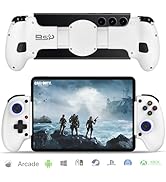
iPad Gaming Controller
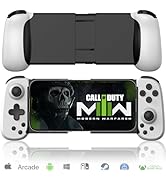
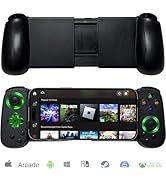
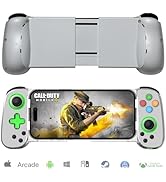
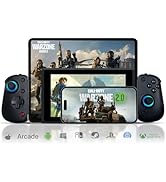
iPhone Gaming Controller
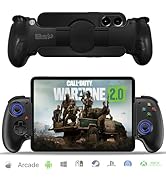
![arVin Wireless Gamepad Controller for iPhone/iPad/iOS/Android/Tablet [Within 5-13"]Support Xbox C...](//c1.neweggimages.com/sellingpilot/modules/product/a-plus/799b0fc8c488792ef76592463a46c1004c640111169adf6272e185da463224d3.jpg)
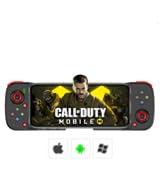
iPad Game Controller
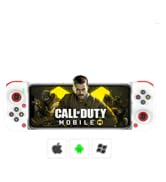
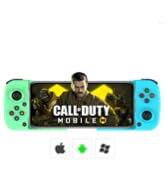
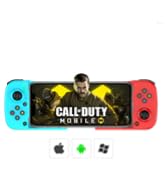
Android Game Controller
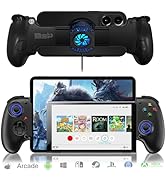
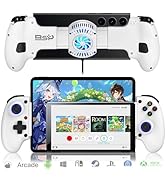
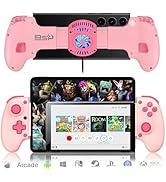
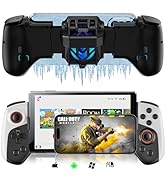
Controller WIth Cooler Fan
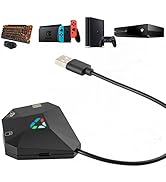
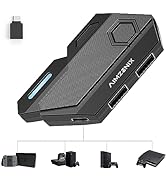
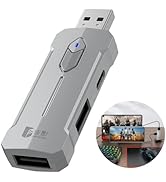
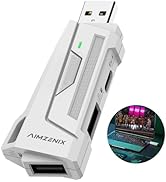
keyboard and Mouse Converter
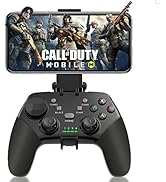
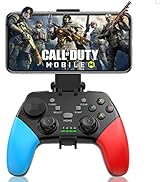
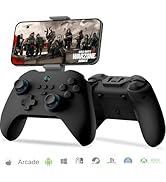
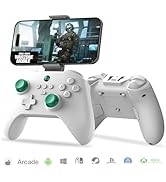
Phone Controller for iPhone
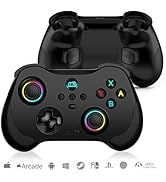
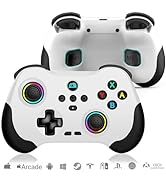
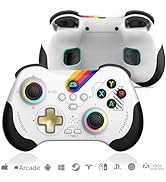
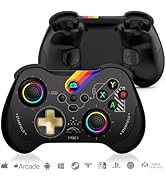
Switch Game Controller
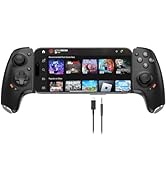
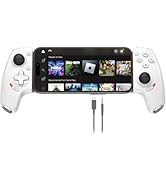
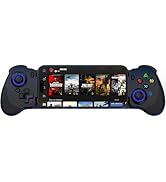
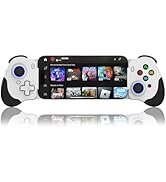
USB-C Phone Game Controller
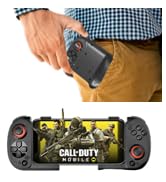
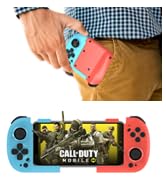
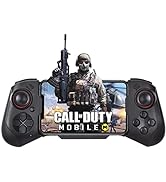
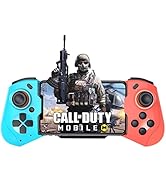
Controller for iPhone Gaming
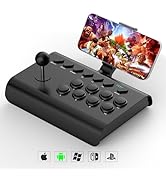
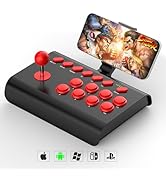
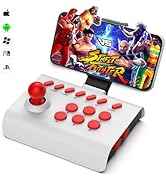
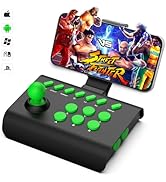
Big Arcade Fight Controller
![arVin Mobile Gaming Controller for iPad/Tablet[Within 5-10"] Wireless Gamepad for iPhone/Android/...](http://c1.neweggimages.com/sellingpilot/modules/product/a-plus/54aaee0434c3a9782fdfac51ba10319ba7c7c8445c65043e9a56812cacb41b87.jpg)
![arVin Mobile Gaming Controller for iPad/Tablet[Within 5-10"] Wireless Gamepad for iPhone/Android/...](http://c1.neweggimages.com/sellingpilot/modules/product/a-plus/519afd9c2cc77a6b5df262365dcc15b6adf384db389f9e17764d0d9f243ae781.jpg)
![arVin Mobile Gaming Controller for Tablet/iPad[Within 5-10"] Wireless Gamepad for iPhone/Android/...](http://c1.neweggimages.com/sellingpilot/modules/product/a-plus/3d6848ff6b97e55c33ab0ba4043e1a13c915f5b2b91c2989c34740f756e865e4.jpg)
![arVin Wireless Gamepad Controller for iPhone/iPad/iOS/Android/Tablet [Within 5-13"]Support Xbox C...](http://c1.neweggimages.com/sellingpilot/modules/product/a-plus/799b0fc8c488792ef76592463a46c1004c640111169adf6272e185da463224d3.jpg)
Give You New Game Experience
Our controller is the best gift for Christmas, Thanksgiving, Birthday to your family, friends, so that they can enjoy the game with you
- Designed for the Best Comfort and Gaming Experience
- Our mission is to bring unforgettable gaming experience and enhance the fun of gaming for players of all levels.
USB C Controller for iPhone 16
USB C Mobile Gaming Controller for Android & iPhone 16/15 Series (USB-C)
USB C Controller for iPad
USB C Mobile Gaming Controller for Tablet & iPad 6.7-11inch (USB-C)
USB C Mobile Gaming Controller
iPad Gaming Controller
iPhone Gaming Controller
iPad Game Controller
Android Game Controller
Controller WIth Cooler Fan
keyboard and Mouse Converter
Phone Controller for iPhone
Switch Game Controller
USB-C Phone Game Controller
Controller for iPhone Gaming
Big Arcade Fight Controller
arVin Wireless Controller for iPad/iPhone/Tablet/Android Phone/PC/Switch 1/PS4
hero-video
Merchant VideoAdjustable RGB Lights
Adjustable Turbo Function
Dual Vibration for Switch/PS4/PC
Six-Axis Gyroscope for Switch/PS4/PC
Play Controller Supported Games
The Best Gift


- The arVin gamepad comes with 7-color RGB lights on the left and right joysticks, you can adjust your favorite colors with the "left joystick" and "T" button to create your own gaming atmosphere.
- 3-speed turbo speed: 8 shoots/s, 15 shoots/s, and 25 shoots/s
- You can set A/ B/ X/ Y/ LT/LB/RT/RB/cross key for Turbo function, make it easier for you to win the game!
- This Pro controller built-in dual vibration motors provides you with excellent vibration feedback to enhance game immersion.
- (iOS/Android devices do not support this feature)
- This switch controllers built-in sensitive 6-axis gyroscope can realize high-precision directional control, help you react quickly in the game, enhance the gaming experience
- iOS/Android do not support
- iOS not for PUBG Mobile
- Android not for PUBG Mobile & Genshin Impact
- In COD gaming interface, if you’ve received a notice to choose a controller model within "PS4,PS5 and XBOX". Please select "XBOX"
- What will you get?
- 1x Wireless Gamepad for iOS/Android/PC/Switch/PS4
- 1x Type C charging cable
- 1x User manual

Play Your Favorite Gaming Platform
- Support streaming on PS, Xbox and PC console: PS remote play, Xbox remote play, Steam Link.(The LAN connecting the phone and console must be the same)
- Support cloud gaming on iOS/Android mobile or tablet: Nvidia GeForce Now, Xbox Cloud Gaming, Luna, Google Stadia, Rainway, Moonlight, Arcade
Retractable Gaming Controller
600mAh Rechargeable Battery
Non-Slip Design
Hall Rocker
Hall Effect Triggers
Low Latency - Direct Play


- This wireless controller with stretch design supports ipad/tablet/mobile phone that is 129-252mm long and 13mm thick. (Size supports devices within 5-10inch)
- This game controller for iPad built in 600mAh battery, long battery life, no gaming time pressure
- Please charge the gamepad before using it again for the first time or after a long period of use.
- This iOS/Android mobile gamepad adopts non-slip design, not afraid of long time game hand sweat caused by hand slip, ergonomic design
- The tablet controller with precise hall effect rocker, No longer worried about drift issues, maintaining a stable trajectory, precise positioning, and a silky and smooth feel without stuttering
- arVin phone controller for iPhone with hall effect triggers, playing various competitive/gunfight games, with subtle changes that can reach your fingertips and be easily retracted.
- The Android phone controller with wireless Bluetooth 5.2 connection, ultra-low latency. No need to jailbreak your phone, just play!


Wireless Gaming Controller for iOS 13.0+ system
Play Directly on your iPhone/iPad
- Ensure that the controller is turned off before Bluetooth pairing connection
- iOS does not support PUBG Mobile
- If it still doesn't work after using the correct connection mode, please delete the Bluetooth connection on your iPhone/iPad, then turn off or reset the controller, and then reconnect it again.
- For PC users, use this mode to connect
Wireless Gamepad for Android 6.0+system
Play Directly on your Android phone/Tablet
- Android has 2 boot modes for different games, if you find supported games can't work on this controller, please switch the boot mode.
- Android mode does not support PUBG Mobile & Genshin Impact
- Ensure that the controller is turned off before Bluetooth pairing connection
- If it still doesn't work after using the correct connection mode, please delete the Bluetooth connection on your phone, then turn off or reset the controller, and then reconnect it again.
Switch Pro Controller
NOT for Nintendo Switch 2
- Ensure that the controller is turned off before Bluetooth pairing connection
- Once the controller is connected to the Switch, if it has not been connected to other devices(e.g. PS4), then the next time you want to connect Switch, you can press the 'Home’ button to boot controller, and it will automatically reconnect to the Switch. However, if you have connected to other devices before reconnecting Switch, you need to connect it according to the steps of the first connection.
Wireless Controller for PS4
PS4 Controller Connection
- When the controller is turned off, connect the controller to the PS3/PS4 console with a Type-C cable (included in the package).
- Press ‘HOME’ button, the controller will automatically connect to the console, and the indicator light for the ‘HOME button is always on blue.
- Please Note: Only supports playing PS4/PS3 games on PS5 console, No support for PS5 games!
PS remote play APP only for PS4 or PS5 console
How to use PS4 Remote Play from ANYWHERE in the World!
- Step 1: Make sure your Sony login account on the PS remote play APP is the same as on your PS4/PS5 console.
- Step 2: Make sure controller is off, hold down ‘B’ key, then press ‘HOME’ key for 2 sec to boot controller
- Step 3: iOS devices search and connection Bluetooth name "DUALSHOCK 4 Wireless Controller". Android device search and connection Bluetooth name: "Wireless Controller"
Xbox Remote Play & PC Streaming
PS Remote Play APP only for Xbox One or Xbox Series console
- Make sure your Microsoft login account on the PS remote play APP is the same as on your Xbox console.
- Make sure controller is off, hold down ‘RB’ key, then press ‘HOME’ key for 2 sec to boot controller
- Search and connection Bluetooth name:”Xbox Wireless Controller”
- On Xbox go to ‘Settings – Devices & Connections – Remote Features – Turn on: Enable remote features’; In ‘Power options – ACTIVE Sleep mode’;Step 5: Open Xbox APP, press on top right corner. Sing in your Xbox login account and choose.
Compatible Devices/Features/Precautions
| Name | Wireless Gamepad Controller |
|---|---|
| Supported Device Sizes | 5-10inch (129mm - 252mm) For devices larger than 10in, you can place the device on the desktop after a successful Bluetooth connection. |
| Size | 22*10.7*5.4cm |
| Weight | 0.25kg |
| For iOS 13.0+Systems iPad | Wireless game controller for iPad 7/6/5/4/3/2/1(9.7in); iPad mini 6/iPad mini 5/iPad mini 4(7.9in); iPad Air, iPad Air 2, iPad Air 3(9.7in); iPad Pro (9.7in) (No for iPad Pro 12.9in) |
| For iOS 13.0+Systems iPhone | Cell Phone controller for iPhone 16/iPhone 16 Plus/iPhone 16 Pro/iPhone 16 Pro Max/iPhone 15/iPhone 15 Plus/iPhone 15 Pro/iPhone 15 Pro Max/iPhone 14/14 Plus/14 Pro /14 Pro Max/ iPhone 13/13 mini/13 Pro/13 Pro Max/iPhone 12/12 mini/12 Pro/12 Pro Max/iPhone 11/11 Pro/11 Pro Max/iPhone X/XR/XS/XS Max/iPhone 8 Plus/7 Plus/6 Plus (Not for iphone 8/7/6 below 5in, Not for Apple TV&iPod, Fire TV/TV Box) |
| For Android 6.0+System Tablet | Tablet gaming controller for Samsung Galaxy Tab S(8.4in); Samsung Galaxy Tab A(9.7in) which size is within 5-10 inch. |
| For Android 6.0+Systems Phone | Android game controller for Samsung Galaxy S25 Ultra/S25+/S25/S24 Ultra/S24+/S24 /S23 Ultra/S23+/S23/S22 Ultra/S22+/S22/Galaxy S21 Ultra/S21+/S21/Galaxy S20 Ultra/S20+/S20/Galaxy S10e/S10+/S10/Galaxy S9+/S9/Galaxy S8+/S8, Galaxy Note20 Ultra 5G, Galaxy Note10, Note10+, Galaxy Note9, Galaxy Note8, Galaxy Z Fold5, Galaxy Z Flip5, Galaxy Z Flip4, Galaxy Z Flip3 5G, Galaxy Z Flip, Galaxy A54 5G, Samsung W24 Flip, One Plus, TCL, oppo, motorola, Vivo and more android phone. |
| For Win 7-11 Systems | Wireless PC game controller for MacBook, PC, Notebook, Laptop (If your PC does not have its own Bluetooth function, then you need to buy another Bluetooth receiver(Bluetooth Receiver Hardware Required: Bluetooth 4.2 +) |
| For Nintendo Switch 1 GEN | Switch pro controller for Switch, Switch OLED, Switch Lite (NOT for Nintendo Switch 2) |
| For PlayStation | Wireless controller for PS3, PS4, PS4 Pro, PS4 slim (only supports playing PS4 games on PS5 consoles) |
| Support Streaming | Support streaming on PS4/PS5/Xbox one/Xbox Series S/Xbox Series X/PC Console. Mobile APP Download: PS remote play/Xbox/Steam Link |
| Support Cloud Gaming | Support cloud gaming on iOS/Android mobile or tablet: Nvidia GeForce Now, xbox game pass, Luna, Google Stadia, Rainway, Moonlight, Arcade |
| Other Function | RGB Lights; Turbo; 6-axis Gyro(for Switch/PS3/PS4/PC) ; Vibration(for Switch/PS3/PS4/PC) |
| Before Using the Controller | (1) Please fully charge the controller before first use. (2)Ensure that the controller is turned off before Bluetooth pairing connection. |
| Please Note Before Playing | (1)Under iOS mode, not support ‘PUGB Mobile’. (2) Under Android mode, not support ‘Genshin Impact’ & ‘PUGB Mobile’ (3) In ‘Call of duty’ gaming interface,if you’ve received a notice to choose a controller model within ‘PS4,PS5 and XBOX’. Please select ‘XBOX’.(4)If the controller is connected but ‘CODM’ doesn't work, please back to game Home Page, then close the game. Delete the connected Blue tooth 'Xbox Wireless Controller' on your phone and reconnect it, then enter ‘Call of Duty Mobile’ again |
arVin Mobile Game Controller for iOS Android PC
Controller for iPad Mini | Controller for IPad mini | Controller for iPhone 16 | Gamepad for iPhone 16 Pro | Gamepad for iPhone 16 Pro | USB C Game Controller | Android Gamepad |
|---|---|---|---|---|---|---|
| Customer Reviews | ||||||
| — | — | — | — | — | — | — |
| Price | ||||||
| — | — | — | — | — | — | — |
| Compatible Devices | ||||||
| IOS/Android/PC/PS4/Switch | USB-C iPad & Tablet | USB-C iPhone & Android Phone | IOS/Android/PC/PS4/Switch | USB-C iPhone & Android Phone | USB-C iPhone & Android Phone | IOS/Android/PC |
| Connection Method | ||||||
| Bluetooth | USB-C Port | USB-C Port | Bluetooth | USB-C Port | USB-C Port | Bluetooth |
| Support Streaming | ||||||
| ? | ? | ? | ? | ? | ? | ? |
| Support Cloud Gaming | ||||||
| ? | ? | ? | ? | ? | ? | ? |
| Holds cell phone size | ||||||
| 5-10 inch | 6.7-11 inch | 3.9-6.9inch | 5-7.1 inch | 4.53-7.6inch | 5-7inch | 4.9-6.9 inch |