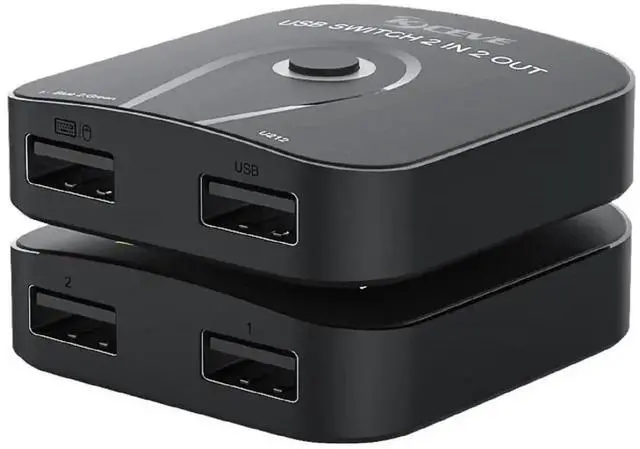
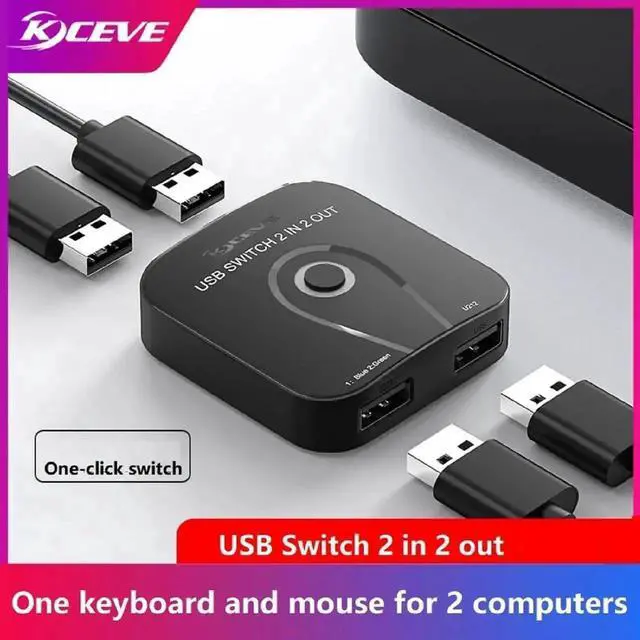
USB 2.0 Switch 2 in 2 Out, USB Switcher 2 Computers Sharing Keyboard and Mouse Printer Scanner Webcam, Printer Splitter for 2 Computers, 2 Port USB Selector Switch 1pcs
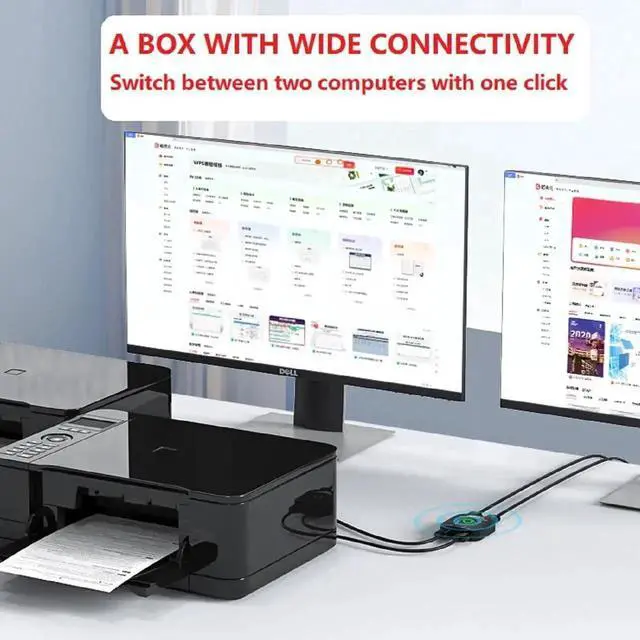
One-Button USB Switch: With the USB switcher button and LED indicator design, Let you work without worries.you can freely switch multiple USB devices between two computers with one click and clearly know the working status.
Data Transfer Speed: With 2XUSB ports, the keyboard and mouse switcher supports ultra-fast USB data transfer rates of up to 480Mbps, working flawlessly with high-bandwidth USB2.0 devices. And backward compatible with USB 1.1 devices, Note: It can only be switched physically, and does not support any shortcut key switching.
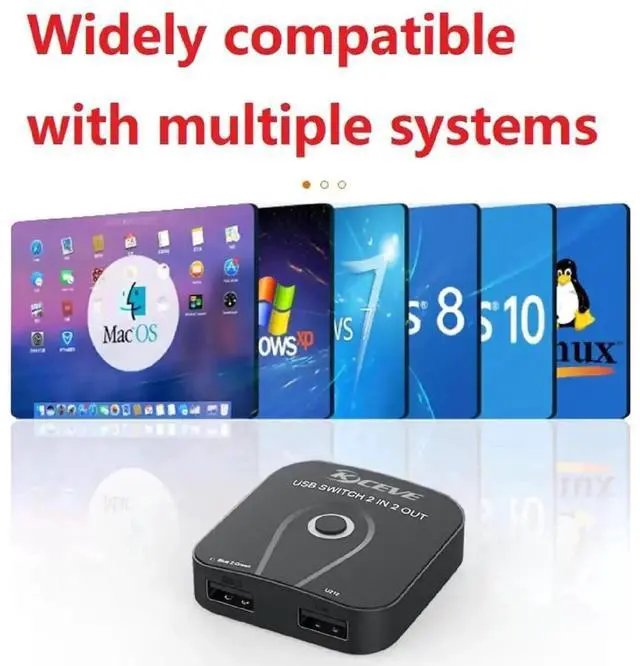
This product is direct-connect. USB switch between 2 computers is plug and play for windows 10/8/8.1/7/Vista/XP and Mac OS, Linux, and Chrome OS. No installation of drivers, such a simply and friendly KM Switch Box for you.NOTE:Most devices with USB ports can work, but some cannot.
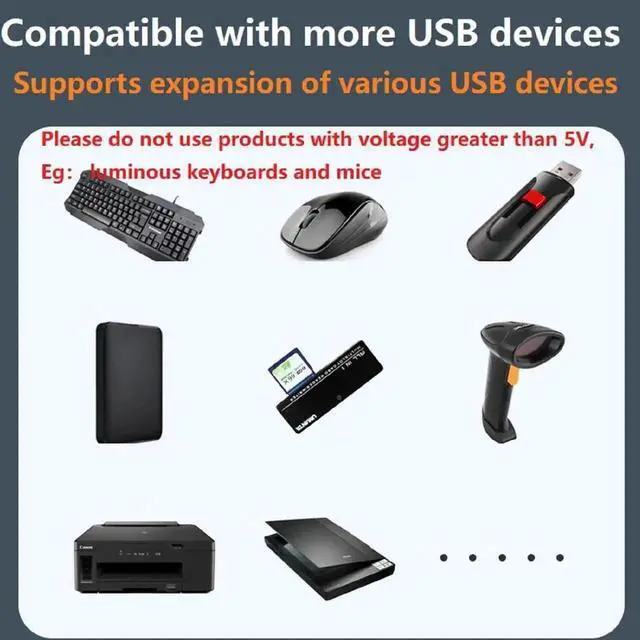
Please leave when using this product. 1. Do not use external devices exceeding 5V. 2. Do not use shiny mechanical keyboards and mice, as they may cause the switch box to freeze. 3. If the USB device is not recognized, please turn off the power for ten minutes and restart. 4. This product uses a direct chip design, without any driver, plug and play
+
+
Overview
Specs
Reviews
One-Button USB Switch: With the USB switcher button and LED indicator design, Let you work without worries.you can freely switch multiple USB devices between two computers with one click and clearly know the working status.
Data Transfer Speed: With 2XUSB ports, the keyboard and mouse switcher supports ultra-fast USB data transfer rates of up to 480Mbps, working flawlessly with high-bandwidth USB2.0 devices. And backward compatible with USB 1.1 devices, Note: It can only be switched physically, and does not support any shortcut key switching.
This product is direct-connect. USB switch between 2 computers is plug and play for windows 10/8/8.1/7/Vista/XP and Mac OS, Linux, and Chrome OS. No installation of drivers, such a simply and friendly KM Switch Box for you.NOTE:Most devices with USB ports can work, but some cannot.
Please leave when using this product. 1. Do not use external devices exceeding 5V. 2. Do not use shiny mechanical keyboards and mice, as they may cause the switch box to freeze. 3. If the USB device is not recognized, please turn off the power for ten minutes and restart. 4. This product uses a direct chip design, without any driver, plug and play
Learn more about the Detailed Specifications
Additional Information
First Listed on Newegg
May 21, 2026
There are no reviews yet.
Do you own this product?
Warranty & Returns
Warranty, Returns, And Additional Information
Warranty
Please contact the Seller directly for warranty information. Warranty information may also be found on the Manufacturer's website.