


Step 1.
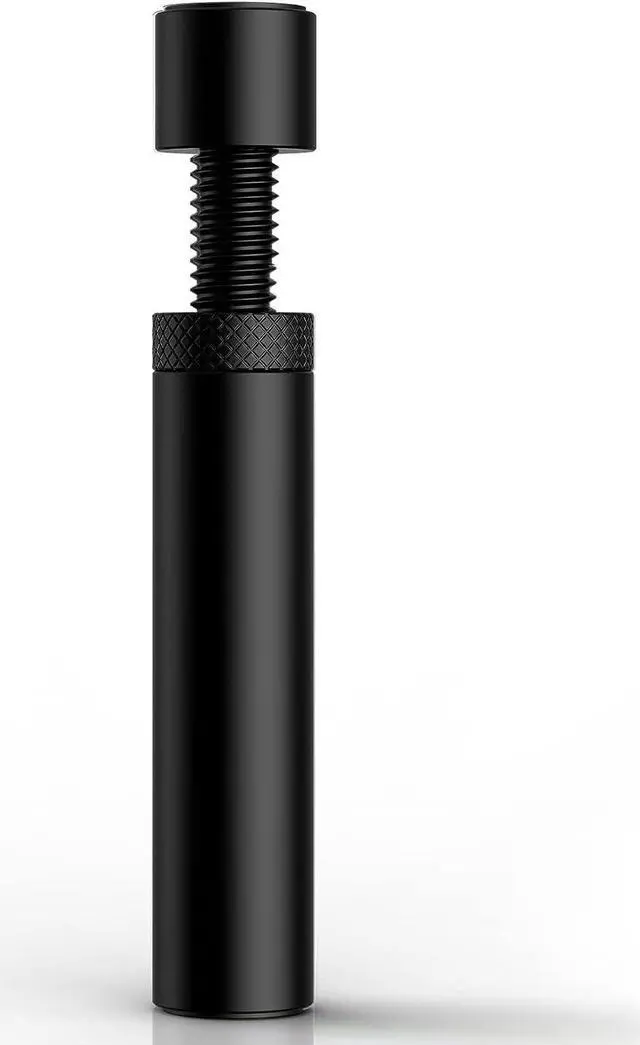
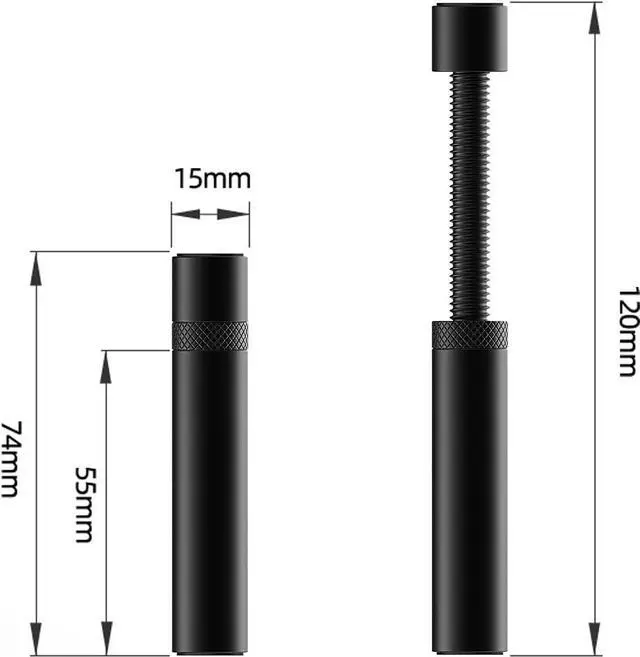
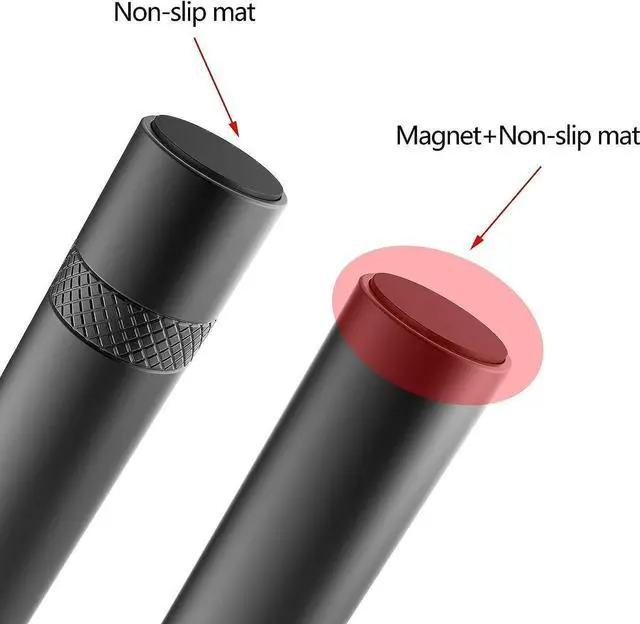
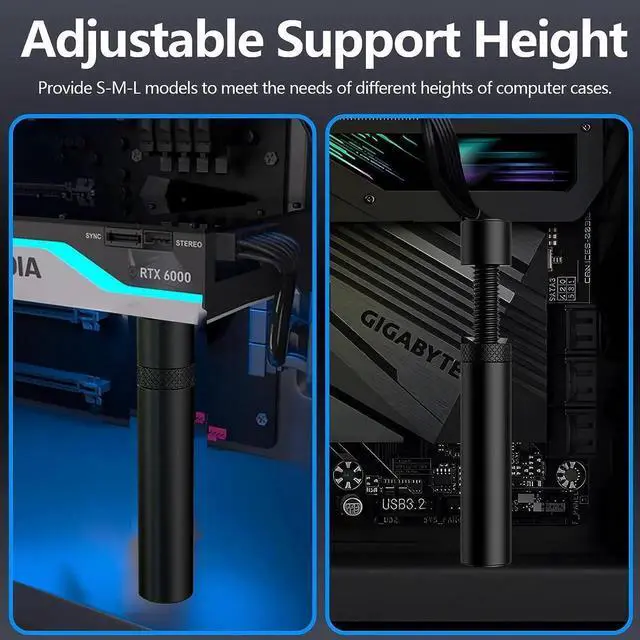
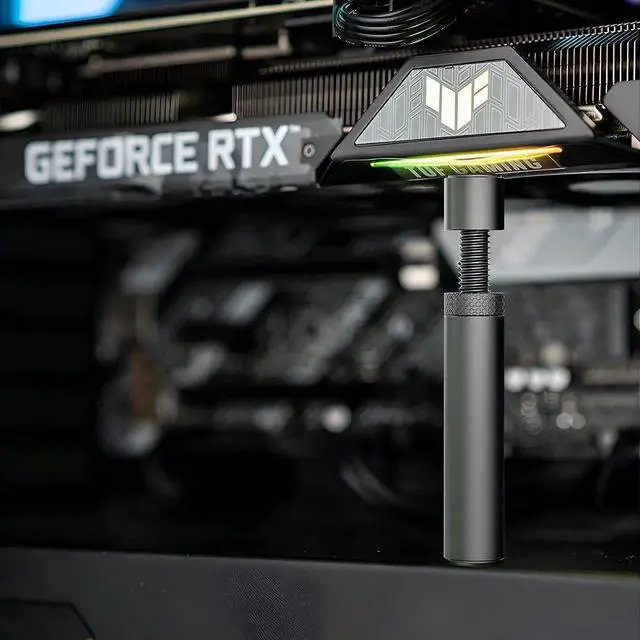
Fixed under the graphics card, turn the screw up.
Step 2.
After supporting the graphics card, tighten the middle nut down.
Step 3.
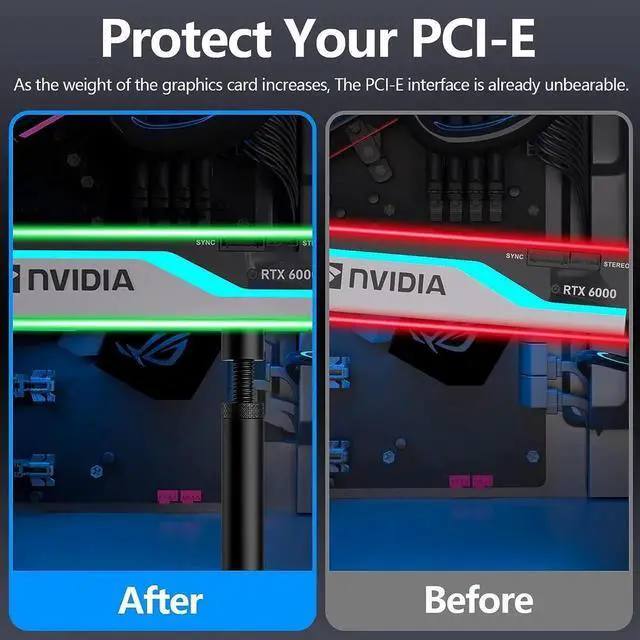
After fixing, it can provide stability for the graphics card to prevent the graphics card from sagging.



Step 1.
Fixed under the graphics card, turn the screw up.
Step 2.
After supporting the graphics card, tighten the middle nut down.
Step 3.
After fixing, it can provide stability for the graphics card to prevent the graphics card from sagging.