
Your Browsing History
- Free 15-day Returns
$91.78
Ships from China.


Meet Your Seller

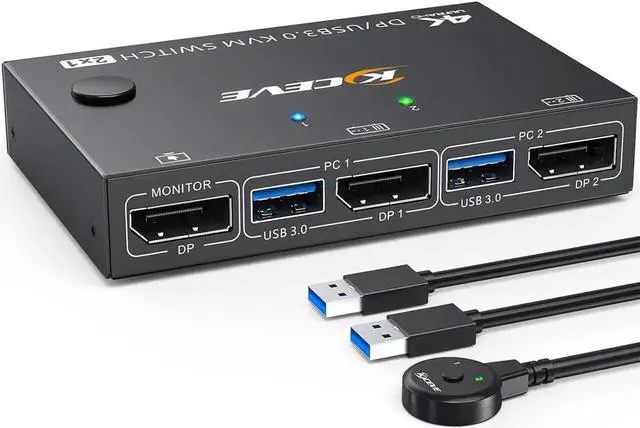
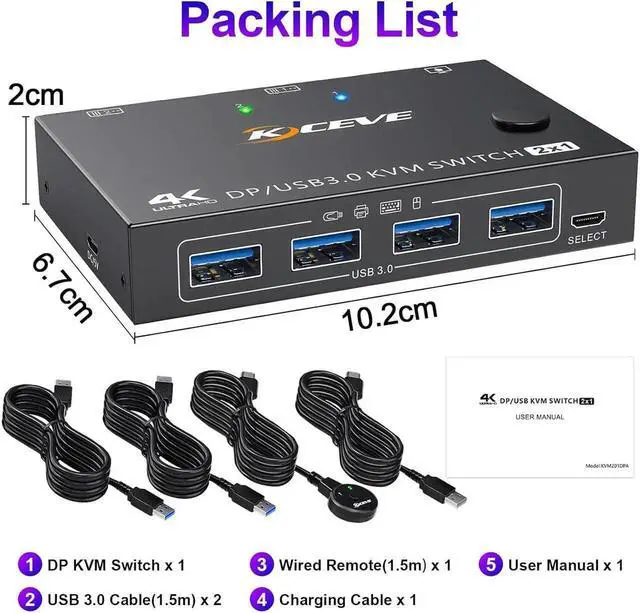


WISDUM USB 3.0 KVM Switch Displayport 4K@144Hz, 2 Port Displayport KVM Switch for 2 PCs 1 Monitor 8K@30Hz, DP KVM Switch 2 in 1 Out for 2 PC Share 4 USB 3.0 Device Keyboard Mouse Monitor with Wired
Limited time offer, ends 07/19 By Nexus3C
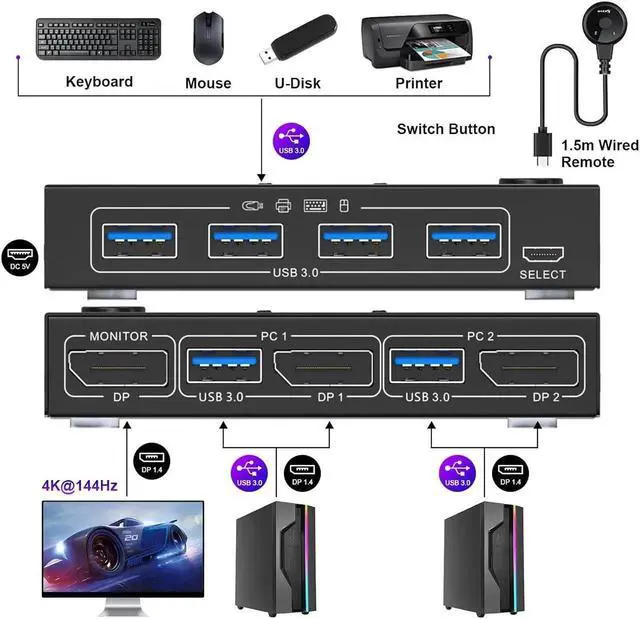
- [Displayport KVM Switch] This DP KVM switch allows you to control 2 computers with only one set of controls (monitor, wireless mouse, keyboard and printer) and supports webcams. You can freely switch between the 2 computers. Each PC requires 1 DP cable+1 USB cable connected to the KVM switch.
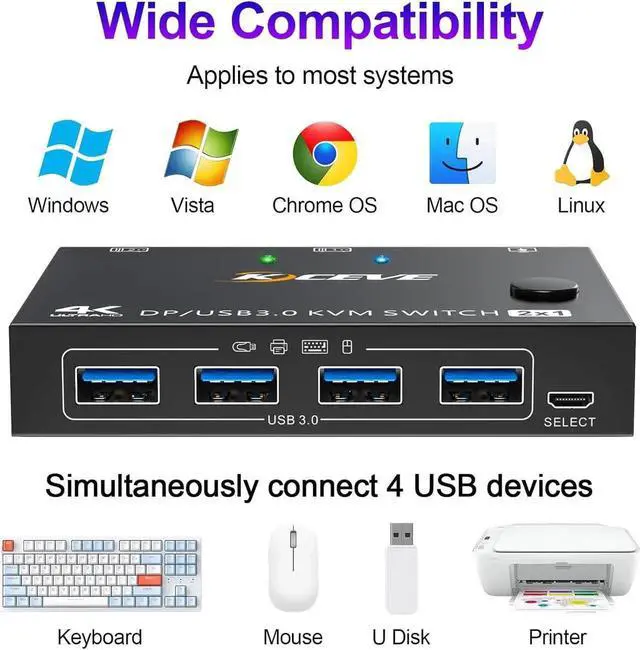
- [with 4 USB 3.0 Port] with 4 built-in USB 3.0 port, 2 PC share 1 display and 4 USB 3.0 devices, without having to unplug, identify wireless keyboards, mice, printers and other USB devices safely (do not support Bluetooth mouse). USB 3.0 supports 5Gbps efficiency and is compatible with USB 2.0/1.1 devices.
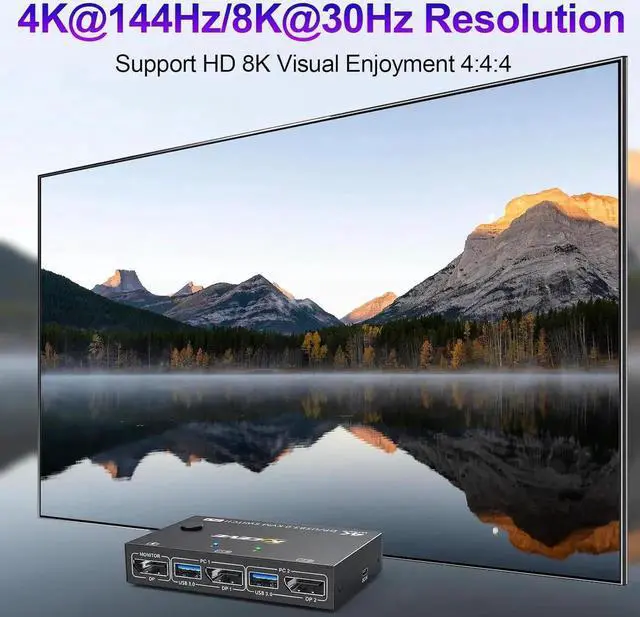
- [8K@30Hz/4K@144Hz Visual Enjoyment] Supports DisplayPort 1.4. Our USB DisplayPort switch supports high resolutions up to 8K@30Hz, 4K@120Hz, 1920x1080@60Hz, 1080P etc.
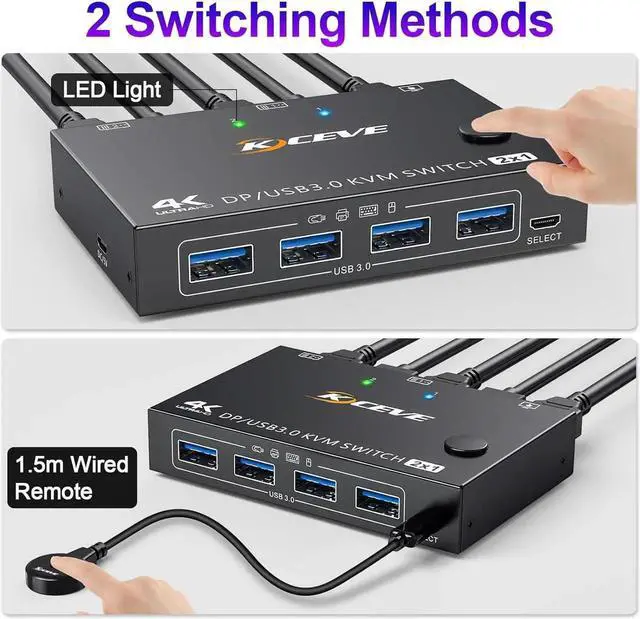
- [with 2 Switching Methods] Freely switch between 2 computers, 1 monitor by pressing the control panel button or a 1.5m wired remote control.
- [Universal Compatibility] Suitable for Windows 10/8/8.1/7/XP/Vista, MacOS, Linux etc..
+
+
Overview
Specs
Reviews
Friendly reminder:
- Please make sure that the DisplayPort cables and USB cables of the computers are connected to the KVM switch.
- Please make sure that your computer is directly connected to the monitor and can output images normally.
- If your computer doesn't have a DisplayPort output, the solution is to use a USB-C to DP adapter. When using an adapter, the resolution decreases. It is recommended to use a monitor with a DisplayPort connector
- Since this KVM switch is a technological product and the systems and equipment on the market are constantly updated, please contact us as soon as possible if you encounter any problems while using the product. We will then solve the problem for you.
USB 3.0 KVM Switch Displayport 4K@144Hz, 2 Port Displayport KVM Switch for 2 PCs 1 Monitor 8K@30Hz, DP KVM Switch 2 in 1 Out for 2 PC Share 4 USB 3.0 Device Keyboard Mouse Monitor with Wired Remote
Warranty & Returns
Warranty, Returns, And Additional Information
Warranty
- Please contact the Seller directly for warranty information. Warranty information may also be found on the Manufacturer's website.
- CONTACT
Return Policies
- Return for refund within: 15 days
- Return for replacement within: 30 days
- This item is covered by Nexus3C Return Policy
Manufacturer Contact Info
- For a directory of all our manufacturers, please click below.
- Manufacturers Directory
LOADING...