
Your Browsing History


 We‘re shipping as usual! The Canada Post strike only affects certain remote deliveries and PO Boxes. Details
 Holiday Shipping Details & Extended Holiday Returns


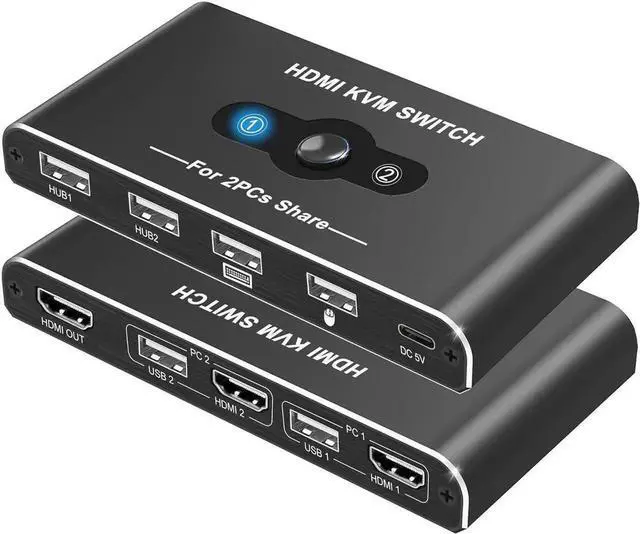
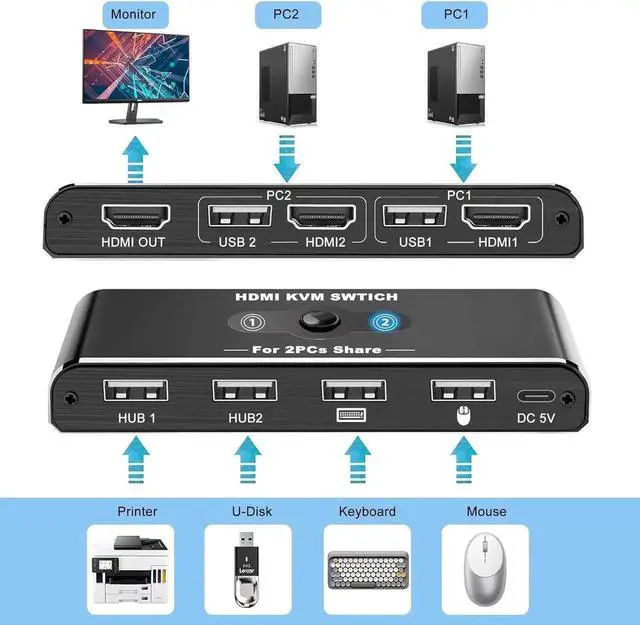
Here's a general guide on how to set up your KVM Switches
1. Connect your computer 1 to PC1-USB port and PC1-HDMI port with the included USB cable and HDMI cable.
2. Connect your computer 2 to PC2-USB port and PC2-HDMI port with the included USB cable and HDMI cable.
3. Connect this switch to a DC 5V power source via the supplied USB-C power cable.
4. Connect your USB device to the USB port. (The USB ports marked with the icon can only be connected to a mouse and keyboard and do not support other USB devices.)
5. Press the Switch button to select the computer you need to use.
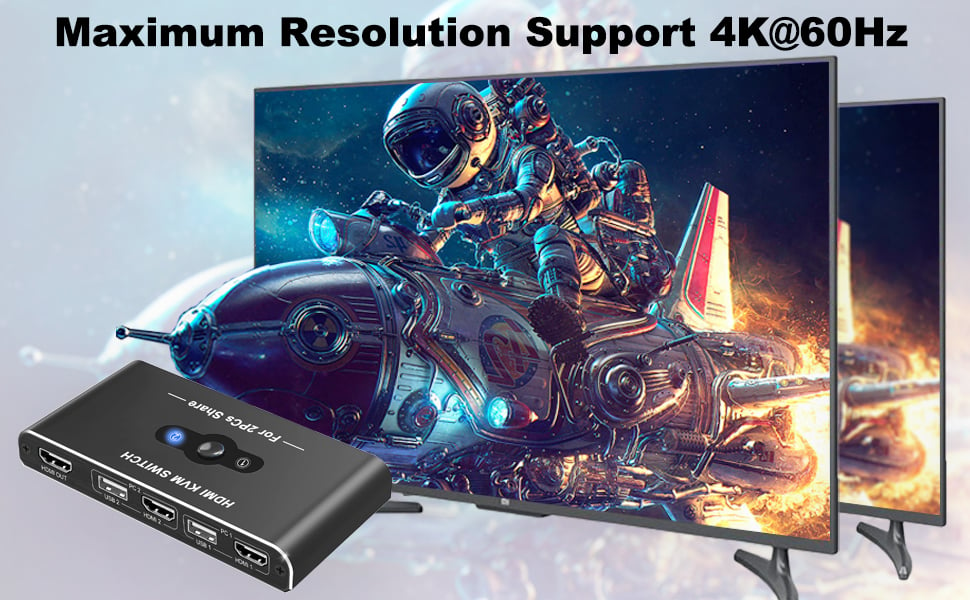
4K@60HZ Resolution
Maximum Support 4K(3840x2160)@60Hz resolution, downward compatible with lower resolution like 3840*2160@30Hz, 1920*1080P@60Hz, 1920*1080P@30Hz, etc.
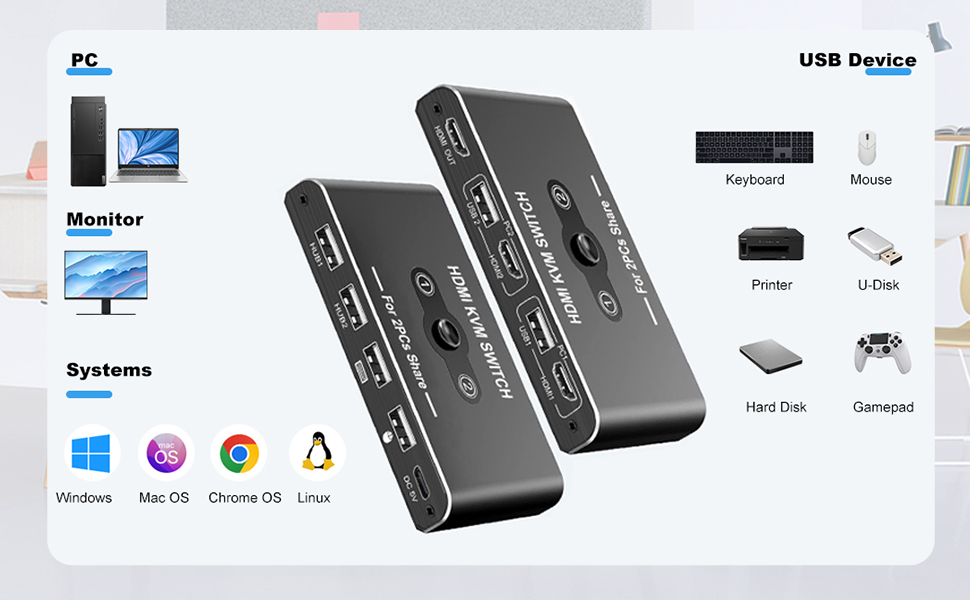
reat Compatibility& Driver-Free
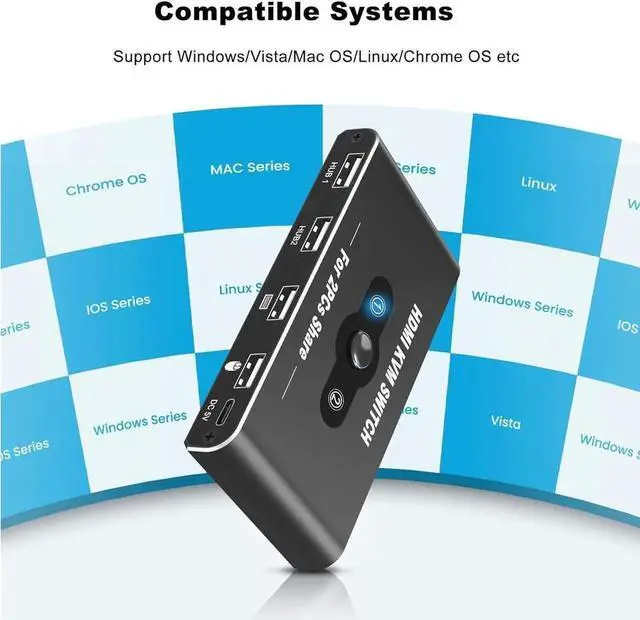
This KVM switch 1 monitors 2 computers works with great compatibility, driver-free for Windows 10/8/8.1/7/Vista/XP and Mac OS X, Linux, and Chrome OS, simply plug and play.
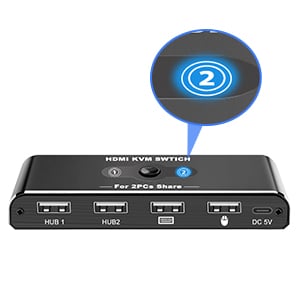
LED Indicator Design
Easily switches between systems via push buttons with LED indicating the active computer.
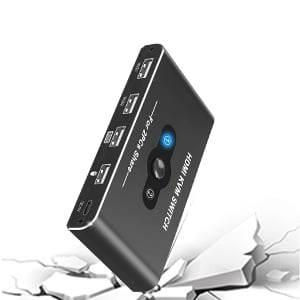
Scratch Resistant
With an heavy-duty cool alumimum body, this hdmi switch prevents it from getting overheated and imparts durability to your devices.
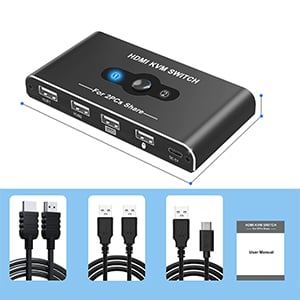
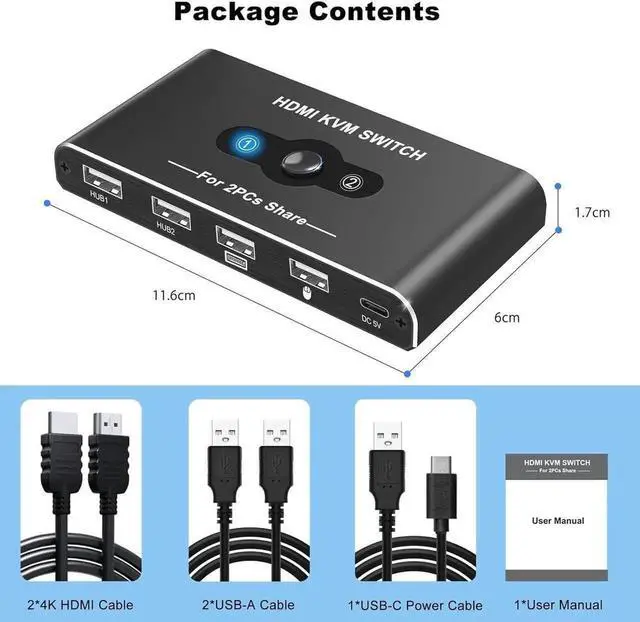
Package contents
No need to buy USB & HDMI cables for your computers separately.
Package included:
1*KVM HDMI Swtich,2*HD-MI cables, 2*USB-A Cables,1*USB Type-C Power Cable,1*User manual.
Please Note:
1. Why does only 1 of the 2 monitors have video output?
The most common reason for only one video output is incorrect connection. Make sure each computer is connected to the KVM switch (1 HDMI cable + 1 USB cable).
2.No image even when connected via HDMI
1) Connect only one PC to the monitor with an HDMI cable without connecting two PCs, and check if it works normally.
2) Replace the remaining two HDMI cables one by one and check if the HDMI signal is output.
3) Check if the remaining one PC works normally. Please connect your PC to the monitor with an HDMI cable without going through the product and check if it works properly.
4) Connect the HDMI output ports of the two PCs to the HDMI input ports of the product, and connect the HDMI input ports of the monitors to the output ports of the product. Press the toggle button and check if the toggle works properly and the monitor displays an image.
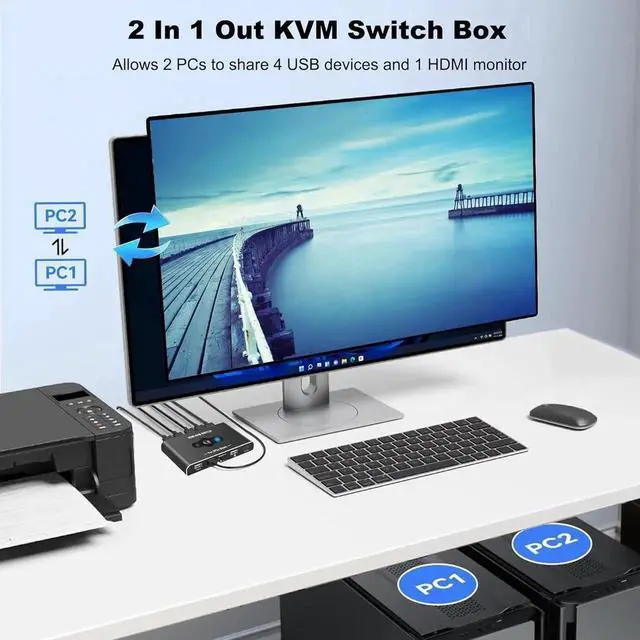
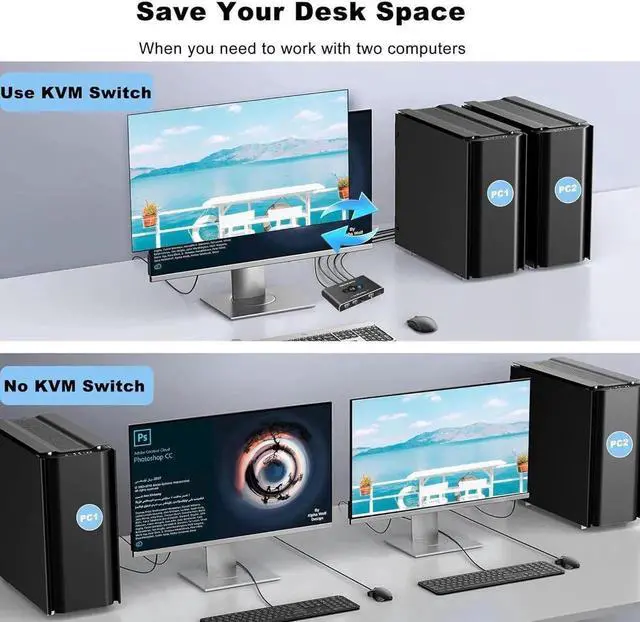
[2 PCs Share 4 USB Devices and 1 Monitor]- KVM switch supports 2 computers share 1HD Monitor and 4 USB devices like keyboards, mouses, U disk, printers etc. It's convenient for you to switch freely between your work computer and personal computer.
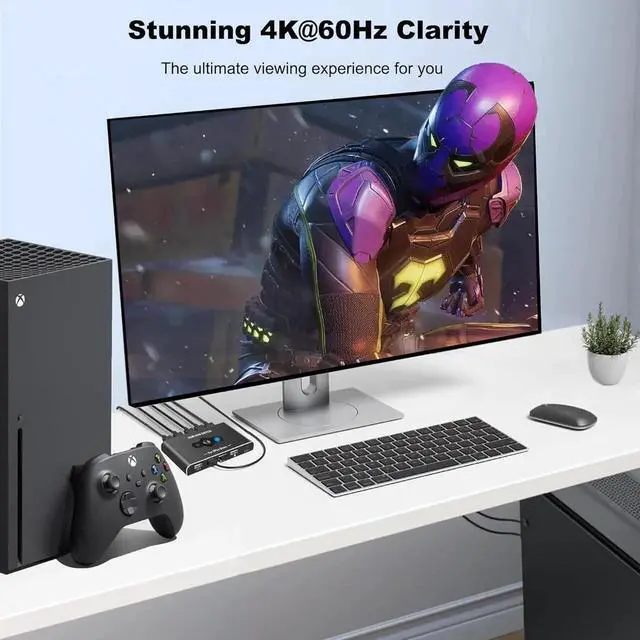
[Ultra HD 4K@60Hz Visual Enjoyment] Supporting resolution 4K@60Hz. Enjoy video playback on TVs, monitors, or projectors at a stunning 4K@60Hz resolution, making it ideal for presentations in public settings. It is also supports 4K@30Hz, 3D and 1080P or lower resolution.
[Support Multi Devices & Widely applied] Supports many kinds of input devices or signal sources switch, such as PS4, TV Box, PC, laptop and most HD-MI capable devices. Compatible with Windows 10/8/ 8.1 /7/Vista/XP and Mac OS, Linux and Chrome OS systems.
[Easy to Use]- Simple installation and easy operation. In addition, the USB switch comes with 2 HDMI, 2 USB-A cable and a USB-C power supply for transmitting and providing power respectively, everything is arranged for you.