
Your Browsing History

Meet Your Seller

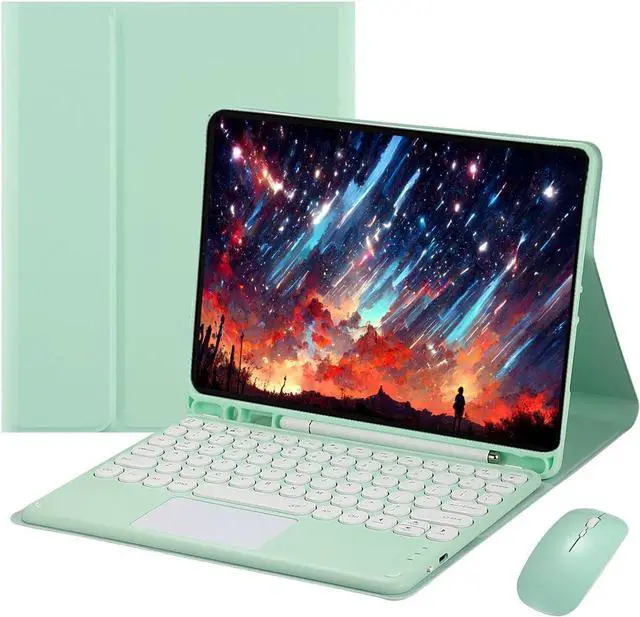
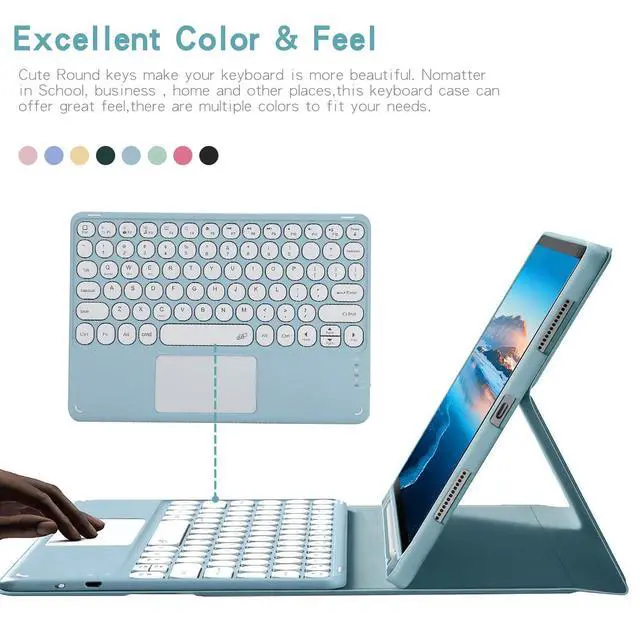


Touch Keyboard Case for iPad 9.7" (6th/5th Gen 2018/2017, Air 2/Air 1), Magnetically Detachable Bluetooth Keyboard with Mouse, Green
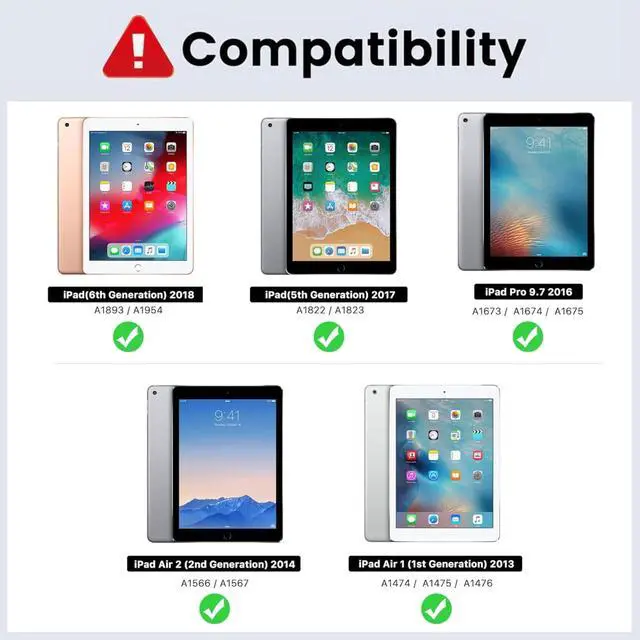
- **Compatibility**: Fits 9.7" iPad 6th Gen 2018 (A1893/A1954), 5th Gen 2017 (A1822/A1823), iPad Air 2 (A1566/A1567) and iPad Air (A1474/A1475/A1476). Not compatible with other models.
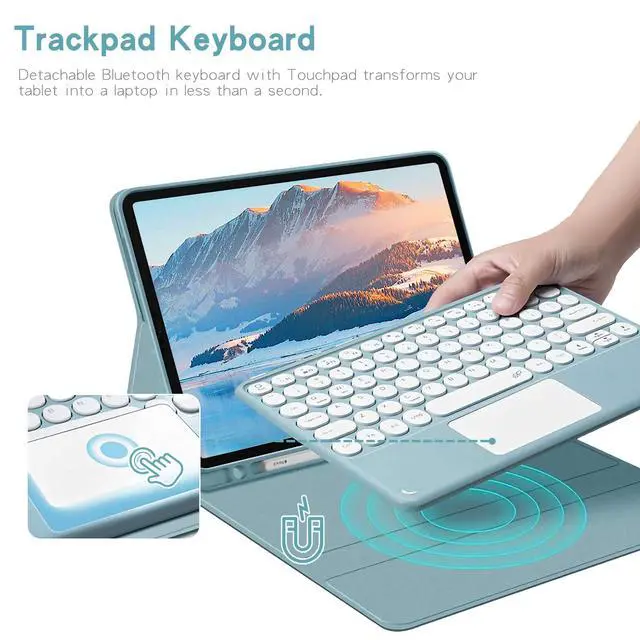
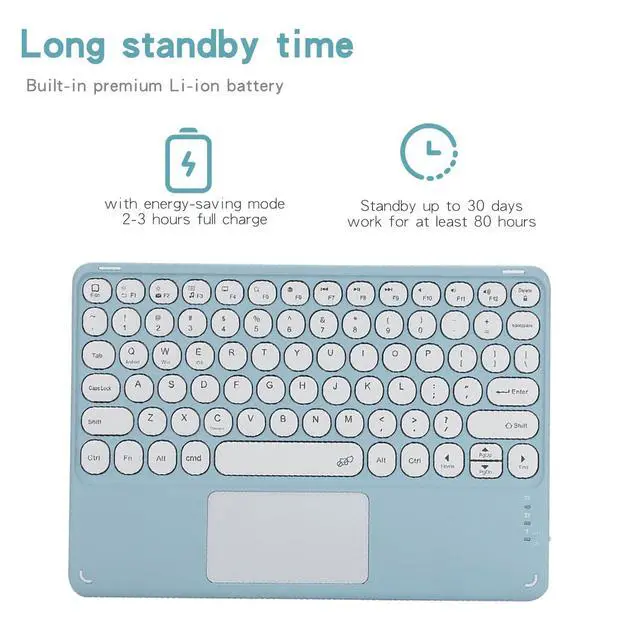
- **Trackpad Keyboard**: Magnetically detachable Bluetooth keyboard with touchpad. Requires iOS 13.0 or newer; enable AssistiveTouch in iPad Accessibility settings to use the touchpad.
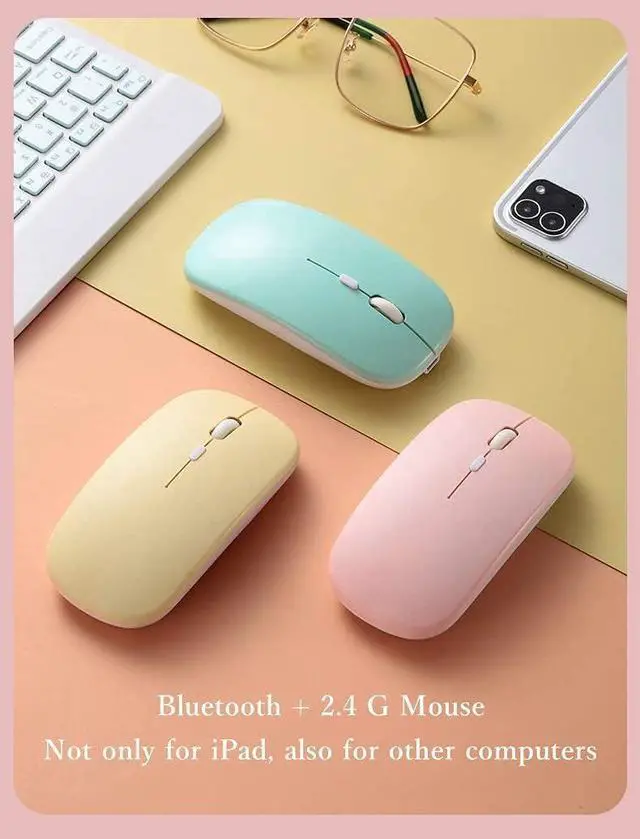
- **Dual-mode Mouse**: Included wireless mouse supports Bluetooth and 2.4G connection, works with iPad and other computers.
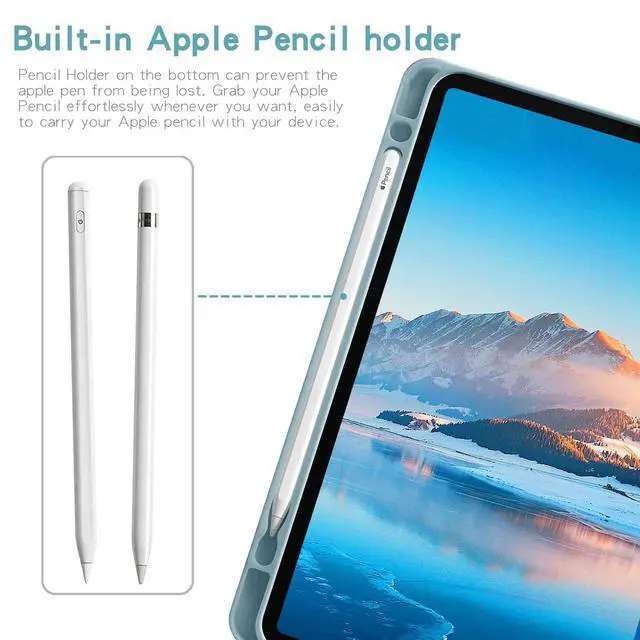
- **Apple Pencil Holder**: Built-in slot keeps your stylus safe and portable. *Apple Pencil is not included*.
- **Long Battery Life**: Fully charges in 23 hours. Up to 30 days standby time and 80 hours of working time.
- If you encounter any issues with your order, please avoid filing complaints or initiating returns directly. Instead, feel free to contact our customer service teamthey will wholeheartedly assist you in resolving the problem and provide a solution that meets your satisfaction. We value your experience and are committed to addressing any concerns you may have promptly and properly.Note: Tablets are not included in the product.
+
+
Overview
Specs
Reviews
Polished & Concise Version (for product manual/listing, natural English) How to Pair the Keyboard with iPad 1. Turn on the keyboard via the right-side power button. The indicator light will flash then turn off automatically for power saving this is normal. 2. Press and hold the **FN** key at the bottom left, then press the **C** key simultaneously. The Bluetooth indicator will flash, meaning pairing mode is activated. 3. On your iPad, go to **Settings > Bluetooth** and turn Bluetooth on. Wait for the device to appear, then tap it to connect. 4. If a PIN code pops up, enter the code on the keyboard and press **Enter**. 5. The Bluetooth indicator will turn off once pairing succeeds. 6. This is a multi-system keyboard. For iPad use, press and hold **FN** + **E** to switch to iPad mode. Adjust Scroll Direction iPad uses a different default scroll direction from Windows devices. To reverse it: Go to **iPad Settings > General > Trackpad & Mouse**, then turn off **Natural Scrolling**.
Product information
| Brand | Timoom |
| Color | Green |
| Connectivity Technology | Bluetooth |
| Special Feature | Backlit |
| Compatible Devices | iPad 6th/5th Generation 9.7-Inch 2018/2017, iPad Pro 9.7 Inch 2016, iPad Air 2 9.7 Inch 2014 |
| Other Special Features of the Product | Backlit |
| Keyboard Backlighting Color Support | RGB |
| Are Batteries Required | Yes |
| Number of Batteries | 1 A batteries required. (included) |
| Number of Keys | 78 |
| Keyboard Description | Multi Functional |
| Antenna Location | Personal |
| Manufacturer | Timoom |
| Built-In Media | Bluetooth keyboard*1, Tablet Case*1, USB Cable*1, Wireless mouse*1 |
| Warranty Description | 1Year |
Warranty & Returns
Warranty, Returns, And Additional Information
Warranty
- Please contact the Seller directly for warranty information. Warranty information may also be found on the Manufacturer's website.
- CONTACT
Return Policies
- Return for refund within: 15 days
- Return for replacement within: 30 days
- This item is covered by Top tech Store Return Policy
Manufacturer Contact Info
- For a directory of all our manufacturers, please click below.
- Manufacturers Directory
LOADING...