





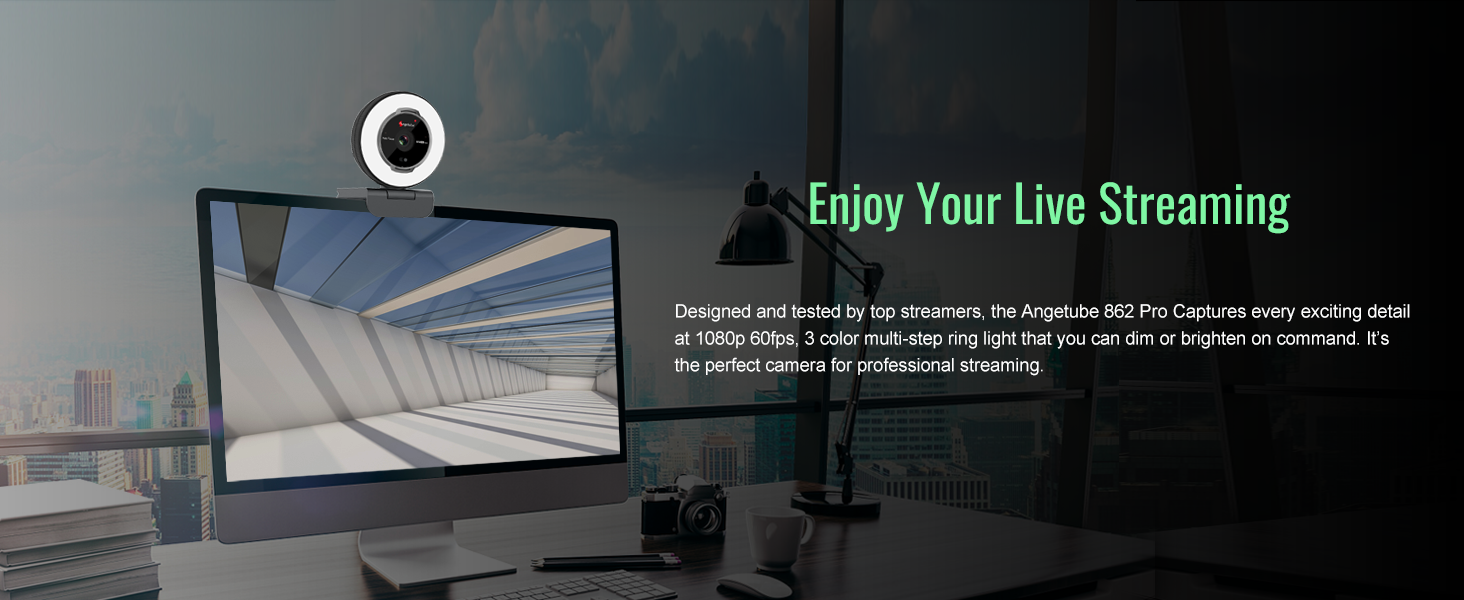
Ultra Smooth Streams, No Lag
Captures every exciting detail at 1080p 60fps
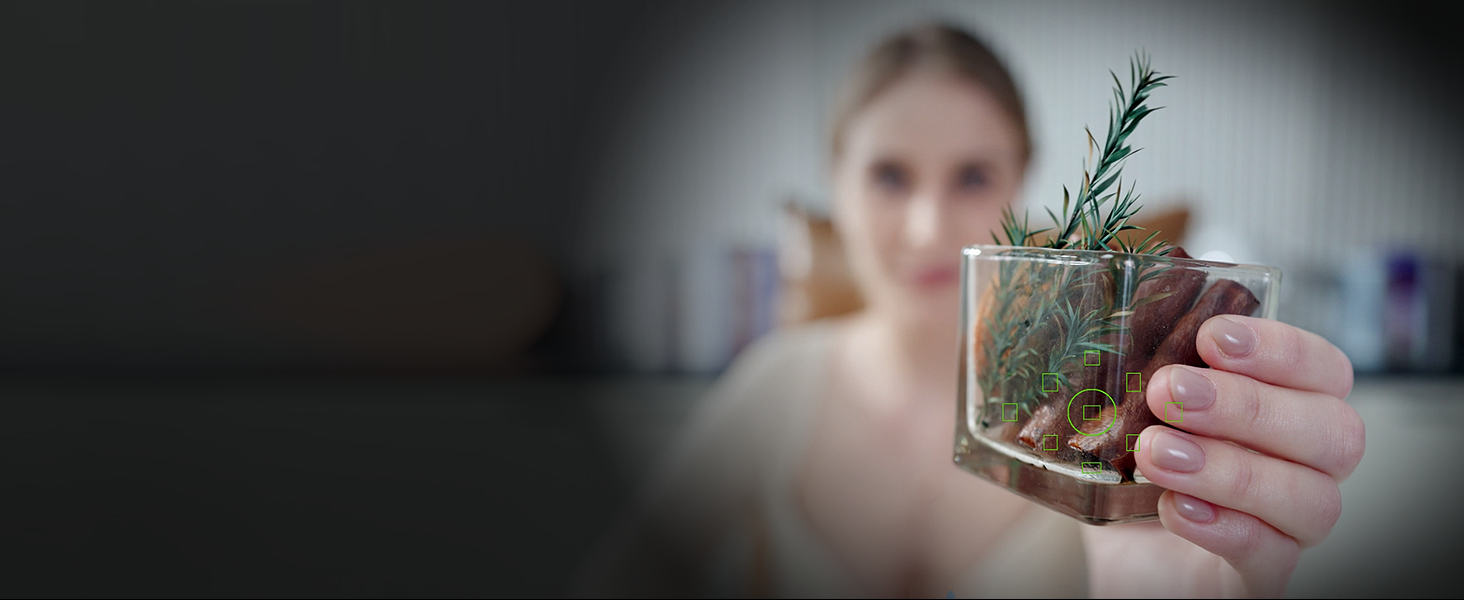
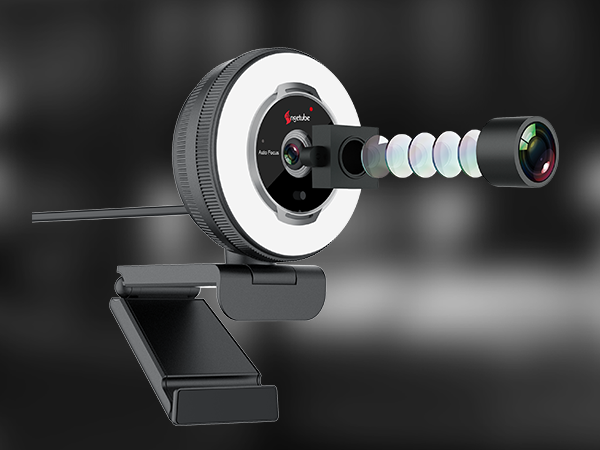
Smart Auto-Focus
The webcam is focus on you at all times, reduce lag and enhance your video experience.
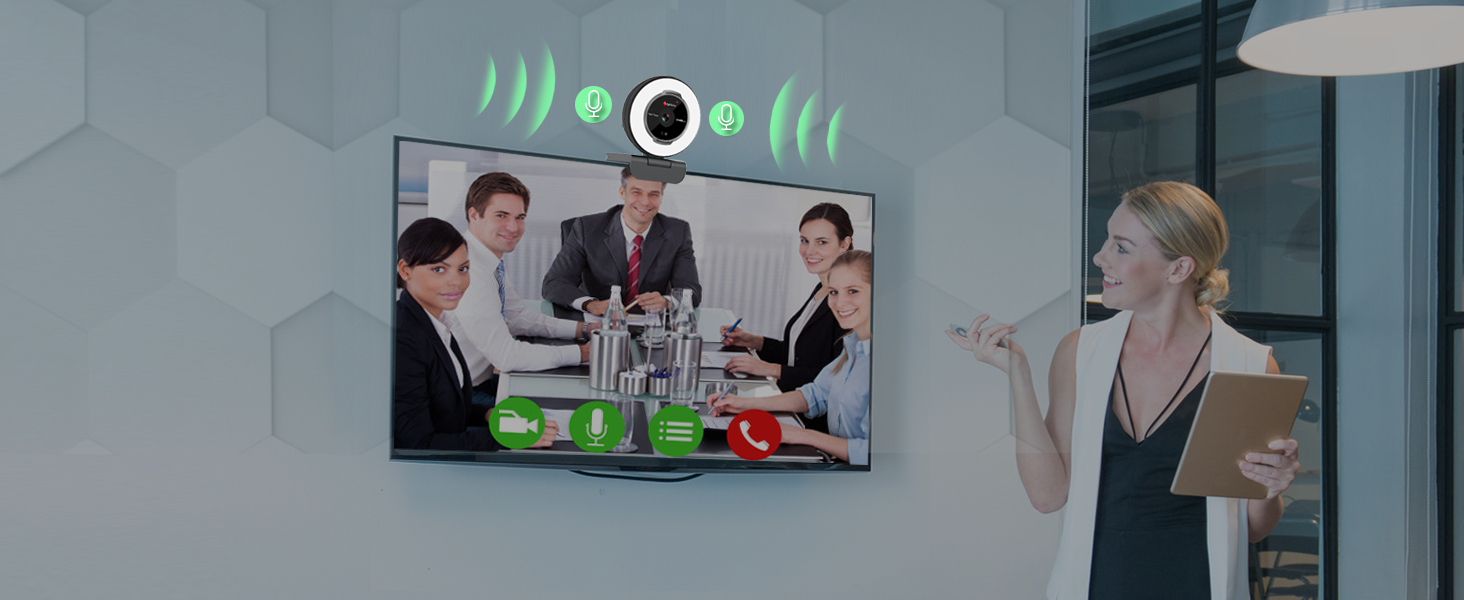
Sound Great in Any Environment
Stay focused with advanced noise-canceling technology that suppresses distracting background sounds.


Updated Slim Connector
Easy to set-up, Plug and play, No driver needed. With included jack adapter, the 1080p webcam with light compatible with USB A and USB C.

Flexible Clip
You can place the webcam on top of monitors, TVs, or on almost any surface with ease, even mount it to a tripod, you can get any angle as you need.

Wide compatibility
The webcam compatible with a host of different devices and software including Xbox, Zoom, Skype, OBS, Teams etc. Great for Meeting, Gaming, Streaming.

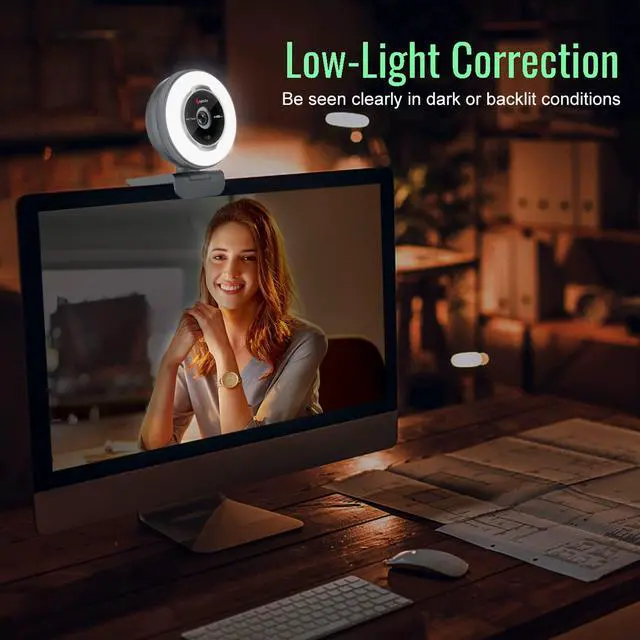
Automatic Low Light Correction
Equipped with automatic white balance, Delivery clear videos even in dim light with automatic light Correction.Never worry about the quality of image.
No response when pressing any button on the remote control?
Check if the insulation paper is removed, replace the batteries. If the issue persists, contact seller for reprogramming.
Why do other buttons on the remote control work, but the zoom in and out buttons don't?
This model only supports zooming when the resolution is less than 1080P. Please try zooming in and out after switching the resolution. If you have any further questions, please contact the seller's support.


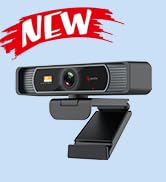
120° Wide Angle 4K Webcam
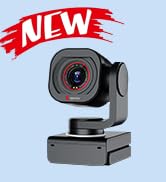
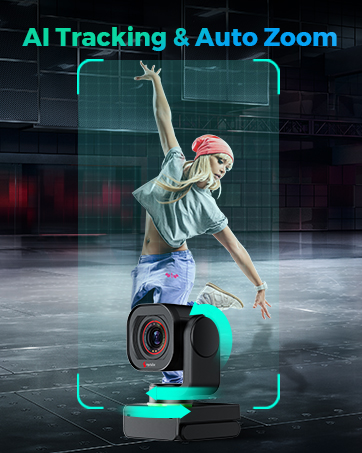
Angetube TrackCam
4K Webcam with Light
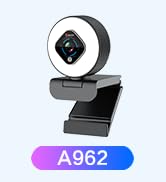
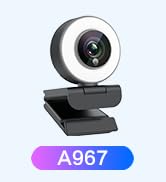
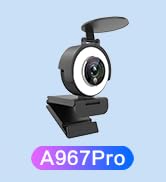
Streaming Webcams
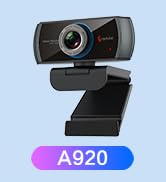
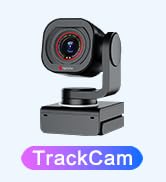
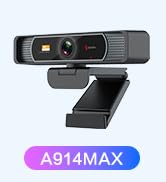
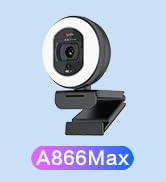
4k Webcams
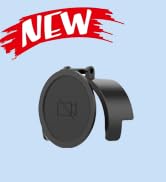

Angetube Webcam Cover

Angetube is an creactive and innovative brand. Established in 2018 which integrates with design, R&D, sales and service, and adheres to the business philosophy of user-centered, innovative design, and quality first. We are committing to the research and development of 3C digital audio and video products.
Angetube sells products throughout US, EU,JP and AU ect. And we are continuing to expand sales to meet the needs of customers in other regions.
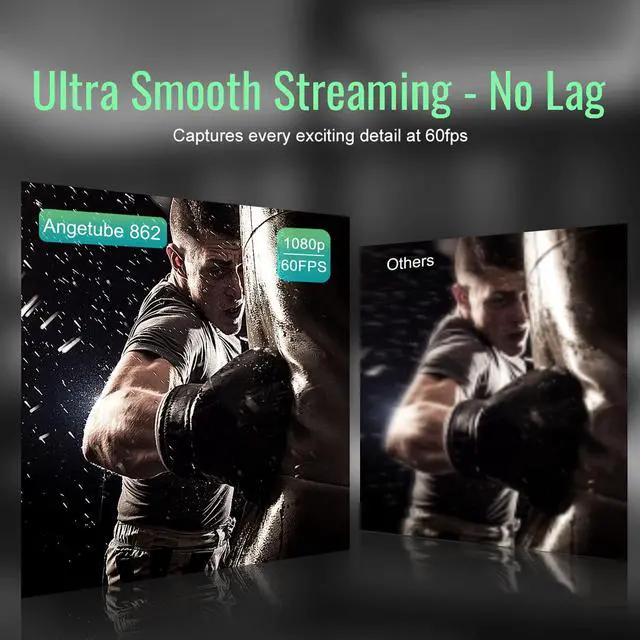
Ultra Smooth Streams, No Lag
Captures every exciting detail at 1080p 60fps
Smart Auto-Focus
The webcam is focus on you at all times, reduce lag and enhance your video experience.
Sound Great in Any Environment
Stay focused with advanced noise-canceling technology that suppresses distracting background sounds.


Enhanced Control with Angetube Webcam Software
You can download software from Angetube’s official website to modify camera property such as exposure, resolution, white balance, etc., and choose different filters to video effects through the software. Adjusted video effects to other video software such as ZOOM, MS Teams, etc. via the “Angetube virtual camera”
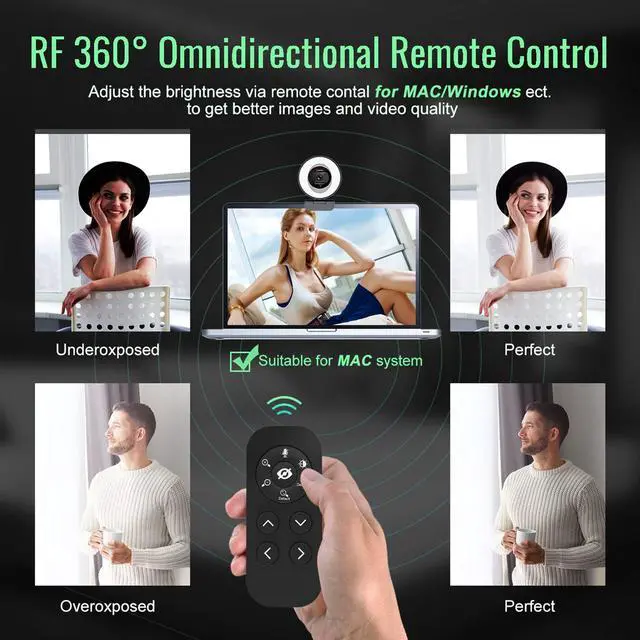
Adjust Exposure with Remote Control
Adjust the exposure with remote control, to get better images and video quality Suitable for MAC/Windows ect.
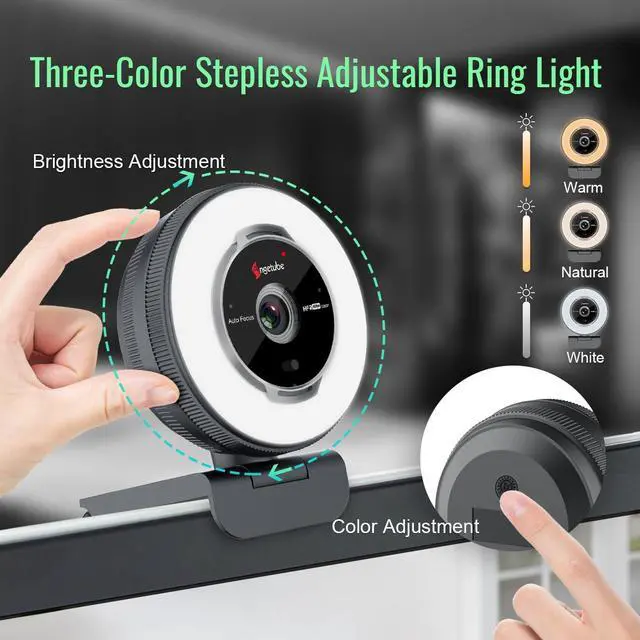
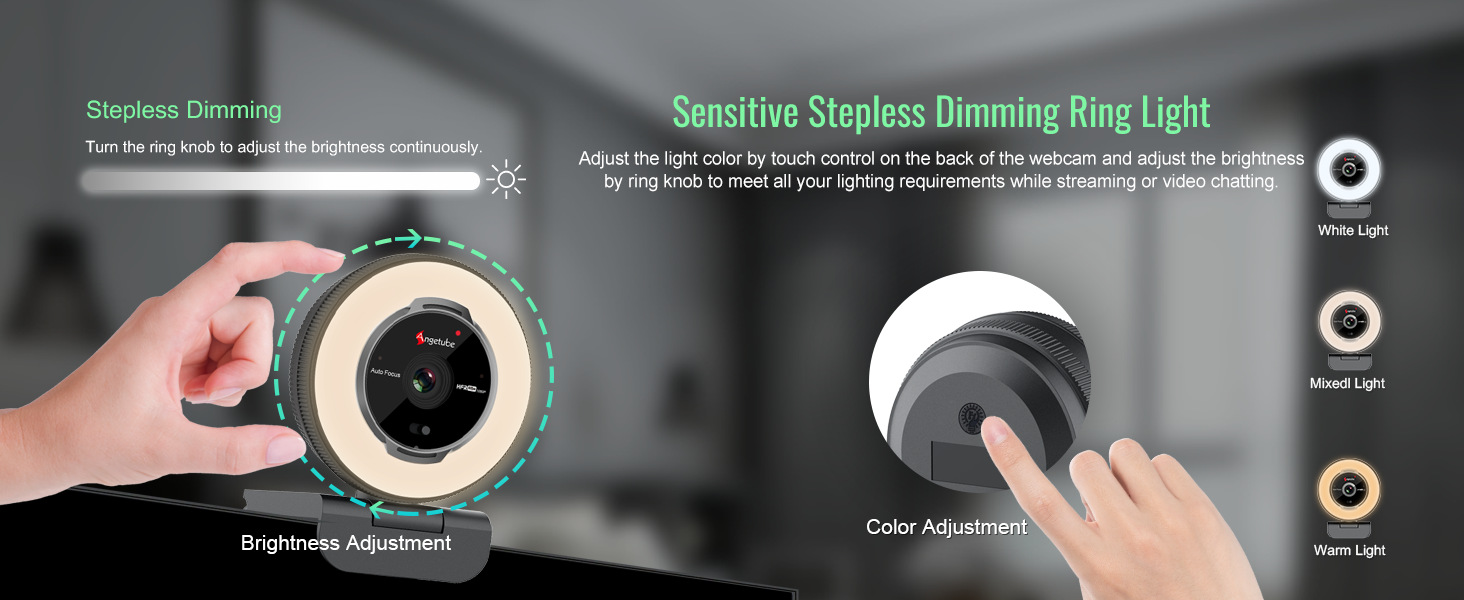
Three colors Stepless Dimming Ring Light
Adjust the light color by touch control on the back of the webcam and adjust the brightness by ring knob to meet all your lighting requirements while streaming or video chatting.
RF 360° Omnidirectional Remote Control
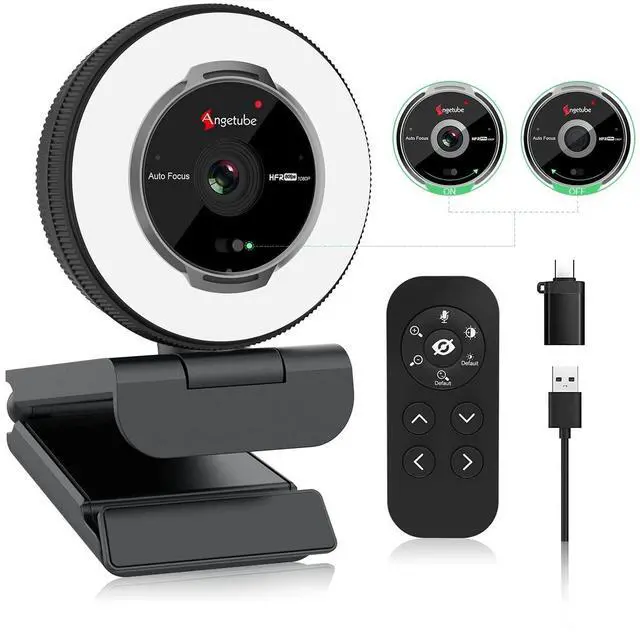
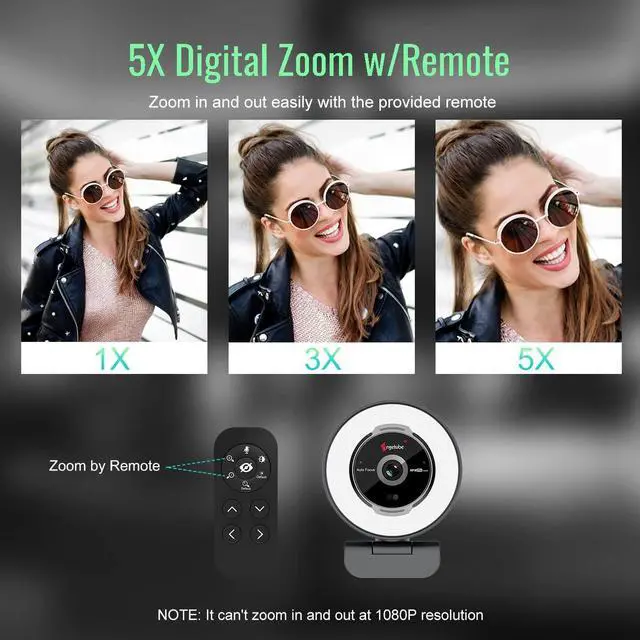
Control your video calls with a remote, so even away from the desk you are still in charge. 5X digital zoom below 1080p, Disable video, mute, adjust the FOV, white balance, and more. TIPS:
- When using for the first tine, openthe battery cover and take out thebattery insulating paper.
- The resolution of zoorn in andzoom out is lower than 108OP, such as 720p,Please adjust the resolution to lower than 1080p.
- The buttons of up, down, left and right only work after zooing in.


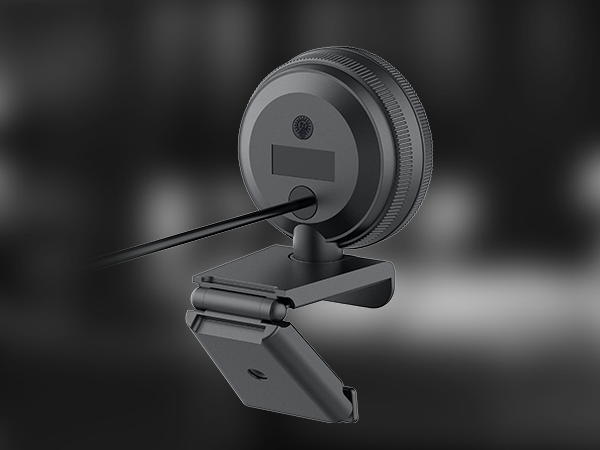
Ring Light Color Toggle Button
Adjust the light color by touch control on the back of the webcam. Three colors are available.
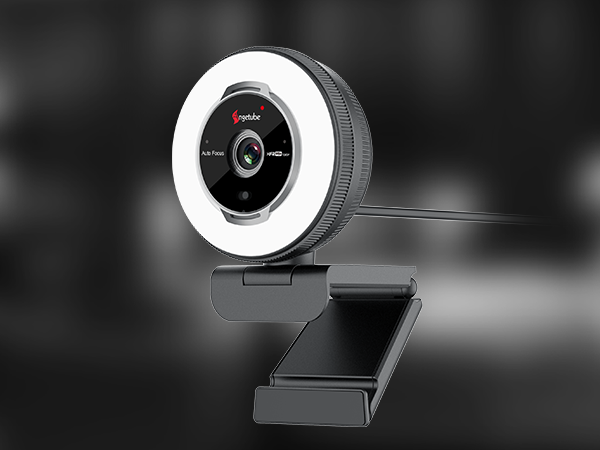
Stepless Dimming
Adjust the brightness by ring knob to meet all your lighting requirements while streaming or video chatting.
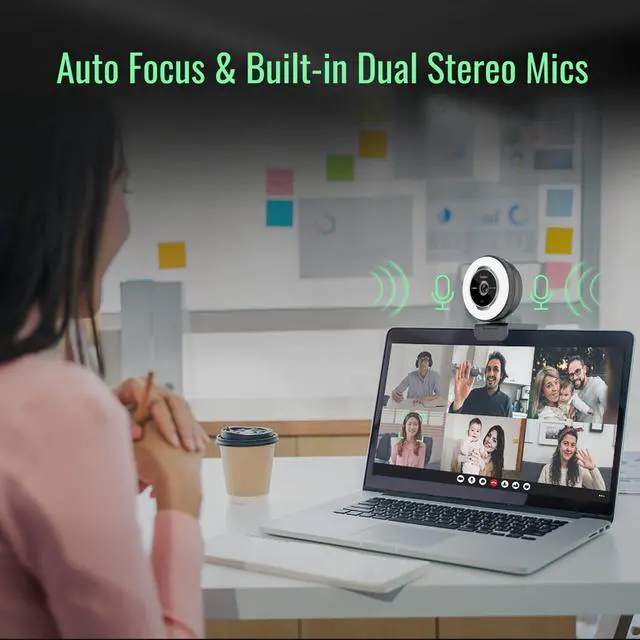
Built-in Stereo Mics
using 2 omnidirectional Stereo mics
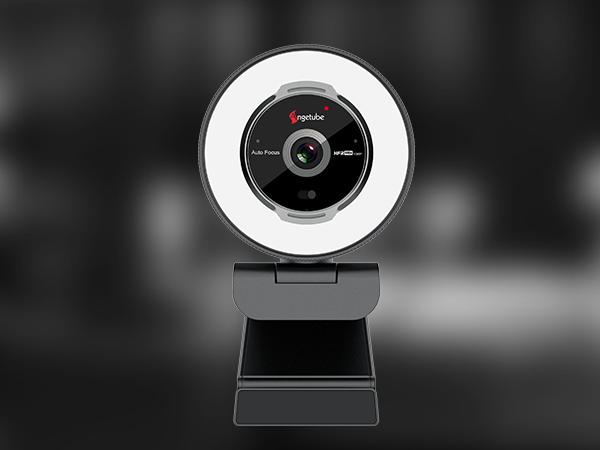
Privacy Cover
With built in privacy cover to protect your privacy, when the usb webcam is not in use.
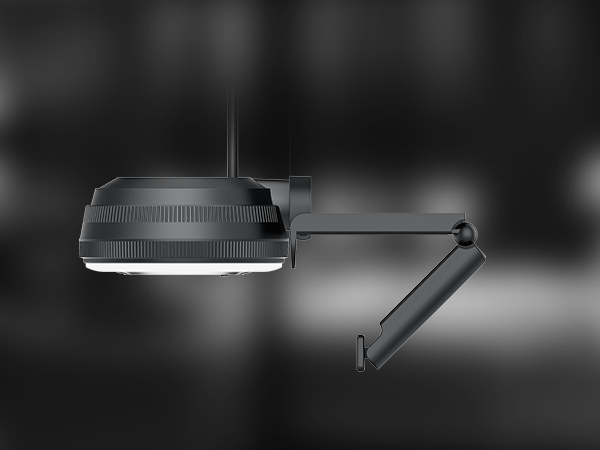
Flexible Mounting Options
Adjustable clip and threaded base for secure mounting on monitor, laptop or tripod.
Updated Slim Connector
Easy to set-up, Plug and play, No driver needed. With included jack adapter, the 1080p webcam with light compatible with USB A and USB C.
Flexible Clip
You can place the webcam on top of monitors, TVs, or on almost any surface with ease, even mount it to a tripod, you can get any angle as you need.
Wide compatibility
The webcam compatible with a host of different devices and software including Xbox, Zoom, Skype, OBS, Teams etc. Great for Meeting, Gaming, Streaming.
Automatic Low Light Correction
Equipped with automatic white balance, Delivery clear videos even in dim light with automatic light Correction.Never worry about the quality of image.
No response when pressing any button on the remote control?
Check if the insulation paper is removed, replace the batteries. If the issue persists, contact seller for reprogramming.
Why do other buttons on the remote control work, but the zoom in and out buttons don't?
This model only supports zooming when the resolution is less than 1080P. Please try zooming in and out after switching the resolution. If you have any further questions, please contact the seller's support.
120° Wide Angle 4K Webcam
Angetube TrackCam
4K Webcam with Light
Streaming Webcams
4k Webcams
Angetube Webcam Cover
Angetube is an creactive and innovative brand. Established in 2018 which integrates with design, R&D, sales and service, and adheres to the business philosophy of user-centered, innovative design, and quality first. We are committing to the research and development of 3C digital audio and video products.
Angetube sells products throughout US, EU,JP and AU ect. And we are continuing to expand sales to meet the needs of customers in other regions.