




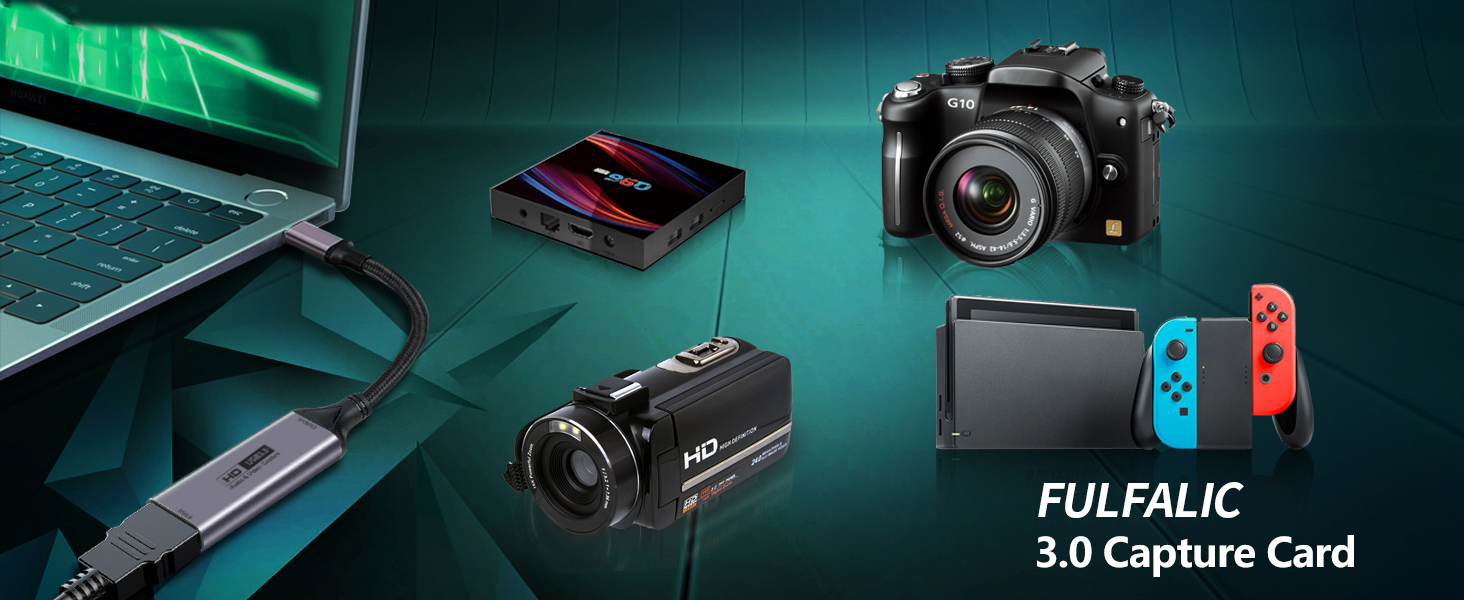
Will this work to display my Nintendo switch on my PC?
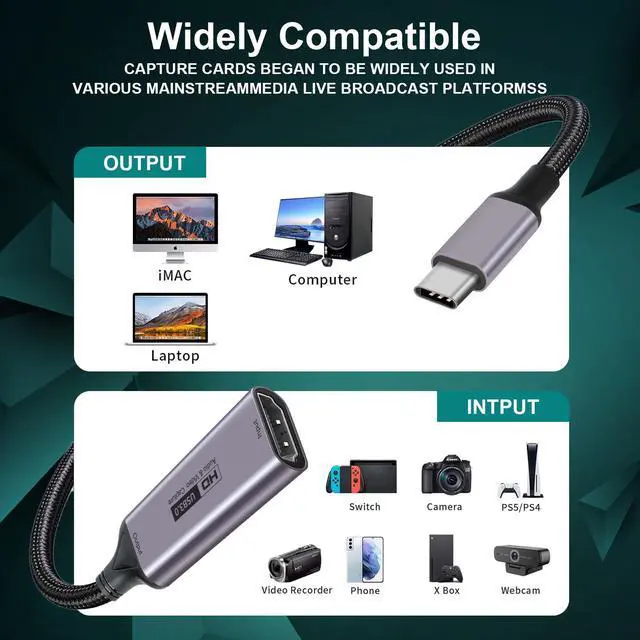
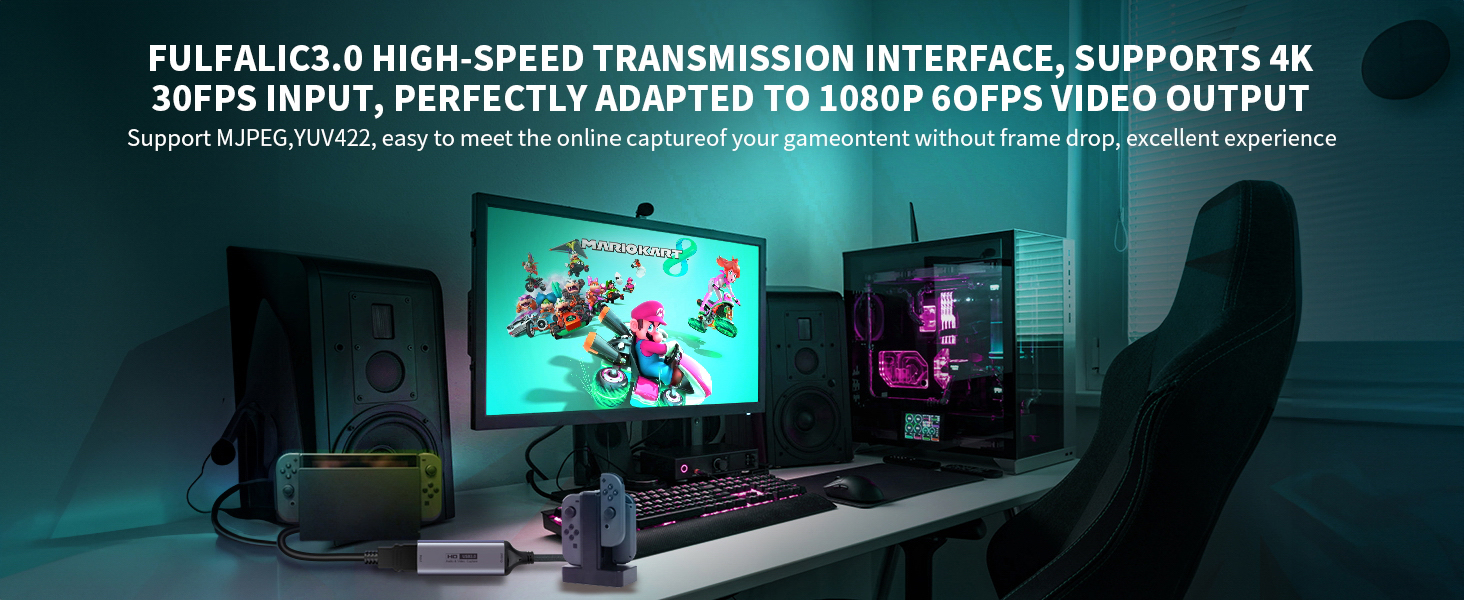
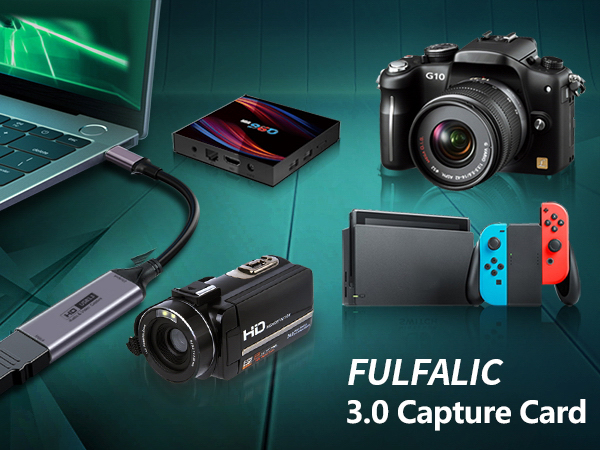
Yes, our Fulfalic 3.0 Capture Card support the video capture function of Nintendo Switch to PC
Will this work with a sony RX100 7 for teams and zoom and will it sync with audio from the camera?
As long as the camera is connected to our Fulfalic 3.0 capture card through the HDMI cable, the device can be captured in real time to your computer and other output devices
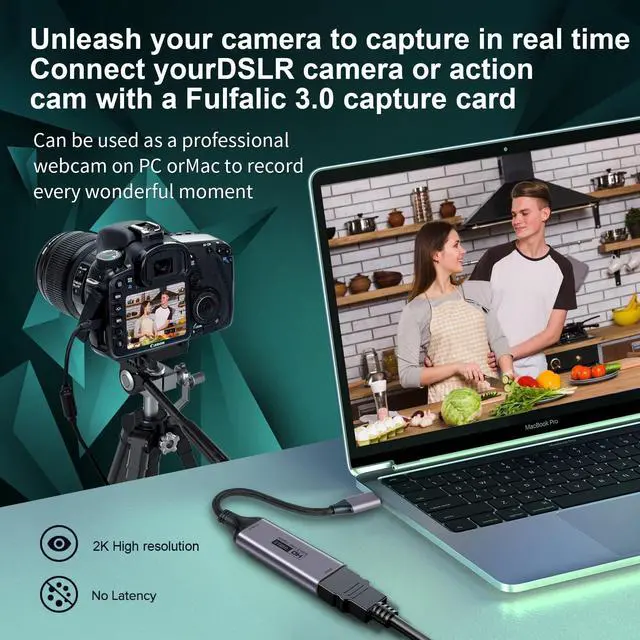
I want to use my camera as a webcam. will this work? Will it provide a clear video stream to the computer?
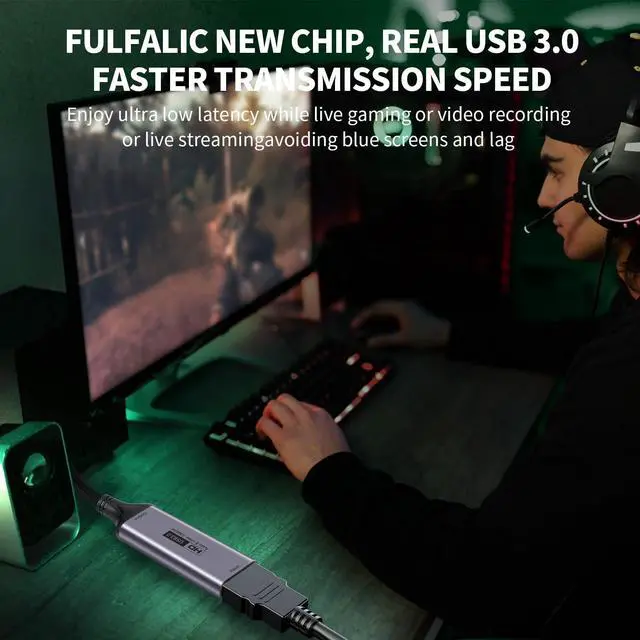
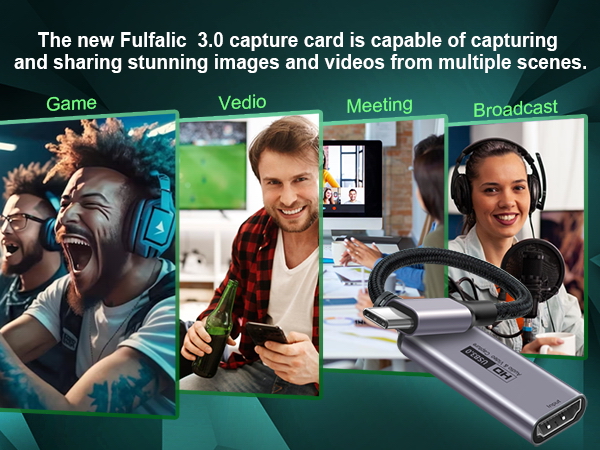
Yes, it will provide clear and stable video streaming, turning your camera into a professional webcam.
Does it do 1080P? and what about picture quality?
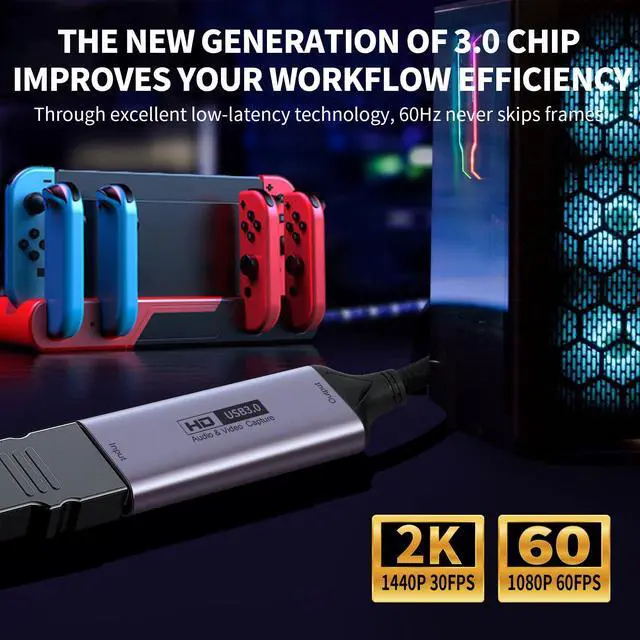
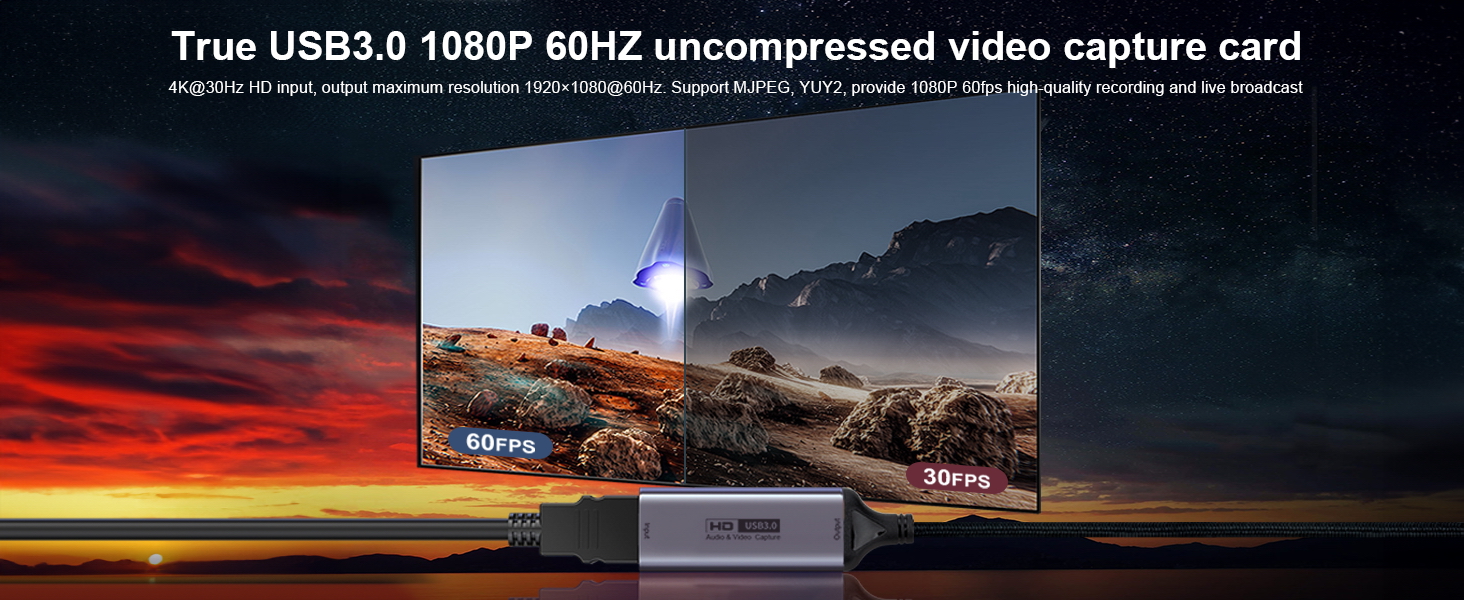
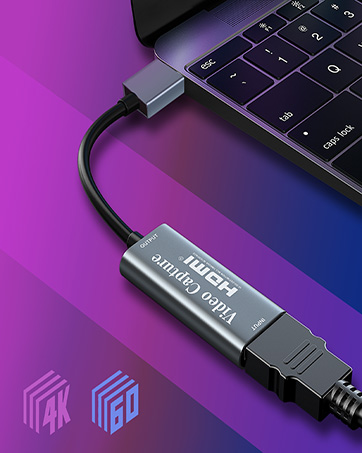
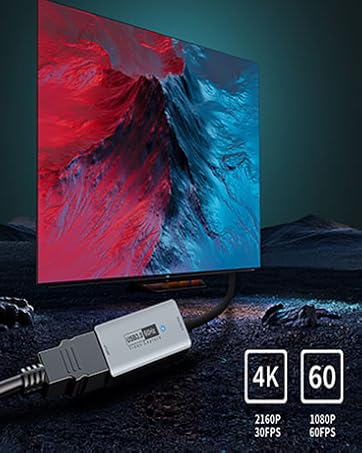
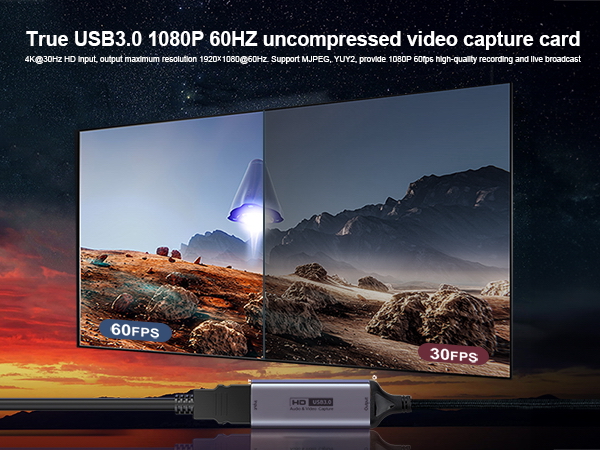
True USB3.0 1080P 60Hz Video Recording Fulfalic video capture card up to 4K@60Hz HD input, output maximum resolution 1920×1080@60Hz. Support MJPEG, YUV422, provide 1080P 60fps high-quality recording and live broadcast.
how do this work with a ps4 for streaming?
Step 1 download obs
Step 2 learn how to use it
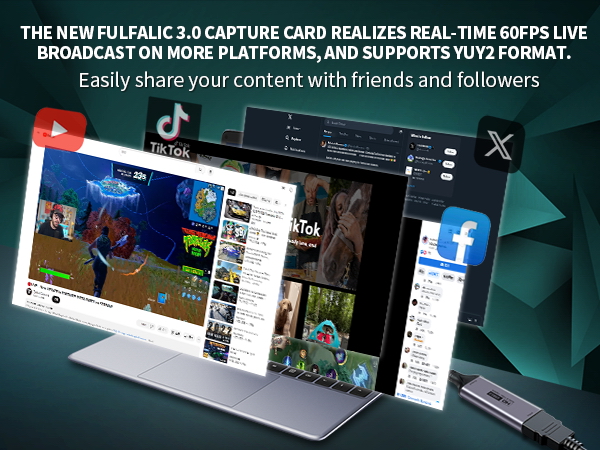
Step 3 plug it into your laptops usb space and plug it into your PlayStation
FULFALIC Capture Card SPECIFICATION & HARDWARE REQUIREMENTS

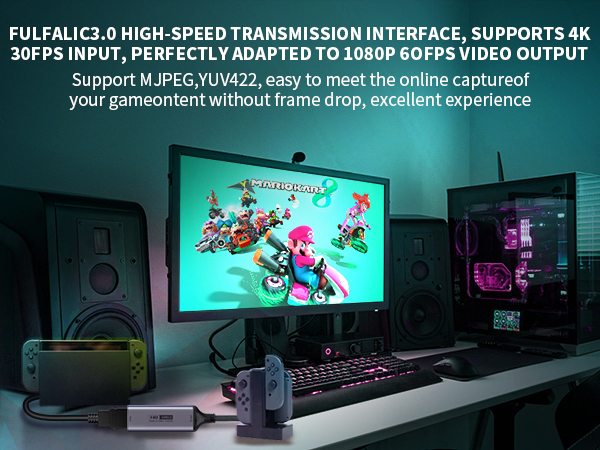
Will this work to display my Nintendo switch on my PC?
Yes, our Fulfalic 3.0 Capture Card support the video capture function of Nintendo Switch to PC
Will this work with a sony RX100 7 for teams and zoom and will it sync with audio from the camera?
As long as the camera is connected to our Fulfalic 3.0 capture card through the HDMI cable, the device can be captured in real time to your computer and other output devices
I want to use my camera as a webcam. will this work? Will it provide a clear video stream to the computer?
Yes, it will provide clear and stable video streaming, turning your camera into a professional webcam.
Does it do 1080P? and what about picture quality?
True USB3.0 1080P 60Hz Video Recording Fulfalic video capture card up to 4K@60Hz HD input, output maximum resolution 1920×1080@60Hz. Support MJPEG, YUV422, provide 1080P 60fps high-quality recording and live broadcast.
how do this work with a ps4 for streaming?
Step 1 download obs
Step 2 learn how to use it
Step 3 plug it into your laptops usb space and plug it into your PlayStation
FULFALIC Capture Card SPECIFICATION & HARDWARE REQUIREMENTS
| Support Output Resolution | 1920x1080@60Hz |
|---|---|
| Support Input Resolution | 4K(3840x2160@30Hz) |
| Support Color | 24/30/36bit deep color |
| Support Cable | AWG26 HDMI standard cable, input up to 15 meters |
| Video Output Format | YUV422/ MJPEG; Support audio format: L-PCM(Support stereo output) |
| Max Working Current | 0.4A/5V DC |
| Operating Temperature Range | -10 to +55? |
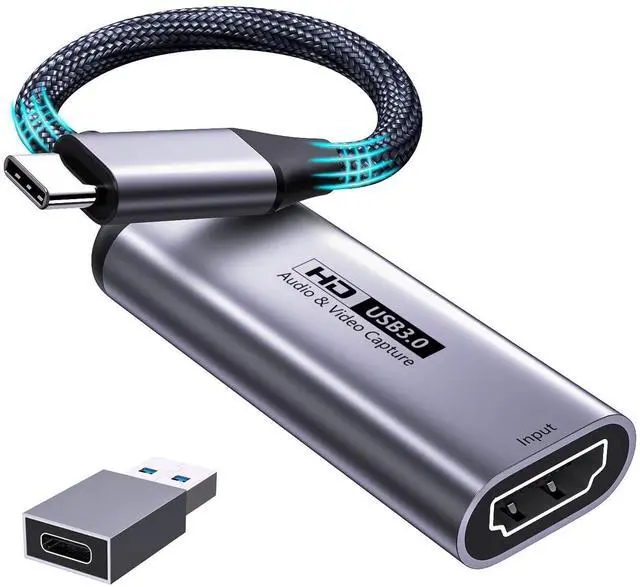
| Dimension | 54x23x10+145 (mm); Weight: 28g |
| Support software | OBS Studio (windows,OS X); Windows Media Encoder (Windows); Adobe Flash Media Live -Encoder (Windows, OS X); Real Producer Plus (Windows); VLC (Windows, OS X, Linux); QuickTime Broadcaster (OS X); QuickTime Player (OS X); Wirecast (Windows,OS X); vMix(Windows); Potplayer(Windows) ... |
| Systems | Windows 7, 8, 10, OS X 10.9 or above, Linux |
| PC | Intel Core i5-3400 or above + NVIDIA GT630 or above |
| Laptop | Intel Core i7-3537U 2.0 GHz or above + NVIDIA GT735 or above |
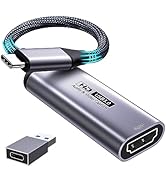
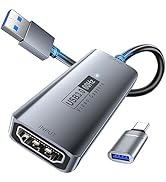
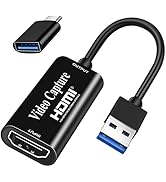
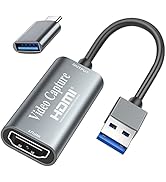
| Packing | Video Capture Card*1, User Manual*1, TYPE-C Converter Adapter*1( TYPE-C Adapter,Tip: Only one side supports USB C 3.0, the other side is USB 2.0). |
FULFALIC
Capture Card
Fulfalic Capture Card