
Your Browsing History

Meet Your Seller

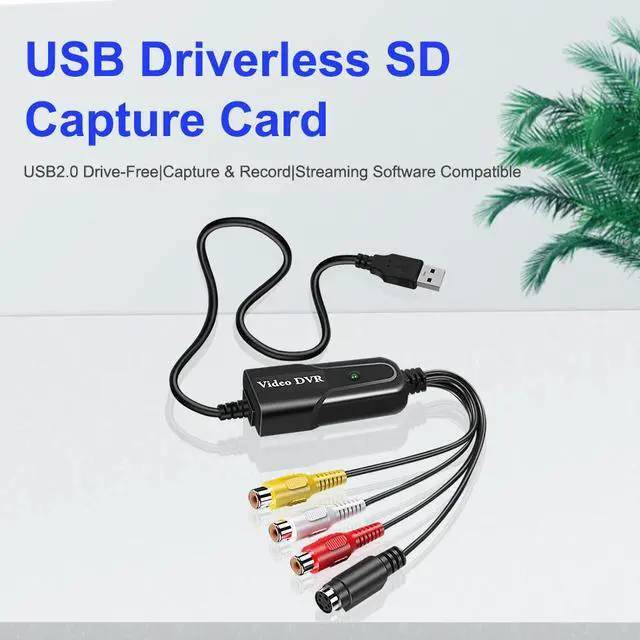


USB Video Capture Card,RCA to USB2.0 Audio Video Capture Adapter Cable VHS VCR DVD AV Digital Converter Support PAL/NTSC For PC/Laptop/Windows XP/7/8/10/Vista/Mac
Limited time offer, ends 09/19 By HOLDOUMEN
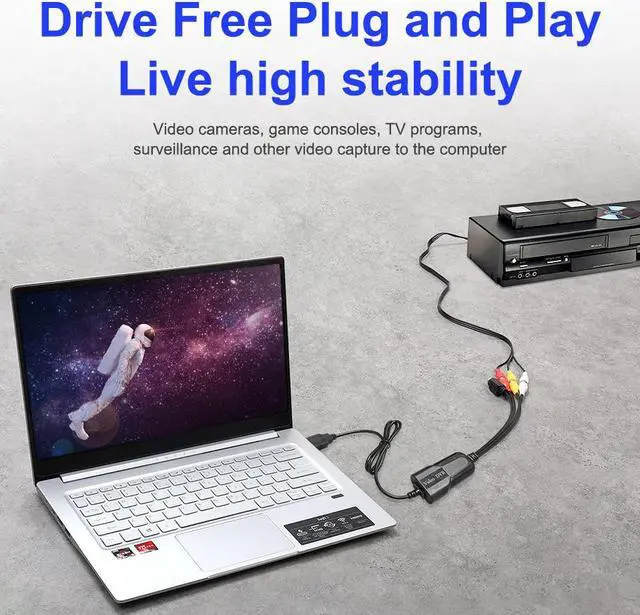
- 1. Video capture device: USB video and audio capture card that can capture high-quality video and audio files directly through the USB2.0 interface without a sound card.
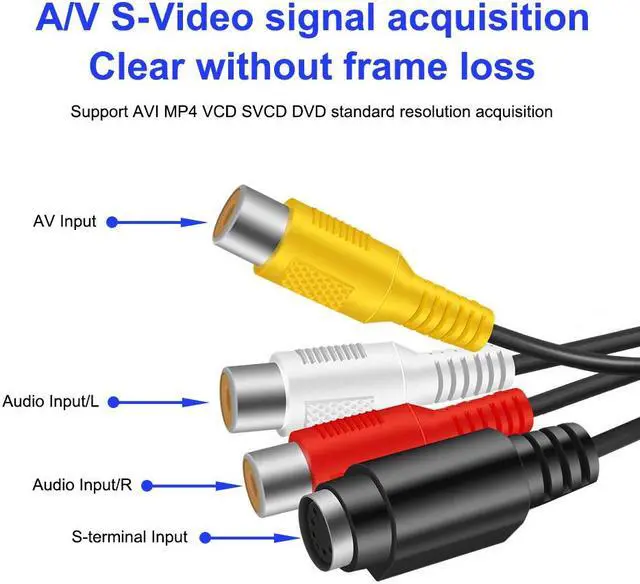
- 2. High-quality video resolution: support for NTSC, PAL, NTSC and other video formats: 720 × 480 @ 30fps; PAL: 720 × 576 @ 25fps; support brightness, contrast, hue and saturation control.
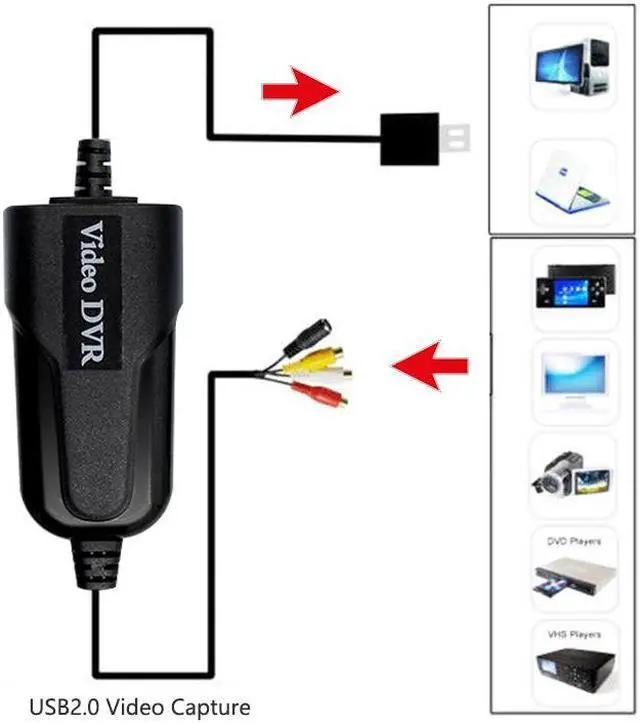
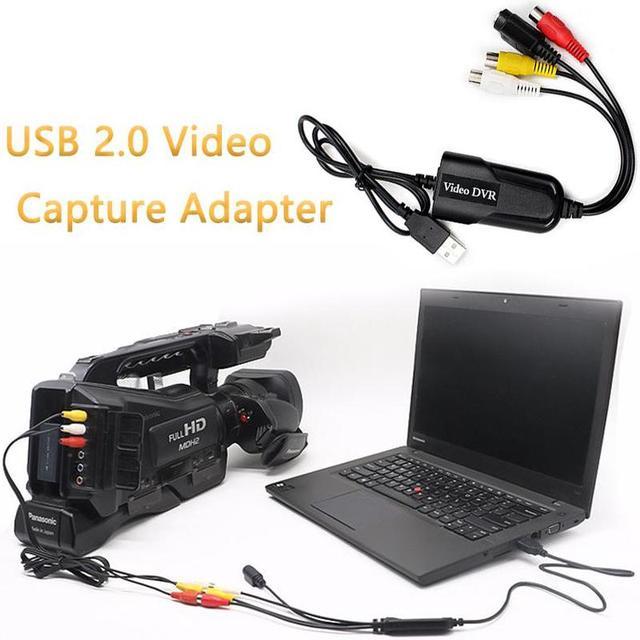
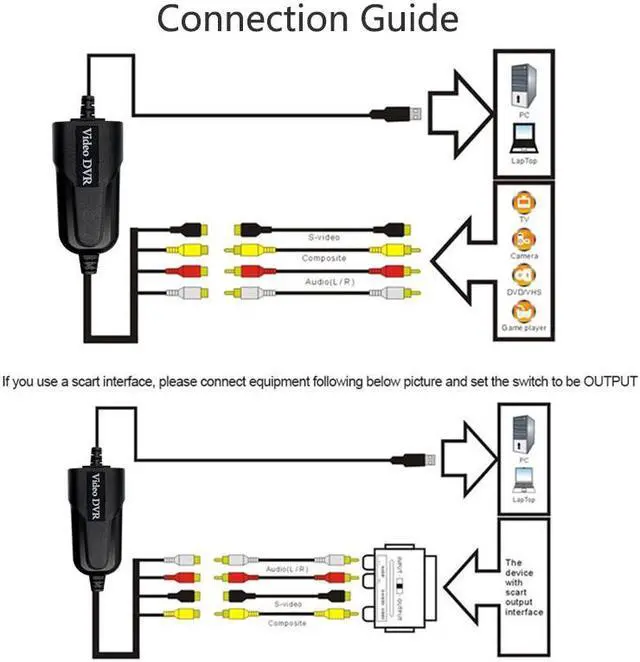
- 3. Plug and Play: Connect the stereo audio (RCA) interface directly to the VCR, and the USB2.0 output interface directly to the PC/laptop, which can convert digital signals.
- 4. [Support multiple formats] can capture almost analog video sources of audio and video, and to DVD + / - R / RW, DVD + / - VR, DVD-Video recording.
- 5. Wide compatibility: The video capture card can be used with video devices with RCA connectors, such as: VHS, VCR, cameras, STB, compatible with Windows XP / 2000 / 7 / 8 / Vista and Mac OS. You can capture video with common software, such as Potplayer, OBS Studio, AMcap and so on.
+
+
Overview
Specs
Reviews
1. introduce:
The USB Audio Video Capture, it can capture High-quality audio file directly by USB interface. Now you can have options to record your favorite music, from an analog audio source to some kinds of digital formats onto your computer.
2.
1).
USB Standard: USB 2.0
2).
Audio input: 3RCA
3.
System Requirements:
1). Pentium 4 1.7GH z CPU or above
2). 512MB RAM or above
3). 1GB free HDD space
4). One available USB port
5). CD-ROM for installation
6). Microsoft windows XP/Vista/7/8, MAC OS
4. Package Content
1x USB Audio Video Capture
5.
How to use:
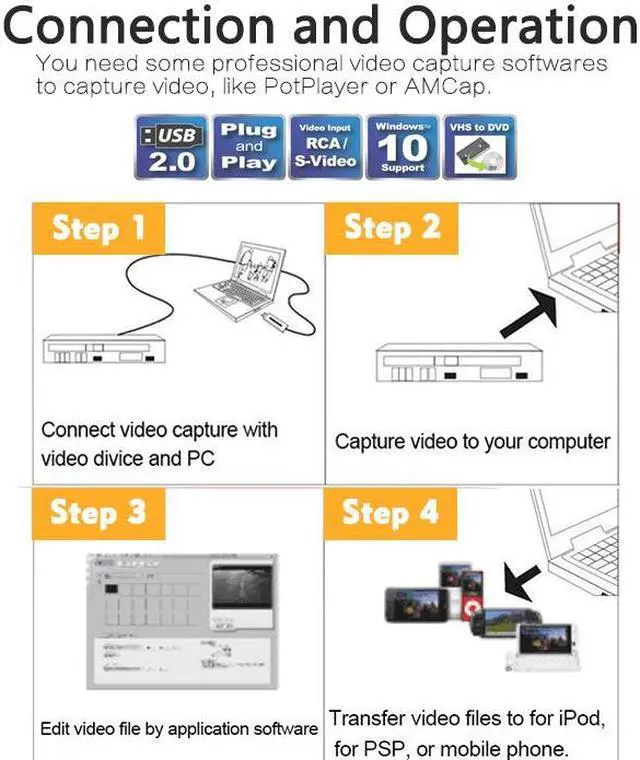
Step 1: Connect USB Audio Capture with analog audio source.
Step 2: Connect USB Audio Capture with computer.
Step 3: Open capture software(Potplayer/OBS, etc) to capture audio and music into your computer.
The USB Audio Video Capture, it can capture High-quality audio file directly by USB interface. Now you can have options to record your favorite music, from an analog audio source to some kinds of digital formats onto your computer.
2.
Specifications
:1).
USB Standard: USB 2.0
2).
Audio input: 3RCA
3.
System Requirements:
1). Pentium 4 1.7GH z CPU or above
2). 512MB RAM or above
3). 1GB free HDD space
4). One available USB port
5). CD-ROM for installation
6). Microsoft windows XP/Vista/7/8, MAC OS
4. Package Content
1x USB Audio Video Capture
5.
How to use:
Step 1: Connect USB Audio Capture with analog audio source.
Step 2: Connect USB Audio Capture with computer.
Step 3: Open capture software(Potplayer/OBS, etc) to capture audio and music into your computer.
Warranty & Returns
Warranty, Returns, And Additional Information
Warranty
- Please contact the Seller directly for warranty information. Warranty information may also be found on the Manufacturer's website.
- CONTACT
Return Policies
- Return for refund within: 30 days
- Return for replacement within: 90 days
- This item is covered by HOLDOUMEN Return Policy
Manufacturer Contact Info
- For a directory of all our manufacturers, please click below.
- Manufacturers Directory
LOADING...
LOADING...