• $18.31
  • Free 30-day Returns
Volume Discounts Available
  • $17.81 ea.
  • $17.31 ea.
Ships from China.
Price alert
Shop it at NeweggBusiness.

Meet Your Seller

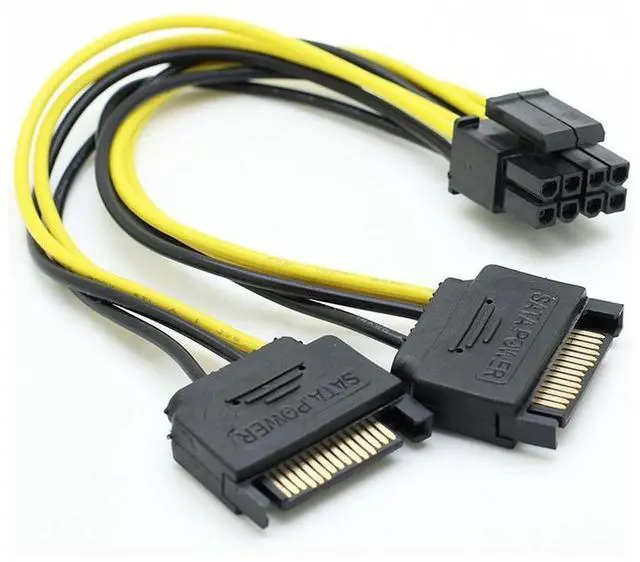
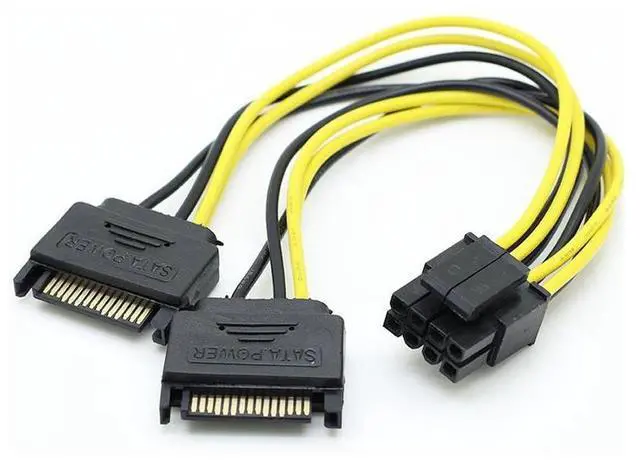
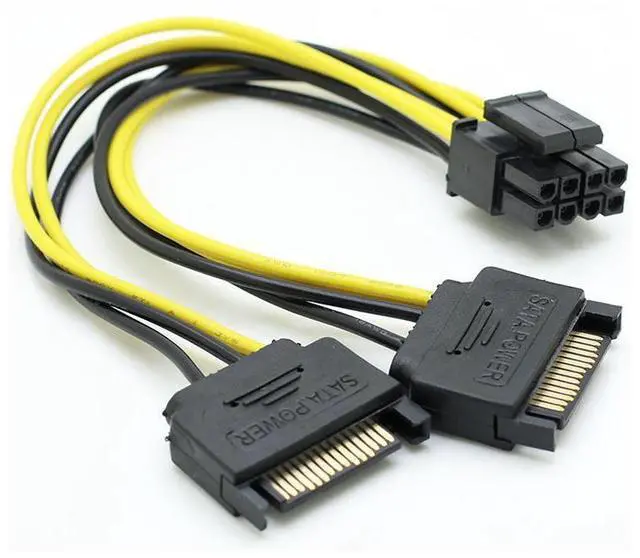
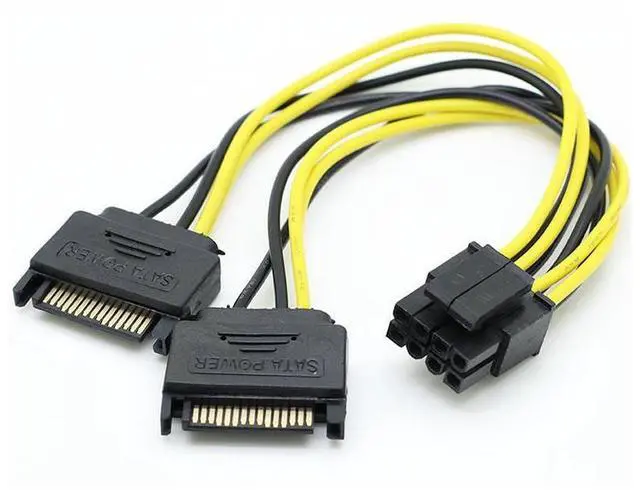
18cm/0.59ft Dual SATA 15pin to 8pin(6+2) Video Card Powr Adapter Cable PCI-E SATA Power Supply Cable 15- Pin to 8 Pin cable eokCXOY

Limited time offer, ends 02/01 By Torpedo Nova

  • Dual SATA 15pin to 8 Pin PCI-E Power Lead Cable, can be used for current non-PCI Express 2.0 (8-Pin) power supply with that new motherboard that supports a PCI Express 2.0 Video cards.
  • The 8-Pin PCI to 2x SATA Power Cable provides a convenient solution for powering a 8 pin PCIe video graphics card from a PSU without a PCI power connection.
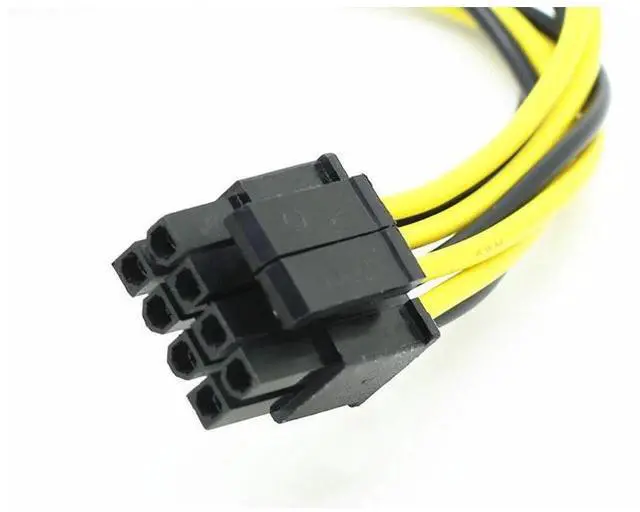
  • PCIe 8(6+2) pin female to 2 x SATA male cable provides a convenient solution for video graphics card power with two SATA connectors for GPU cards that require more power
  • Precautions:
  • 1.Because the power socket is made of plastic, please hold the socket with your hand before plugging in the socket, and avoid using too much force to break the socket pins.
  • 2.When inserting the cable, be sure to recognize the direction and the jack inside, so as to avoid burning the device after reverse insertion. Do not insert in reverse or out of position.
+
+
Overview
Specs
Reviews


18cm/0.59ft Dual SATA 15pin to 8pin(6+2) Video Card Powr Adapter Cable PCI-E SATA Power Supply Cable 15- Pin to 8 Pin cable


Dual SATA 15pin to 8 Pin PCI-E Power Lead Cable, can be used for current non-PCI Express 2.0 (8-Pin) power supply with that new motherboard that supports a PCI Express 2.0 Video cards.


The 8-Pin PCI to 2x SATA Power Cable provides a convenient solution for powering a 8 pin PCIe video graphics card from a PSU without a PCI power connection.


PCIe 8(6+2) pin female to 2 x SATA male cable provides a convenient solution for video graphics card power with two SATA connectors for GPU cards that require more power


Precautions:


1.Because the power socket is made of plastic, please hold the socket with your hand before plugging in the socket, and avoid using too much force to break the socket pins.


2.When inserting the cable, be sure to recognize the direction and the jack inside, so as to avoid burning the device after reverse insertion. Do not insert in reverse or out of position.


3.Pay attention to the power of the power supply when using it, because the power consumption of the 8PIN graphics card is relatively large, so as to avoid burning the power supply or the motherboard due to insufficient power supply.


4.Graphics card 8P is 6P+2P

Warranty & Returns

Warranty, Returns, And Additional Information

Warranty

  • Please contact the Seller directly for warranty information. Warranty information may also be found on the Manufacturer's website.
  • CONTACT

Return Policies

Manufacturer Contact Info

LOADING...