
Your Browsing History
Ships from China.
Most customers receive within 10-17 days.

Meet Your Seller



Visit Hetai Store
FOLLOW
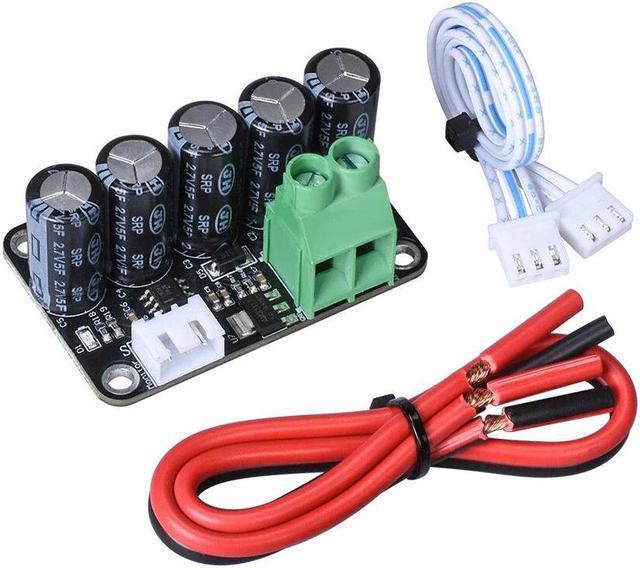
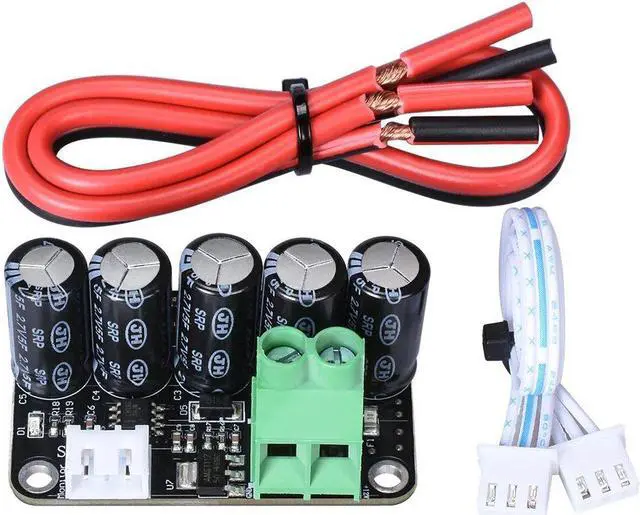
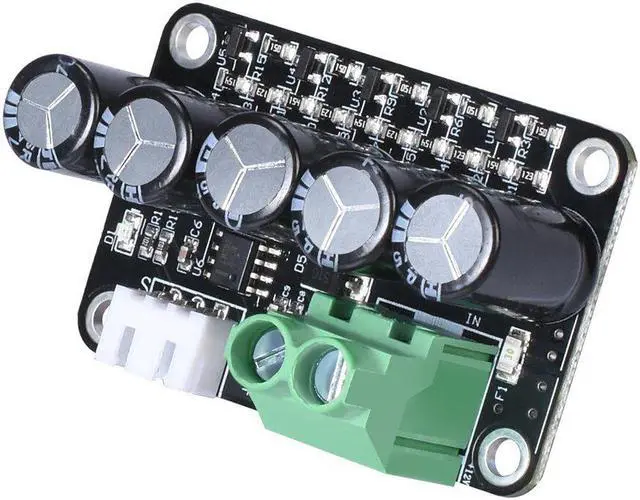
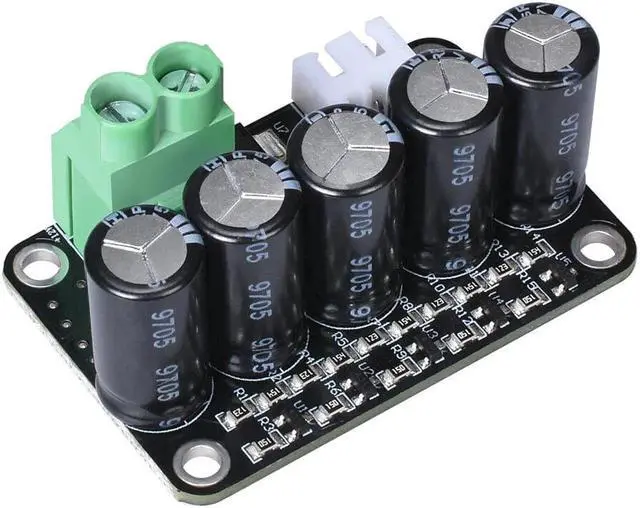
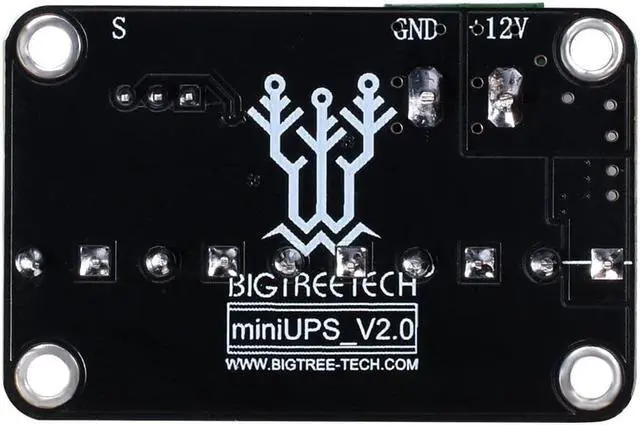
MINI UPS V2.0 Power Off Resume Print Module For 3D Printer Part Controller board
- Good Quality
Overview
Specs
Reviews
Package Included:
1 x MINI UPS_V2.0
Function:
This
module can be used with the 3D printer motherboard specified by BIQUit
can achieve the functions of resume printing while power off
accidentallymonitoring power status ,etc.and realize printing
interaction.When the accidental power failure is ensured, the 3D
printing system can completely save the printed data, which can
effectively solve the adverse effect of the power failure on the printed
parts, and is one of the more practical functions of the 3D printer.
Electrical parameters:
Working voltage: 12V, maximum current: 25A
The power-off detection port outputs a low level when it is working normally, and outputs a high level when it is powered off.
Note:
1.It
can only work normally at 12V voltage. When the working voltage is
higher than 13V, the module will burn out. When the working voltage is
lower than 10V, the module will output the power-off signal.
2.Do not reverse the positive or negative, otherwise it will burn the module
Instruction manual
For
atmega2560 and other chips operating at 5V motherboard (for example:
SKR PRO ,SKR V1.3, GEN_V1.0, KFB3.0), the module's toggle switch is set
to 5V, for lpc1768 and other chips operating voltage of 3.3V motherboard
(example :MKSSBase), turn the toggle switch to 3.3V.
Marlin modified tutorial:
Step
1:
Download our matching marlin firmware. The firmware we provided is
modified based on Marlin 1.1.8, which adding the function of resume
printing after power off.
Step
2:
The default configuration of the firmware is our Plus Deltaprinter.
If it is our Plus machine, you can update the firmware directly to the
Warranty & Returns
Warranty, Returns, And Additional Information
Warranty
- Please contact the Seller directly for warranty information. Warranty information may also be found on the Manufacturer's website.
- CONTACT
Return Policies
- Return for refund within: 15 days
- Return for replacement within: 30 days
- This item is covered by Hetai Return Policy
Manufacturer Contact Info
- For a directory of all our manufacturers, please click below.
- Manufacturers Directory
LOADING...