





Founded in 2009, VEIKK has been dedicated to connect user experiences with continuous innovative technology and products, introduce new technologies that democratize creativity, and build a colorful digital creative world.
VEIKK developed EMR technology for pen tablet and display devices to enable a precise and speedy pen input with highly accurate pressure sensitivity.
Fill the digital world with possibilities.
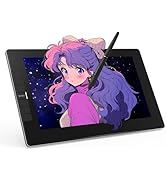

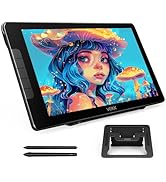
Our Hot Models
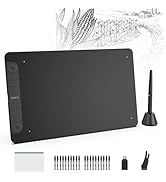
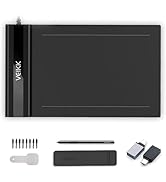
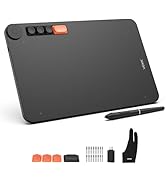
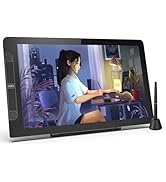
New Release
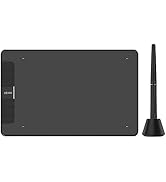
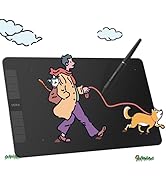
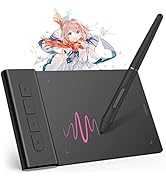
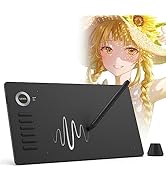
10*6 Size
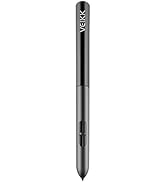
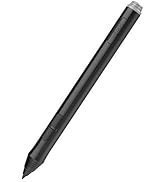
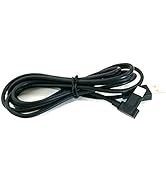
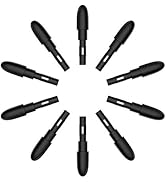
Drawing Tablet Accessories
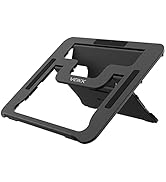
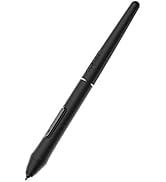
Pen Display Accessories


Save on A15 with Countless Customizations
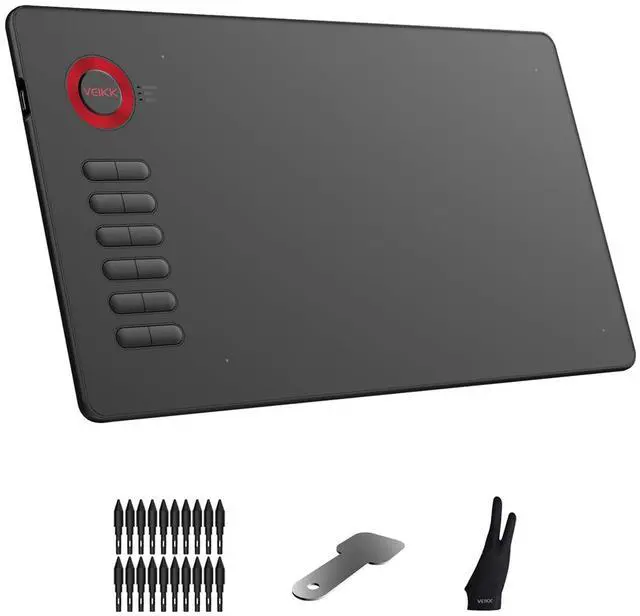
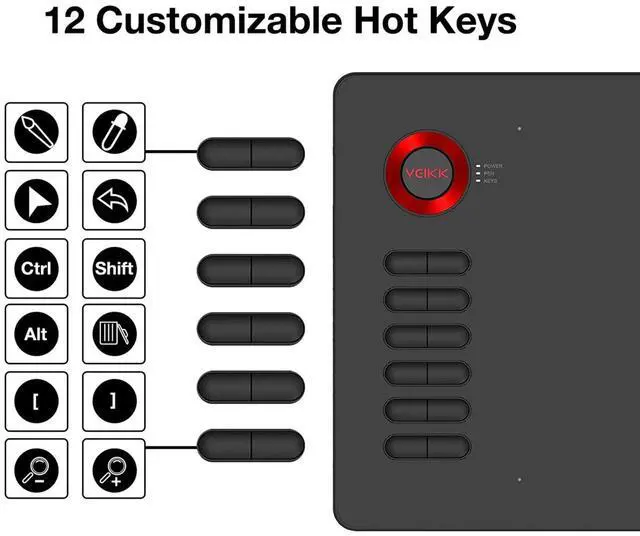
Features 12 customizable shortcut keys, which can easily customized for different functions on driver according to your needs.You are able to rapidly adjust brush size, zoom in/out, eraser, Ctrl+Z and etc. Get a A15 for saving your time and budget!
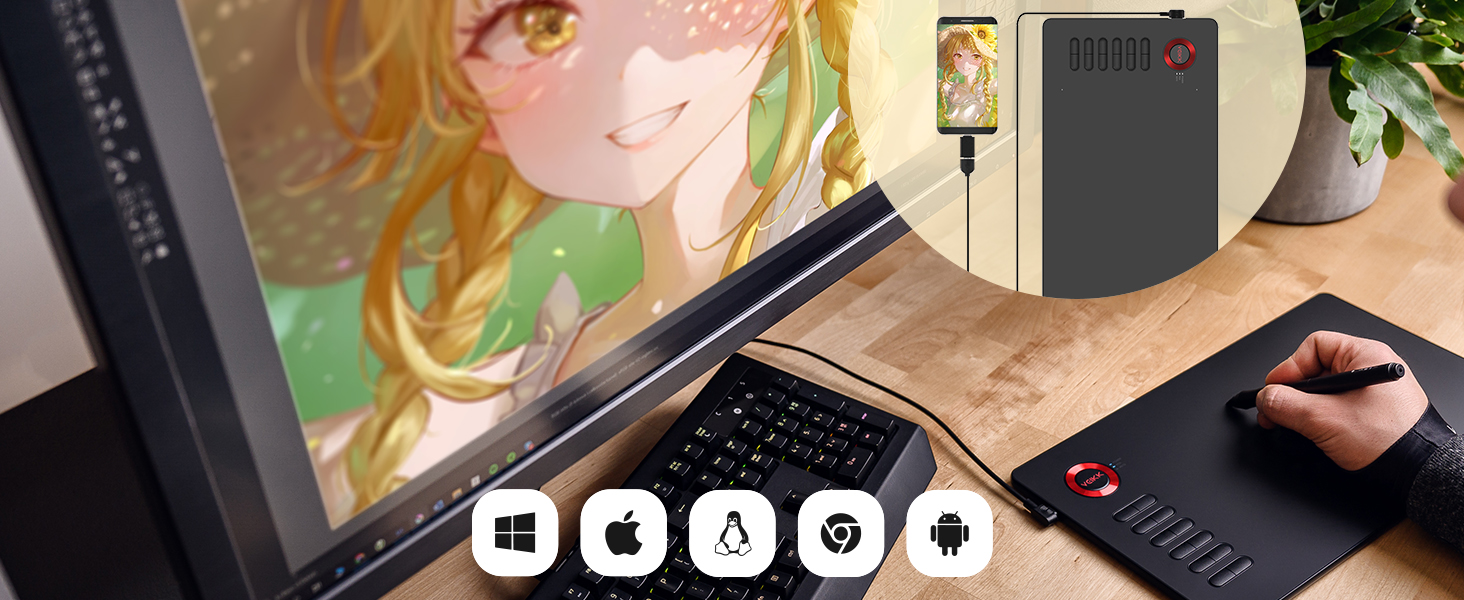
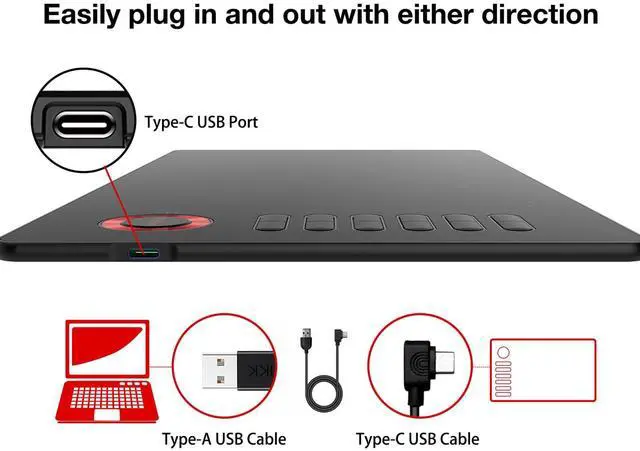
Easily Connect to PC or Android
Compatible with Windows 7 (or later), Mac OS X 10.12 (or later), Android 6.0 (or later), Chrome OS 88 (or later) and Linux.
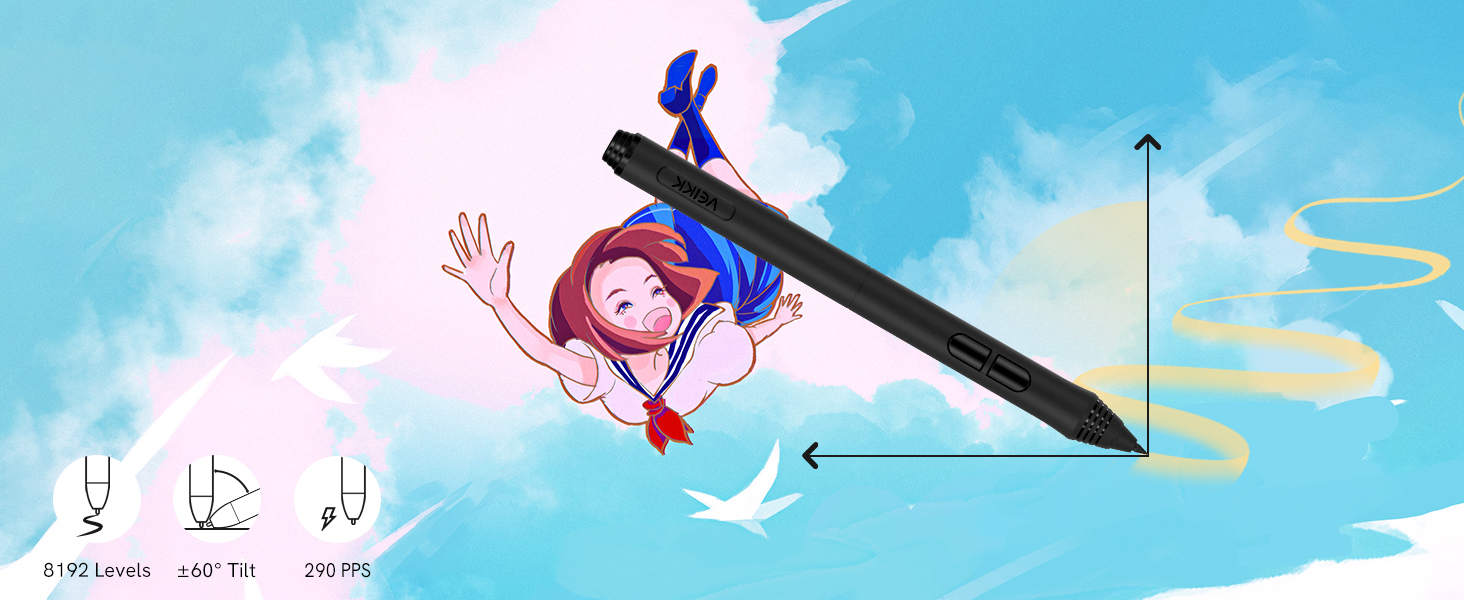
Battery-free and High Performance
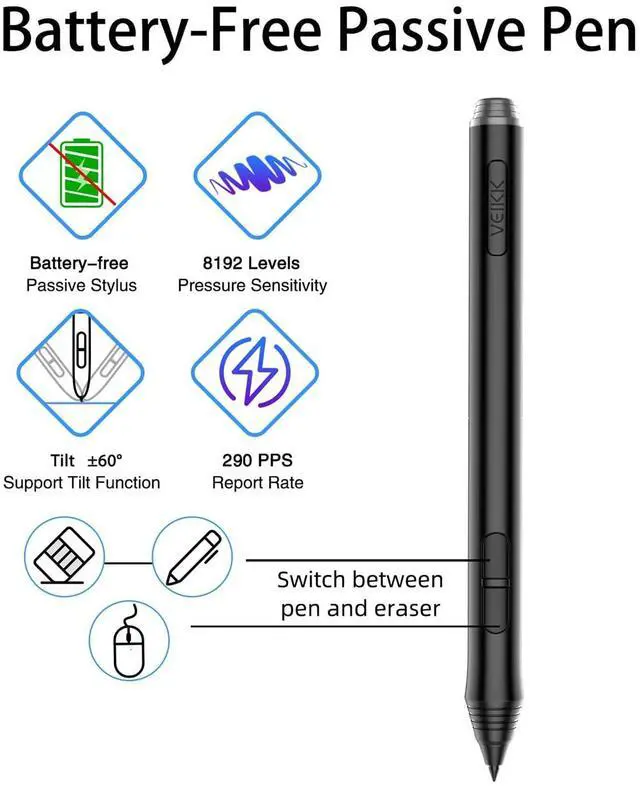
8192 levels of pressure sensitivity, 290 PPS and 60° tilt constantly delivers precise and natural lines and strokes.
Large Creative Area
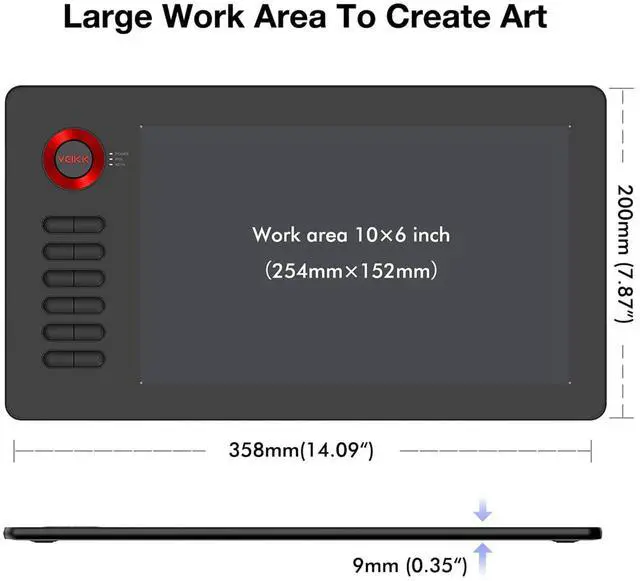
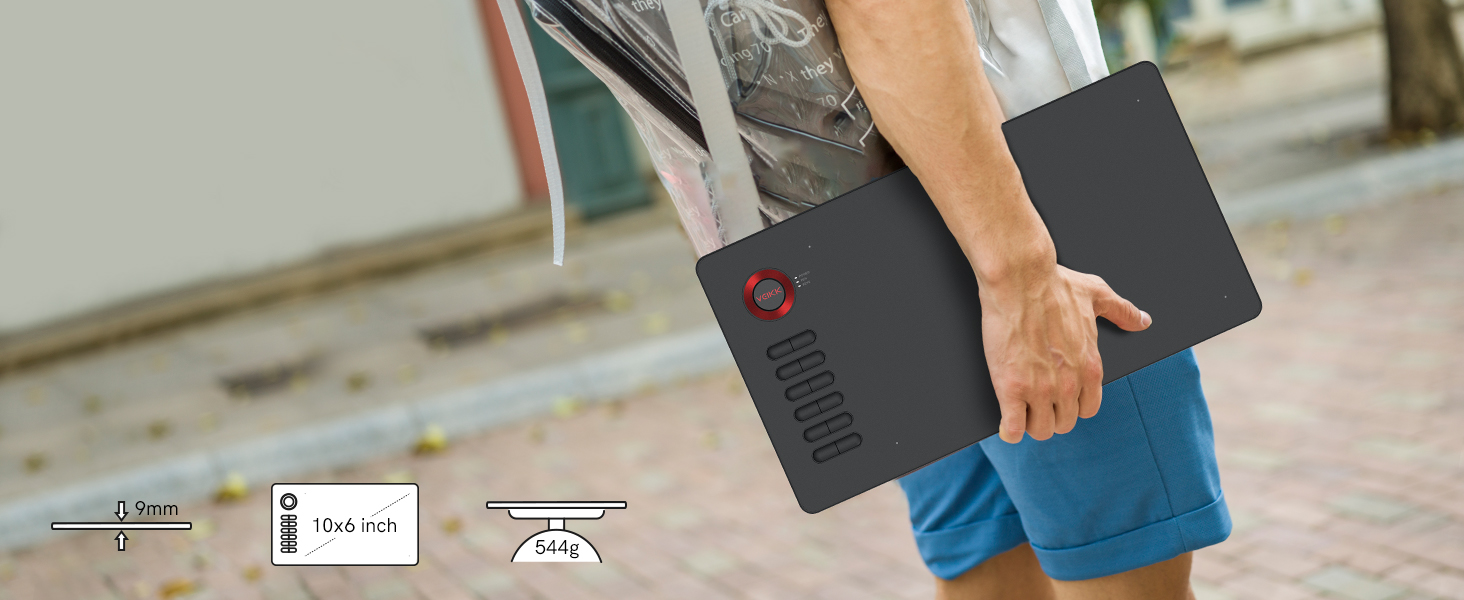
10 x 6 inch large active area which provides more space for art creation.With only 9 mm thickness and 544g lightweight, it’s portable for you to take it anywhere.
Multi-Software Support
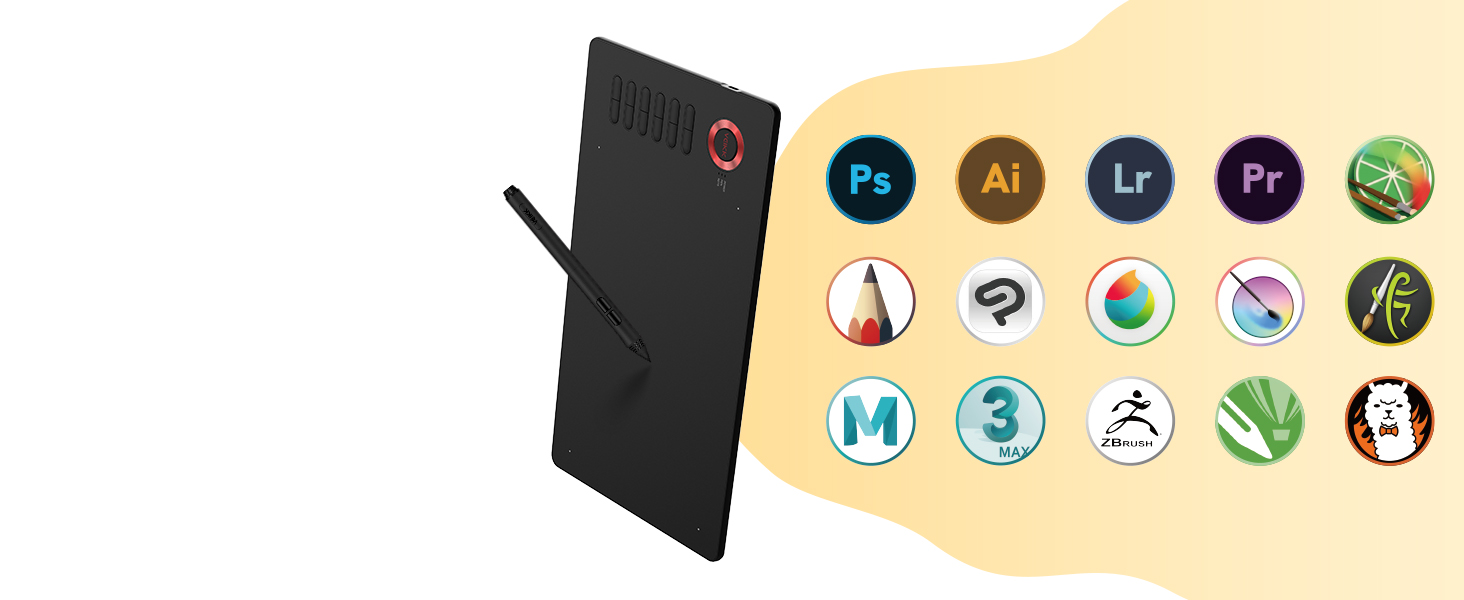
Compatible with most software, such as Adobe Creative Software, Sai, Corel Painter, MediBang Paint, Clip Studio, Krita, ibisPaint, Zbrush, Zoom, and more.


Start Your Drawing Journey
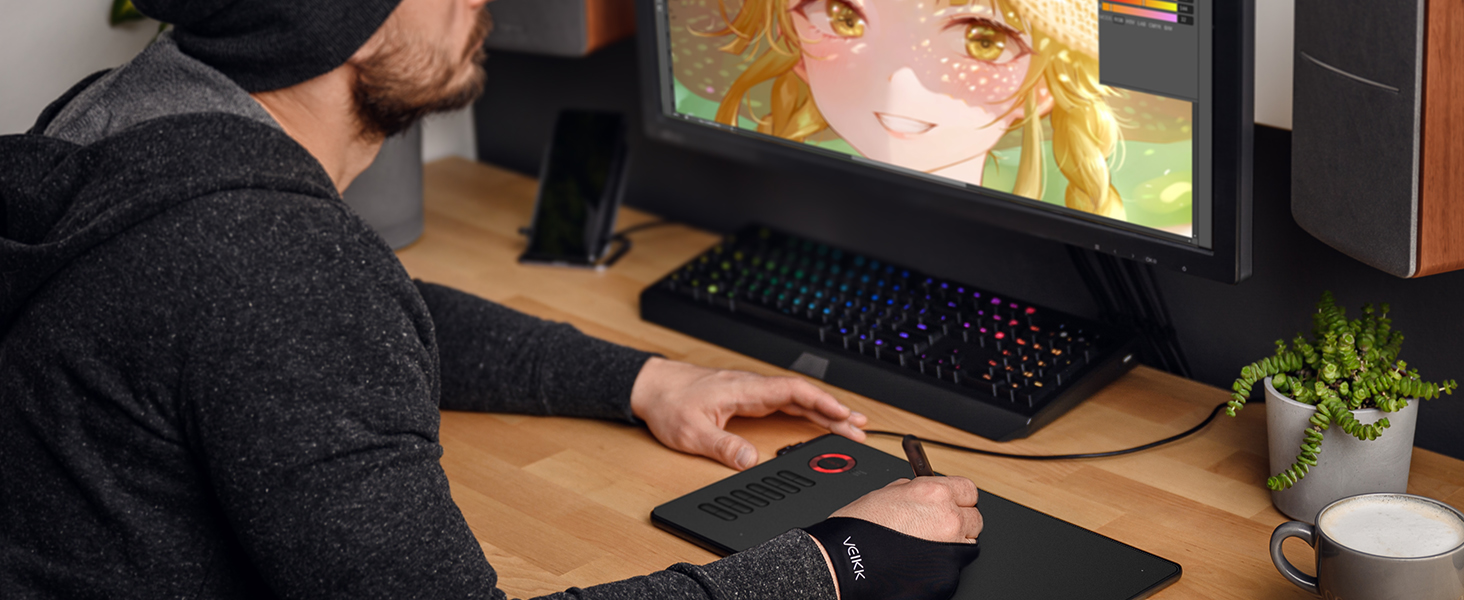
Instead of drawing on paper, using an A15 drawing tablet helps you start your art creation more easily, simply, and environmentally. Come join us to build a digital art world!
Edit Photos Precisely
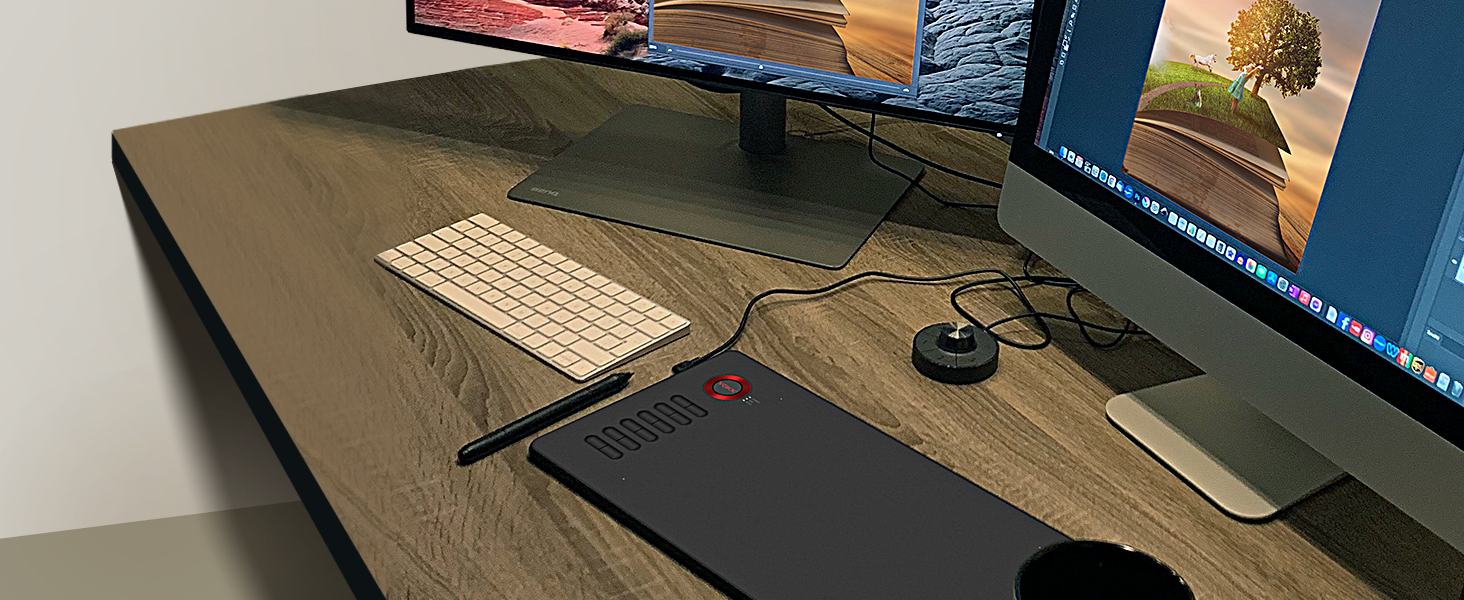
With the pressure settings on the pen, paired with the freedom of movement using a stylus instead of a mouse, allow for more precise changes while working on fine details.

Make Design Quicker and More Fun
You have no need to lift up and move when you want or go to a different part of the computer screen with a pen tablet, which gives you the natural flow of your hand motions.
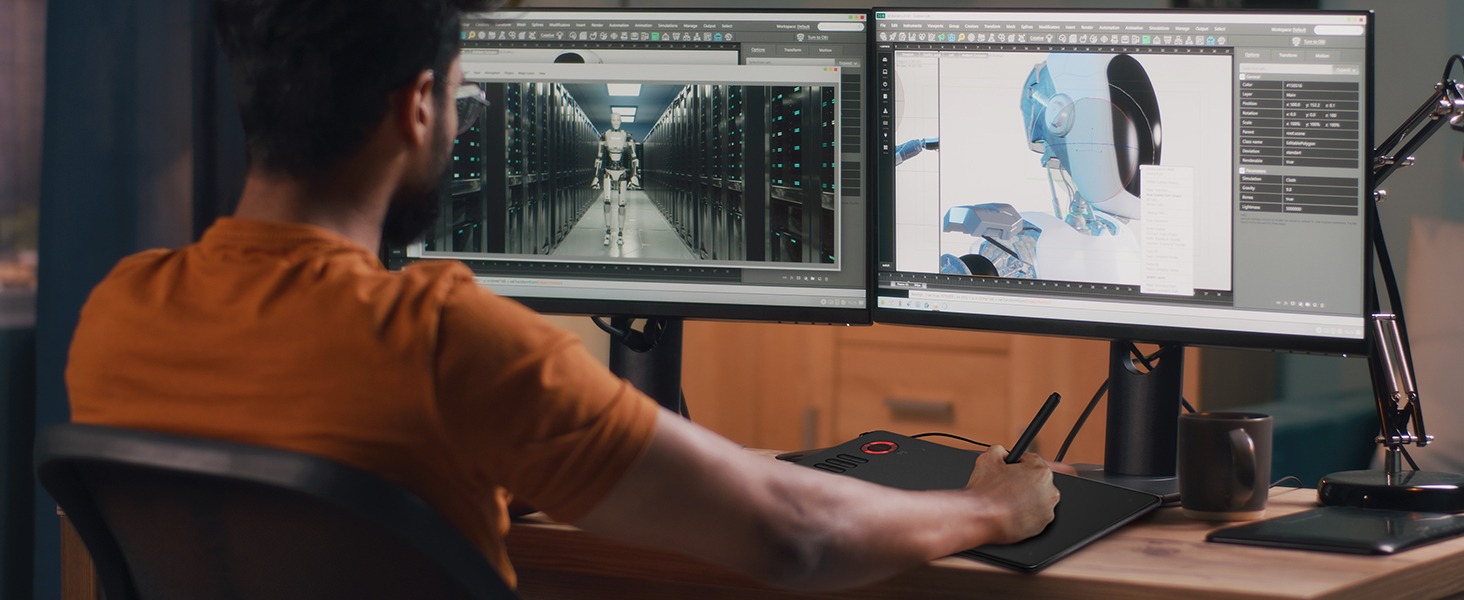
Build Your Own Role
You can utilize the tablet’s pressure sensitivity to make tasks such as digital sculpting and texturing easier on Zbrush, Blender or Maya.
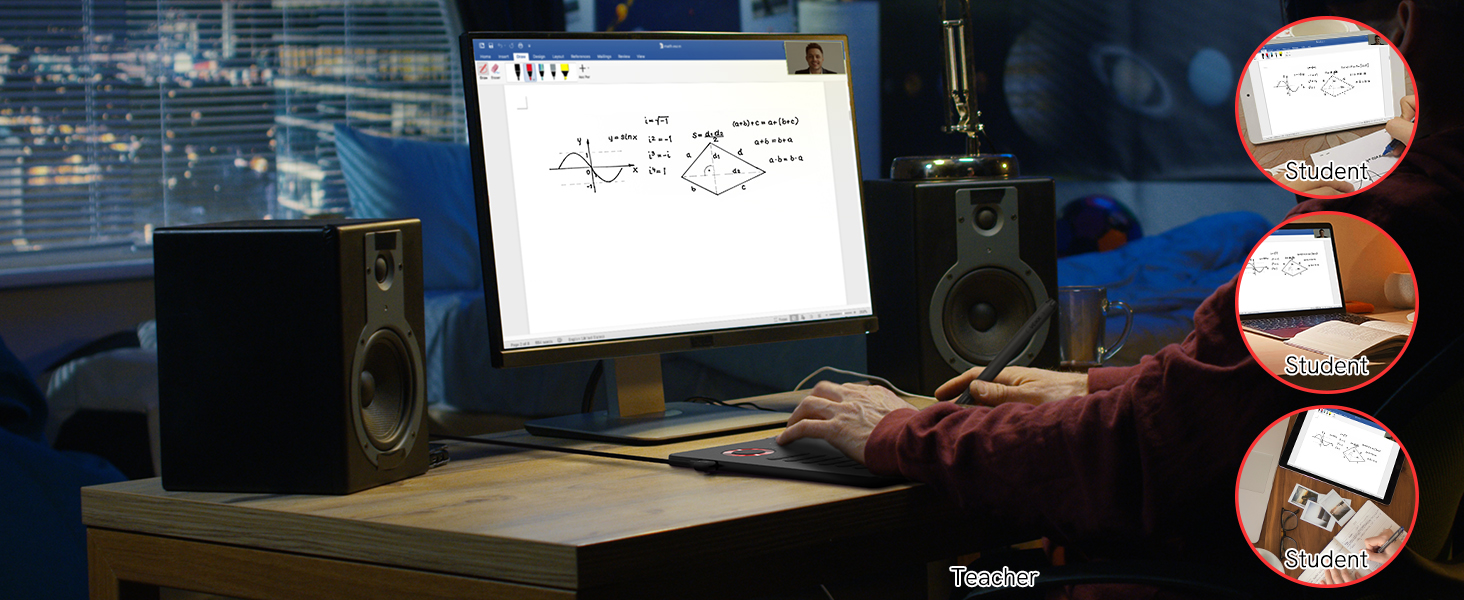
Learn and Work From Home
Whether your study or job requires a lot of annotations, video conference presentations, A15 will make it easier to interact with and engage with your students, teachers or colleagues.
VEIKK Drawing Tablet
 VEIKK A15 Pen Tablet |  VEIKK VK430 Pen Tablet |  VEIKK S640 Pen Tablet |  VEIKK VK640 Pen Tablet |  VEIKK A15PRO Pen Tablet |  VEIKK A30 Pen Tablet |  VEIKK Volia L Pen Tablet | |
|---|---|---|---|---|---|---|---|
Customer Reviews | — | — | — | — | — | — | — |
Price | — | — | — | — | — | — | — |
Work Area (Inch) | 10x6 Inch | 4 X 3 Inch | 6 X 4 Inch | 6 X 4 Inch | 10x6 Inch | 10x6 Inch | 10x6 Inch |
Report Rate | 290PPS | 290PPS | 290PPS | 290PPS | 290PPS | 290PPS | 290PPS |
Pen Model | P02 Battery-free Pen | P05 Battery-free Pen | P01 Battery-free Pen | P05 Battery-free Pen | P02 Battery-free Pen | P01 Battery-free Pen | P05 Battery-free Pen |
Tilt 60° | ? | ? | ? | ? | ? | ? | ? |
Express Keys | 12 Shortcuts Key | 4 Shortcuts Key | NO | 6 Shortcuts Key | 12 Shortcuts Key | 4 Touch Keys & 1 Gesture Pad | 4 Keyboard Keys&1 Quick Dials |
OS Support | Win/Mac/Chorme/Linux /Android | Win/Mac/Chorme/Linux /Android | Win/Mac/Chorme/Linux /Android | Win/Mac/Chorme/Linux /Android | Win/Mac/Chorme/Linux /Android | Win/Mac/Chorme/Linux /Android | Win/Mac/Chorme/Linux /Android |
Accessories | 20 Pen Nibs+Glove | 8 pen nibs | 8 Pen Nibs+2 OTG Adapter | 8 Pen Nibs+2 OTG Adapter+Glove | 28 Pen Nibs+Pen Holder+Glove | 8 Pen Nibs+2 OTG Adapter+Glove | 20 Pen Nibs+C-OTG + Glove |


Save on A15 with Countless Customizations
Features 12 customizable shortcut keys, which can easily customized for different functions on driver according to your needs.You are able to rapidly adjust brush size, zoom in/out, eraser, Ctrl+Z and etc. Get a A15 for saving your time and budget!
Easily Connect to PC or Android
Battery-free and High Performance
Large Creative Area
Multi-Software Support


Compatible with Windows 7 (or later), Mac OS X 10.12 (or later), Android 6.0 (or later), Chrome OS 88 (or later) and Linux.
8192 levels of pressure sensitivity, 290 PPS and 60° tilt constantly delivers precise and natural lines and strokes.
10 x 6 inch large active area which provides more space for art creation.With only 9 mm thickness and 544g lightweight, it’s portable for you to take it anywhere.
Compatible with most software, such as Adobe Creative Software, Sai, Corel Painter, MediBang Paint, Clip Studio, Krita, ibisPaint, Zbrush, Zoom, and more.

Start Your Drawing Journey
Edit Photos Precisely
Make Design Quicker and More Fun
Build Your Own Role
Learn and Work From Home


Instead of drawing on paper, using an A15 drawing tablet helps you start your art creation more easily, simply, and environmentally. Come join us to build a digital art world!
With the pressure settings on the pen, paired with the freedom of movement using a stylus instead of a mouse, allow for more precise changes while working on fine details.
You have no need to lift up and move when you want or go to a different part of the computer screen with a pen tablet, which gives you the natural flow of your hand motions.
You can utilize the tablet’s pressure sensitivity to make tasks such as digital sculpting and texturing easier on Zbrush, Blender or Maya.
Whether your study or job requires a lot of annotations, video conference presentations, A15 will make it easier to interact with and engage with your students, teachers or colleagues.
VEIKK Drawing Tablet
VEIKK A15 Pen Tablet | VEIKK VK430 Pen Tablet | VEIKK S640 Pen Tablet | VEIKK VK640 Pen Tablet | VEIKK A15PRO Pen Tablet | VEIKK A30 Pen Tablet | VEIKK Volia L Pen Tablet |
|---|---|---|---|---|---|---|
| Customer Reviews | ||||||
| — | — | — | — | — | — | — |
| Price | ||||||
| — | — | — | — | — | — | — |
| Work Area (Inch) | ||||||
| 10x6 Inch | 4 X 3 Inch | 6 X 4 Inch | 6 X 4 Inch | 10x6 Inch | 10x6 Inch | 10x6 Inch |
| Report Rate | ||||||
| 290PPS | 290PPS | 290PPS | 290PPS | 290PPS | 290PPS | 290PPS |
| Pen Model | ||||||
| P02 Battery-free Pen | P05 Battery-free Pen | P01 Battery-free Pen | P05 Battery-free Pen | P02 Battery-free Pen | P01 Battery-free Pen | P05 Battery-free Pen |
| Tilt 60° | ||||||
| ? | ? | ? | ? | ? | ? | ? |
| Express Keys | ||||||
| 12 Shortcuts Key | 4 Shortcuts Key | NO | 6 Shortcuts Key | 12 Shortcuts Key | 4 Touch Keys & 1 Gesture Pad | 4 Keyboard Keys&1 Quick Dials |
| OS Support | ||||||
| Win/Mac/Chorme/Linux /Android | Win/Mac/Chorme/Linux /Android | Win/Mac/Chorme/Linux /Android | Win/Mac/Chorme/Linux /Android | Win/Mac/Chorme/Linux /Android | Win/Mac/Chorme/Linux /Android | Win/Mac/Chorme/Linux /Android |
| Accessories | ||||||
| 20 Pen Nibs+Glove | 8 pen nibs | 8 Pen Nibs+2 OTG Adapter | 8 Pen Nibs+2 OTG Adapter+Glove | 28 Pen Nibs+Pen Holder+Glove | 8 Pen Nibs+2 OTG Adapter+Glove | 20 Pen Nibs+C-OTG + Glove |
Founded in 2009, VEIKK has been dedicated to connect user experiences with continuous innovative technology and products, introduce new technologies that democratize creativity, and build a colorful digital creative world.
VEIKK developed EMR technology for pen tablet and display devices to enable a precise and speedy pen input with highly accurate pressure sensitivity.
Fill the digital world with possibilities.
Our Hot Models
New Release
10*6 Size
Drawing Tablet Accessories
Pen Display Accessories