
Your Browsing History

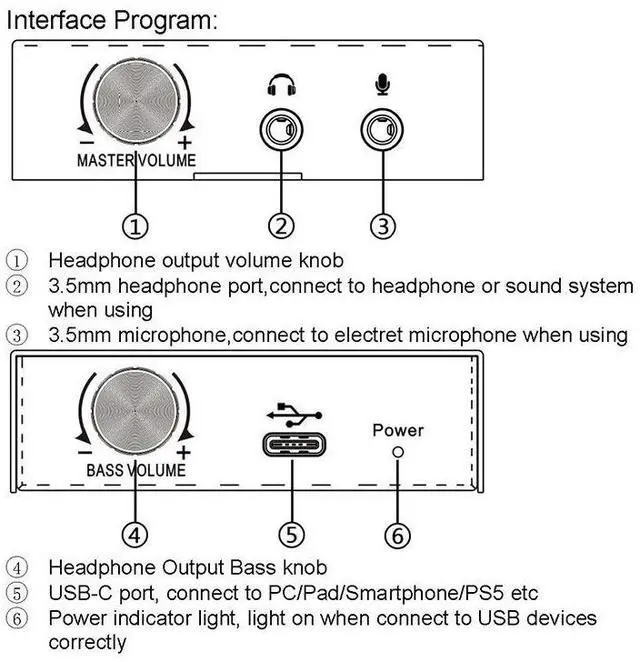
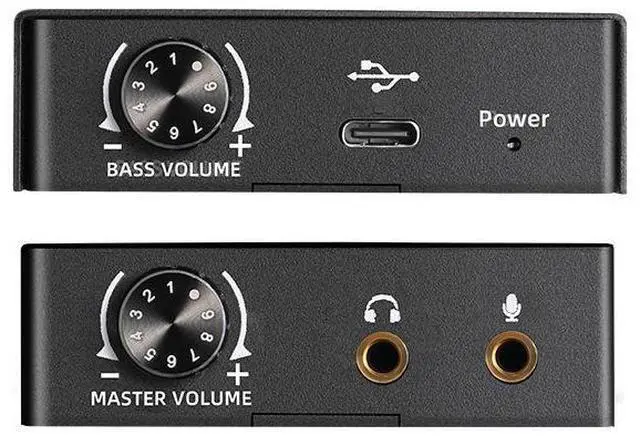



1.Connect USB-C port of USB sound card to computer via data cable2.Connect 3.5mm headphone port of USB sound card to 3.5mmheadphone
3.Connect 3.5mm port electret microphone to 3.5mm microphoneport of USB sound card4.Adjust the volume as you like
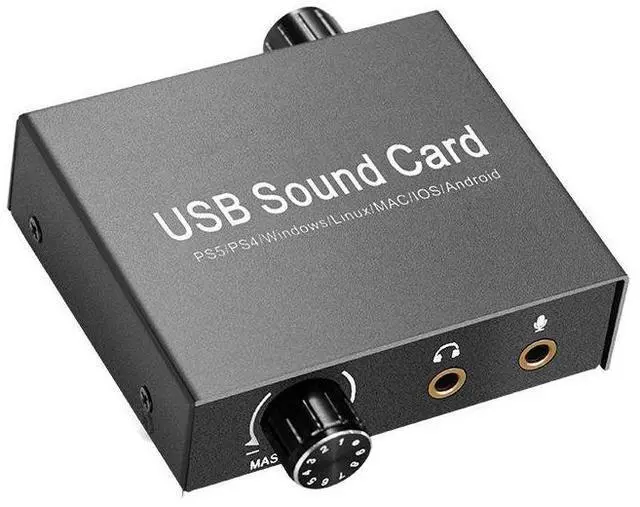
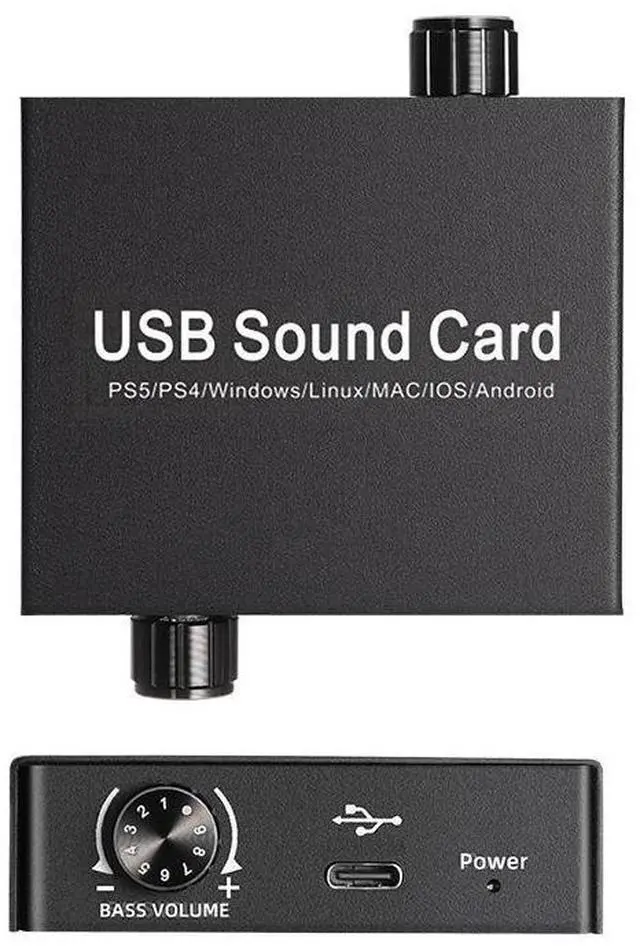
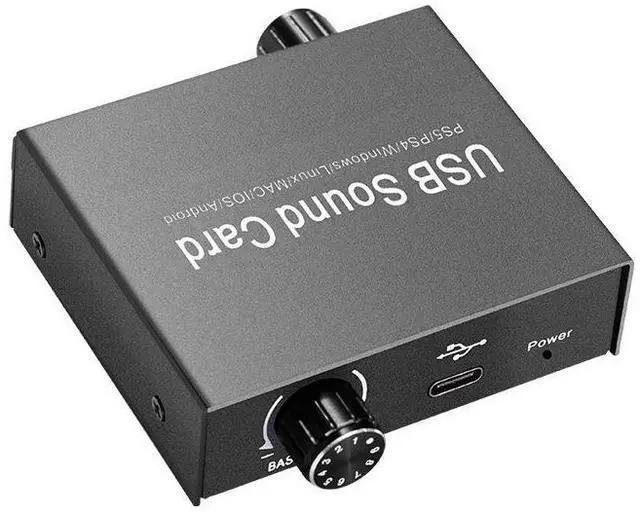
NOTE:If there is no audio output from USB sound card,, PlThis USB sound card supports volume output adjustment and bass control. It transmits microphone input signals and outputs stereo signals via USB cable. It connects to devices such as computers, tablets, smartphones, and PS5 consoles. It is ideal for audio connections, audio/video conferencing, live audio/video broadcasting, gaming entertainment, and educational settings.
Product Features: Supports Windows/Linux/MAC/iOS/Android/PS5 systems Supports 16-bit/44.1kHz and 16-bit/48kHz audio sampling rates Supports headphones with 16-600 impedance Supports volume output adjustment and bass control Features one 3.5mm headphone port, one 3.5mm microphone port, and a Type-C charging port
ease refer to thefollowing steps to set the computer (take the Windows system as anexample). Different versions of the system are slightly different: