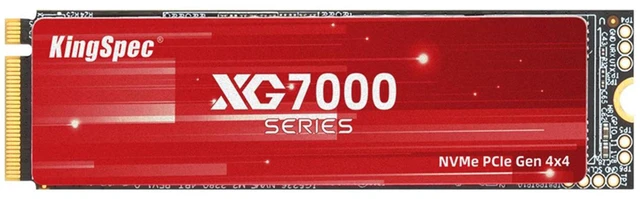
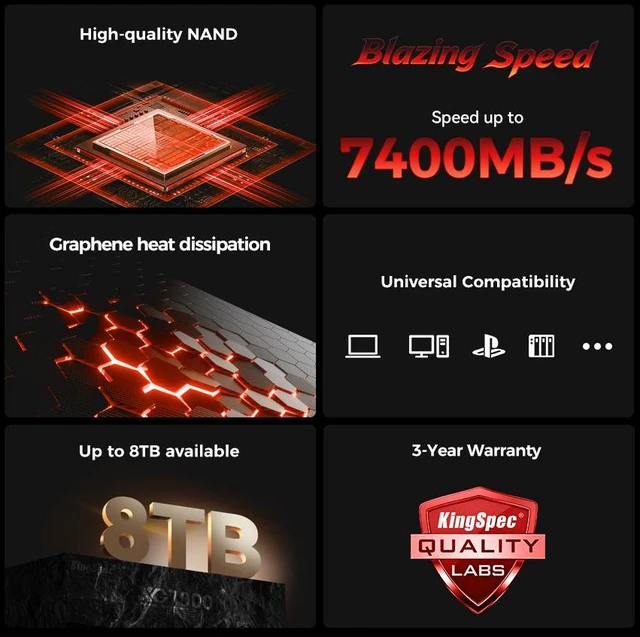
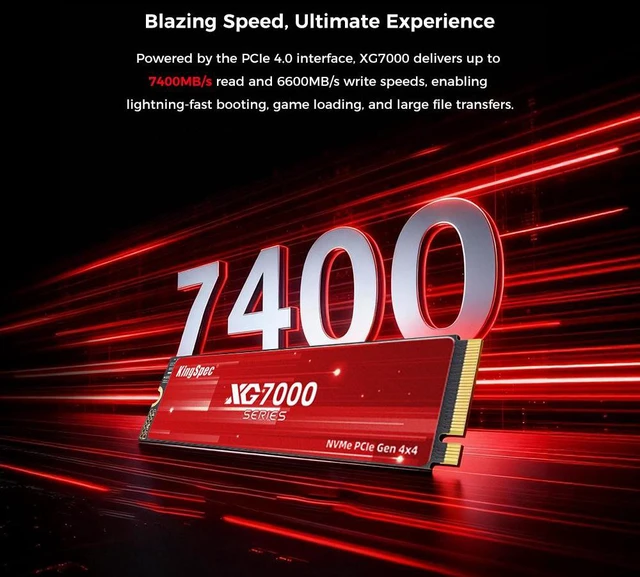
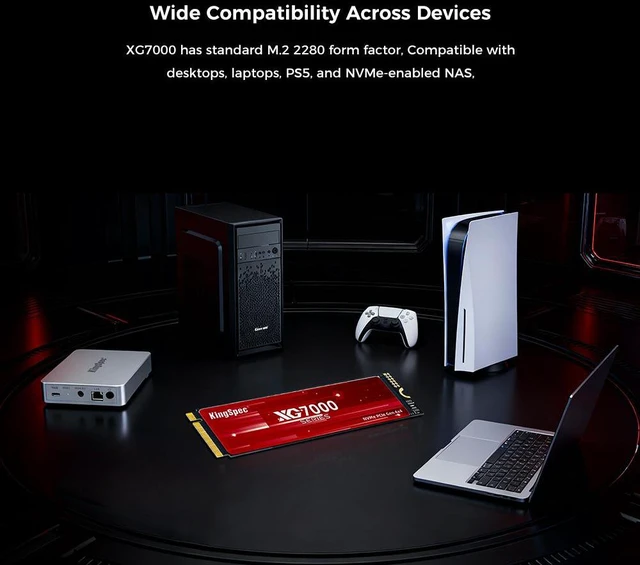
The KingSpec XG7000 2TB is an M.2 2280 PCIe 4.0 x4 NVMe SSD for PS5, desktop, and laptop storage upgrades, with sequential speeds up to 7,400 MB/s read and 6,600 MB/s write for users seeking fast game and file loading.
Recommended For
- PC gamers adding a 2TB game library drive to a desktop with an M.2 2280 PCIe 4.0 slot; an independent test identifies the tested XG7000 2TB as a TLC drive and reports benchmark performance close to its rated sequential speeds.
- PS5 owners who want more space for installed games and are prepared to add a compatible heatsink; the drive’s 2280 size and PCIe 4.0 interface match PS5’s supported M.2 types, but Sony requires effective heat dissipation.
- Laptop owners upgrading a machine with an open M.2 2280 PCIe 4.0 slot who want 2TB of internal storage without a bulky drive heatsink; check the laptop’s supported drive length and thermal clearance before buying.
- PC users moving from a smaller or slower SSD who want a single 2TB drive for games and everyday applications, and whose system supports PCIe 4.0 x4 to make use of the drive’s higher advertised transfer speeds.
Real-World Use Scenarios
- PS5 game-library expansion: Install the XG7000 in a compatible M.2 slot to keep more games on the console’s internal storage; a hands-on test covers installation, game transfers, and gameplay with an XG7000.
- Gaming desktop storage upgrade: Use it to add space for a PC game library or install games on a compatible PCIe 4.0 M.2 slot; benchmark testing reports performance near the drive’s rated sequential speeds, though game-loading times vary by title and system.
- Laptop capacity upgrade: In a laptop with a compatible M.2 2280 NVMe slot, use the 2TB drive to replace or supplement existing storage for a larger collection of games, apps, and files; confirm the laptop supports this size and interface before buying.
- Everyday PC responsiveness: Use it as a Windows system drive or app drive in a compatible desktop or laptop; it provides NVMe storage for booting and launching programs, while the experience also depends on the computer and workload.
- Large-file transfers on a PC: Copy sizable files or project folders between compatible fast drives; the XG7000’s sequential performance can help with these transfers, but actual speeds depend on the other drive, connection, and file mix.
Spec Summary
| Attribute | Value |
|---|
| Best For | Consumer internal storage upgrades for systems with an M.2 2280 slot |
|---|
| Capacity And NAND | 2TB capacity with 3D NAND TLC |
|---|
| Interface And Form Factor | M.2 2280 drive using PCIe 4.0 x4 and NVMe 1.4; measures 80.0 × 22.0 × 2.10 mm and weighs 10 g |
|---|
| Read Write Performance | Sequential speeds up to 7400 MB/s read and 6600 MB/s write; 4KB random performance up to 720,000 IOPS read and 800,000 IOPS write |
|---|
| Endurance And Reliability | Rated for 1200 TBW and 1,000,000 hours MTBF |
|---|
| Power And Operating Conditions | Power consumption: 0.66 W idle and 8.18 W active; operating temperature 0°C to +70°C, storage temperature -25°C to +75°C, and operating humidity 5–95% |
|---|
| Model Identifiers | KingSpec XG7000 Series, model and part number XG7000-2TB |
|---|
Reference Q&A
Q: KingSpec XG7000 2TB or Samsung 990 PRO 2TB—which should I buy?
A: Choose the XG7000 if you want 2TB of PCIe 4.0 storage and its listed price is lower. Their advertised sequential speeds are close: 7,400/6,600 MB/s read/write for the XG7000 versus 7,450/6,900 MB/s for the 990 PRO. Choose the 990 PRO if you value its specified DRAM cache and five-year limited warranty; Samsung lists 2GB of DRAM for the 2TB model. These are manufacturer speed ratings, not a guarantee of equivalent performance in every workload.
Q: Can I use the KingSpec XG7000 2TB in a PS5, or should I get a heatsink model?
A: The XG7000’s M.2 2280 form factor and PCIe Gen4 x4 interface match PS5-supported drive types, but the Newegg specifications list this version as without a heatsink. Sony says an M.2 drive without a heat-dissipation mechanism needs one added. Choose this drive for a PS5 only if you confirm the package includes a suitable heat spreader or you plan to add a PS5-compatible cooling solution that fits the console.
Q: Is the KingSpec XG7000 2TB worth choosing over a PCIe Gen3 SSD?
A: Choose the XG7000 when your computer supports PCIe Gen4 x4 and you want higher rated sequential speeds: up to 7,400 MB/s read and 6,600 MB/s write. A Gen3 drive is a sensible alternative for a Gen3-only system or a lower-cost build, since the XG7000 is backward-compatible but cannot deliver its Gen4-rated speeds in a Gen3 slot.
Q: Should I get the 1TB or 2TB KingSpec XG7000?
A: Choose the 2TB model if you need room for a larger game library or more files; KingSpec lists the 1TB and 2TB 2280 versions with the same maximum sequential speeds of 7,400 MB/s read and 6,600 MB/s write. Choose 1TB if that capacity is sufficient and it offers better value at the price you find.
Q: Will the XG7000 work in a PS5?
A: Its listed 2TB capacity, M.2 2280 size, PCIe Gen 4 x4 NVMe interface, and up-to-7400 MB/s read speed match key PS5 SSD criteria. PS5 installation also requires effective cooling. The listing is inconsistent about cooling: its specifications say “without HeatSink,” while its description mentions a graphene-based heat spreader. Confirm the included cooling solution and add a PS5-compatible heatsink if needed before installing.
Q: Is this SSD compatible with my PC or laptop?
A: It is designed for a system with an M.2 2280 slot that supports NVMe over PCIe. Check the computer or motherboard specifications first: an M.2 slot that supports SATA only, or a different drive length, may not be compatible. The product listing says it can also operate with PCIe 3.0, though the system will affect performance.
Q: Does the XG7000 come with a heatsink?
A: The product information is conflicting: the specifications say “without HeatSink,” but the description mentions an integrated graphene-based heat spreader. It does not clearly confirm that a dedicated heatsink is included. Check the package details with the seller, and plan on a separate compatible heatsink if your device requires one.
Q: Will it reach 7400 MB/s in my computer?
A: 7400 MB/s is the listed maximum sequential read speed, not a guaranteed speed in every system. Reaching the advertised maximum requires a compatible PCIe Gen 4 x4 NVMe slot; in a PCIe 3.0 system, the drive can run at the supported lower interface speed. Actual results also depend on the host system and workload.
Q: Is the KingSpec XG7000 a dependable choice for a boot drive or important files?
A: Community reports are mixed: some XG7000 owners describe trouble-free use, while others report failures or instability. One 2TB owner reported crashes during intensive writes at PCIe Gen 4. These reports do not establish an overall failure rate; keep backups, especially for important files.
Q: Does the XG7000 have a DRAM cache?
A: A Reddit discussion identifies the non-Pro XG7000 as lacking a DRAM cache. The supplied product specifications do not list a cache, so verify the exact model if DRAM is important to your decision.
Q: Will it sustain its advertised write speed during long or repeated transfers?
A: The listed 6,600 MB/s write speed is a maximum sequential rating, not a guarantee for every workload. A Reddit user reported lower write speeds on a repeated test, and another reported Gen 4 instability during intensive writes. Results may depend on the system and workload.