






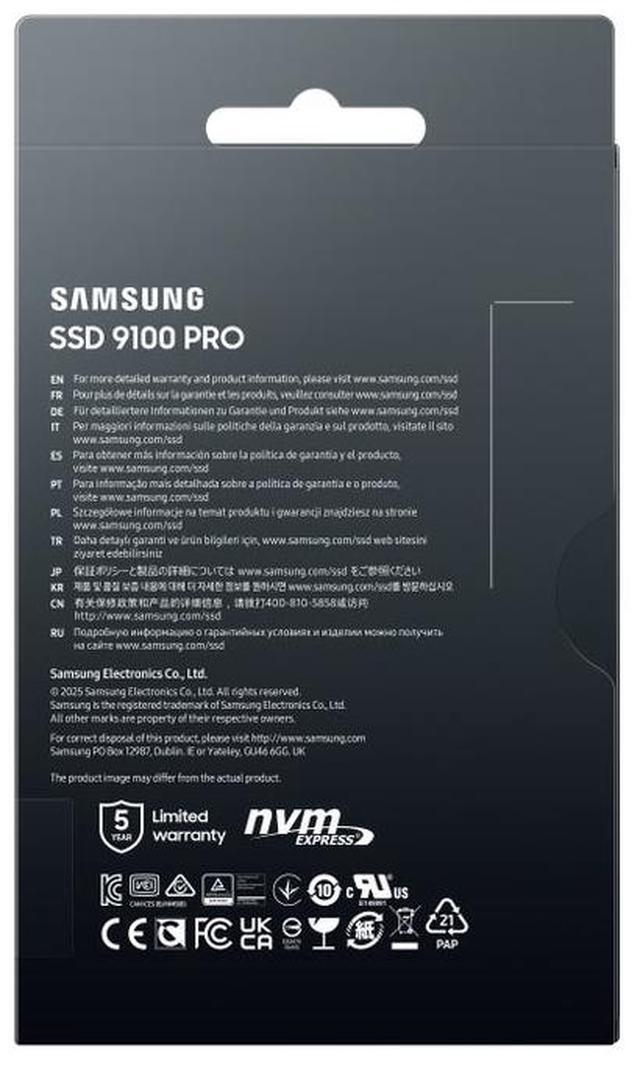




SSD 9100 Pro
Performance ready for a new era
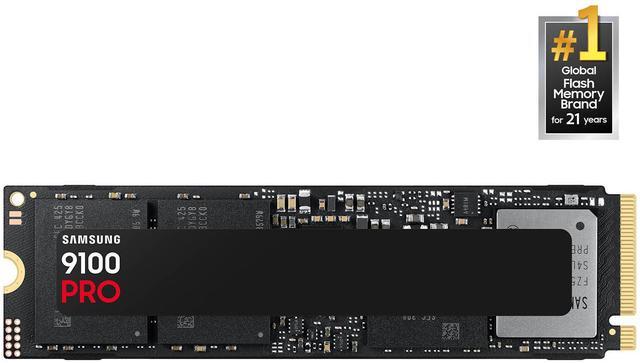
Blazing speed. Massive capacity. Built for Al and beyond. With up to twice the speed of the 990 PRO SSD1 and up to an 8TB storage option, the Samsung 9100 PRO SSD supercharges AI workloads, 4K video rendering, and gaming.
1. Sequential and random write performance was measured with Intelligent Turbo Write technology being activated. Intelligent Turbo Write operates only within a specific data transfer size. Performance may vary depending on the SSD's firmware, storage capacity, system hardware & configuration, and other factors. For detailed information, please contact your local service center. The 4TB 9100 PRO SSD reaches 14,800 MB/s based on test system configuration: AMD Ryzen 9 7950X 16-Core Processor [email protected], DDR5 4800MHz 16GBx2, OS-Ubuntu 22.04.2, Chipset-ASRock-X670ETaichi. To maximize the performance of the 9100 PRO SSD, please check whether your system supports PCle® 5.0 at the Intel or AMD website.

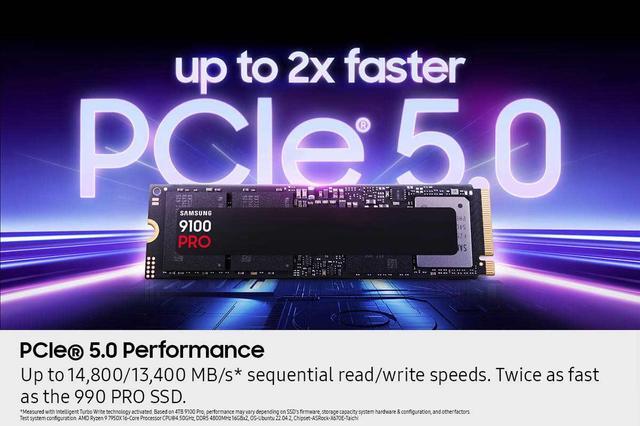
PCIe 5.0 Performance
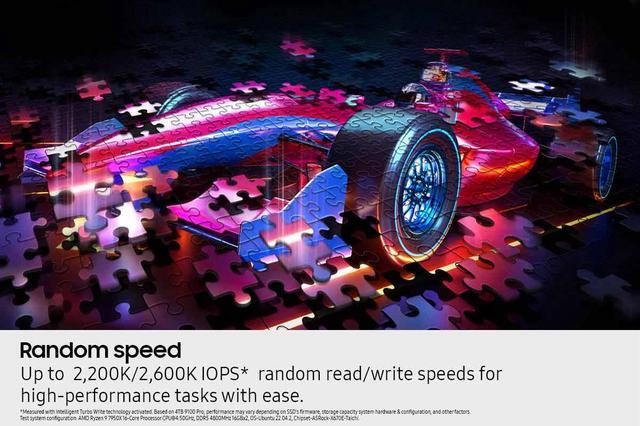
Random Speed
Boost AI Applications
Compatibility

Breakthrough PCle® 5.0 performance
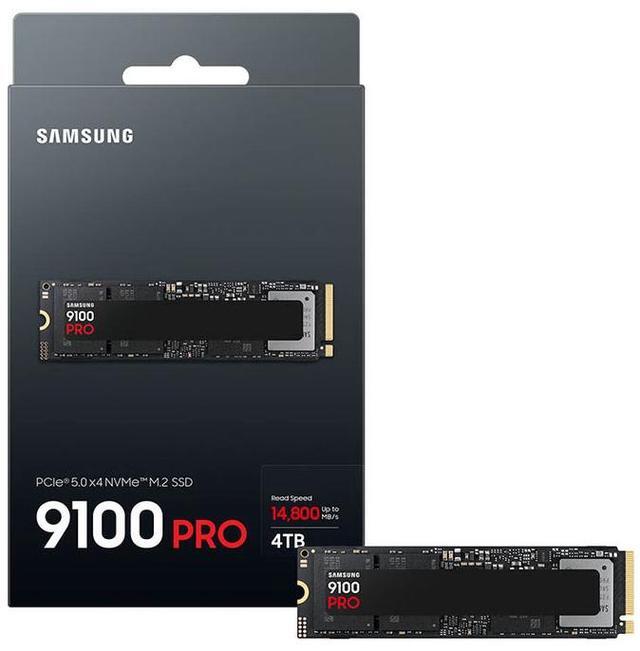
Supercharge your workflow and gaming with PCle® 5.0, boasting up to 14,800/13,400 MB/s1 sequential read/write speeds. Tackle massive files and power up your gaming with Gen5 - twice as fast as the 990 PRO SSD.
1. Sequential and random write performance was measured with Intelligent Turbo Write technology being activated. Intelligent Turbo Write operates only within a specific data transfer size. Performance may vary depending on the SSD's firmware, storage capacity, system hardware & configuration, and other factors. For detailed information, please contact your local service center. The 4TB 9100 PRO SSD reaches 14,800 MB/s based on test system configuration: AMD Ryzen 9 7950X16-Core Processor [email protected], DDR5 4800MHz 16GBx2, OS-Ubuntu 22.04.2, Chipset-ASRock-X670ETaichi. To maximize the performance of the 9100 PRO SSD, please check whether your system supports PCle® 5.0 at the Intel or AMD website.

Every task, turbocharged
Speed past productivity limits. With random read/write speeds up to 2,200K/2,600K IOPS1, enjoy seamless AI apps, fast game loads, and efficient multitasking. Virtually no lag, no limits - just nonstop performance.
1. Sequential and random write performance was measured with Intelligent Turbo Write technology being activated. Intelligent Turbo Write operates only within a specific data transfer size. Performance may vary depending on the SSD's firmware, system hardware & configuration, and other factors. For detailed information, please contact your local service center. The 4TB 9100 PRO SSD reaches 2,200K/2,600K IOPS based on test system configuration: AMD Ryzen 9 7950X16-Core Processor [email protected], DDR5 4800MHz 16GBx2, OS-Ubuntu 22.04.2, Chipset-ASRock-X670E-Taichi. To maximize the performance of the 9100 PRO SSD please check whether your system supports PCle® 5.0 at the Intel or AMD website.

Think fast, create faster
With random read/write speeds of up to 2,200K/2,600K IOPS1, the 9100 PRO SSD fuels seamless Al content creation, swift loads, and smooth gameplay. Work, play, and create at lightning speed.
1. Sequential and random write performance was measured with Intelligent Turbo Write technology being activated. Intelligent Turbo Write operates only within a specific data transfer size. Performance may vary depending on the SSD's firmware, storage capacity, system hardware & configuration, and other factors. For detailed information, please contact your local service center. The 4TB 9100 PRO SSD reaches 2,200K/2,600K IOPS based on test system configuration: AMD Ryzen 9 7950X16-Core Processor [email protected], DDR5 4800MHz 16GBx2, OS-Ubuntu 22.04.2, Chipset-ASRock-X670E-Taichi. To maximize the performance of the 9100 PRO SSD, please check whether your system supports PCle® 5.0 at the Intel or AMD website.

Speed, wherever you need
From laptops to desktop PCs, experience blazing PCle® 5.0 speeds and up to 8TB of storage. Perfect for video editing, gaming, and creative tasks, with the compatibility to match your device.
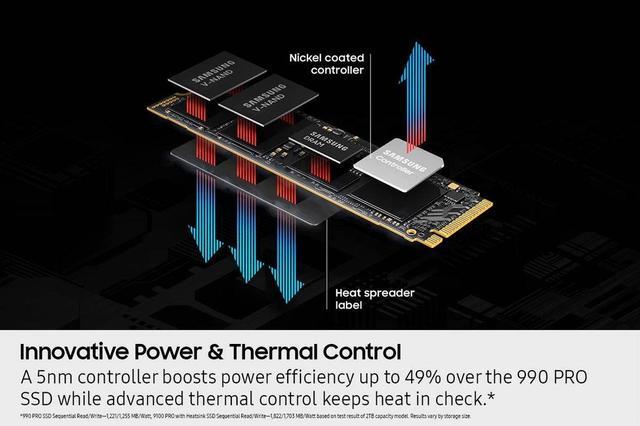
Innovative Power
Capacity
Magician Software

Stay cool, run fast
Push limits, not temperatures. A 5nm controller boosts power efficiency up to 49% over the 990 PRO SSD1, while advanced thermal control keeps performance smooth and reliable.
1. 990 PRO SSD Sequential Read/Write - 1,221/1,255 MB/Watt, 9100 PRO SSD Sequential Read/Write -1,822/1,703 MB/Watt based on test result of 2TB capacity model. Results vary by storage size.

Break free from storage limits
Expand your gaming horizons with up to 8TB of storage on the 9100 PRO. Enjoy vast space to grow your game library, save every title, and keep all your favorites without compromise. Unleash your full gaming potential - store, save, and conquer like never before.

Works like magic
It's not hocus-pocus. Your 9100 PRO SSD performs like new with the always up-to-date Magician Software. Get seamless firmware updates, extra encryption and continual monitoring of your drive health - no magic wand required.1
1. Internet connection is required for authentification. Performance may vary based on the speed and quality of your Wi-Fi connection.

World's No. 1 Flash Memory Brand
Performance and reliability you can count on from the world's number one brand for flash memory since 2003.1 All firmware and components are produced in-house, including our world-renowned DRAM and NAND, for quality you can trust.
1. Source: 2003-2023 OMDIA data: NAND suppliers' revenue market share. Results are not an endorsement of Samsung. Any reliance on these results is at the third party's own risk.