
Your Browsing History
- Free 30-day Returns
$79.99
Ships from United States.


Meet Your Seller
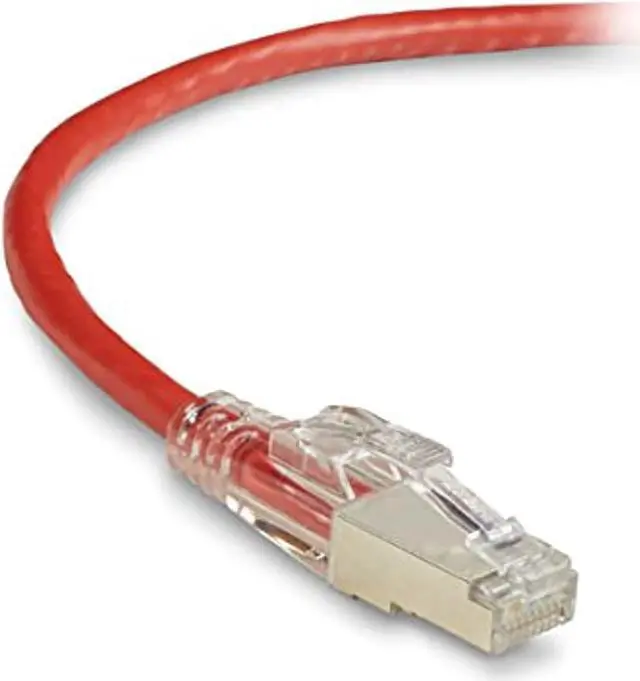
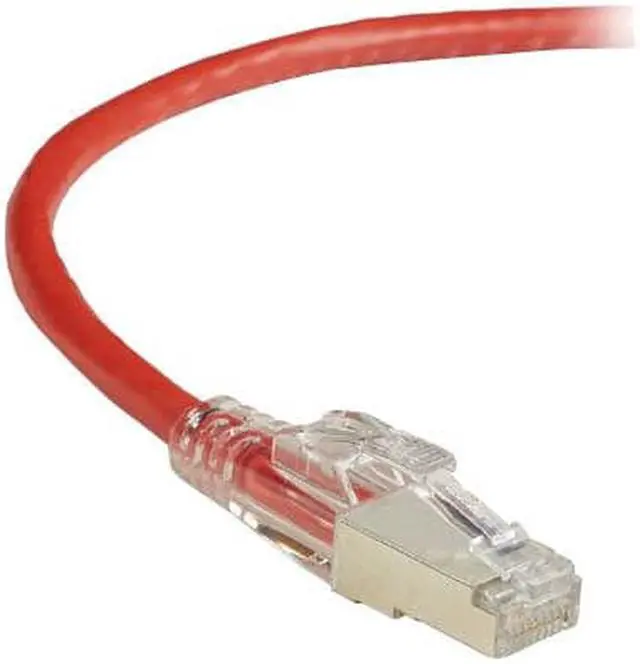
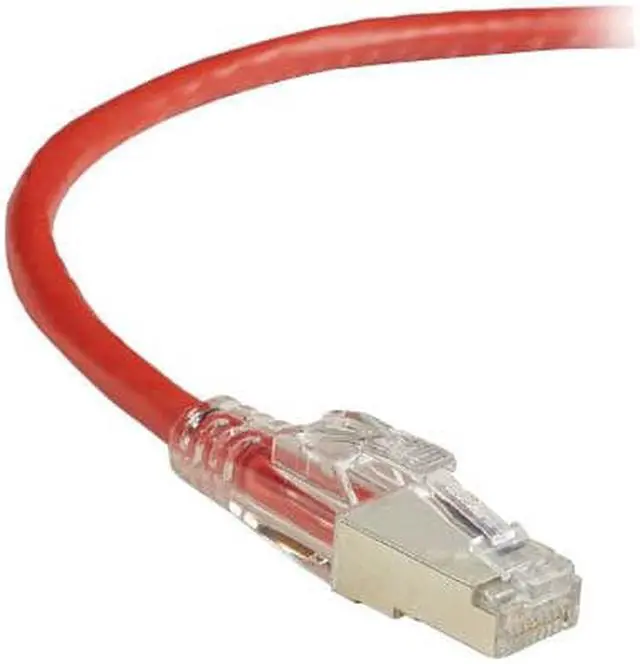
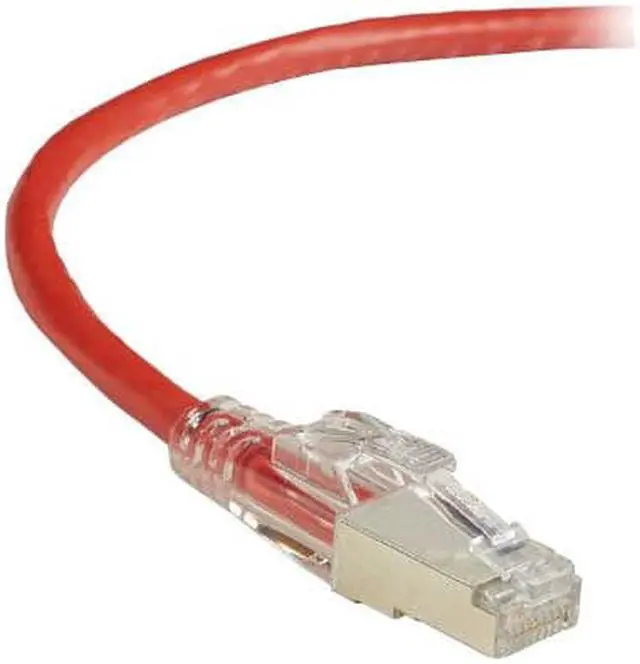
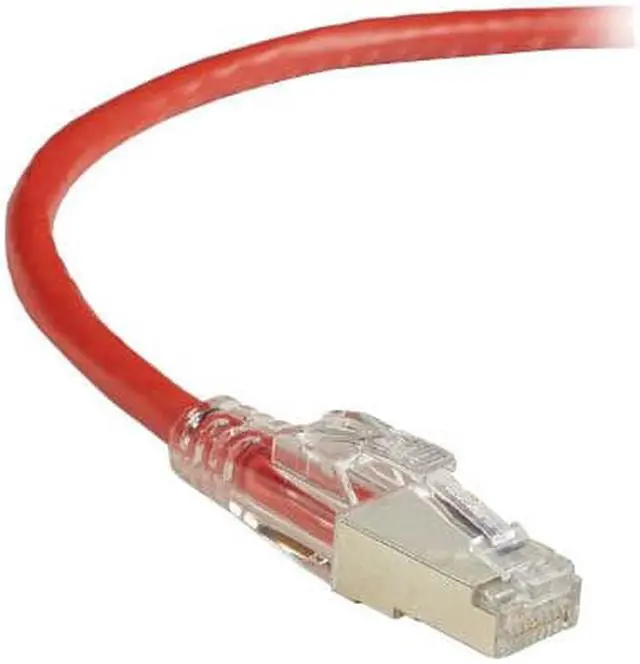
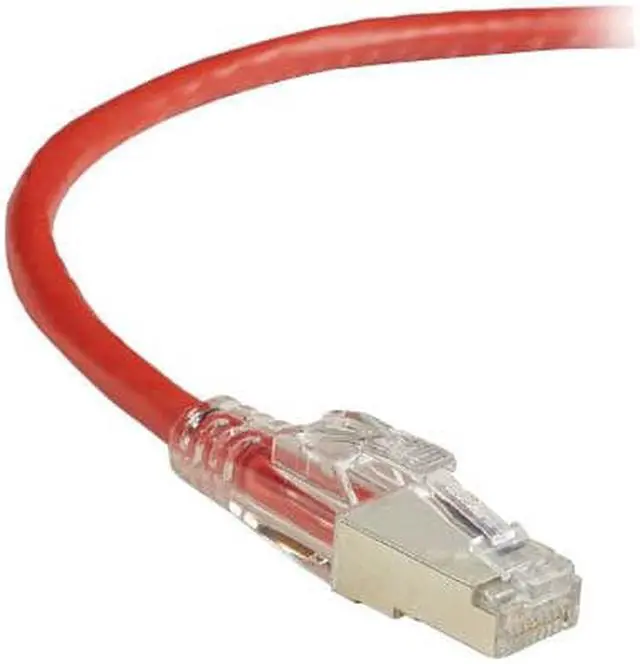
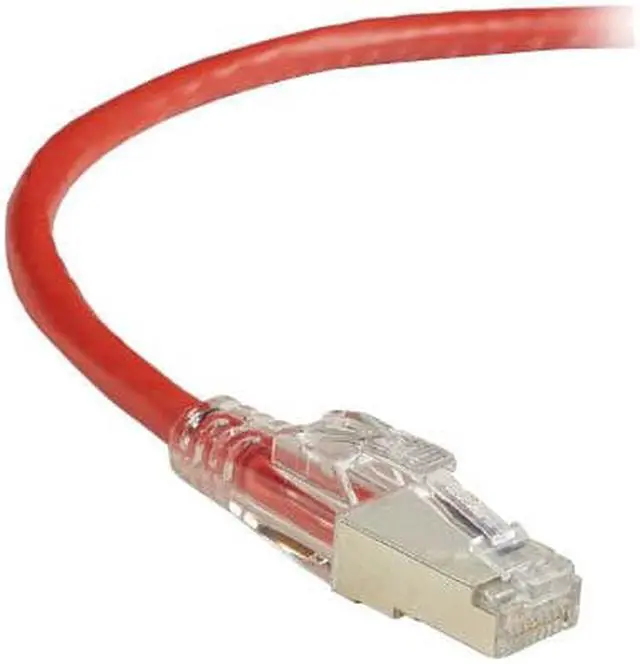
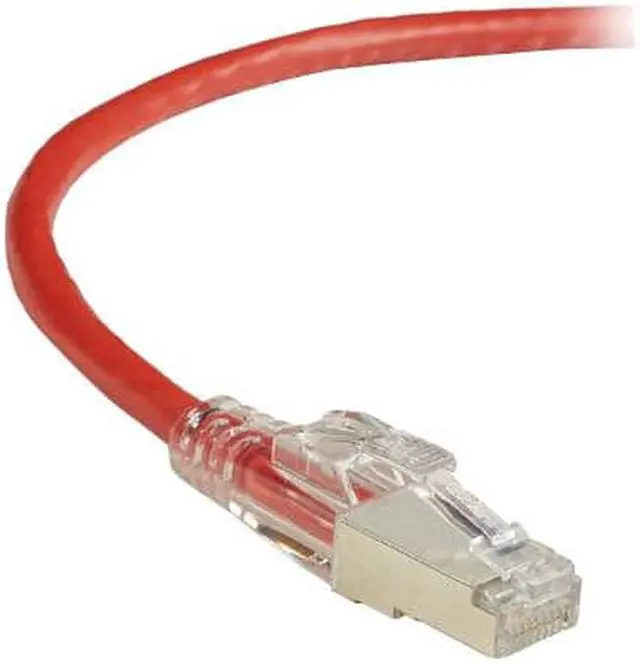
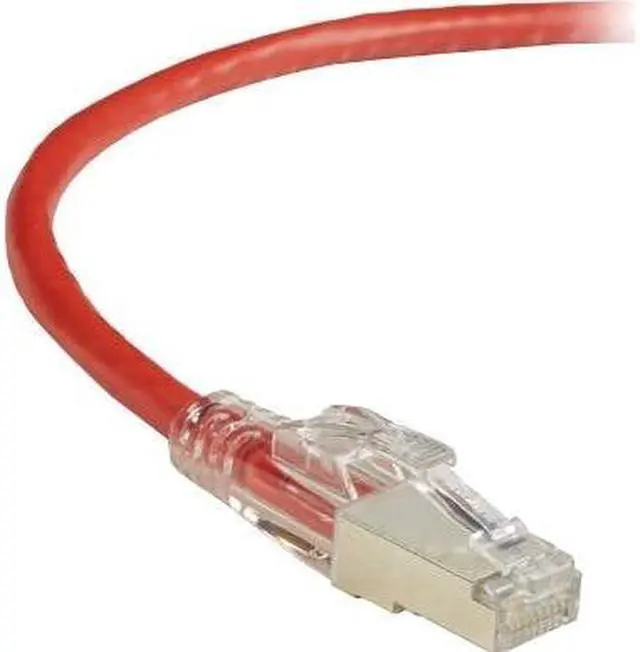
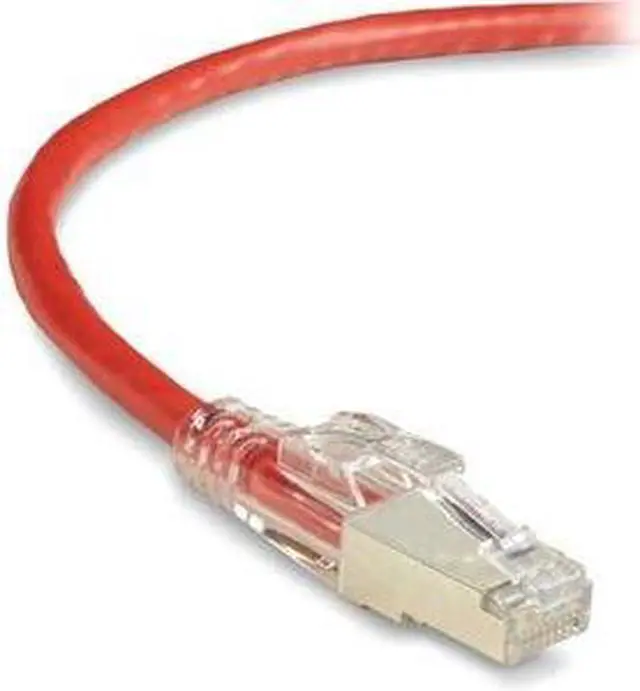


CAT6 250-MHZ LOCKING SNAGLESS STRANDED ETHERNET PATCH CABLE - SHIELDED (S/FTP),
- black box gigatrue 3 cat.6 patch network cable - category 6 for network device - patch cable - 3 ft
+
+
Overview
Specs
Reviews
Premium Performance
Black Box GigaTrue 3 Premium CAT6 Shielded Patch Cables exceed ANSI/TIA industry standards and protect against EMI/RFI interference that can distort or destroy your data. Tested to 250-MHz and 1-Gbps performance, these cables ensure the transmission of your voice, data, audio/video, and PoE signals. They feature plugs with 50-micron gold-plated contacts for superior conductivity.
These cables have connectors designed for an insertion and extraction life of 750 cycles, making for an ultra-reliable solution that you can count on to perform. The rugged, hard-polymer LockPORT boot and plug are integrated to provide increased strength in comparison to standard connectors.
Locking Options Available
These cables allow you to lock down critical network ports when required - without buying new patch cords. Secure your network ports by inserting a locking pin (sold separately) into the built-in locking tab on the patented snagless boot. To unplug the cable, release it with the removal key (sold separately).
Locked: Red Pin Prevent unauthorized access to mission-critical and publicly accessible ports in government offices, lobbies, retail establishments, and more. To lock a port, insert the red locking pin into the patented LockPORT boot on the cable. Unlock the port with the LockPORT Locking Pin Removal Tool. Secured: Green Pin Prevent accidental disconnects in the office, manufacturing and industrial applications, and more. To secure a port, insert the green locking pin into the cables LockPORT boot. To release the pin, squeeze its butterfly tabs and pull - no removal tool required.
Warranty & Returns
Warranty, Returns, And Additional Information
Warranty
- Please contact the Seller directly for warranty information. Warranty information may also be found on the Manufacturer's website.
- Read full details
- CONTACT
Return Policies
- Return for refund within: 30 days
- Return for replacement within: 30 days
- This item is covered by Hot Deals 4 Less Return Policy
Manufacturer Contact Info
- For a directory of all our manufacturers, please click below.
- Manufacturers Directory
LOADING...