Feature:
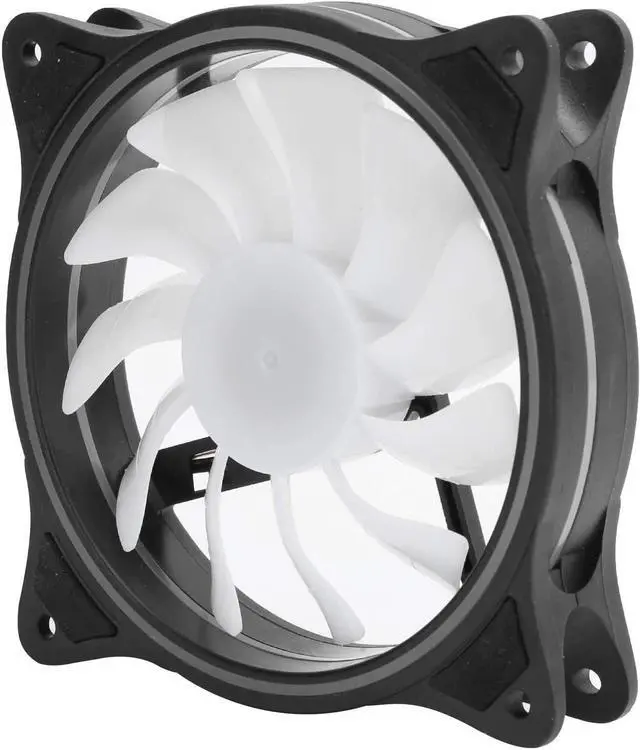
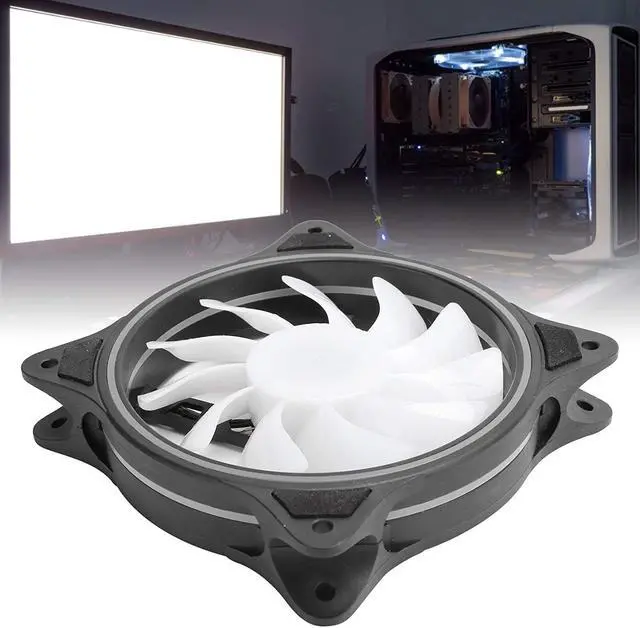
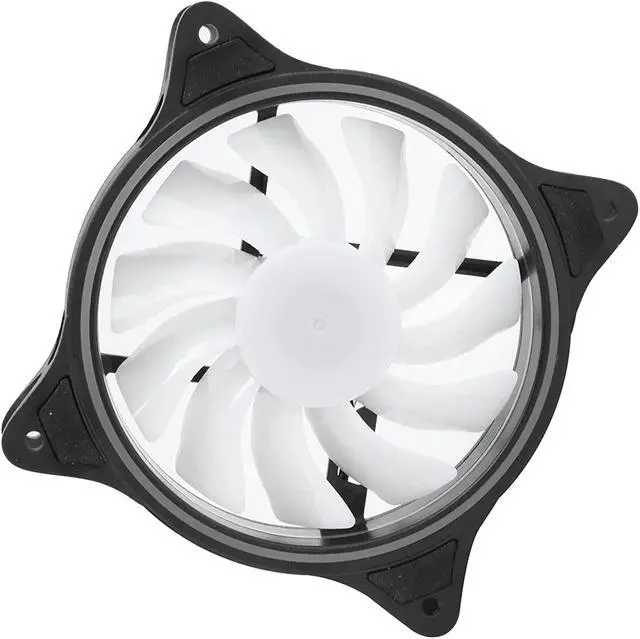
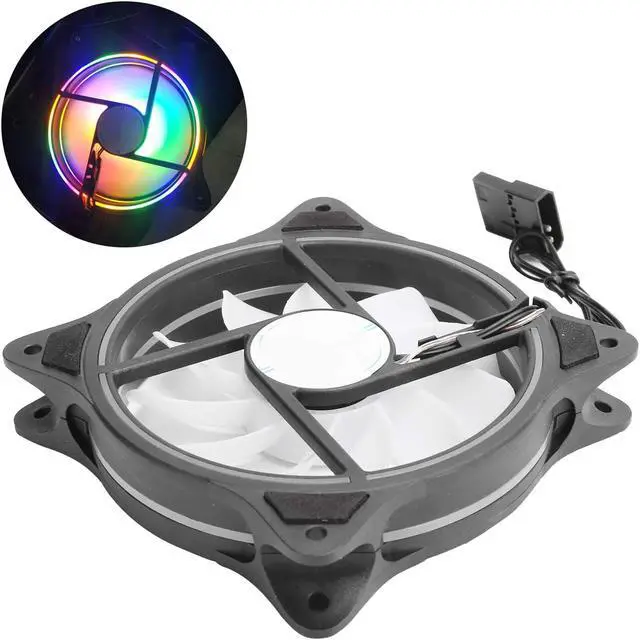
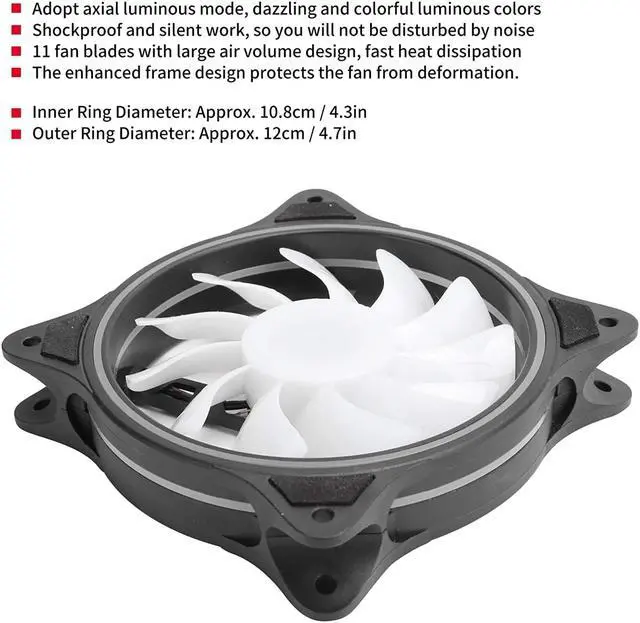
1. Large air volume design, adopting axial light emitting mode, 11 fan blades can achieve large-volume heat dissipation.
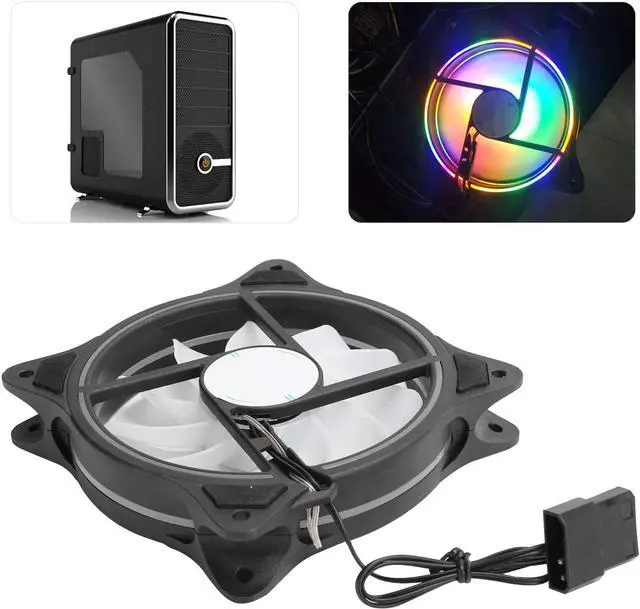
2. Bright and colorful luminous colors, giving you a super cool visual experience.
3. The enhanced frame design can effectively protect the fan from deformation.
4. Cool lighting with soft fan blades can find different aesthetics, giving you a different visual experience.
5. Can work silently and shockproof, so that you will not be disturbed by noise.
Specification:
Item Type: Chassis Cooling Fan
Inner Ring Diameter: Approx. 10.8cm / 4.3in
Outer Ring Diameter: Approx. 12cm / 4.7in
Number of Fan Blades: 11
Interface: Big 4pin
Fan Speed: 1100 rpm ± 10%
Noise Level: 23dBA
Airflow: 45 CFM
Rated Voltage: DC 12V
Rated Current: 0.17 ± 0.03A
Bearing Type: Sleeve bearing
MTBF: 20,000 hours
How to Use:
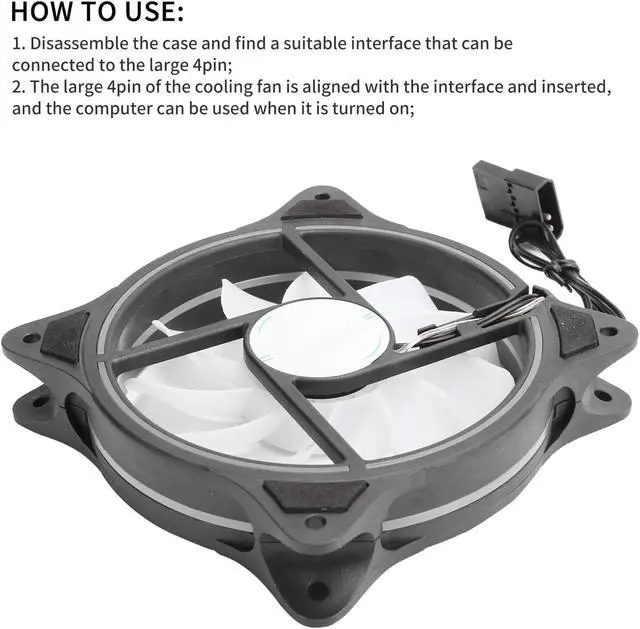
1. Disassemble the case and find a suitable interface that can be connected to the large 4pin;
2. The large 4pin of the cooling fan is aligned with the interface and inserted, and the computer can be used when it is turned on;
Packing List:
1 x Cooling Fan
Package List:
1 x Cooling Fan
Note:
1. Please confirm whether there is an applicable interface in the computer case;
2. Remember to align the corresponding interface and insert.
No customer reviews