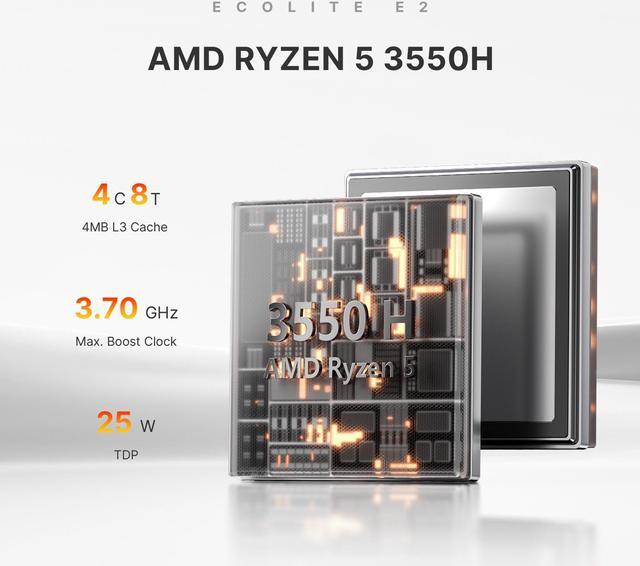
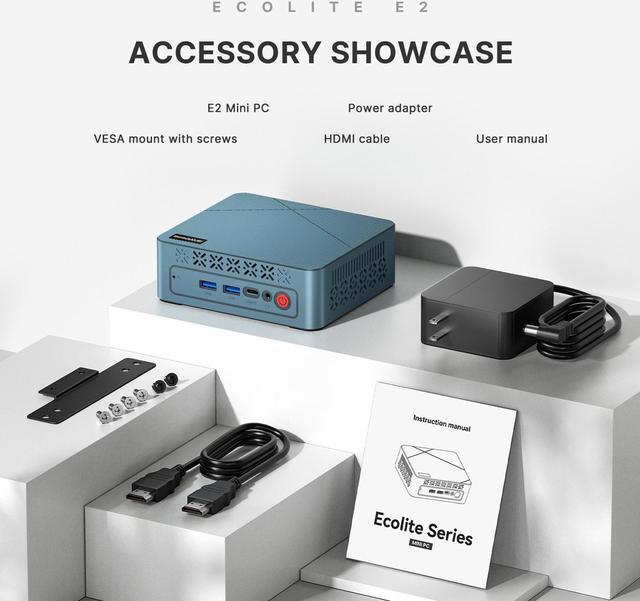
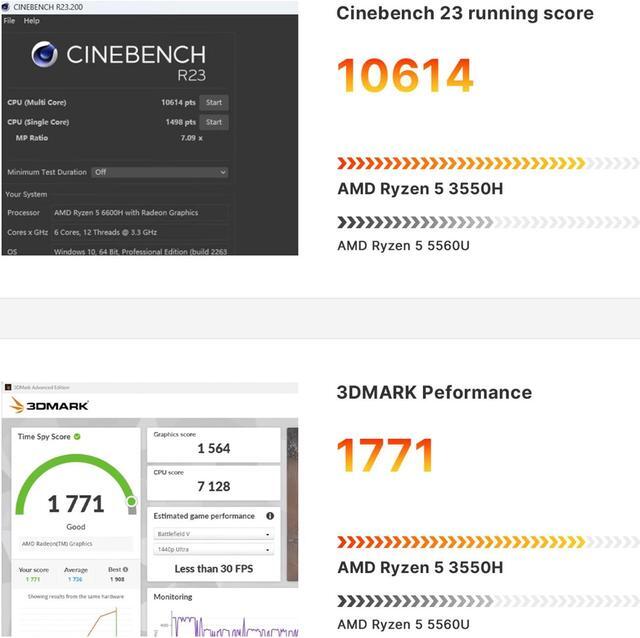
CPU: AMD Ryzen 5 3550H(12nm), 4 Cores 8 Threads, Base 2.1GHz, Boost 3.7GHz
iGPU: AMD Radeon Vega 8 Graphics, 8 Graphics Cores, Max Frequency 1200 MHz
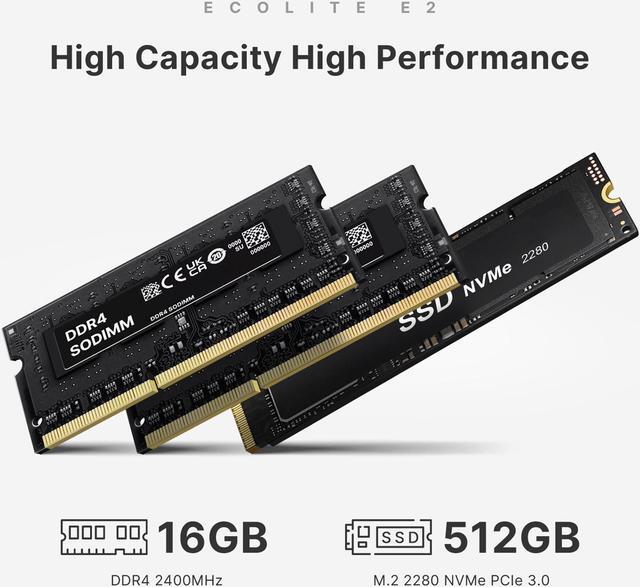
Memory: 2x8GB DDR4 2400MHz,max 32GB(16GB each slot)
Storage: 512GB M.2 2280 PCIe 3.0 x4 SSD (up to 2TB)
Internal Slot: 2x SO-DIMM DDR4 Slot,1x M.2 PCIe3.0 x4 SSD Slot
Wireless Network: M.2 2230 Realtek RTL8822CE WiFi(include),Wi-Fi 5(802.11 a/b/g/n/ac),Bluetooth: 5.0
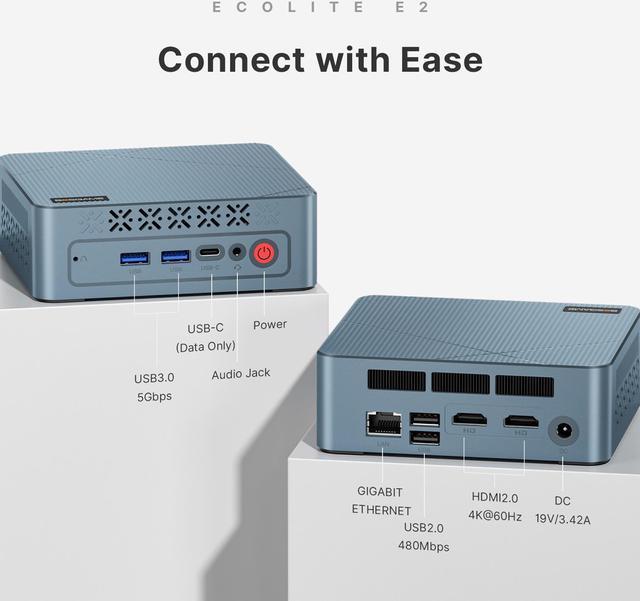
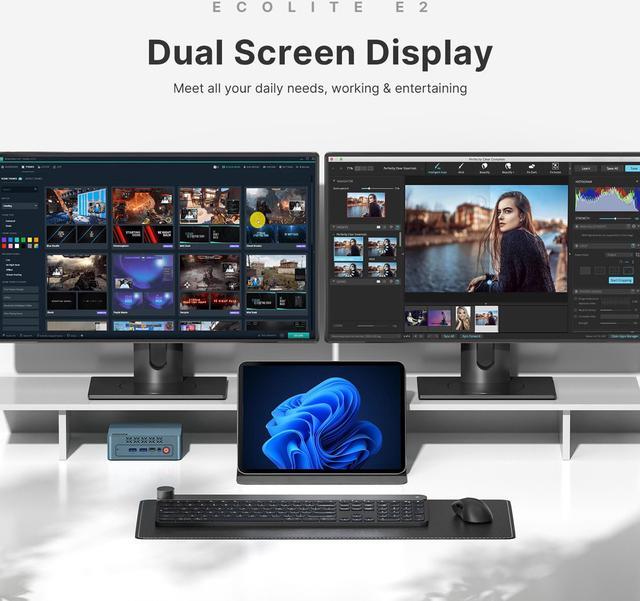
Video Output: 2x HDMI2.0 (4K@60Hz)
Power Adapter: Input 100-240V 50/60Hz , Output 19V/3.42A DC
Ports:
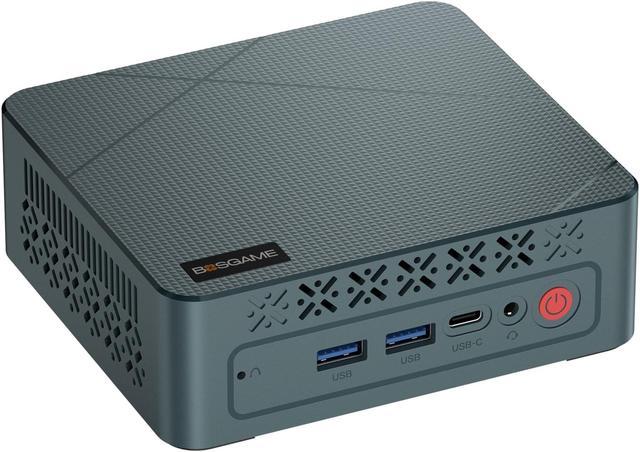
2x USB3.0 Type A (5Gbps,Front)
1x USB3.0 Type C (5Gbps,Front)
2x USB2.0 Type A (480Mbps,Back)
1x RJ45 Gigabit Ethernet PortLAN (RTL8111H)
Preinstalled System:
Comes with an activated Windows 11 Pro, without preinstalled software or bloatware, and supports the installation of various Linux distributions for users who prefer alternative operating systems.
Fan and Noise Level:
The E2 mini pc features a low-power AMD Ryzen 5 3550H processor with a TDP range 15-35W, ensuring efficient performance with minimal heat generation. It uses a quiet, automatic-adjusting fan that operates based on workload intensity
Setup Process:
Simple and user-friendly, even for first-time users!
1. Connect the device to a monitor using an HDMI cable.
2. Attach a keyboard and mouse via USB ports or Bluetooth (not included in the package).
3. Plug in the power adapter, connect to a power socket, and boot up the device.
4. Use Ethernet or Wi-Fi to connect to the internet.
How to Upgrade RAM and Storage on Your Mini PC:
1. Access the Mainboard: Remove the four screws on the bottom of the Mini PC to reveal the mainboard.
2. Upgrade RAM: Gently release the clips on both sides of the DDR slot to remove the existing RAM. Insert the new RAM module, ensuring it's securely seated.
3. Upgrade Storage: Use a screwdriver to remove the screw securing the SSD. Replace it with a new M.2 SSD, align it properly, and secure it with the screw.
Graphics Performance:
Ideal for light photo and video editing,and retro games. However, it is not built for heavy graphics processing or resource-intensive games and does not support add an external GPU
BIOS:
To enter the BIOS, press DEL during the boot-up process. For booting from a USB, press F7 during boot-up to access the boot menu
Running Virtual Machines:
Yes, the E2 mini pc is capable of running VirtualBox for virtual machine setups,it is recommended for advanced users with experience in virtualization