


Best Sellers
 Hot Seller
- $1,032.22
- + $21.77 Shipping
- $1,078.43
- + FREE SHIPPING


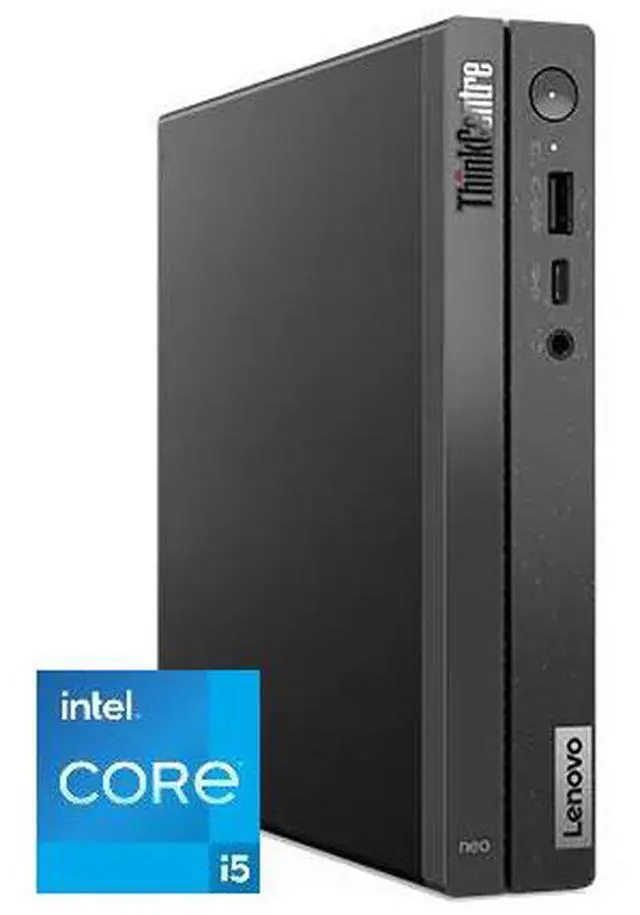
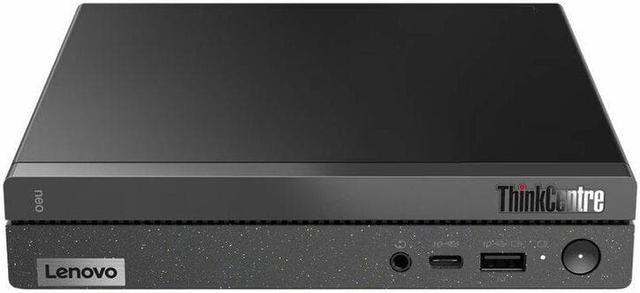
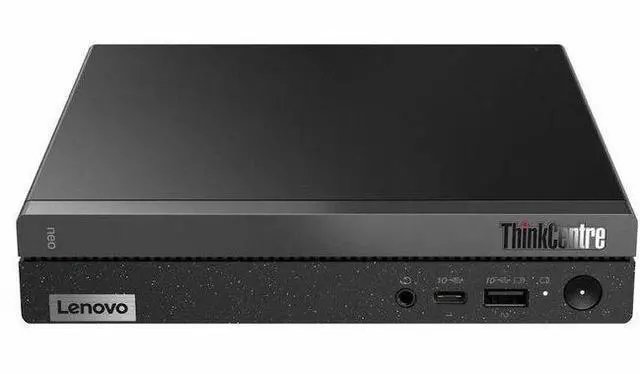
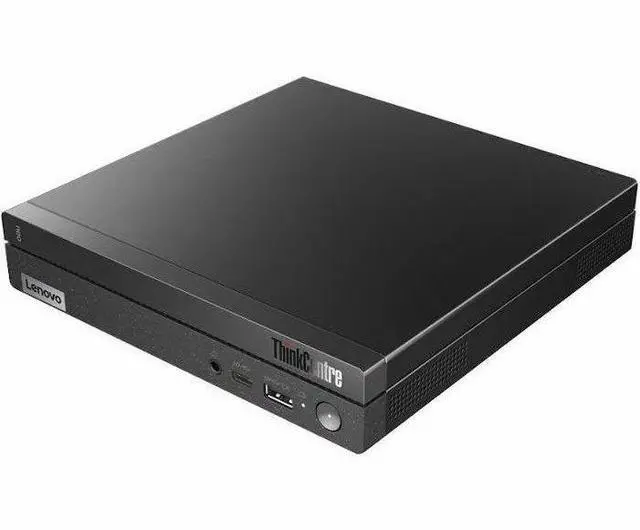
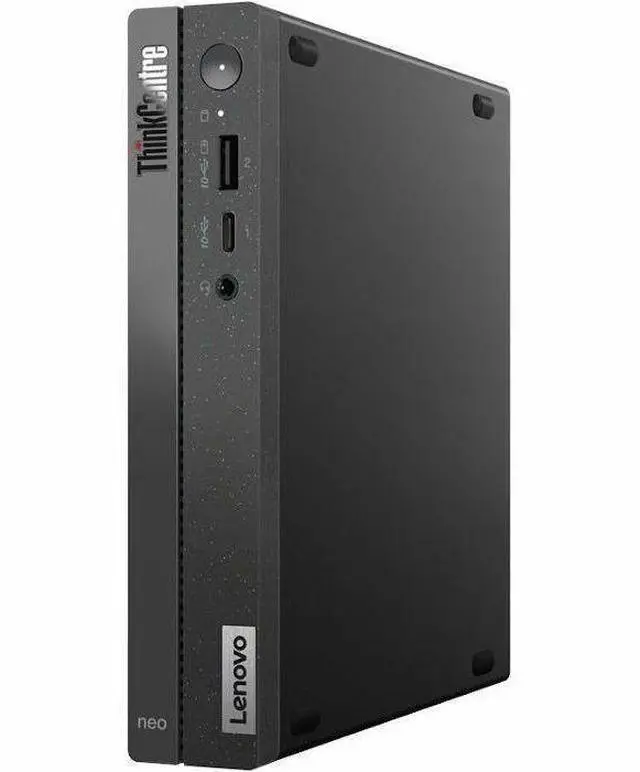
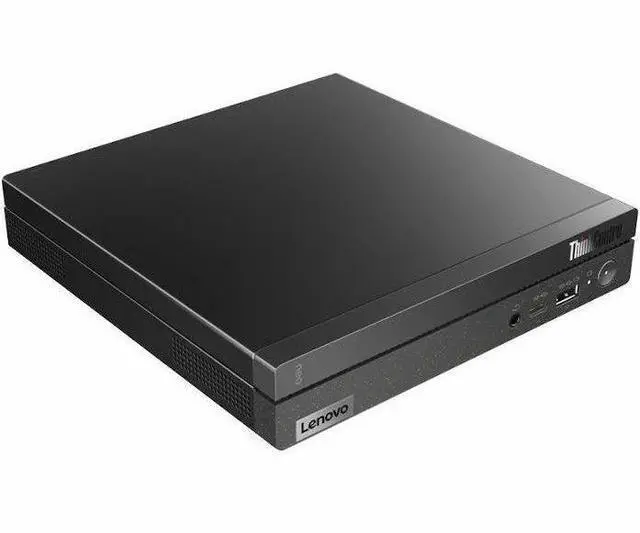
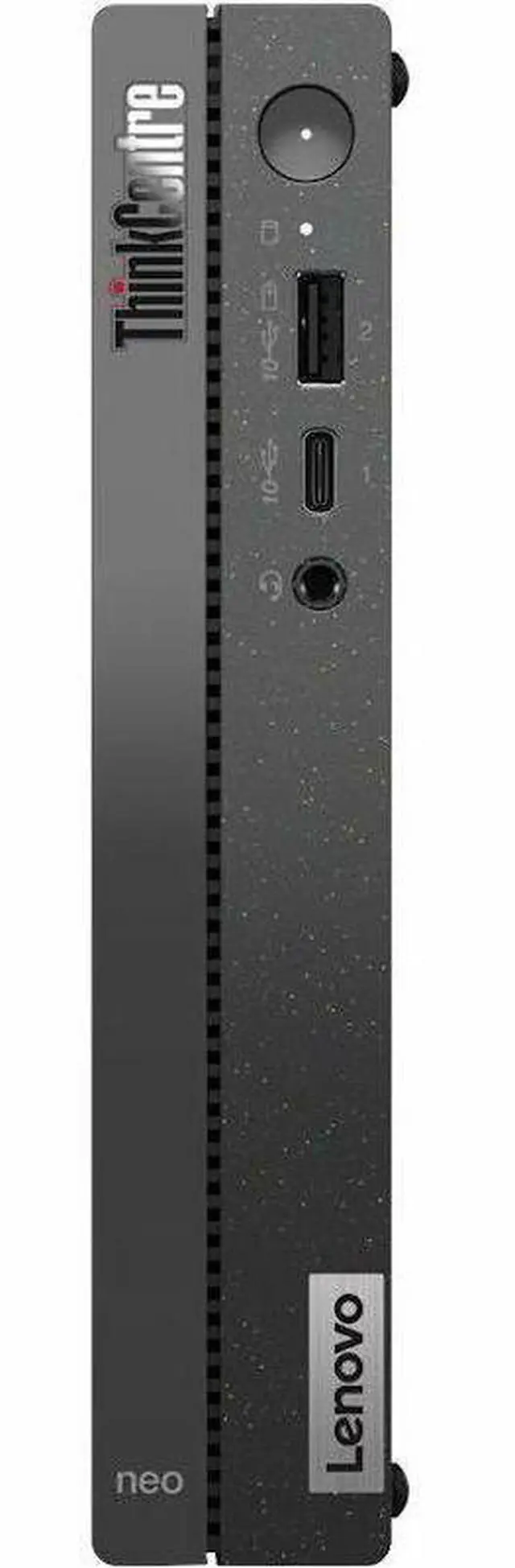
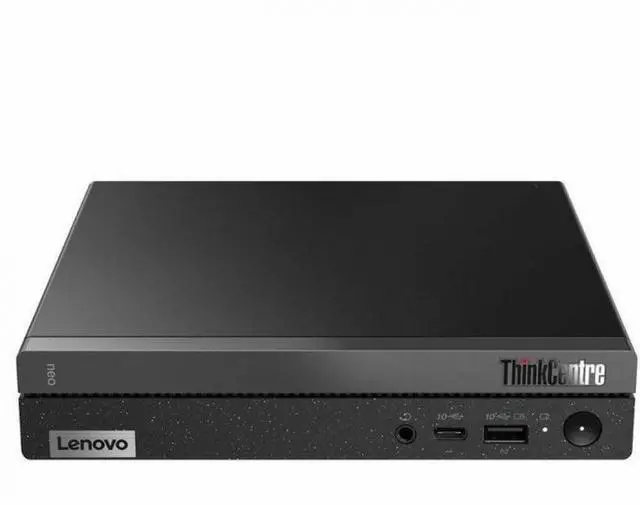
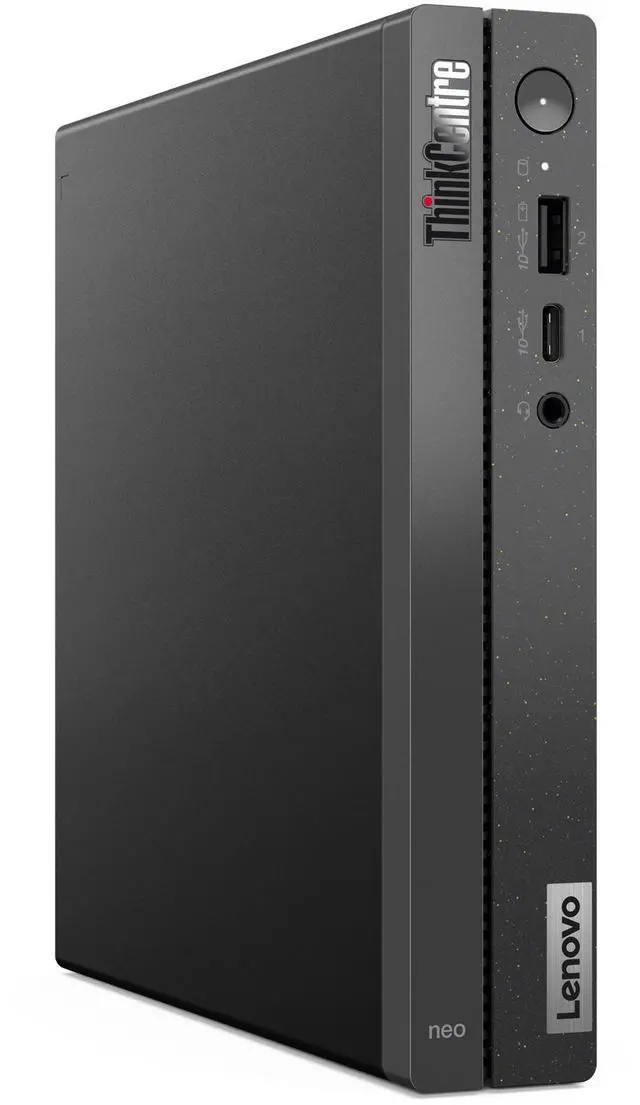
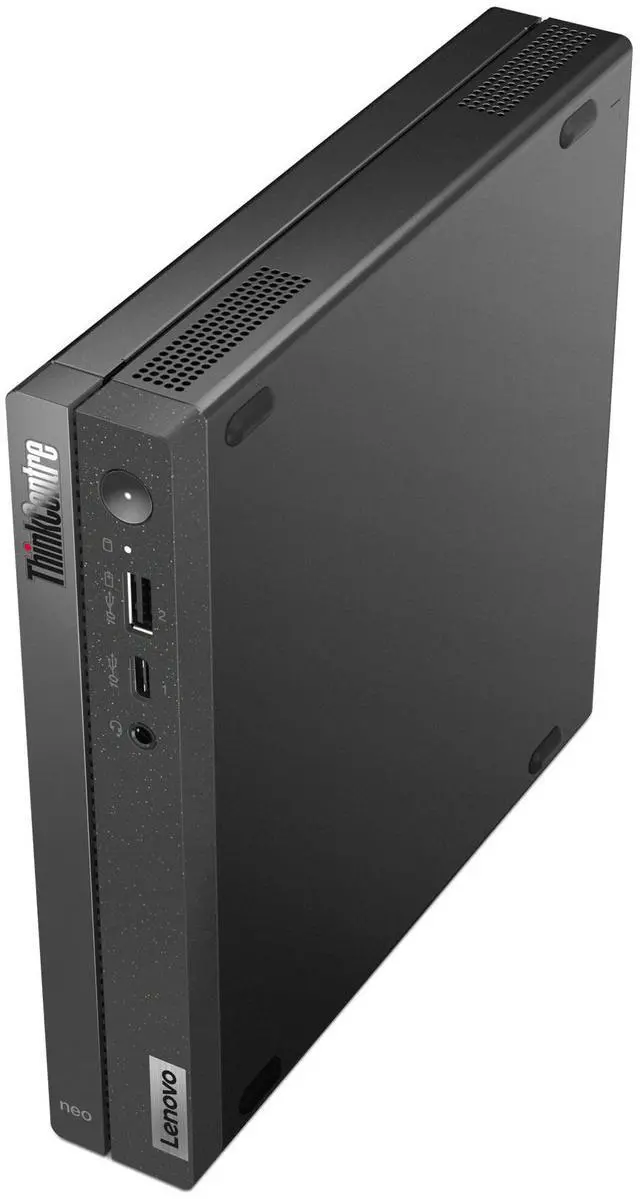
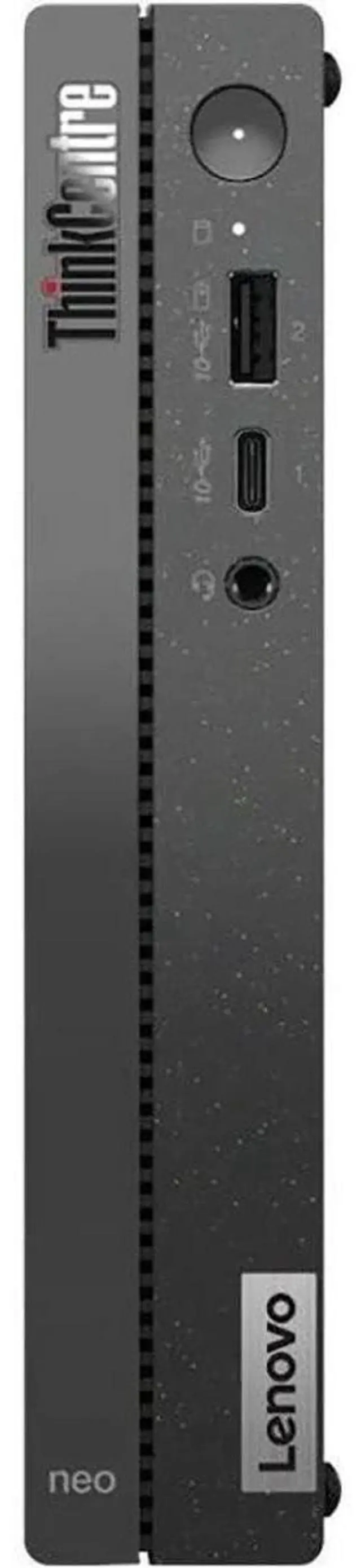
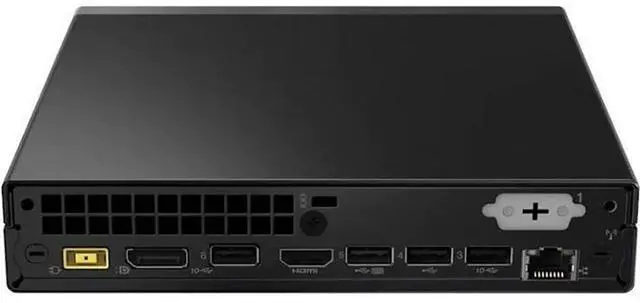
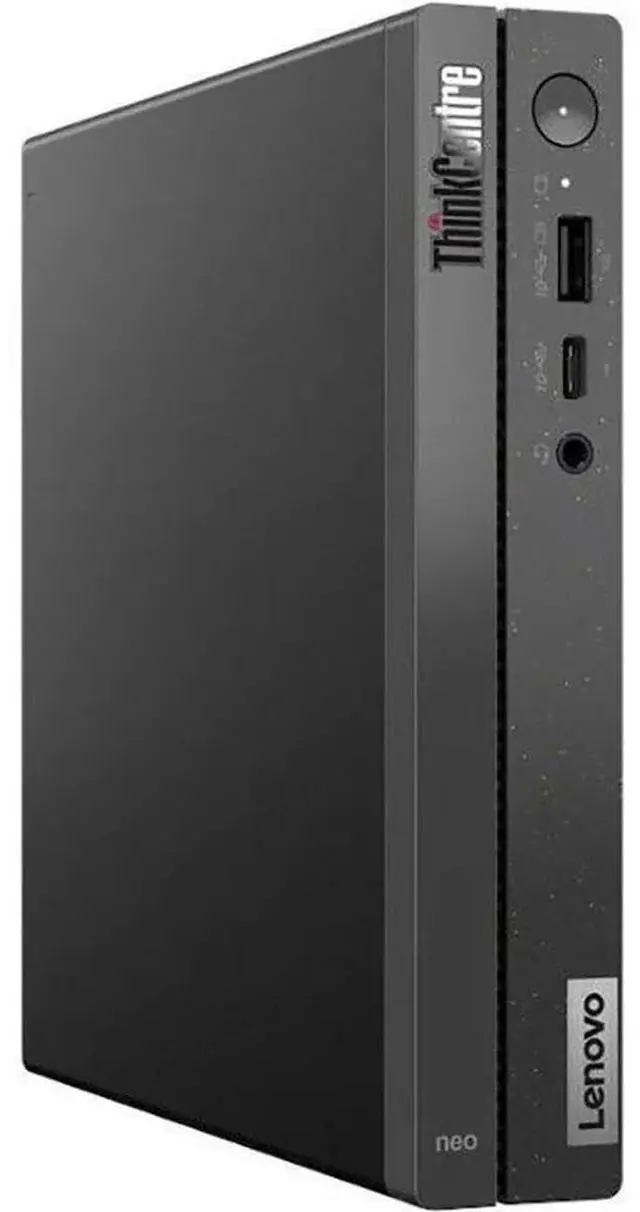
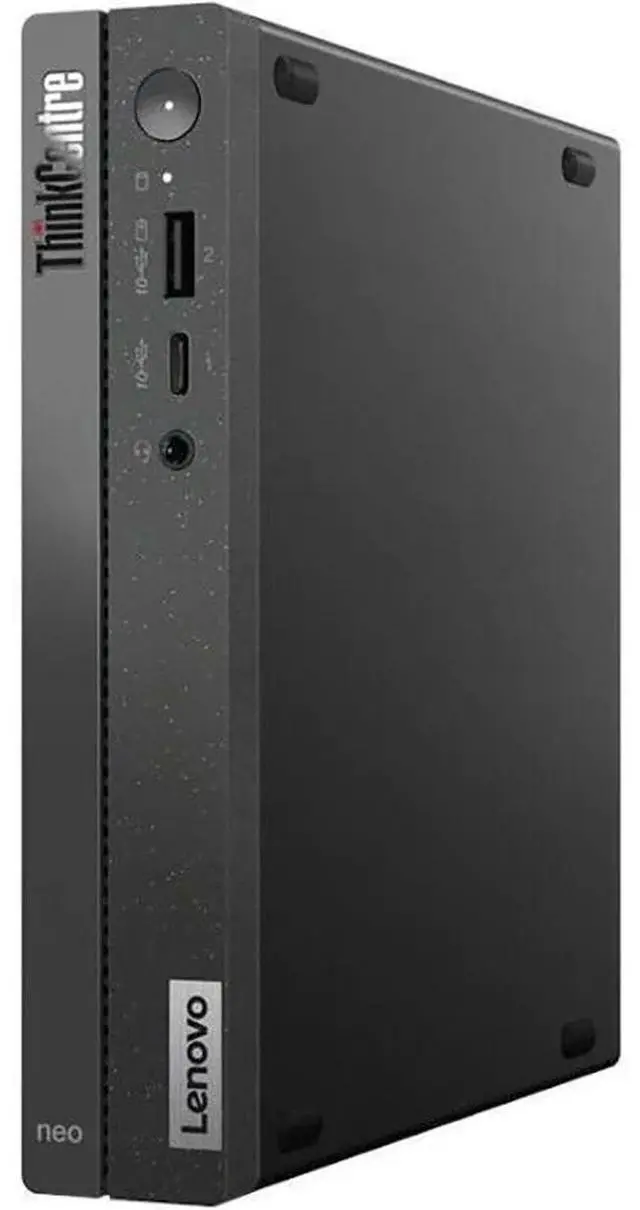
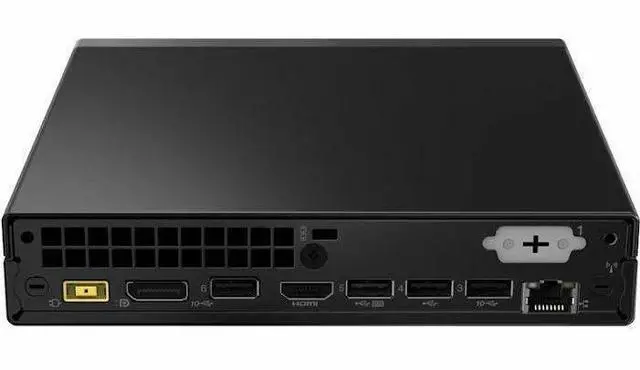
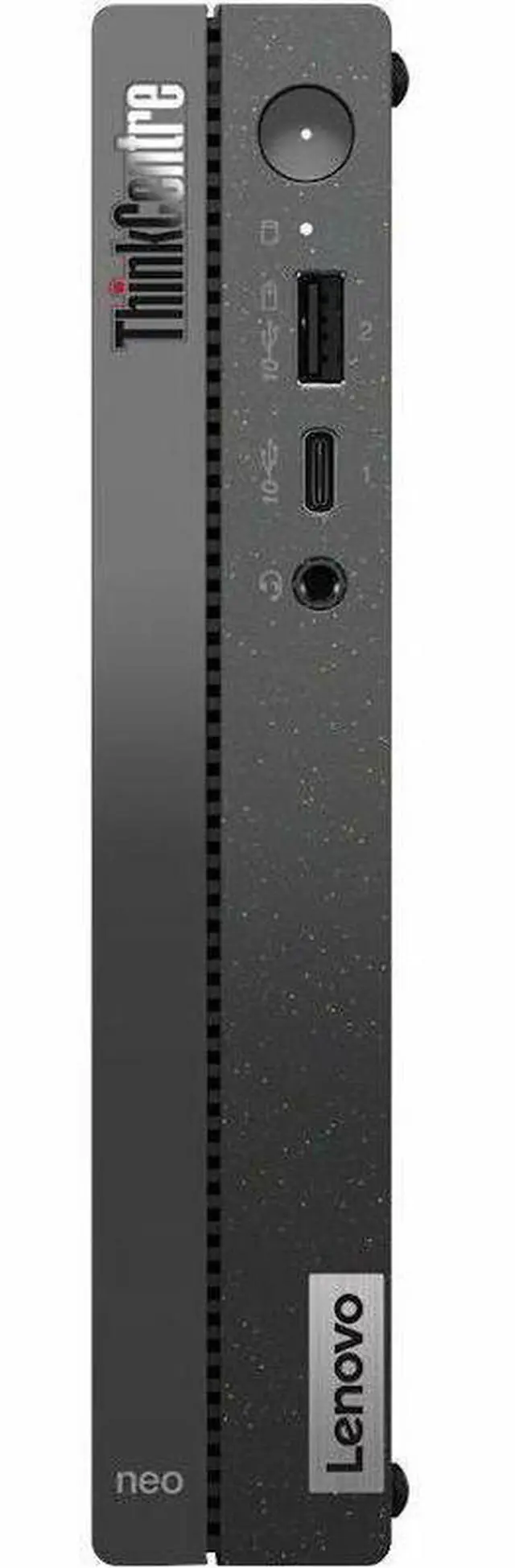
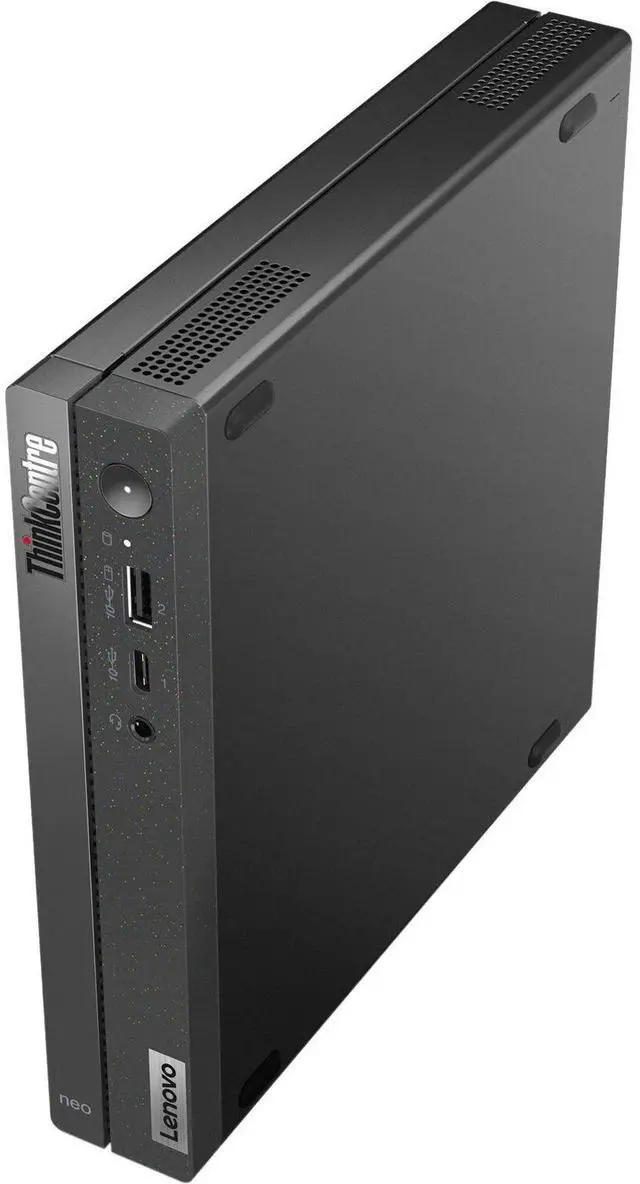

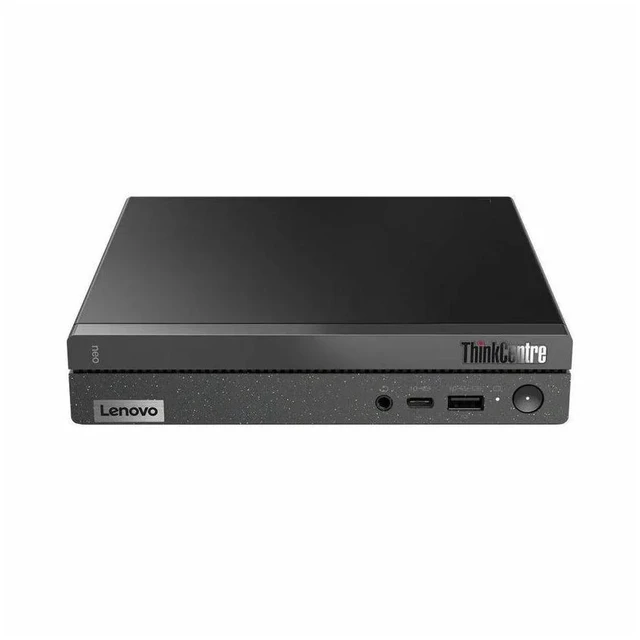


Lenovo ThinkCentre neo 50q Gen 4 12LN000CUS Tiny Desktop Computer - Intel Core i5 13th Gen i5-13420H (8 Core) - 8 GB RAM DDR4 - 256 GB M.2 NVMe 4.0 x4 SSD - Black
- Intel Core i5 13th Gen i5-13420H
- 8 GB RAM DDR4 SDRAM
- 256 GB M.2 PCI Express NVMe 4.0 x4 SSD
- Tiny - Black
- Components brands may vary
+
+
Overview
Specs
Reviews
While compact in size, the ThinkCentre Neo 50q Gen 4 Tiny Desktop Computer is a powerhouse of performance, designed to fit seamlessly into any workspace. This small form factor computer, with its sleek black design, is perfect for those seeking a high-performance machine that doesn't compromise on space. Equipped with a robust Intel Core i5-13420H 2.1GH z processor, this desktop computer delivers fast and efficient performance, making it ideal for tasks that require high processing power, such as video editing, graphic design, and gaming. The 8GB RAM ensures smooth multitasking, while the 256GB SSD provides ample storage for all your files and applications.
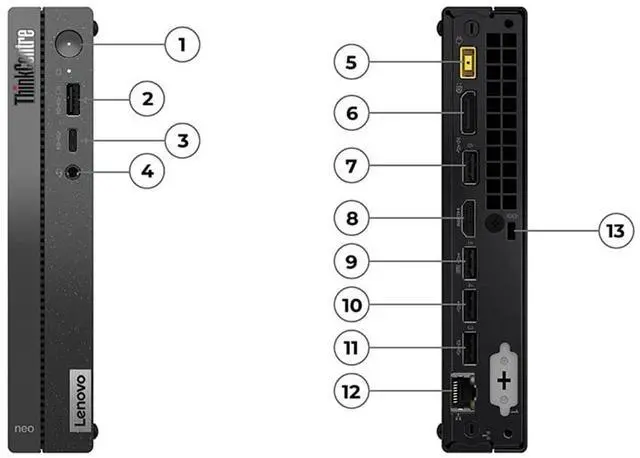
Running on Windows 11 Pro, the ThinkCentre Neo 50q Gen 4 offers advanced features and capabilities, enhancing your productivity and efficiency. The multiple ports, including USB-C and HDMI, allow for easy connectivity with various devices, while the optional customizable port caters to your specific needs. This desktop computer is not only fast and powerful but also reliable. With ThinkShield, Lenovo's comprehensive suite of security tools, your data is protected from the chipset and BIOS level to anti-theft protection. This ensures that your information is safe, even if your PC falls into the wrong hands.
The ThinkCentre Neo 50q Gen 4 is also built with sustainability in mind. Its chassis is made from post-consumer recycled content, and it boasts eco-friendly certifications for energy efficiency, low noise, and reduced environmental impact. Despite its small size, this desktop computer supports Wi-Fi 6 connectivity, allowing for seamless communication with remote teams and clients. It's also compatible with other Lenovo ThinkCentre Tiny-in-One devices, offering you flexibility and convenience. In summary, the ThinkCentre Neo 50q Gen 4 Tiny Desktop Computer is a compact, powerful, and reliable machine that delivers high performance while being easy on the environment.
It's the perfect choice for those who need a high-performance computer that fits in a small space.
Running on Windows 11 Pro, the ThinkCentre Neo 50q Gen 4 offers advanced features and capabilities, enhancing your productivity and efficiency. The multiple ports, including USB-C and HDMI, allow for easy connectivity with various devices, while the optional customizable port caters to your specific needs. This desktop computer is not only fast and powerful but also reliable. With ThinkShield, Lenovo's comprehensive suite of security tools, your data is protected from the chipset and BIOS level to anti-theft protection. This ensures that your information is safe, even if your PC falls into the wrong hands.
The ThinkCentre Neo 50q Gen 4 is also built with sustainability in mind. Its chassis is made from post-consumer recycled content, and it boasts eco-friendly certifications for energy efficiency, low noise, and reduced environmental impact. Despite its small size, this desktop computer supports Wi-Fi 6 connectivity, allowing for seamless communication with remote teams and clients. It's also compatible with other Lenovo ThinkCentre Tiny-in-One devices, offering you flexibility and convenience. In summary, the ThinkCentre Neo 50q Gen 4 Tiny Desktop Computer is a compact, powerful, and reliable machine that delivers high performance while being easy on the environment.
It's the perfect choice for those who need a high-performance computer that fits in a small space.
Warranty & Returns
Warranty, Returns, And Additional Information
Warranty
- Limited Warranty period (parts): 1 year
- Limited Warranty period (labor): 1 year
- Read full details
Return Policies
- Return for refund within: 15 days
- Return for replacement within: 15 days
- This item is covered by Newegg.ca's 15-Day Return Policy.
- Read full return policy for details.
Manufacturer Contact Info
LOADING...
LOADING...
The Lenovo ThinkCentre neo 50q Gen 4 is a compact business desktop with an Intel Core i5-13420H processor, 8GB of DDR4 memory, a 256GB NVMe SSD, and Windows 11 Pro. It suits office work, mainstream productivity, and business users who want a small PC for a separate monitor.
Recommended For
- Office workers who mainly use web apps, email, documents, and video calls and want a compact desktop that can stay out of the way; the tested i5 configuration handled everyday office tasks at a quiet, low-power desk setup.
- Small-office or hybrid-work setups with limited desk space, especially users who want a 1-liter PC that can be VESA-mounted behind a compatible monitor rather than occupying the desktop.
- Businesses or home offices that need a small Windows desktop for routine productivity and value low power use and quiet operation more than high-end graphics or heavy sustained workloads.
- Workstations that need to drive multiple office displays from a tiny chassis, provided the user confirms the required display connections are available on this specific configuration.
Real-World Use Scenarios
- For everyday office work—editing documents and spreadsheets, handling email, and using a browser—the ThinkCentre neo 50q Gen 4 is suited to routine business tasks; the 8 GB configuration is best treated as a basic-workload setup if many apps are open at once.
- In a company that delivers apps or desktops through virtual desktop infrastructure, it can serve as a compact endpoint: StorageReview tested a cloud desktop with streamed office apps and 1080p video, reporting that the apps worked without difficulty and the video played with a few jitters. That test used 16 GB RAM, so it does not establish the same experience for this 8 GB configuration.
- For a desk that needs more than one screen, it can connect to multiple monitors for spreading out work such as email, spreadsheets, and reference material; Lenovo lists support for up to three displays, depending on the model and available video outputs.
- In a small office, reception area, or shared workspace where desk space is limited, its tiny chassis can sit unobtrusively on a desk or be mounted behind a monitor; StorageReview also found the reviewed unit very quiet during testing.
Spec Summary
| Attribute | Value |
|---|---|
| Best For | Business and mainstream desktop use where a compact mini-PC form factor is suitable |
| Processor And Platform | Intel Core i5-13420H, with a 2.10 GHz base frequency and 4.6 GHz listed processor speed; LGA 1700 socket |
| Graphics And Display Output | Integrated Intel UHD Graphics with shared graphics memory; DisplayPort and HDMI outputs support up to 3840 × 2160 resolution and up to two displays |
| Memory | 8 GB DDR4 SDRAM; maximum supported memory listed as 32 GB |
| Storage | 256 GB PCIe SSD; no HDD or optical drive listed |
| Ports And Connectivity | Six USB ports, including two USB 2.0 ports; one RJ45 Ethernet port, Wi-Fi 802.11ac, and Bluetooth |
| Operating System And Features | Windows 11 Pro; air cooling, Energy Star specification, and a security slot |
| Included Accessories | Keyboard, mouse, vertical stand, and power adapter; keyboard is listed as full-size with a QWERTY layout |
| Form Factor And Dimensions | Black desktop mini PC measuring 7.2 × 7 × 1.4 inches |
| Model Identifiers | Lenovo ThinkCentre neo 50q Gen 4, model 12LN000CUS |
Reference Q&A
Q: Should I choose the 8GB ThinkCentre neo 50q Gen 4 or upgrade to 16GB?
A: Choose 16GB if you regularly keep many browser tabs or several work apps open; 8GB is better suited to lighter office use. Lenovo lists two DDR4 SO-DIMM slots and support for up to 32GB, so memory can be expanded later, though the exact 8GB module layout may vary by configuration.
Q: Is the Core i5 neo 50q Gen 4 worth choosing over the Core i3 version?
A: Choose this Core i5-13420H configuration if your office workload includes heavier multitasking or you want more processor headroom. The Core i3-1215U version is a reasonable fit for basic tasks such as email, browsing, and online meetings. The i5 model still uses integrated Intel UHD graphics, so the processor upgrade is mainly relevant to CPU workloads, not graphics-intensive tasks.
Q: Is this ThinkCentre a good choice for gaming, or should I get a gaming mini PC?
A: Choose the ThinkCentre for compact business and everyday desktop tasks; choose a gaming-focused mini PC with stronger graphics if gaming is a priority. This model relies on integrated Intel UHD graphics, and LaptopMedia’s testing found limited 3D graphics performance, so it is not a substitute for a system designed around gaming graphics.
Q: Should I buy this Tiny desktop or a laptop for work?
A: Choose this ThinkCentre for a fixed desk setup where you already have a monitor, keyboard, and mouse; it is a compact desktop, not an all-in-one portable computer. Choose a laptop if you need a built-in screen, battery, and computing you can carry between locations. Lenovo positions the neo 50q Gen 4 as a compact business desktop.
Q: Is this desktop suitable for everyday office work?
A: Yes. Its Core i5-13420H processor and Windows 11 Pro suit routine tasks such as email, web browsing, document editing, and business applications. The 8GB of RAM is a modest starting configuration, so frequent heavy multitasking may be less comfortable.
Q: Does it come with a monitor, and is it ready for video meetings?
A: No monitor is included. The computer can be used for video meetings, but you should plan to connect a display and provide any needed webcam and microphone; the supplied product information does not list those as included.
Q: Can I add more storage later?
A: It comes with a 256GB SSD. A Lenovo product expert answered that this model has one M.2 2280 slot and one 2.5-inch storage slot, so additional storage may be possible; check drive compatibility and installation requirements before upgrading.
Q: Is 8GB of RAM enough, or should I plan for more?
A: The included 8GB is suited to basic office work and everyday browsing. If you regularly keep many applications or browser tabs open, or use memory-intensive software, consider a configuration with more RAM or verify upgrade options before buying.
Q: Is the ThinkCentre neo 50q Gen 4 suitable for everyday work?
A: It is a reasonable fit for office tasks such as web browsing and spreadsheets. This configuration includes an i5-13420H, 8 GB RAM, and a 256 GB SSD; the monitor is not included. Its memory and storage are modest, so consider whether you may need more capacity for your workload.
Q: Can the neo 50q Gen 4 work as a home server?
A: It may suit a light home-server setup: one owner in a discussion about the i5-13420H model reported using it for Proxmox and media serving. The product’s 8 GB RAM and 256 GB SSD are limited starting capacities, so account for memory and storage needs before choosing it for multiple VMs or larger services.
Q: What should I consider when choosing it over an older refurbished ThinkCentre Tiny?
A: Compare the price and the expansion you need, not just the processor. In a discussion comparing the neo 50q with a refurbished M720q, users noted that the M720q has a PCIe slot while the neo 50q does not—potentially relevant if you plan to add expansion cards. This listing also starts with 8 GB RAM and a 256 GB SSD.