




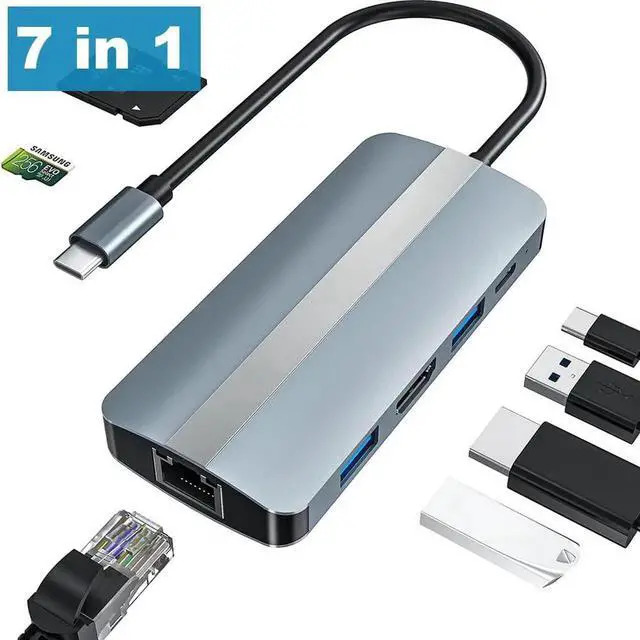


USB C Docking Station, 7 in 1 USB C Hub with 4K @30Hz HDMI Adapter, 100Mbps Ethernet LAN RJ45, 100W PD, 2 USB-A & SD TF Card readers, for MacBook Pro/Air M1, Surface Pro and other Type-C devices
Limited time offer, ends 10/25 By StarVelocity Technology
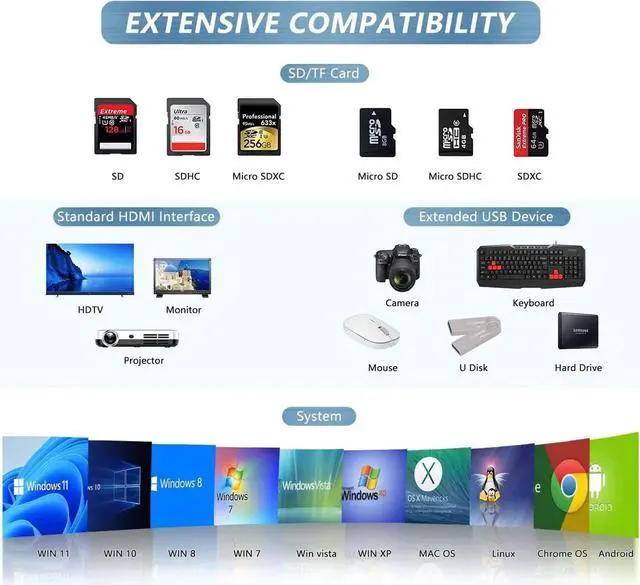
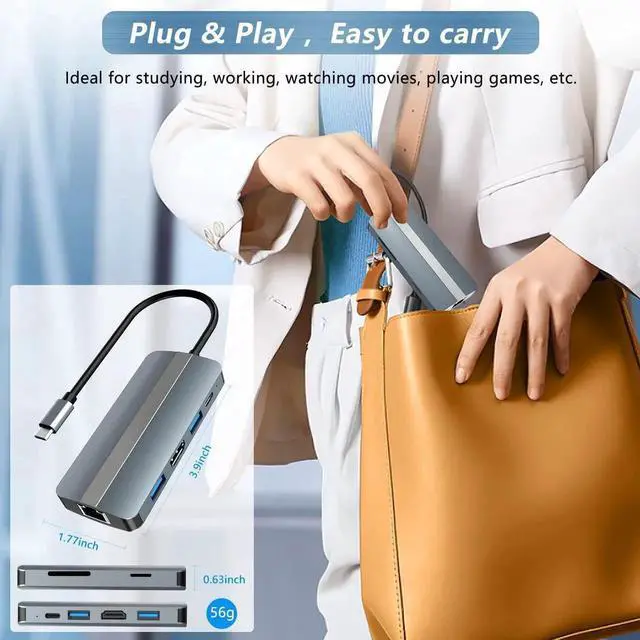
- 7-in-1 USB C HUB: expands a 4K 30HZ HDMI, an RJ45 Ethernet LAN, a 100W Power Delivery, a supper speed USB 3.0, a USB 2.0 port, an SD and a TF card slot from a USB-C/Type-C port
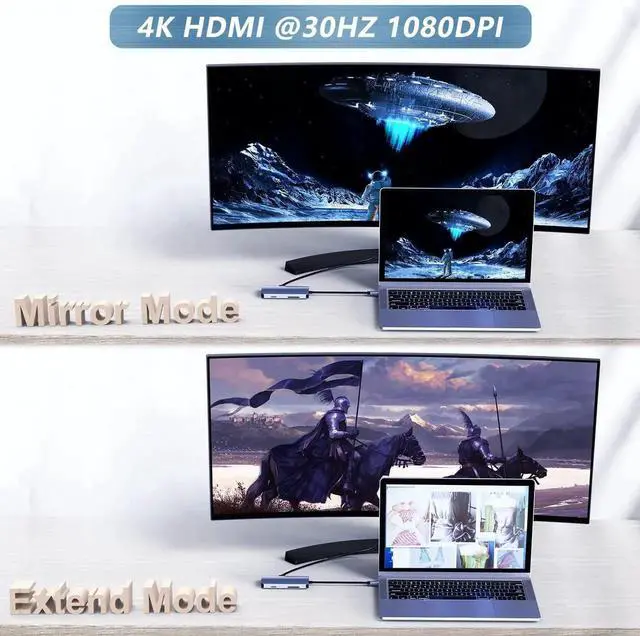
- USB C TO 4K HDMI Adapter: You can mirror or extend your screen via the HDMI port of the USB C adapter. And it can directly stream 4K UHD @ 30Hz or Full HD 1080P video to HDTV, monitor or projector.
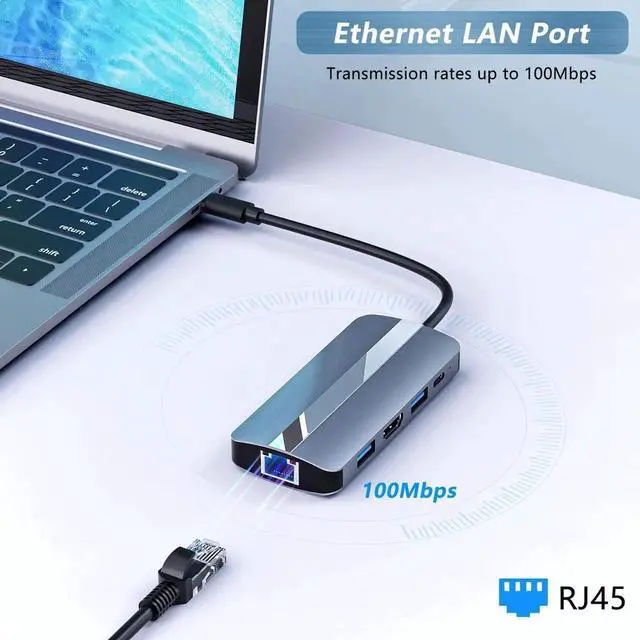
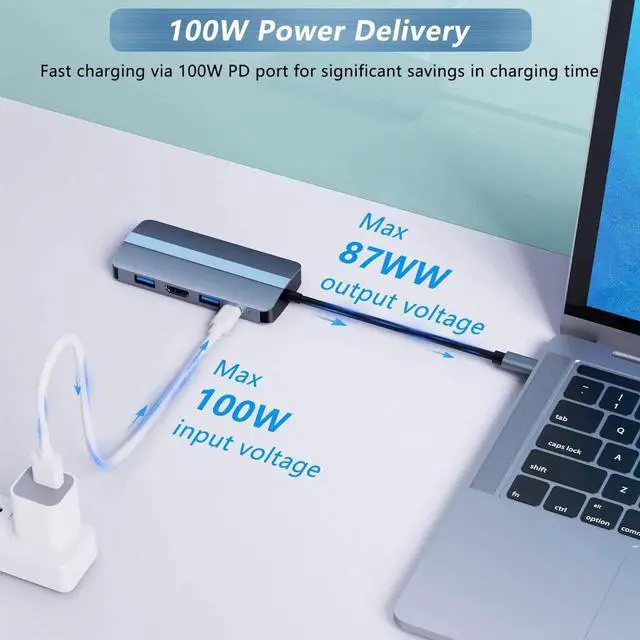
- 100W PD&100Mbps RJ45 ETHERNET: The 100W PD provides a continuous charging speed for your USB-C device with up to 87W (device consumes 13W, without data function). The WLAN port provides a maximum transfer speed of up to 100Mbps.
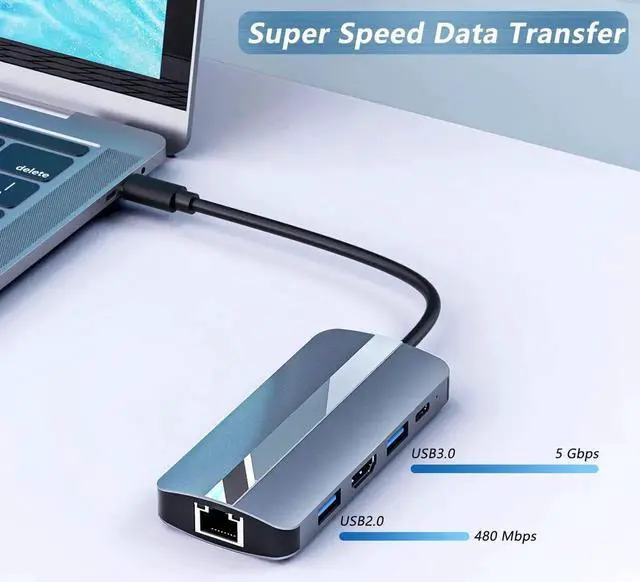
- SD/TF CARD READER & 2 USB PORTS: Has SD and TF slots and allows easy access to your files (card reading: 104 Mbs). Note: SD and TF cards cannot be read at the same time. USB 3.0 port provides super fast transfer rate up to 5Gbps, USB 2.0 up to 480Mbps.
- WIDE COMPATIBILITY: USB C adapter compatible with almost all Type-C devices. Perfect for Mac-Book Air/Pro M1, i-Pad Pro, Dell XPS 13 etc.
+
+
Overview
Specs
Reviews
* Media display is only supported through the HDMI port. This hub does not support media viewing through the USB-C ports, even when using a USB-C to HDMI cable or a USB-C to DisplayPort cable.
* TF and SD slot cannot be used at the same time.
* The USB-C port is for charging only.
* The current output of the new Mac-Book is about 1.5A. When the current exceeds 1.5A, the computer starts the self-protection function.
* Disable the prompt (power overload) when it appears, restart your laptop, and plug in the PD before connecting another port.
* Standard USB ports are not recommended for charging USB devices.
* To ensure a stable connection, please connect the laptop's power adapter before using the printer/hard drive/SSD or other high-power consumption products.
Warranty & Returns
Warranty, Returns, And Additional Information
Warranty
- Please contact the Seller directly for warranty information. Warranty information may also be found on the Manufacturer's website.
- CONTACT
Return Policies
- Return for refund within: 30 days
- Return for replacement within: 90 days
- This item is covered by StarVelocity Technology Return Policy
Manufacturer Contact Info
- For a directory of all our manufacturers, please click below.
- Manufacturers Directory
LOADING...