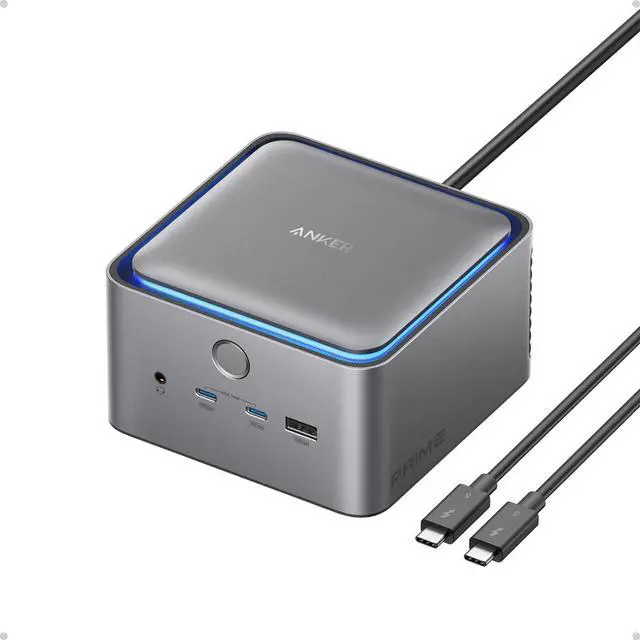
Anker Prime Docking Station (14-in-1, 8K, Thunderbolt 5)
Model Number: A83B5
Supreme Desktop Expansion for Peak Performance (Aluminum Alloy)
14 Ports,
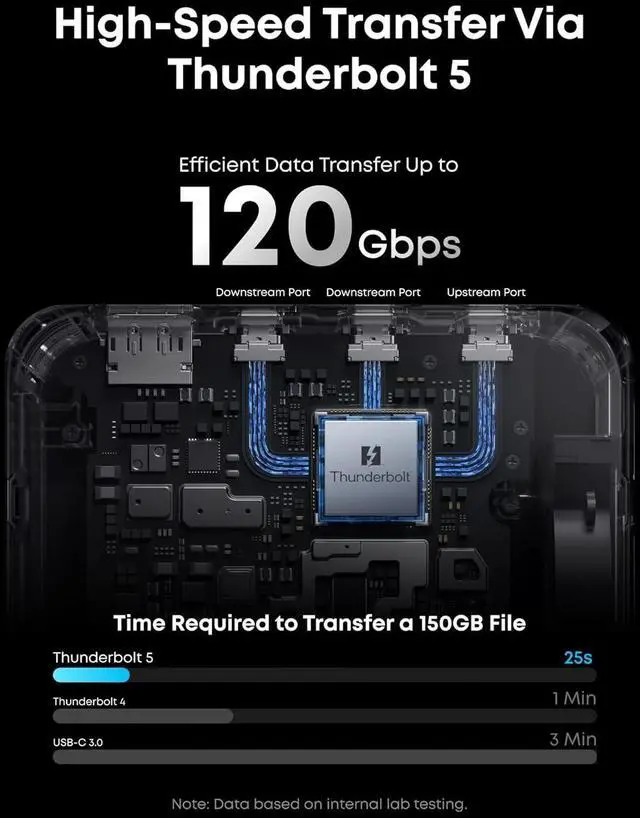
Clear Displays: Features 14 versatile ports including USB-C, USB-A, HDMI 2.1 or DP 2.1, this docking station offers pristine display options for both Windows and Mac.
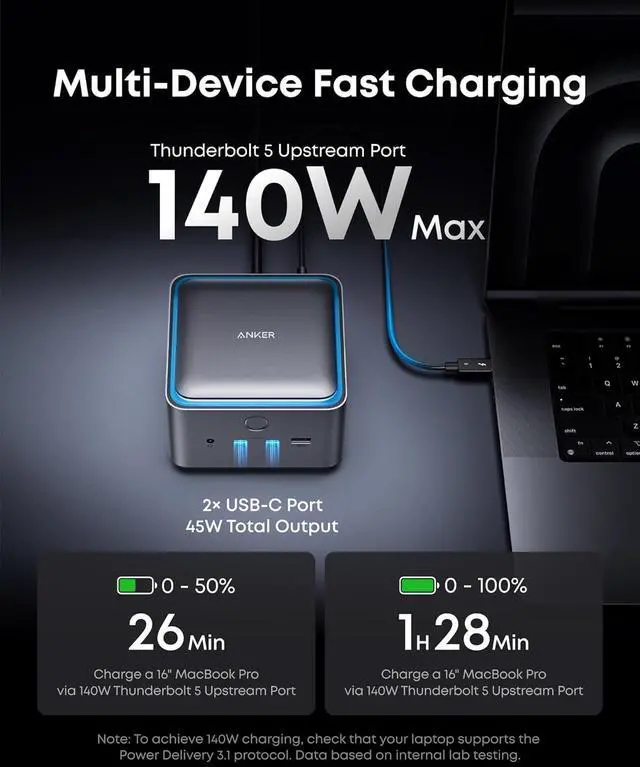
Cool Dock with LED Light: Transform your workspace with interactive blue LED lighting and a powerful cooling system, designed to maintain optimal performance.
Clean Desk Solution: Achieve a clean and organized desk with the all-in-one docking station, equipped with built-in power capabilities.
Connect All Devices: Ideal for the modern professional, this dock streamlines connectivity for a variety of devices with one compact solution.
Compatibility
System Types: Windows 10 / 11, macOS 15 or Later
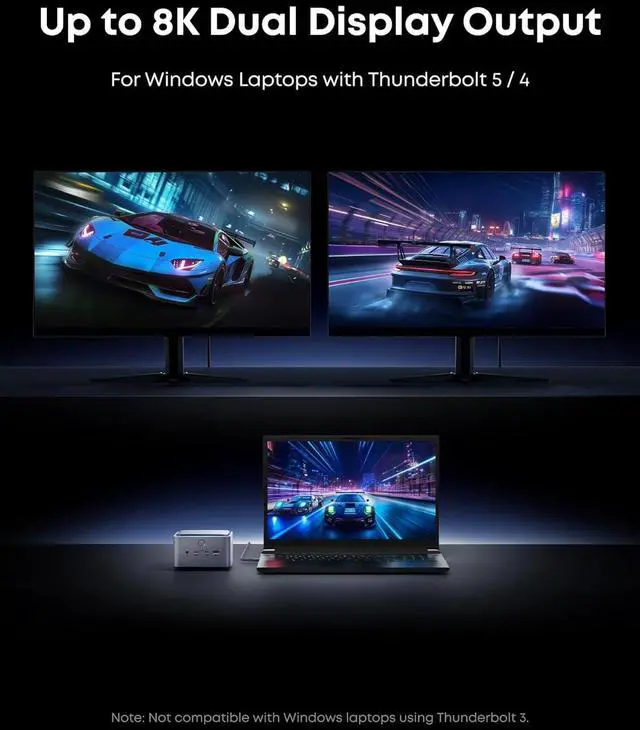
Host Devices: Thunderbolt 5 / 4 Laptops
Note: This dock is not compatible with Thunderbolt 3 laptops or monitorsincluding those with Windows or Intel-based MacBooksand does not support ChromeOS or Linux systems.
Notes:
1 The HDMI 2.1 port and DisplayPort 2.1 port cannot be used simultaneously.
2 The minimum macOS version required to use this Thunderbolt 5 dock is macOS 15 or later.
3 The front USB-C ports support charging and data transfer but do not support video output.
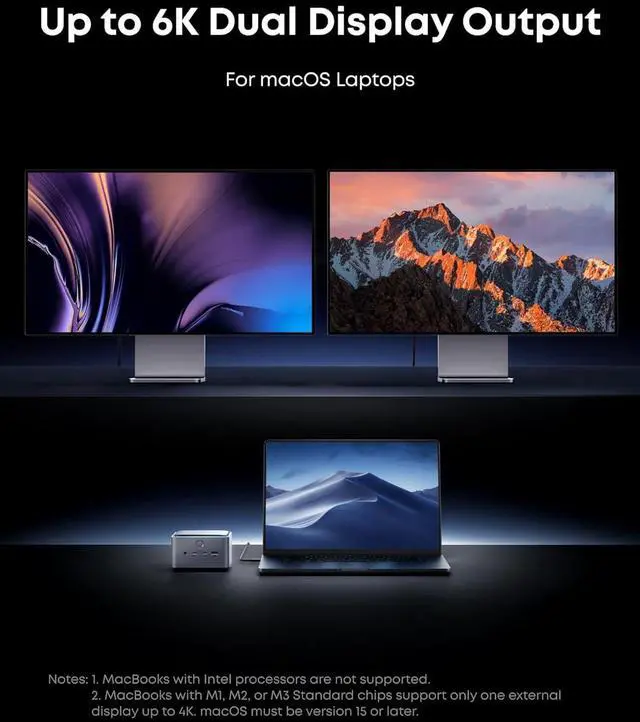
4 Windows laptops with USB-C ports that support DisplayPort Alt Mode can only connect to one external monitor. Apple Silicon MacBooks with M1 / M2 / M3 Standard chips support only one external display via Thunderbolt. MacBooks with M1 / M2 / M3 Pro or Max chips, and all M4 models, support dual displays. M4 MacBooks with Thunderbolt 5 do not support three displays over a single Thunderbolt 5 connection.
5 This dock supports triple display via two Thunderbolt downstream ports and one HDMI or DP port. However, whether triple display can be achieved depends on your laptop's specifications. Very few laptops are capable of supporting triple display with this dock. Based on our testing, only the Razer Blade 18 Gaming Laptop with NVIDIA GeForce RTX 4090 successfully supports triple display. We will continue to update the list as more compatible devices become available.
6 Use only the included Thunderbolt 5 cable or certified Thunderbolt 5 cables. Using uncertified or incompatible cables may cause incompatibility issues.
7 To ensure you achieve the described 2.5G bps internet speed with this dock, use a Cat5e or Cat6 / Cat6a Ethernet cable no longer than 328 ft (100 m).
8 MacBooks with Apple Silicon chips do not support external GPUs through any docking station. This is a system-level limitation that prevents macOS from recognizing or using an external GPU, even if it is physically connected via a dock.
Specifications
Dimensions: 4.6 × 4.6 × 3.0 in / 116 × 116 × 75 mm
Weight: 38 oz / 1, 086 g