• $26.98
  • Free 15-day Returns
Ships from China.
Price alert
Sold by Qixingitech

Shipped by Qixingitech

Shop it at NeweggBusiness.

Meet Your Seller

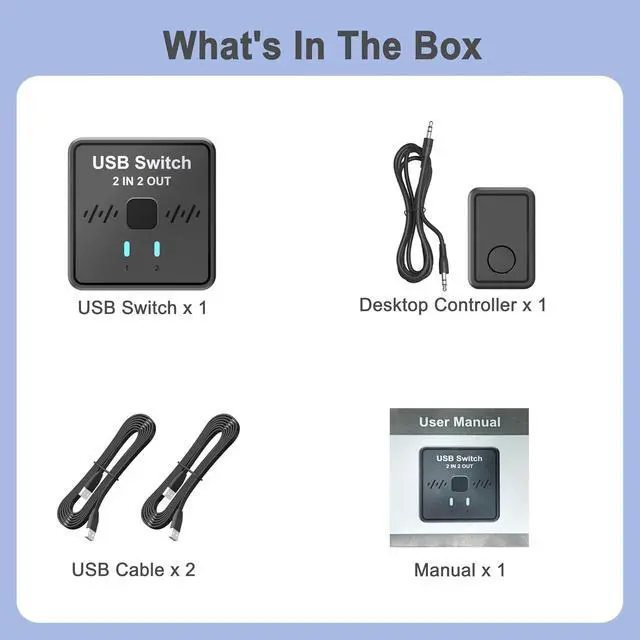
Hitoor USB Switch 2 in 2 Out for Sharing Keyboard and Mouse Between Two Computers, All-in-One Machine, Printer, USB Switcher with 2 USB Cables and External Controller

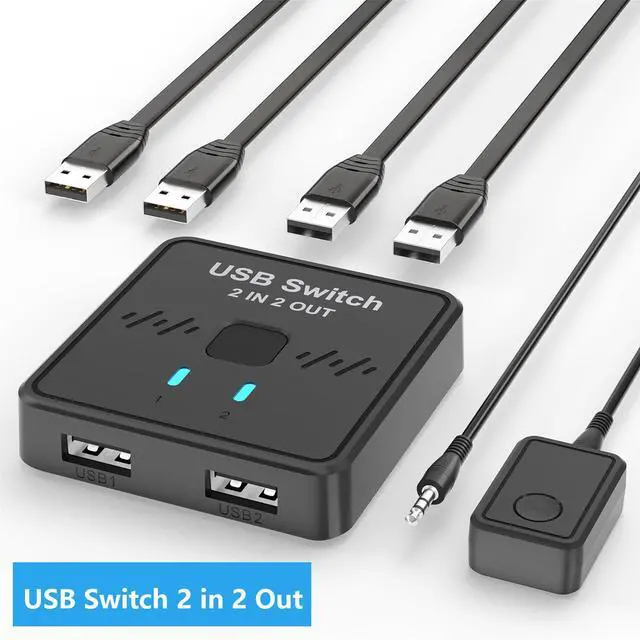
  • USB Switcher 2 Computers: The 2-in/2-out switch lets you toggle between two computers in a second. Switching freely and sensitively, doubling efficiency.
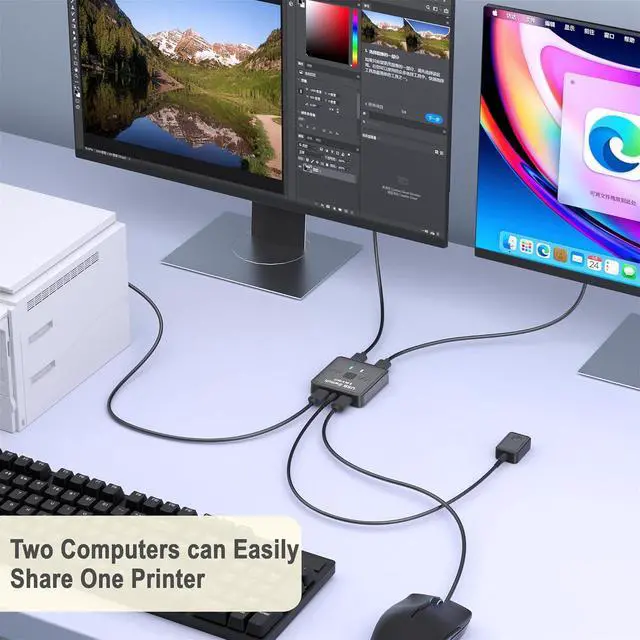
  • Printer Splitter for 2 Computers: Supports desktops and laptops, with enhanced compatibility for all-in-one computers. Connect your USB printer to the switch to switch both computers to conveniently share the same printer. Plug and play-no driver installation required.
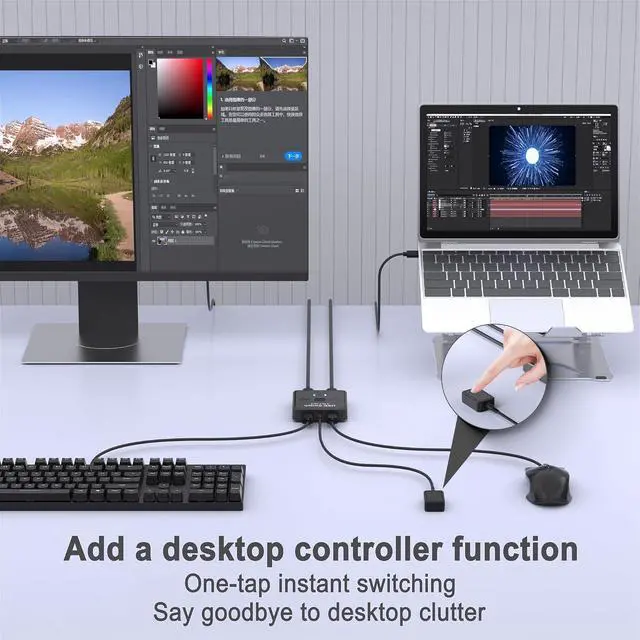
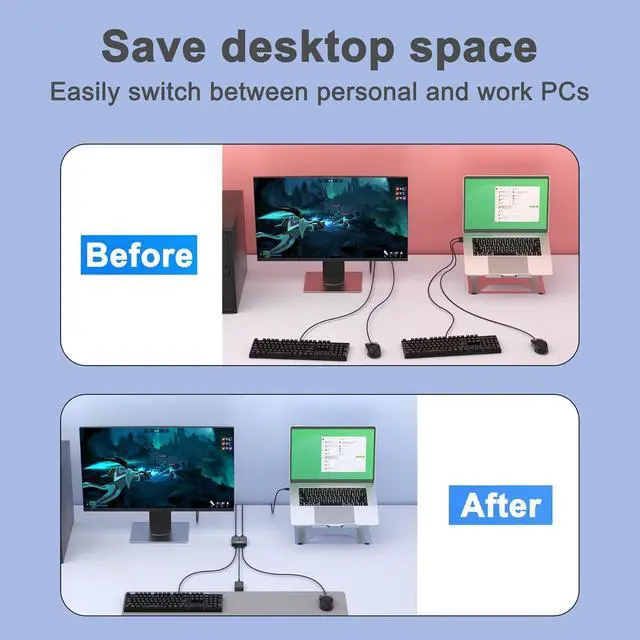
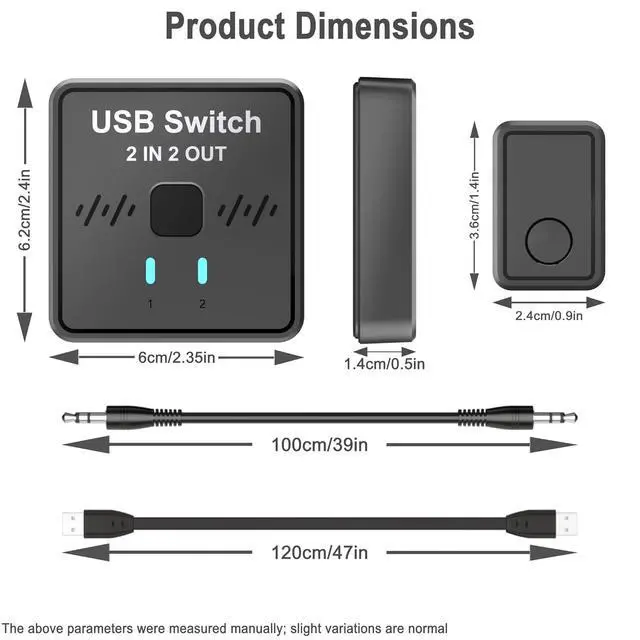
  • Keyboard Mouse Switch: Sharing a single keyboard and mouse allows you to effortlessly control two computers, saving desk space and reducing your purchase costs. A 39-inch long desktop controller has been added, featuring high responsiveness that instantly switches to your desired computer. It can keep your desktop neat and clutter-free.
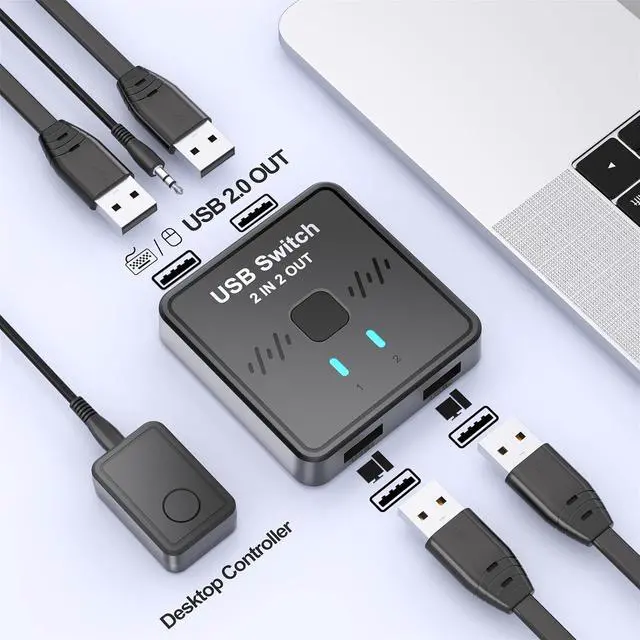
  • Printer Cable Splitter for 2 Computers: Kind Reminder(Not a KVM switch and does not support a monitor or video transmission; Not recommended for mass storage devices like hard drives or flash drives; If the input PC only has a USB C port, please use a USB C to A adapter instead of a USB C to A cable, directly using the cable may not work; Make sure input ports are connected to the PCs, wrong direction won't work)
  • Suitable crowd: professionals who own both office and personal computers; Programmers and designers who work collaboratively with desktop computers and laptops; A home or small office that requires a printer connection and multiple computers; Minimalists who pursue a clean and efficient desktop.
+
+
Overview
Specs
Reviews
USB Switch 2 in 2 Out for Sharing Keyboard and Mouse Between Two Computers, All-in-One Machine, Prin
USB Switch 2 in 2 Out for Sharing Keyboard and Mouse Between Two Computers
About this item
  1. USB Switcher 2 Computers: Our 2-in/2-out switch lets you toggle between two computers in a second. Switching freely and sensitively, doubling efficiency.
  2. Printer Splitter for Two Computers: Supports desktops and laptops, with enhanced compatibility for all-in-one computers. Connect your USB printer to the switch to switch both computers to conveniently share the same printer. Plug and playno complicated driver installation required
  3. Keyboard Mouse Switch: Sharing a single keyboard and mouse allows you to effortlessly control two computers, saving desk space and reducing your purchase costs. A 39-inch long desktop controller has been added, featuring high responsiveness that instantly switches to your desired computer. It can keep your desktop neat and clutter-free. If you're a minimalist, you can choose it.
  4. Printer Cable Splitter for Two Computers: Kind Reminder (Not a KVM switch and does not support a monitor or video transmission; Not recommended for mass storage devices like hard drives or flash drives; If the input PC only has a USB C port, please use a USB C to A adapter instead of a USB C to A cable, directly using the cable may not work; Make sure input ports are connected to the PCs, wrong direction won't work)
  5. Suitable crowd: professionals who own both office and personal computers; Programmers and designers who work collaboratively with desktop computers and laptops; A home or small office that requires a printer connection and multiple computers; Minimalists who pursue a clean and efficient desktop. If you have any questions, feel free to email us. We will respond within 24 hours!


Warranty & Returns

Warranty, Returns, And Additional Information

Warranty

  • Please contact the Seller directly for warranty information. Warranty information may also be found on the Manufacturer's website.
  • CONTACT

Return Policies

Manufacturer Contact Info

LOADING...