
Your Browsing History

Meet Your Seller



Visit EmpressTech Store
FOLLOW
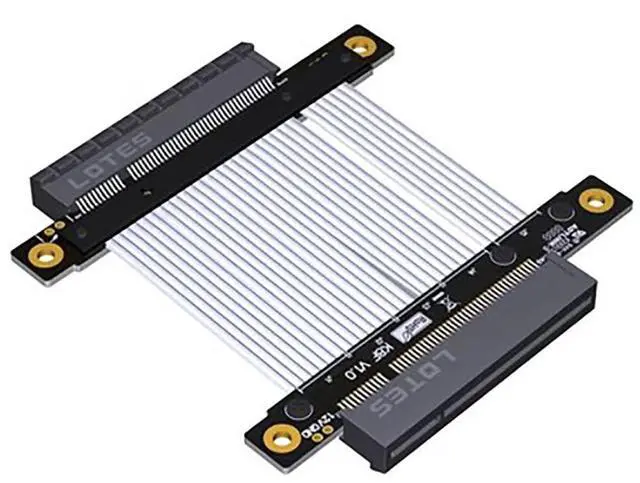
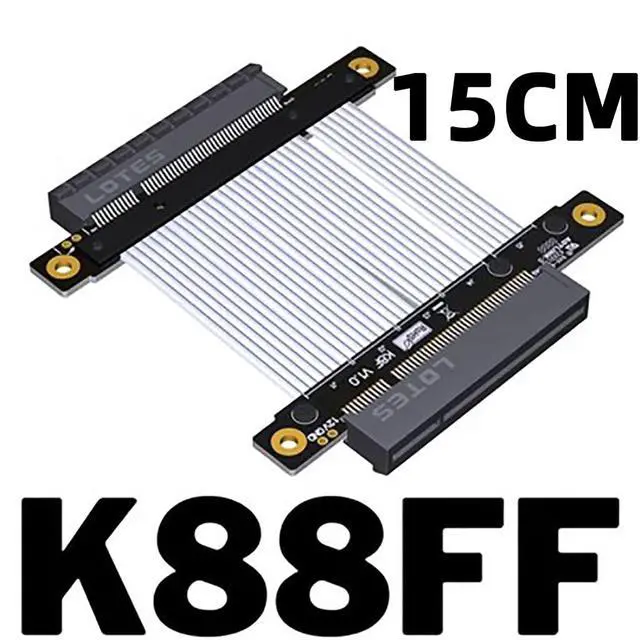
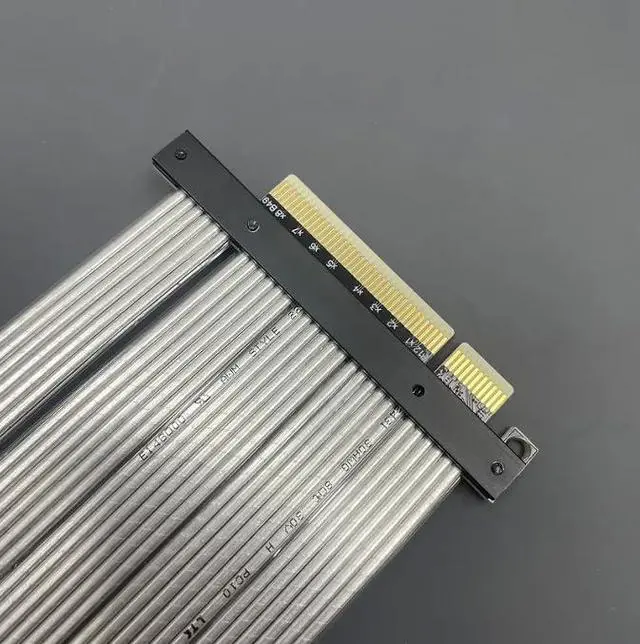
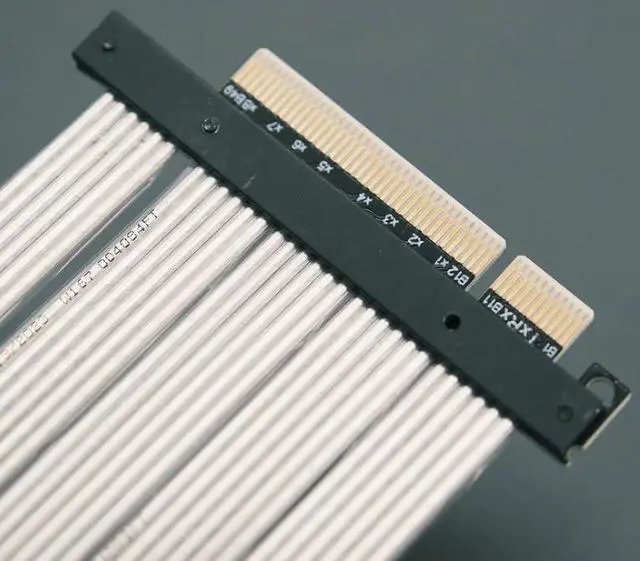
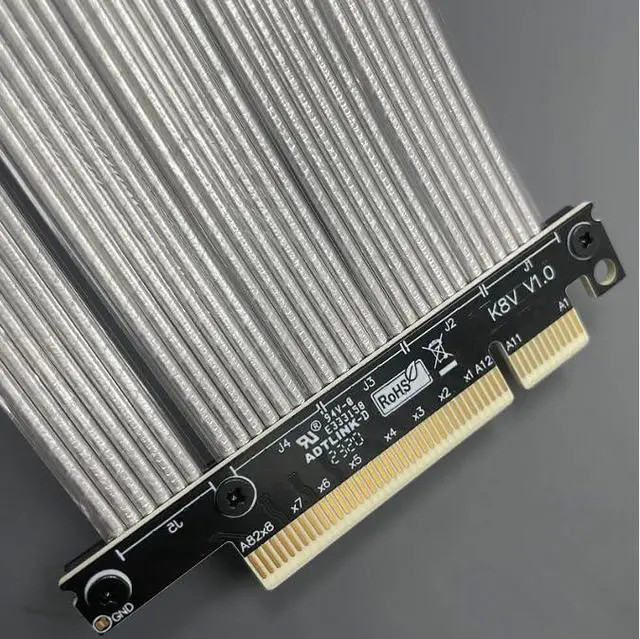
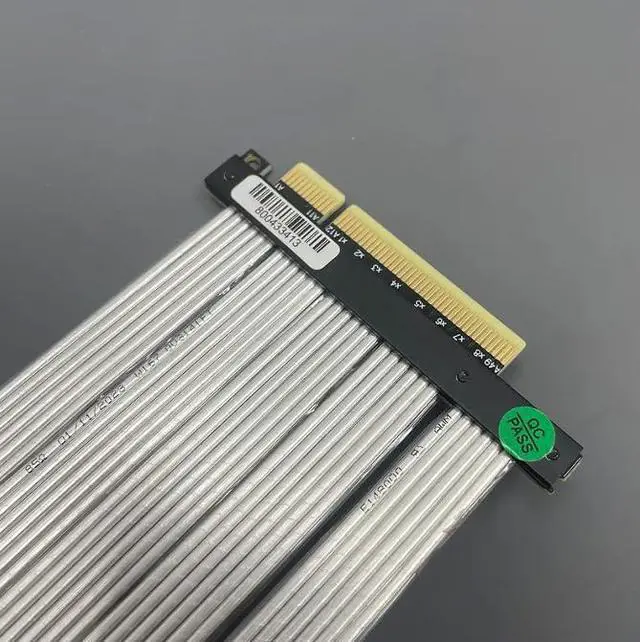
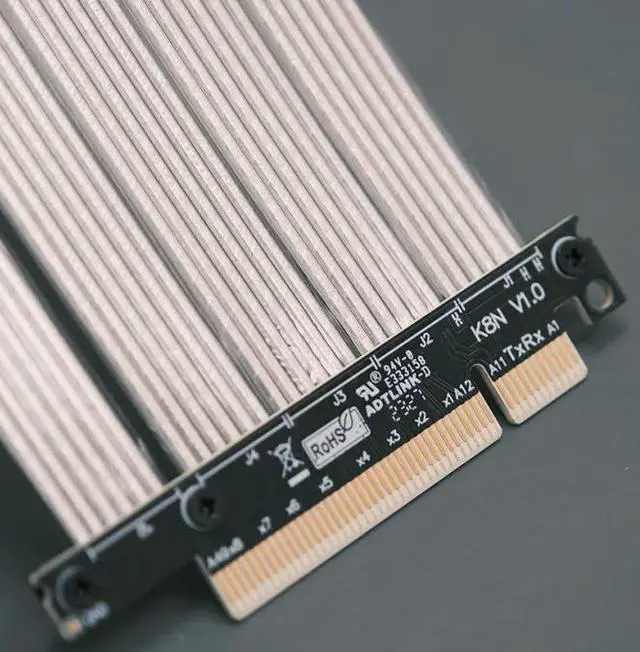
PCI-E 4.0 Extension Cable x1 x8 Female to Female TX-RX Signal Jumper Switch Cable PCI Express Adapter (15CM K88FF)
Limited time offer, ends 09/29 By EmpressTech
- Female PCI Express Extension Cable Speed bandwidth: PCIe 4.0. Scope of Application: Jump use, PCIe signal extension use.; Purchase Restrictions: Only for professional engineers to specify the purchase, ordinary use is not suitable, can not be used.; Wire Length: Cable length refers to the part of the visible cable, excluding the PCB and connectors. 15cm / 25cm Optional (support cable length customisation); Be sure to recognise the direction when plugging in the cable, do not plug in the opposite or plug in the offset, to prevent burning the equipment. Plug in the line first hold the equipment socket and then plug in the line, to avoid excessive force to the socket pins broken. The second end of the wire and the circuit board within 2cm of the welded prohibit bending prohibit pulling.; Does not support the old equipmen More than four years. Please take it into account before order.
+
+
Overview
Specs
Reviews
JMT PCI-E 4.0 Extension Cable x1 x8 Female to Female TX-RX Signal Jumper Switch Cable PCI Express
Adapter Product detail: Product
Model: K Series Products. Product Name£ºPCI-E adapter board extension cable famale to famale.
Scope of application: Jump use, PCIe signal extension use.
Speed bandwidth: PCIe 4.0.
Cable length: 15cm, 25cm (support cable length customisation)
Warm Tips: Purchase
Tips: Be sure to buy 1~2 samples first to test and verify that there is no error before purchasing in bulk.
Friendly Reminder: This product is compatible with a lot of items, incorrect assembly or improper operation will burn your equipment. Limited to professional engineers specified purchase.
Wire length description: Cable length refers to the part of the visible cable, excluding the PCB and connectors. Using Notes
1. Be sure to recognise the direction when plugging in the cable, do not plug in the opposite or plug in the offset, to prevent burning the equipment. Plug in the line first hold the equipment socket and then plug in the line, to avoid excessive force to the socket pins broken. The second end of the wire and the circuit board within 2cm of the welded prohibit bending prohibit pulling. 2. A variety of motherboards and equipment signal drive ability and other conditions are not the same, we do not guarantee the same test results with you, as long as it is connected to the extension cord, the signal will be loss. 3. graphics card or motherboard is an electronic device will age over time and oxidation, and then connected to the extension cable will only be more unstable. Does not support the old equipment more than four years.
Adapter Product detail: Product
Model: K Series Products. Product Name£ºPCI-E adapter board extension cable famale to famale.
Scope of application: Jump use, PCIe signal extension use.
Speed bandwidth: PCIe 4.0.
Cable length: 15cm, 25cm (support cable length customisation)
Warm Tips: Purchase
Tips: Be sure to buy 1~2 samples first to test and verify that there is no error before purchasing in bulk.
Friendly Reminder: This product is compatible with a lot of items, incorrect assembly or improper operation will burn your equipment. Limited to professional engineers specified purchase.
Wire length description: Cable length refers to the part of the visible cable, excluding the PCB and connectors. Using Notes
1. Be sure to recognise the direction when plugging in the cable, do not plug in the opposite or plug in the offset, to prevent burning the equipment. Plug in the line first hold the equipment socket and then plug in the line, to avoid excessive force to the socket pins broken. The second end of the wire and the circuit board within 2cm of the welded prohibit bending prohibit pulling. 2. A variety of motherboards and equipment signal drive ability and other conditions are not the same, we do not guarantee the same test results with you, as long as it is connected to the extension cord, the signal will be loss. 3. graphics card or motherboard is an electronic device will age over time and oxidation, and then connected to the extension cable will only be more unstable. Does not support the old equipment more than four years.
Warranty & Returns
Warranty, Returns, And Additional Information
Warranty
- Please contact the Seller directly for warranty information. Warranty information may also be found on the Manufacturer's website.
- CONTACT
Return Policies
- Return for refund within: 30 days
- Return for replacement within: 90 days
- This item is covered by EmpressTech Return Policy
Manufacturer Contact Info
- For a directory of all our manufacturers, please click below.
- Manufacturers Directory
LOADING...