shippingWe‘re shipping as usual! The Canada Post strike only affects certain remote deliveries and PO Boxes. Details
shipping Holiday Shipping Details & Extended Holiday Returns
  • $20.98
  • Free 30-day Returns
Volume Discounts Available
  • $19.98 ea.
  • $18.98 ea.
  • $17.98 ea.
Ships from China.
Price alert
Shop it at NeweggBusiness.

Meet Your Seller

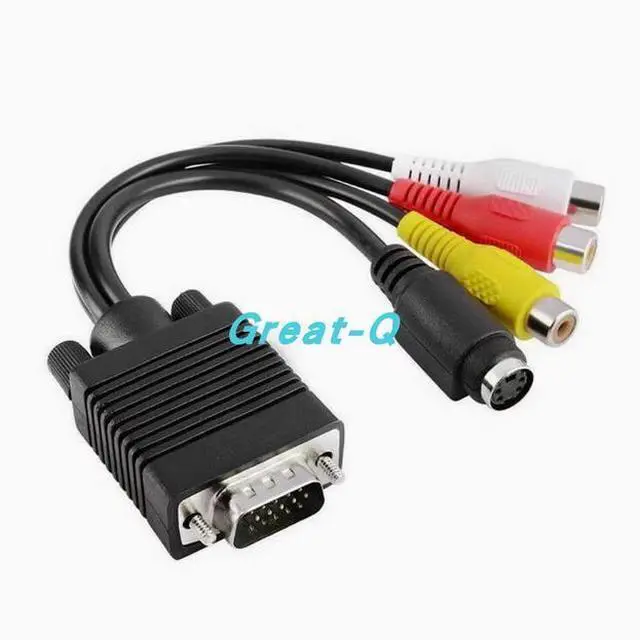
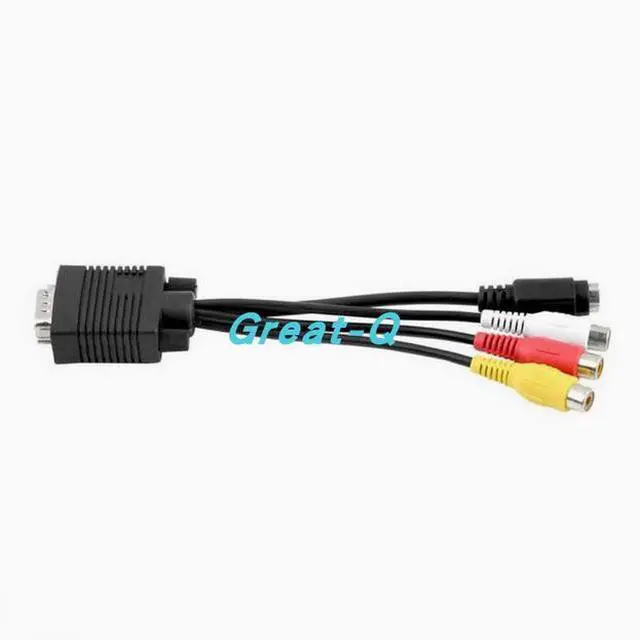
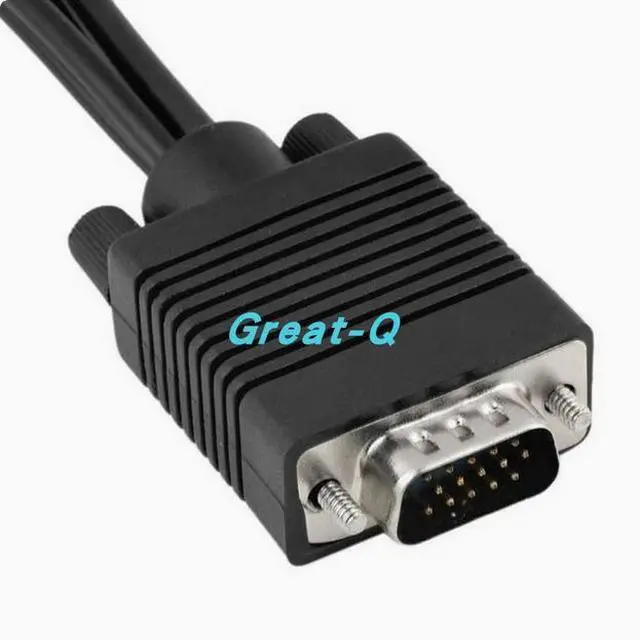
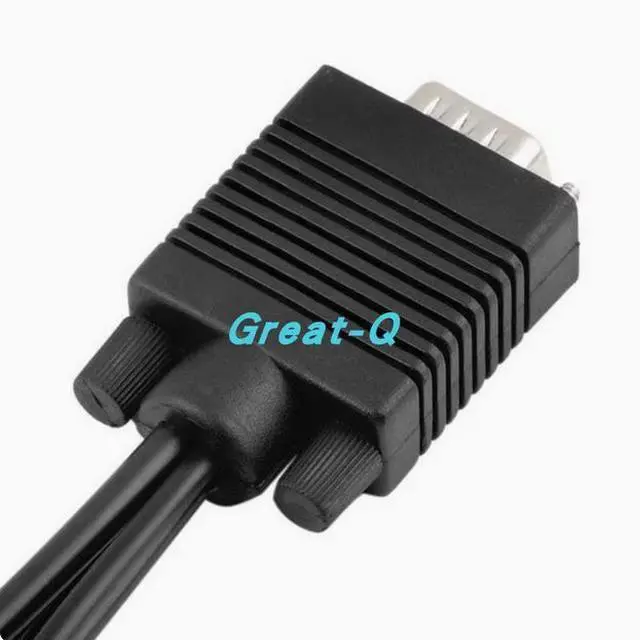
VGA to AV cable VGA Lotus VGA color difference cable Computer TV cable VGA to 3RCA plus S terminal cable S-Video

  • Length: 20 cm
  • Yellow head: Video output
  • Red and white head: audio left and right channel output
  • Blackhead: S terminal video output (this and yellow heads, only one is fine).
  • The output interface is a female port, and the cable must be used between the TV, the package is equipped with a cable, you can choose the appropriate package according to the distance from the computer to the TV.
  • Important note: This line requires video card with TV output function, can not be used without this function, please note. (Generally, it is displayed at two ends, one end is the display, and the other end is the TV output, which can be seen in the display property setting)
  • To use this cable, first of all, your computer must have the function of output to the TV, without the function of output to the TV, it cannot be used.
  • Judge for yourself what your computer does:
  • Click the right button on the desktop - point properties - point Settings - to see that there are 1,2 boxes on the display (see the
+
+
Overview
Specs
Reviews
Length: 20 cm

Yellow head: Video output

Red and white head: audio left and right channel output

Blackhead: S terminal video output (this and yellow heads, only one is fine).

The output interface is a female port, and the cable must be used between the TV, the package is equipped with a cable, you can choose the appropriate package according to the distance from the computer to the TV.


Important note: This line requires video card with TV output function, can not be used without this function, please note. (Generally, it is displayed at two ends, one end is the display, and the other end is the TV output, which can be seen in the display property setting)

To use this cable, first of all, your computer must have the function of output to the TV, without the function of output to the TV, it cannot be used.

Judge for yourself what your computer does:

Click the right button on the desktop - point properties - point Settings - to see that there are 1, 2 boxes on the display (see the picture below). If it is one you cannot use this line, please do not photograph it. Since the computer does not support the output to the TV, you need to return the product, and bear the return postage.

VGA to S+AV PC connects to the TV

The cable is a supporting graphics card G400, NV6 series, support to convert VGA signal into S signal or AV signal. Other models of video cards can also be used if they meet the conditions, provided that the video card VGA has TV (TV-OUT) output function, and cannot be used without this function. That is to say, the line itself does not turn, but your graphics card has this function. If the graphics card already has an S port, use the S to AV line to output directly

Warranty & Returns

Warranty, Returns, And Additional Information

Warranty

  • Please contact the Seller directly for warranty information. Warranty information may also be found on the Manufacturer's website.
  • CONTACT

Return Policies

  • Return for refund within: 30 days
  • Return for replacement within: 60 days
  • This item is covered by Goldendisk Return Policy

Manufacturer Contact Info

LOADING...