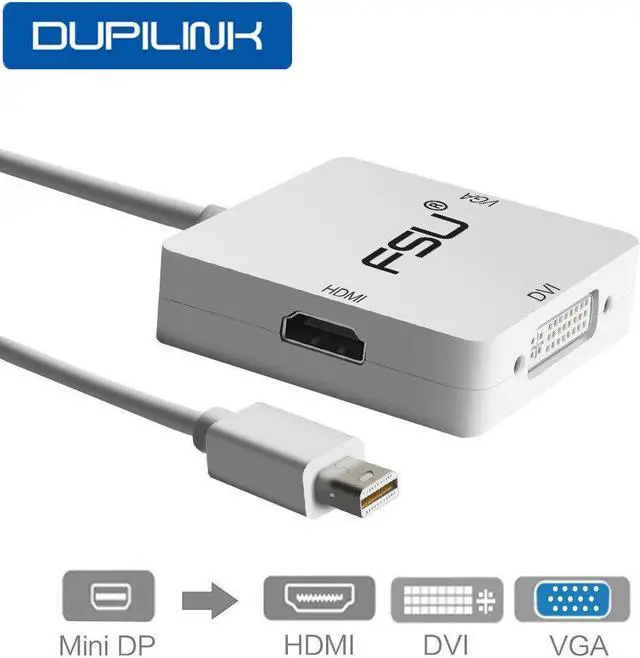
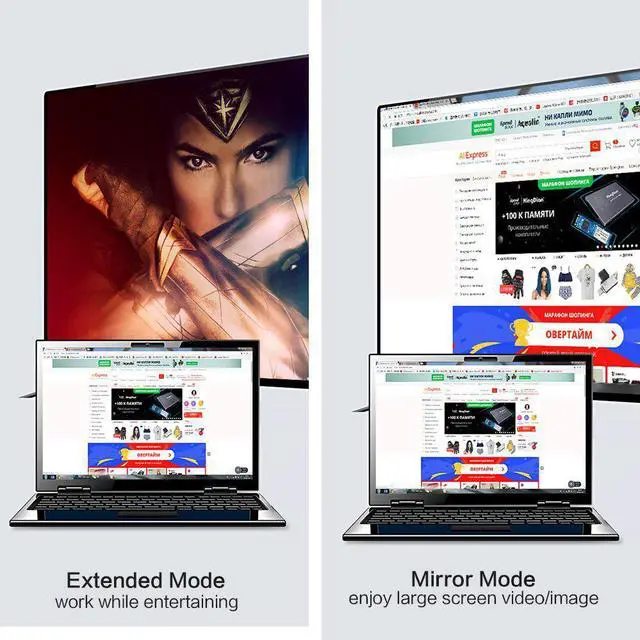
Please take a few minutes to find out about the product. Thank you!
FQA -
Question1: Why am I not responding to switch to DVI / VGA?
Answer:When accessing HDMI. Need To access VGA/DVi, you must unplug the product DP and HDMI interface. Then insert the DP and insert the VGA/DVI.
Question2: Why is my VGA not responding?
Answer:Because there are a few devices that are not compatible with .
Question3: Can this product connect to my Macbook?
Answer:Ok. Only the DP interface or the Thunderbolt 2 interface is required. (Pictures are viewed below)
Question4: Can the product work on three interfaces simultaneously?
Answer:No. Because many devices are not produced by the same company. There are many different chips. Therefore, different chips cannot be parsed at the same time.
Features -
Support Display Port 1.1a Dual-mode input.
The HDMI can support audio output for iMac (Late 2009) and Mac Book Pro (Mid 2010).
Support HDMI/DVI/VGA output with the max resolution of 1920x1080p@60Hz,225MHz/2.25Gbps per channel (6.75Gbps all channel),12bit per channel (36bit all channel) deep color. Automatic detect the display by plugging and unplugging it.
Powered from Display Port source.
Two types,disfferent color,same function. Random delivery.
Specifications -
Input Signal: Display Port 1.1a
Output Video:HDMI/DVI/VGA
Input: Display Port Male 20pin
Output: HDMI Female Type A 19pin
Connector:DVI Female (24+1) VGA Female 15Pin
Vertical Frequency Range:50/60Hz
Video Amplifier Bandwidth:2.25Gbps/225MHz HDMI/DVI/VGA:480i/480p,576p,720p,1080i/1080p
Package includek -