


- Free 15-day Returns
$72.76
Ships from China.

Meet Your Seller

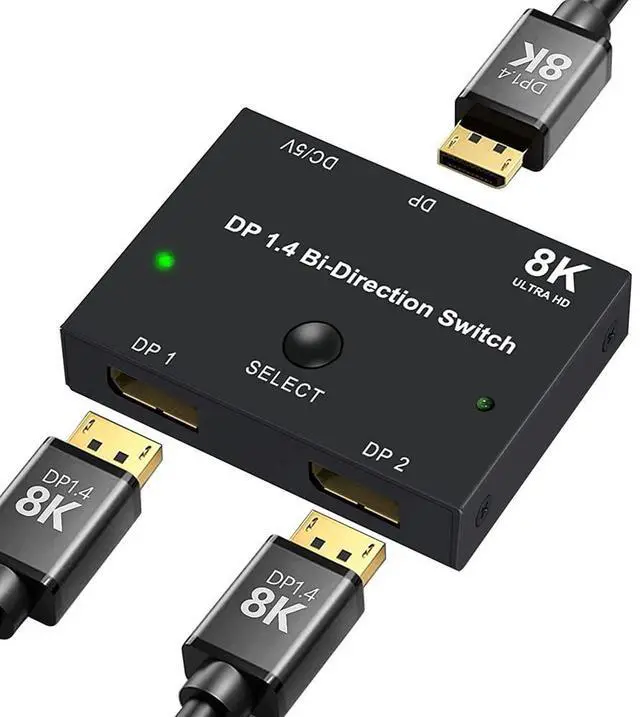
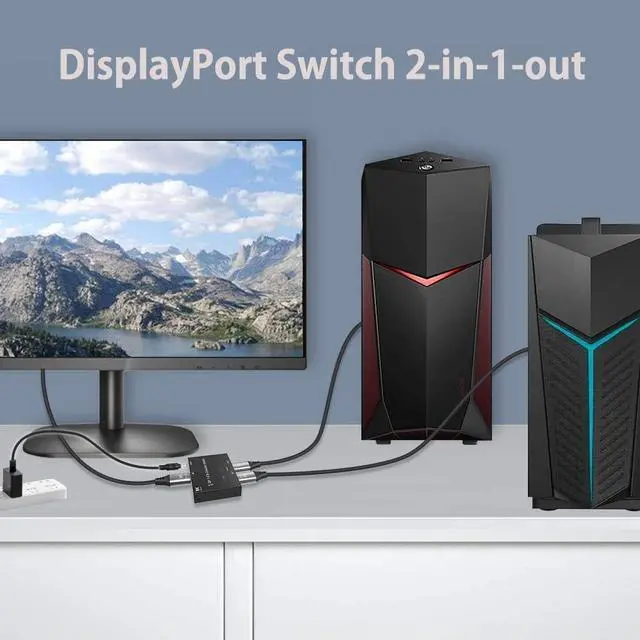
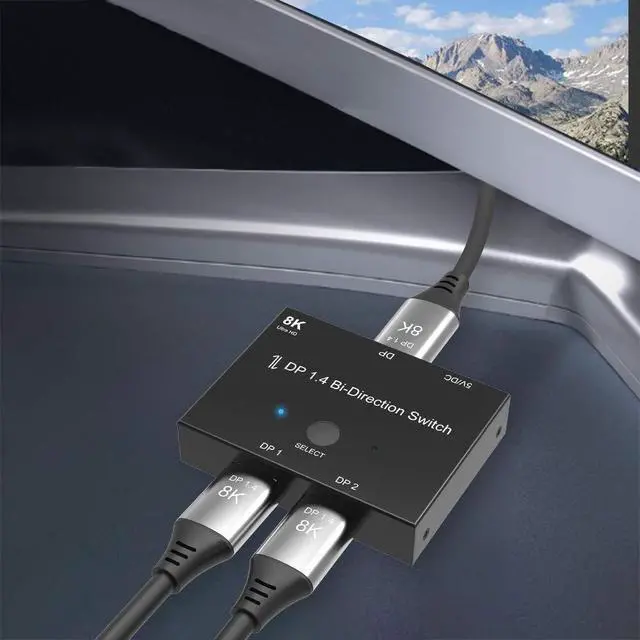


DisplayPort Switch Box 2-in-1-out 8K@30Hz 4K@120Hz DisplayPort 1.4 Switcher Compatible with PC, Laptop, Monitor, Gaming, TV
Limited time offer, ends 11/04 By TechMax Depot
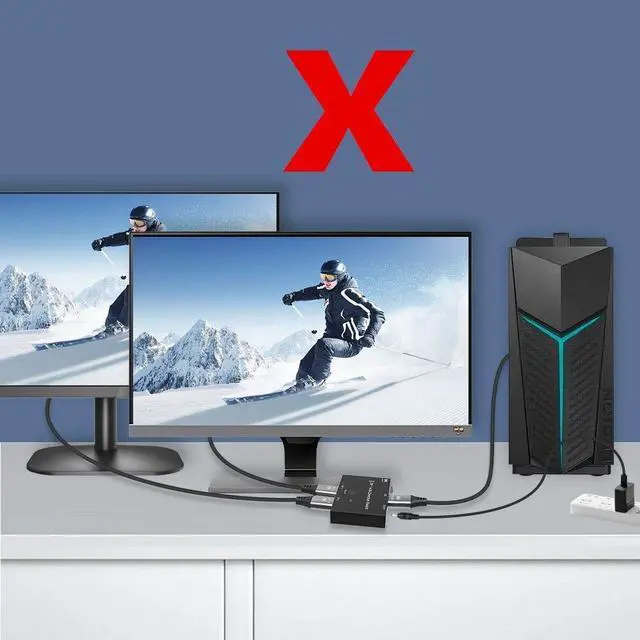
- NOTE: You need to use a standard DP1.4 cable to connect this displayport switch box to work properly, otherwise it will flicker or the screen will turn black; Two displays CANNOT display simultaneously; While connecting to Source or Display, you must use the usb cable to power the displayport switch, or your source / display will not show anything; Do not use too long cable(total 3m) for connection between the displayport switcher and your devices; High Resolution; Angusplay display port switch box supports 8K 30HZ, 4K 120Hz, 1080P 240Hz, 3D resolution and HD audio, the DP switcher will brings you a luxurious and wonderful audio-visual experience; Plug and Play; External power required, the DP switch box is easy to setup and operate; Note: While using, press "select" Button to switch signal between two sources or displays, the indicator lights show the working status; Two displays CANNOT display simultaneously; High Speed; This DP switch provides bandwidth data transmission up to 32.4Gbps; After Sales Service; 18 Month worry-free warranty, Support 24 hr dedicated email customer support
+
+
Overview
Specs
Reviews
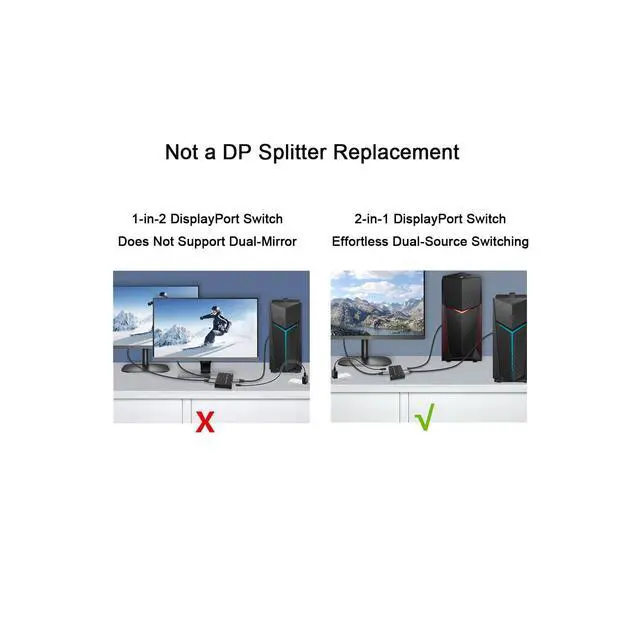
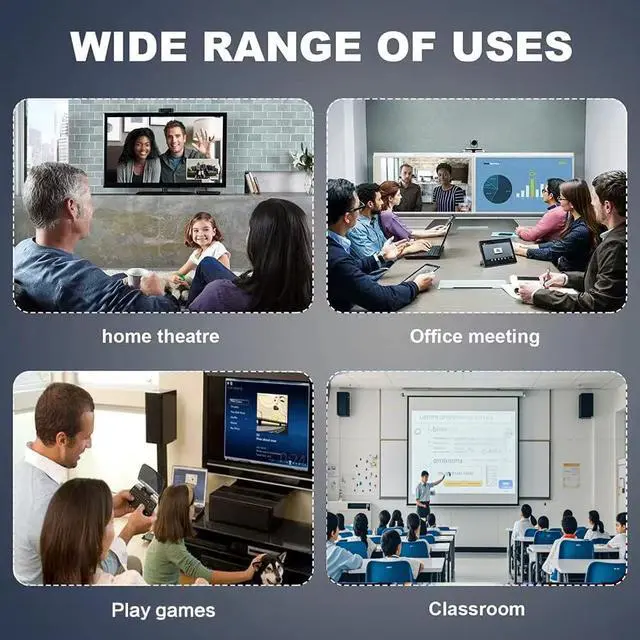
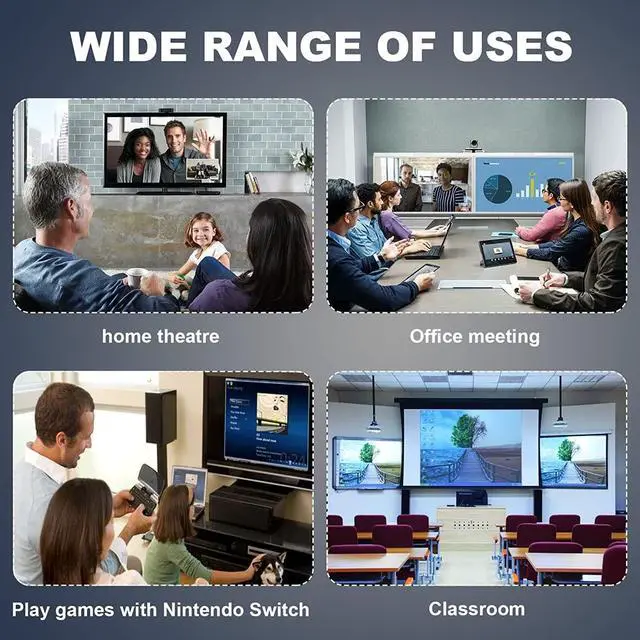
Product description DisplayPort Switch box 2 In 1 Out 8K@30Hz, 4K@120Hz DisplayPort Switcher Adapter 1. Connect Input 1 to PC (DP port); 2. Connect Input 2 to Laptop (via DP-to-USB-C adapter if needed); 3. Connect Output to 8K monitor; 4. Plug in power adapter Make sure the monitor, cables, and host device all support DP 1.4 standards. 2-in-1 DisplayPort Switch Effortless Dual-Source Switching Dual-PC workstations; Gaming setups (switching between PC & console); AV professionals & digital signage; Home/office multi-device environments Recommended Use Cases 1. Switching a single host between different displays (e.
g., work monitor - gaming monitor). 2. Users needing flexible display switching without screen mirroring/extending requirements. Does Not Support Dual-Mirror Display 1. Not a
DP Splitter Replacement: For dual-screen mirroring, use a DisplayPort 1-to-2 Splitter instead. 2.
Single-Output Only: Only one display can receive output at any given time. Can both displays show the same content simultaneously? What is the recommended cable setup for connecting a laptop to a monitor via a DisplayPort switch? What display performance can I expect from Apple Silicon Macs with this setup? Can I use a DP to HDMI cable with a DisplayPort switch?
g., work monitor - gaming monitor). 2. Users needing flexible display switching without screen mirroring/extending requirements. Does Not Support Dual-Mirror Display 1. Not a
DP Splitter Replacement: For dual-screen mirroring, use a DisplayPort 1-to-2 Splitter instead. 2.
Single-Output Only: Only one display can receive output at any given time. Can both displays show the same content simultaneously? What is the recommended cable setup for connecting a laptop to a monitor via a DisplayPort switch? What display performance can I expect from Apple Silicon Macs with this setup? Can I use a DP to HDMI cable with a DisplayPort switch?
Warranty & Returns
Warranty, Returns, And Additional Information
Warranty
- Please contact the Seller directly for warranty information. Warranty information may also be found on the Manufacturer's website.
- CONTACT
Return Policies
- Return for refund within: 15 days
- Return for replacement within: 30 days
- This item is covered by TechMax Depot Return Policy
Manufacturer Contact Info
- For a directory of all our manufacturers, please click below.
- Manufacturers Directory
LOADING...